![[Fixed] Cannot Open the File Because the Extension Is Not Valid](https://pub-b39c974f4c124a36a2fb517be38076ec.r2.dev/images/2026/08/featured-image-excel-cannot-open-the-file-because-the-extension-is-not-valid-1780b661.webp)
Excel Pro Tips
[Fixed] Cannot Open the File Because the Extension Is Not Valid
Fix 'Excel cannot open the file because the extension is not valid' by using Open and Repair, correcting extensions, Safe Mode, or settings.
Read article

3 lessons in order
Fix 'Excel cannot open the file because the extension is not valid' by using Open and Repair, correcting extensions, Safe Mode, or settings.
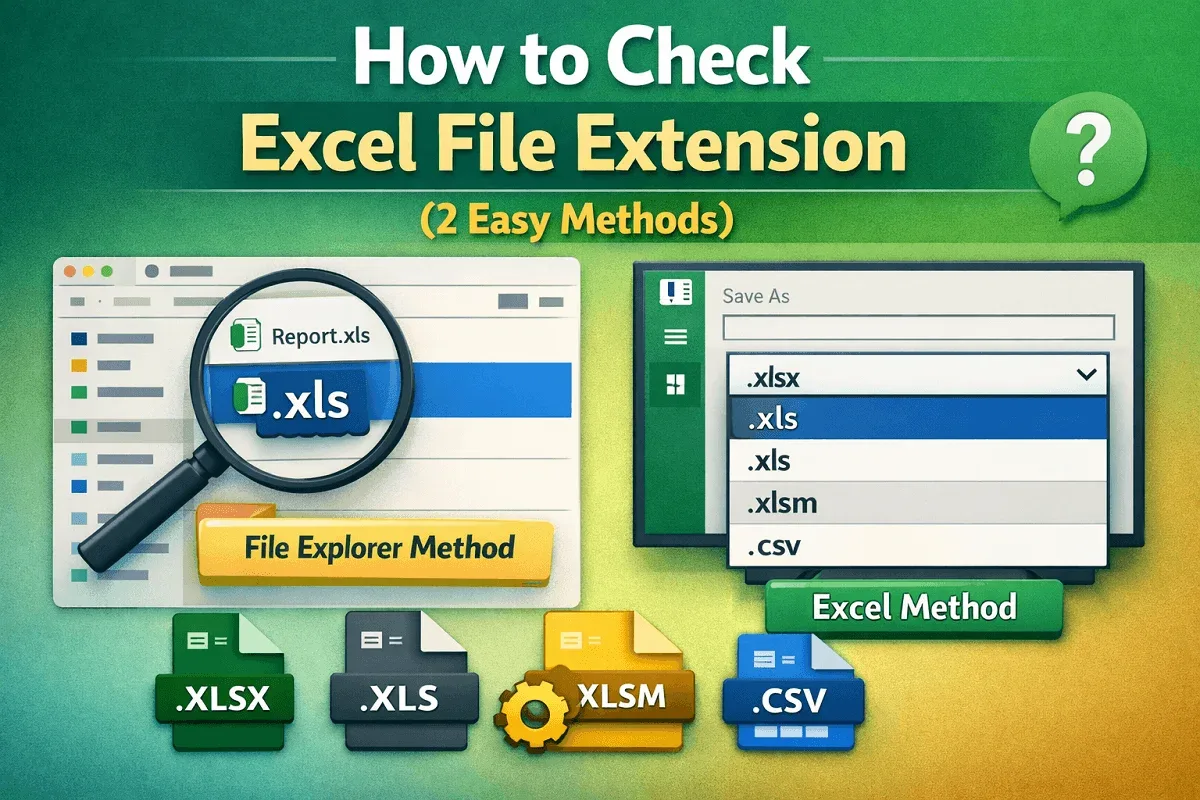
Learn how to check an Excel file extension using File Explorer or directly within Excel to quickly identify formats like XLS, XLSX, and more.
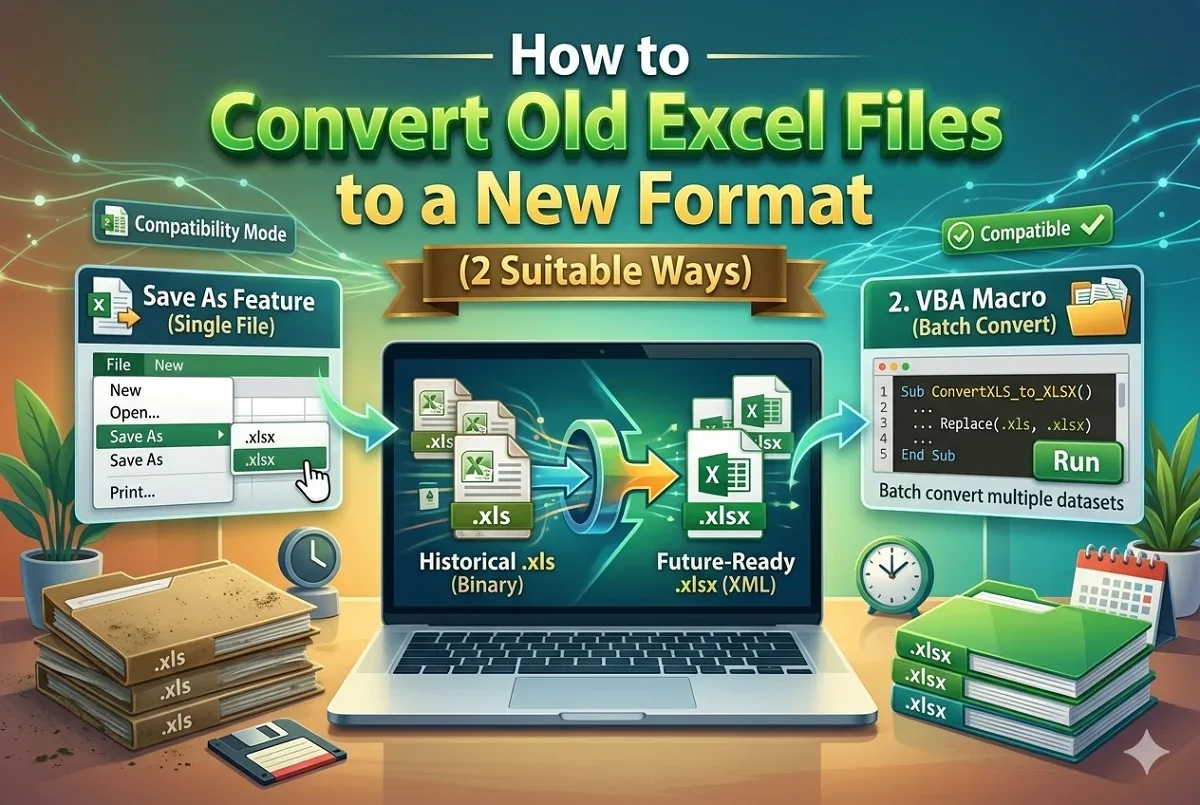
Learn how to convert old Excel files to a new format using Save As or VBA macros with simple, step-by-step instructions.