Excel Pro Tips
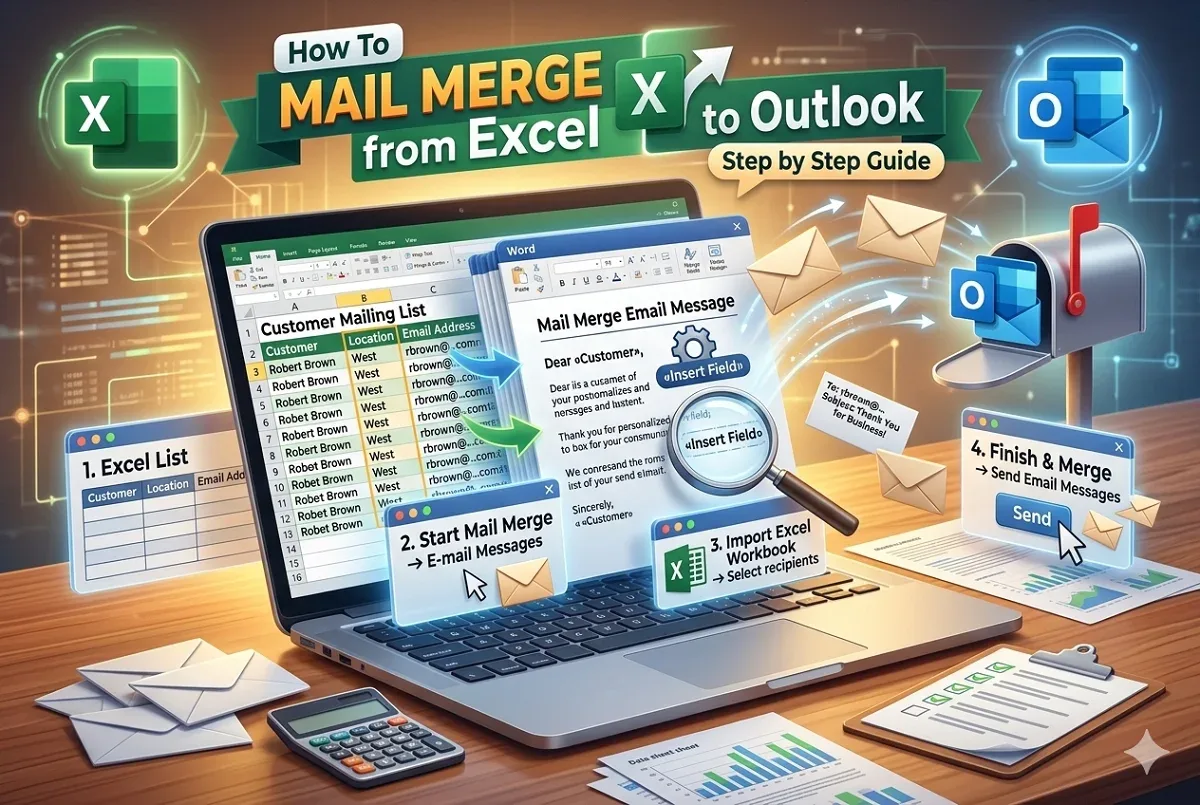
How To Mail Merge from Excel to Outlook (with Step by Step Guide)
Learn how to mail merge from Excel to Outlook with easy steps: create Excel data, prepare Word file, import, merge fields, and you're done.
Read article

7 lessons in order
Learn how to mail merge from Excel to Outlook with easy steps: create Excel data, prepare Word file, import, merge fields, and you're done.
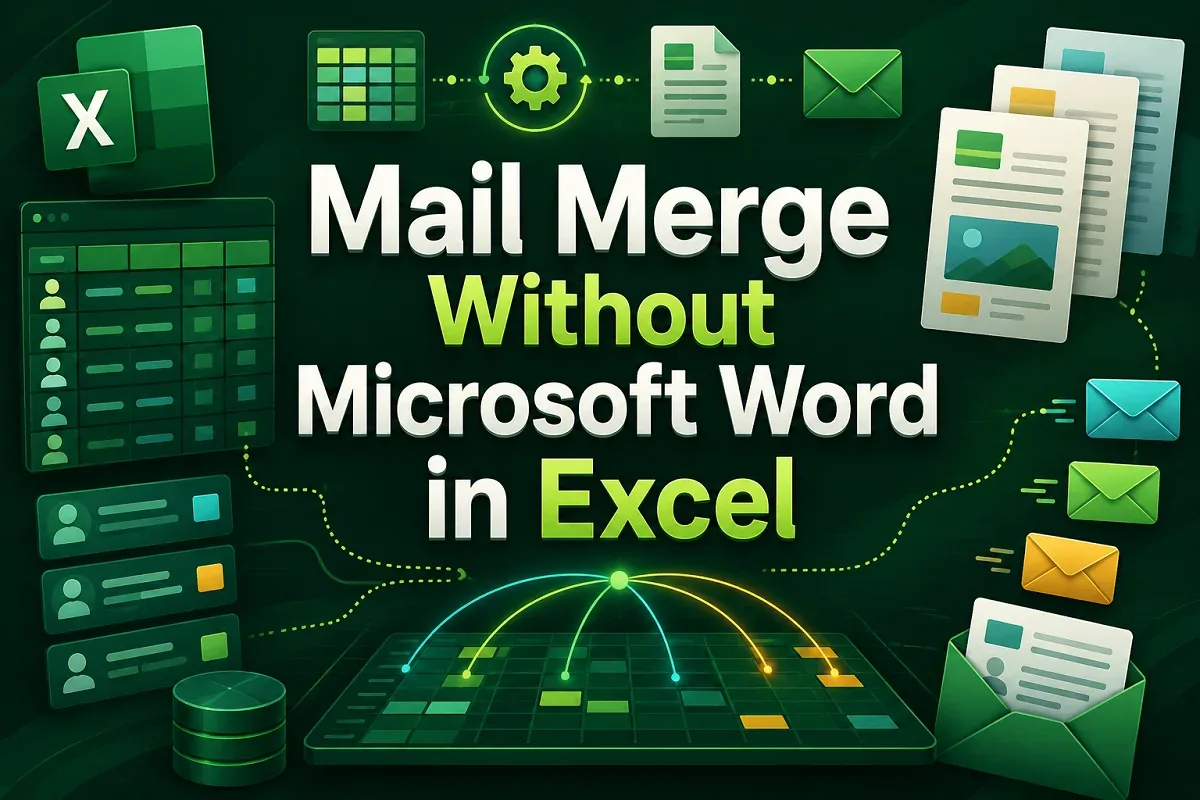
Learn how to perform mail merge without Word using Excel formulas, VBA macros, CSV exports, and tools like the Mailmeteor add-in.

Learn how to create a mailing list in Excel by setting up structure, entering valid contact data, organizing, sorting and exporting the list.

Learn how to create mailing labels in Excel using Word Mail Merge, VBA automation, or cell formatting for customized label designs.

Learn how to mail merge labels from Excel to Word in 6 easy steps—connect data, insert fields, preview, and print your labels fast!

Learn how to create mailing labels in Excel without Word using CHAR, CONCAT, and TEXTJOIN functions for quick and clean formatting.
![[Fixed] Word Mail Merge Not Working with Excel](https://pub-b39c974f4c124a36a2fb517be38076ec.r2.dev/images/2026/08/featured-image-word-mail-merge-not-working-with-excel-2a056f16.webp)
Learn how to fix Word Mail Merge not working with Excel by addressing issues like file format errors, missing headers, or misaligned data.