
Excel Pro Tips
How To Merge Two Excel Sheets Based on One Column
Learn how to merge two Excel sheets based on one column using VLOOKUP, XLOOKUP, INDEX MATCH, and Power Query for seamless data integration.
Read article

5 lessons in order
Learn how to merge two Excel sheets based on one column using VLOOKUP, XLOOKUP, INDEX MATCH, and Power Query for seamless data integration.
Learn how to merge two Excel sheets using VLOOKUP with standard, dynamic, and conditional methods for efficient data integration.
Learn how to combine data from multiple Excel sheets using VSTACK, FILTER, Consolidate feature, and Power Query for seamless data merging.
Learn how to merge multiple Excel sheets into one, row-wise or column-wise, using VBA for efficient data consolidation.
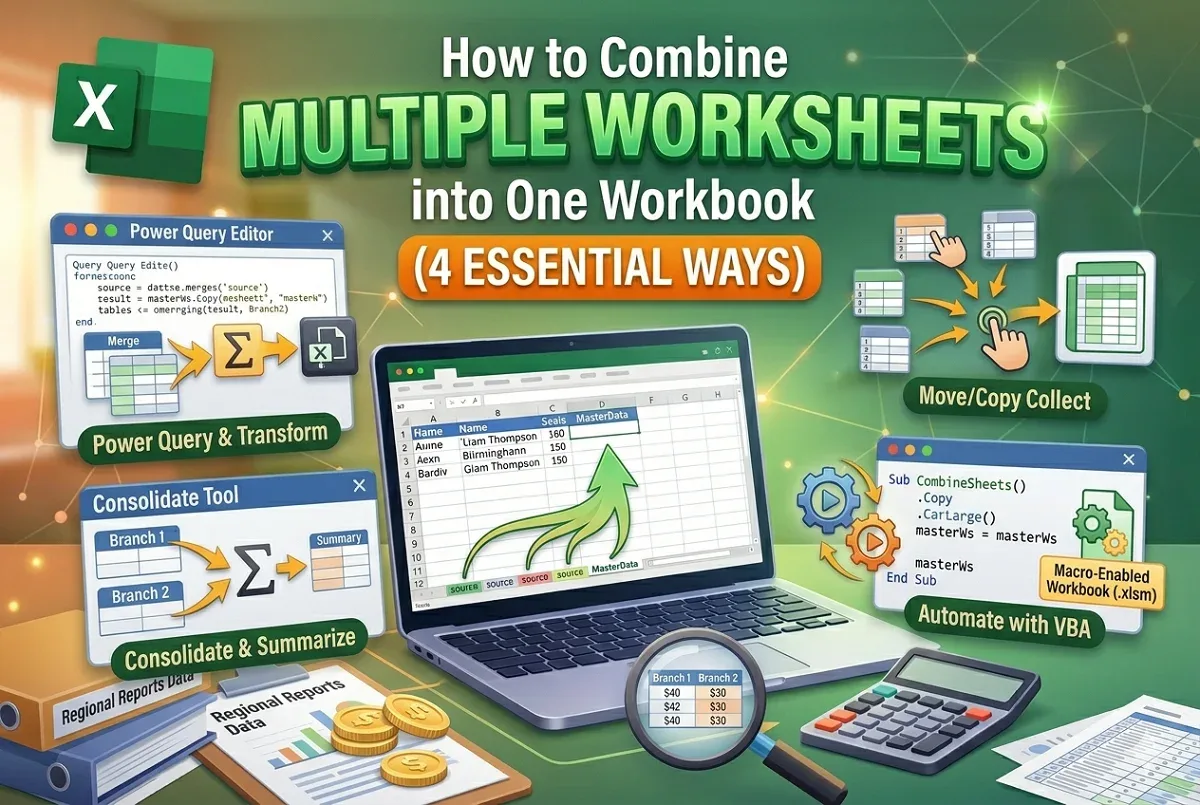
Learn how to combine multiple worksheets into one workbook in Excel using Power Query, Consolidate, Move/Copy, and VBA methods step by step.