Excel Pro Tips
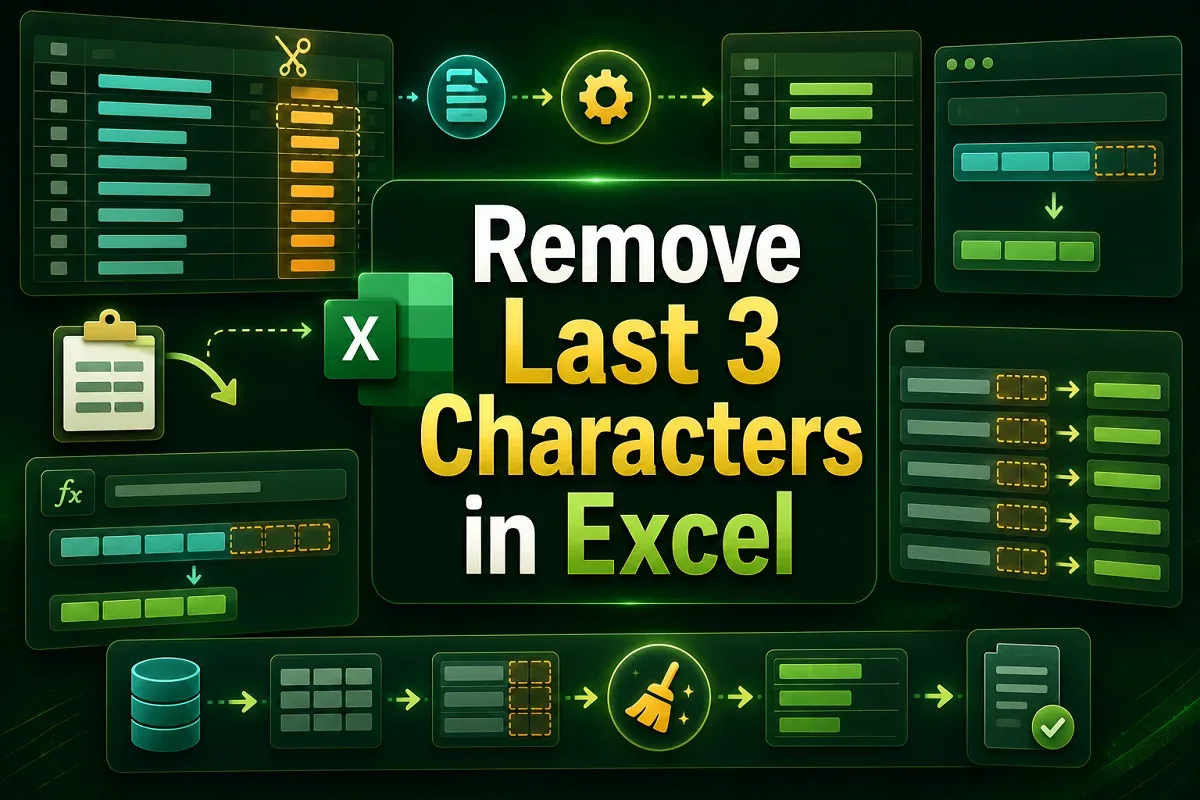
How to Remove Last 3 Characters in Excel (4 Easy Methods)
Learn how to remove the last 3 characters in Excel using LEFT & LEN, REPLACE, Flash Fill, or a custom VBA function for clean text format.
Read article

10 lessons in order
Learn how to remove the last 3 characters in Excel using LEFT & LEN, REPLACE, Flash Fill, or a custom VBA function for clean text format.

Learn how to remove unwanted characters in Excel using Find & Replace, SUBSTITUTE, TRIM, Flash Fill, and LEFT/RIGHT with LEN functions.
Learn how to remove space before numbers in Excel using Find & Replace, TRIM, MID & FIND, Data Validation, or VBA for clean data.

Learn how to remove space after text in Excel using Find & Replace, TRIM, LEFT, SUBSTITUTE, Power Query, or VBA for clean and accurate data.

Learn how to remove first 3 characters in Excel using RIGHT, MID, REPLACE, Flash Fill, Text to Columns, or VBA for quick data editing.
Learn how to remove dashes from SSNs in Excel using Find & Replace, SUBSTITUTE, Flash Fill, Power Query, or VBA for quick cleanup.

Learn how to remove the last character from a string in Excel VBA using fixed, user-specified, or custom function methods.
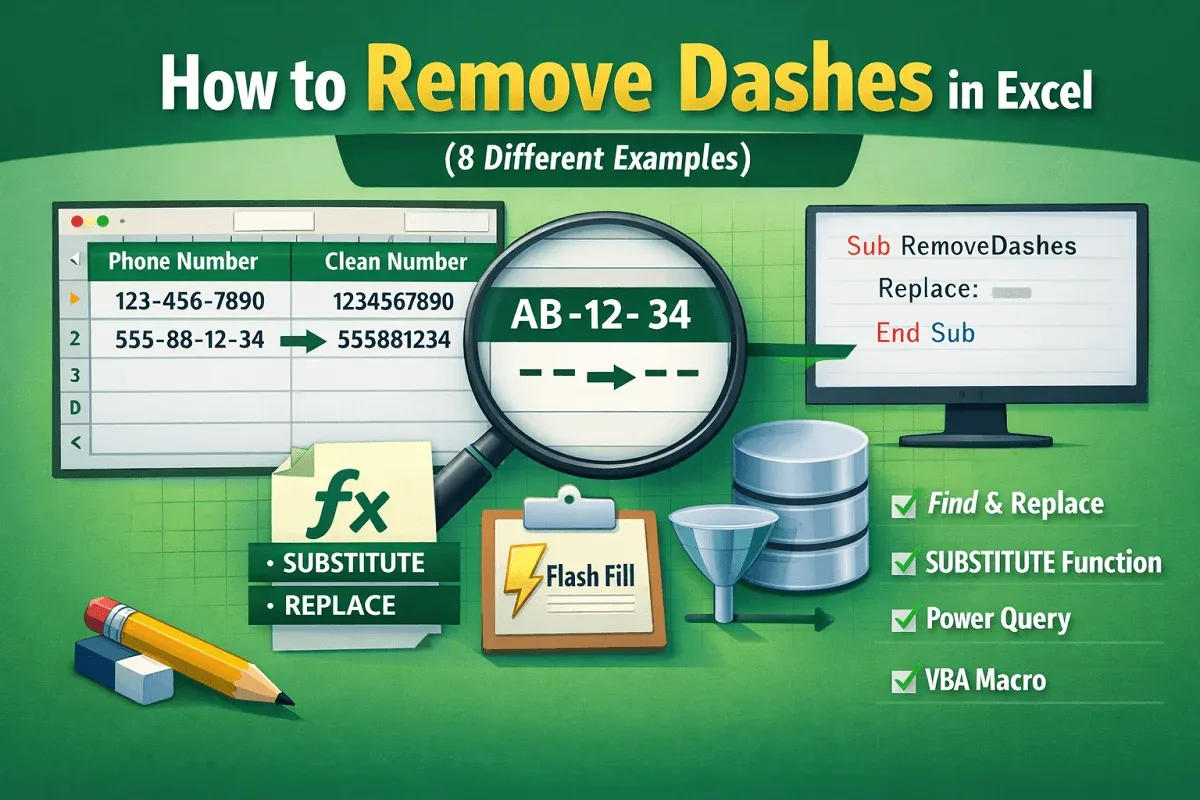
Learn how to remove dashes in Excel using Flash Fill, REPLACE, and bulk methods to clean single or multiple dashes fast.
Learn how to remove parentheses in Excel using Find & Replace, SUBSTITUTE, Flash Fill, formulas, and VBA macros, step by step now.
Learn how to remove trailing spaces in Excel using TRIM, CLEAN, SUBSTITUTE, and VBA to clean and fix messy text data quickly.