Excel Pro Tips
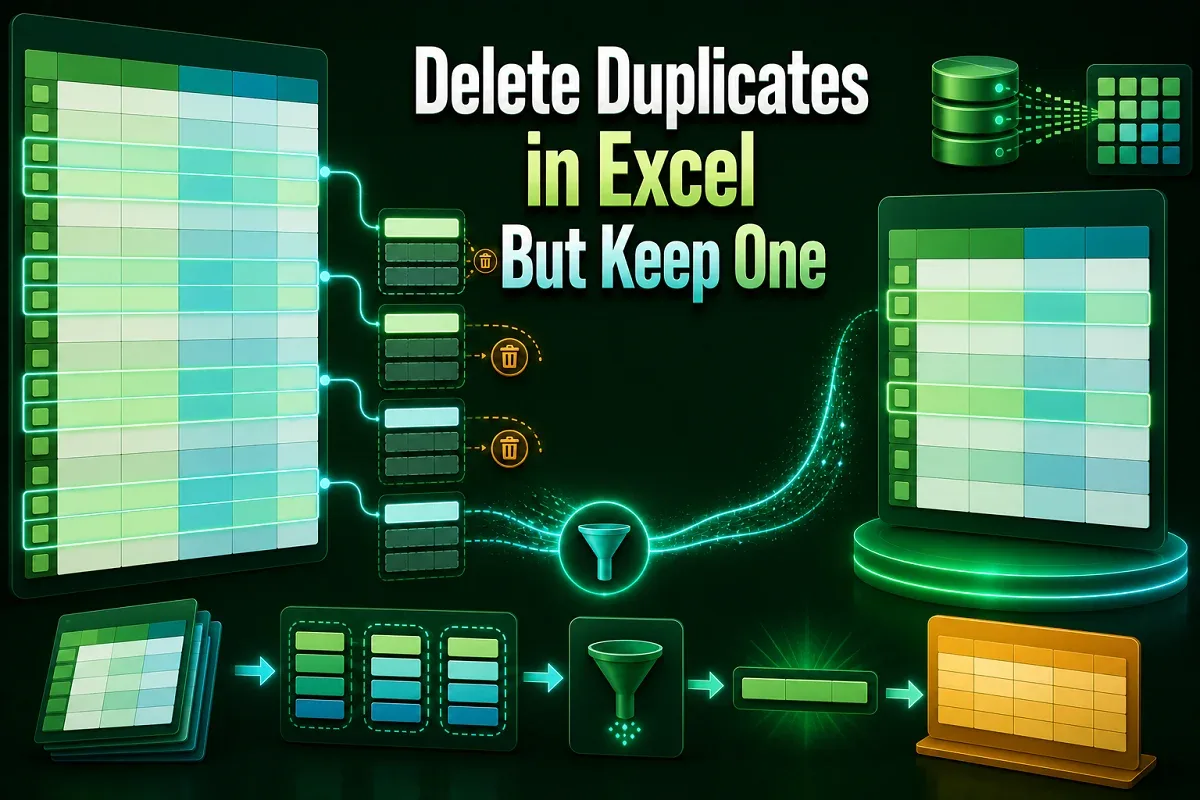
How to Delete Duplicates in Excel But Keep One (5 Simple Ways)
Learn how to delete duplicates in Excel but keep one using Remove Duplicates, Power Query, VBA, UNIQUE function, sorting, and filters.
Read article

4 lessons in order
Learn how to delete duplicates in Excel but keep one using Remove Duplicates, Power Query, VBA, UNIQUE function, sorting, and filters.
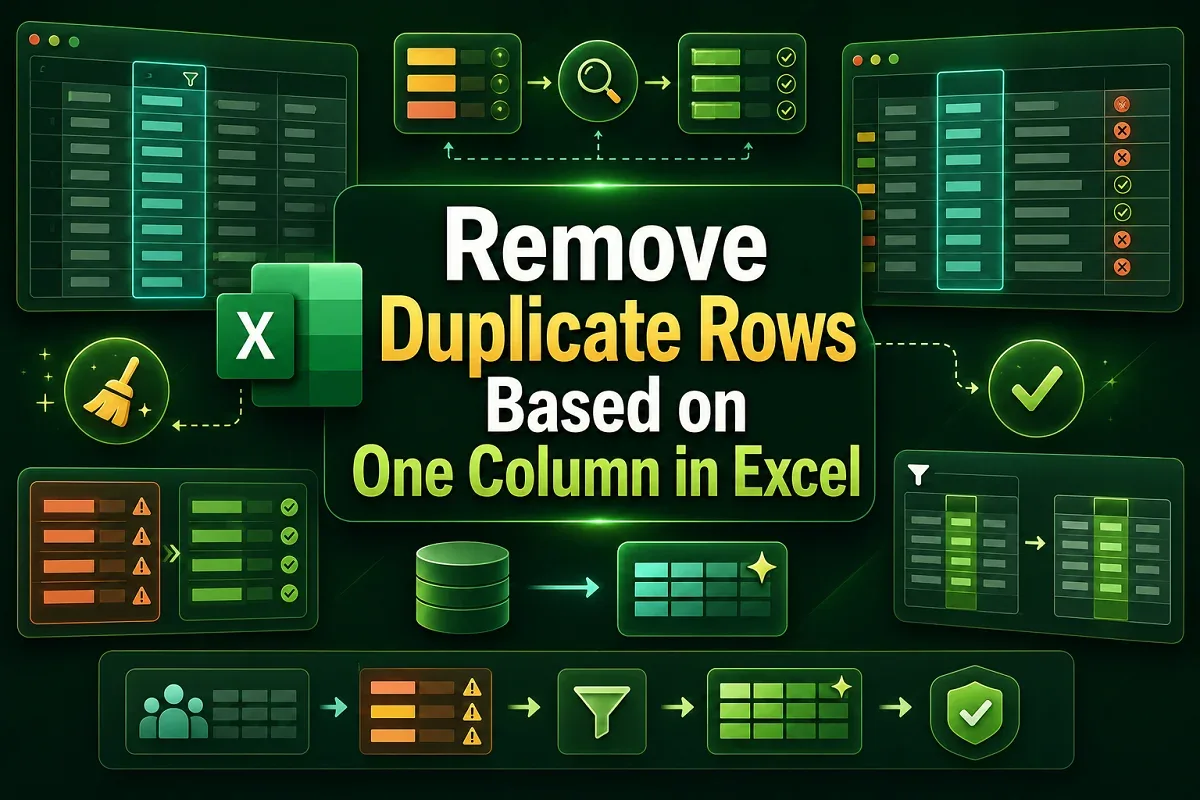
Learn how to remove duplicate rows based on one column in Excel using built-in tools, VBA, Power Query, and conditional formatting tips.
Learn how to remove both duplicates in Excel using COUNTIF, IF, conditional formatting, or VBA with clear, step-by-step methods.
![[Solved] Remove Duplicates Tool Not Working in Excel](https://pub-b39c974f4c124a36a2fb517be38076ec.r2.dev/images/2026/08/featured-image-excel-remove-duplicates-not-working-beacf0f5.webp)
Fix Remove Duplicates not working in Excel due to hidden spaces, text numbers, decimals, merged cells, and row issues fixes