Excel Pro Tips
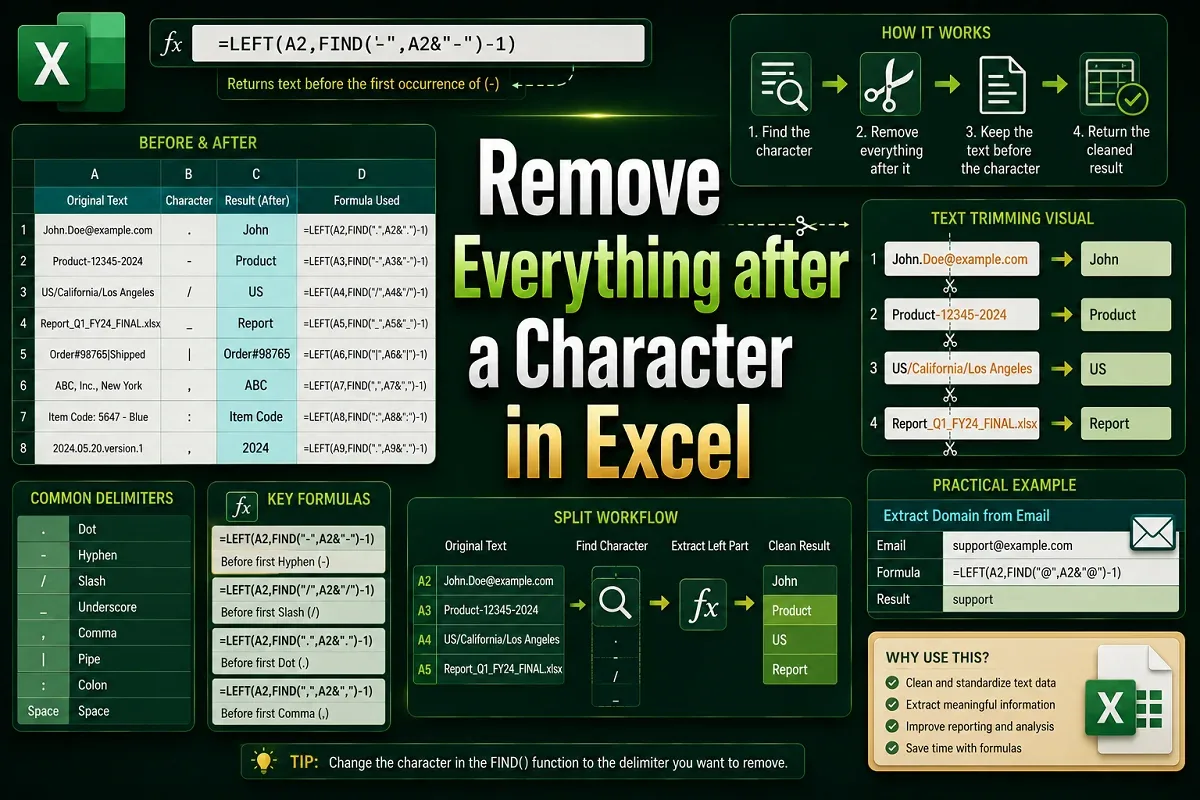
How to Remove Everything after a Character in Excel (4 Methods)
Learn how to remove everything after a character in Excel using Find & Replace, LEFT, FIND, SUBSTITUTE for Nth occurrence, and Flash Fill.
Read article

3 lessons in order
Learn how to remove everything after a character in Excel using Find & Replace, LEFT, FIND, SUBSTITUTE for Nth occurrence, and Flash Fill.

Learn how to remove specific text from cells in Excel using Find and Replace, Flash Fill, SUBSTITUTE, REPLACE, or custom VBA functions.
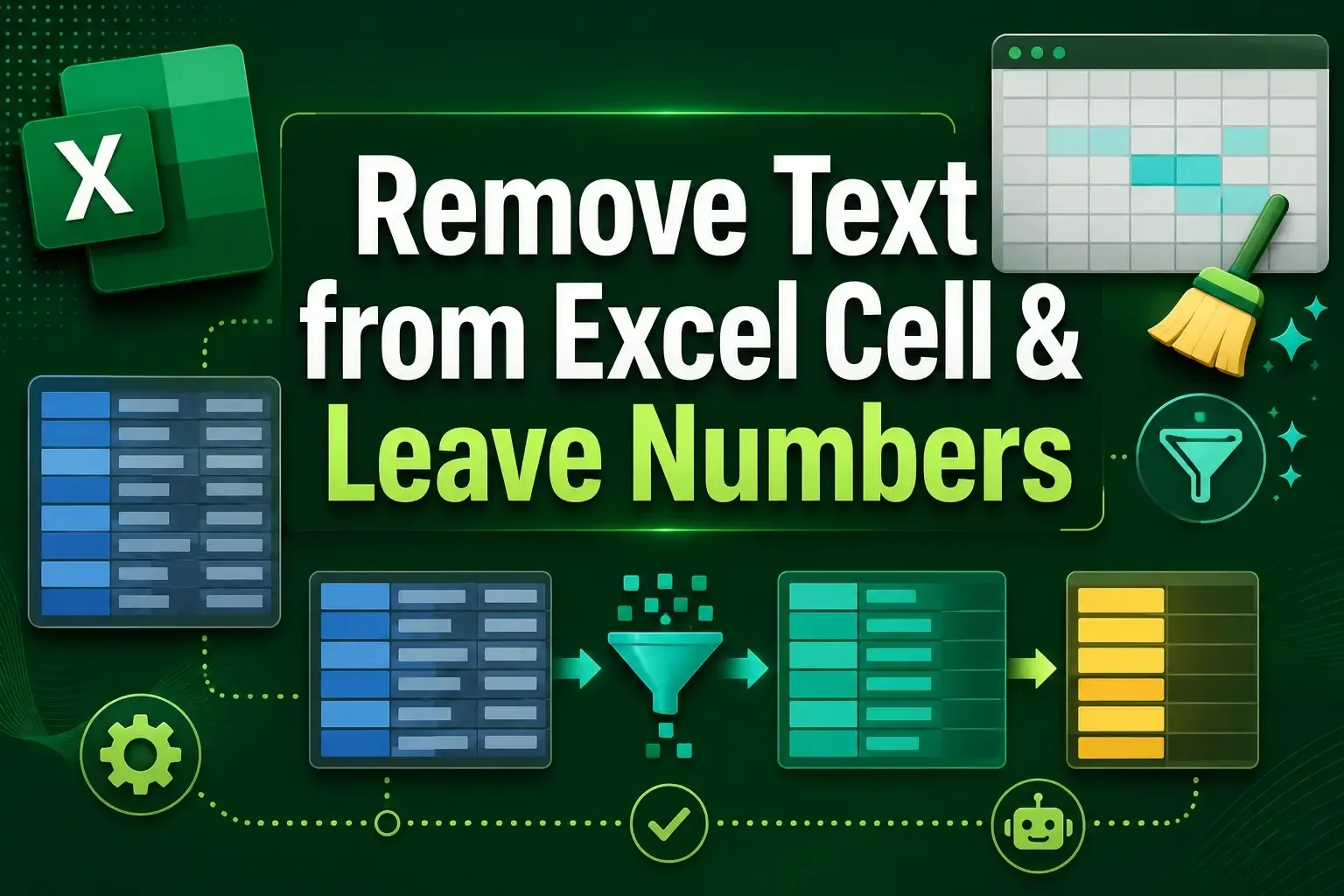
Learn how to remove text from Excel cells and keep only numbers using formulas, Flash Fill, Find & Replace, and VBA macros.