Excel Pro Tips
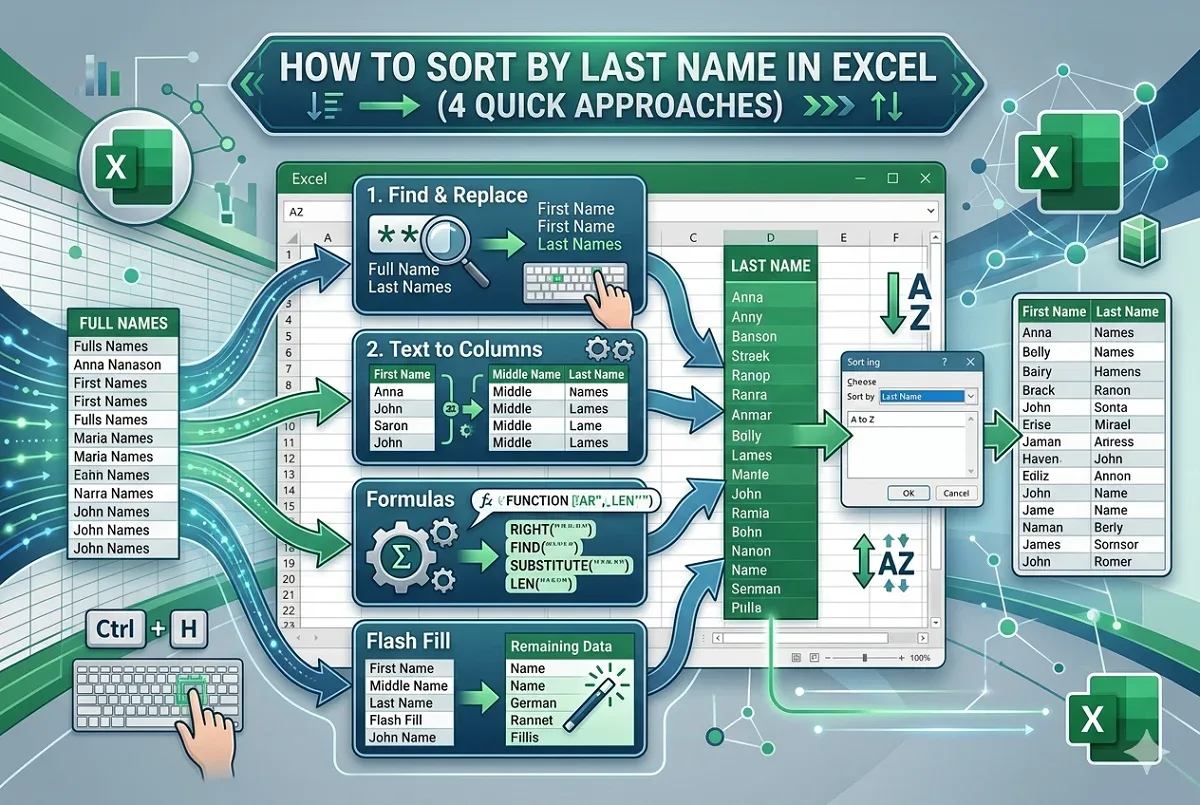
How to Sort by Last Name in Excel (4 Quick Approaches)
Learn how to sort data by last name in Excel using Find and Replace, Text to Columns, formulas, and Flash Fill for various name types.
Read article

15 lessons in order
Learn how to sort data by last name in Excel using Find and Replace, Text to Columns, formulas, and Flash Fill for various name types.

Learn how to sort merged cells in Excel by unmerging temporarily, using helper columns, or applying "Center Across Selection" for sorting.
Learn how to sort data by column in Excel while keeping rows intact using table format, SORT function, custom lists, and helper columns.

Learn how to add a sort button in Excel using filters, keyboard shortcuts, VBA macros, and the built-in Sort feature on the Data tab.

Learn how to sort a drop-down list in Excel using SORT, COUNTA with OFFSET, Power Query, or VBA for dynamic and alphabetically ordered lists.

Learn how to sort alphabetically in Excel while keeping rows together using the Sort tool, SORT function or filters for proper organization.

Learn how to sort tabs in Excel by drag-and-drop, VBA, or alphabetically in A-Z or Z-A order, while keeping specific sheets in place.
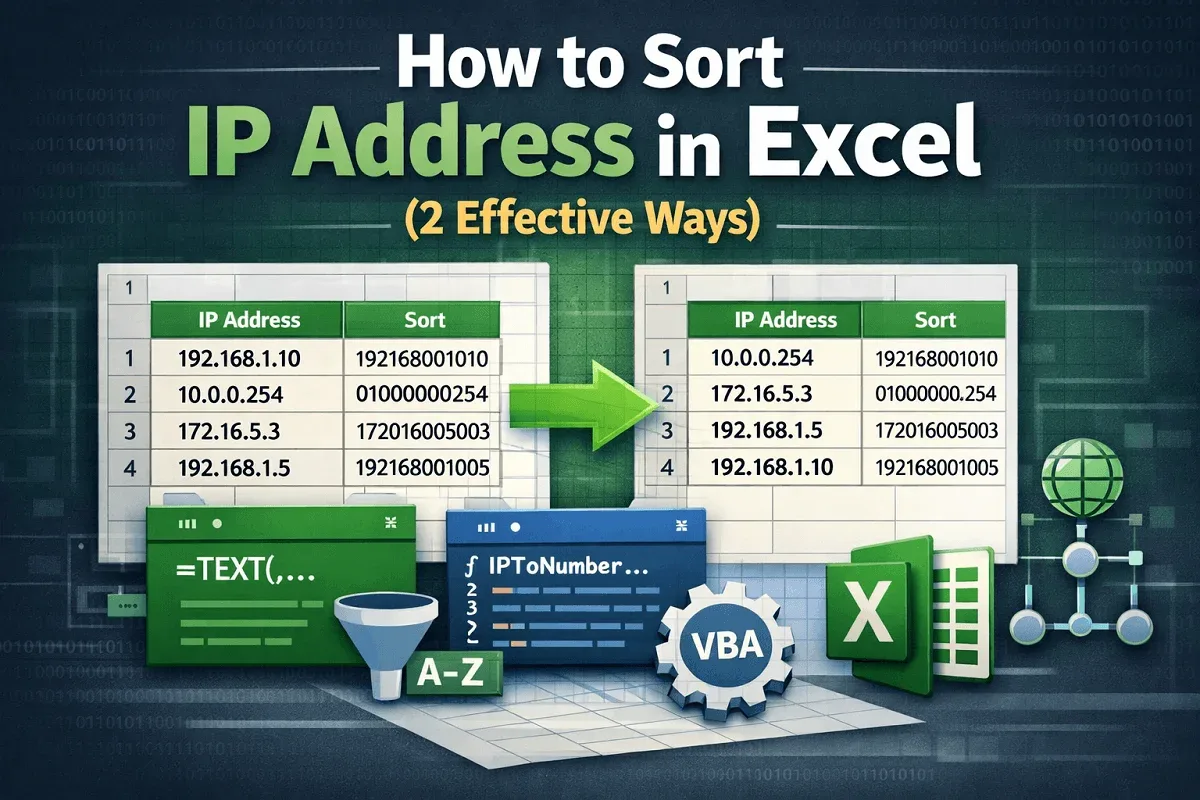
Learn how to sort IP addresses in Excel using custom formulas or VBA macros to organize data accurately and avoid sorting errors.
Learn the key differences between sorting and filtering in Excel with clear examples, use cases, and tips for organizing your data.
Learn how to use advanced sorting in Excel, including sorting by multiple columns, colors, custom lists, and custom value rules.

Learn how to do a random sort in Excel using RAND, RANDBETWEEN, SORTBY, RANDARRAY, and VBA for quick and easy data shuffling.

Learn how to auto sort data in Excel using SORT, SORTBY, FILTER, INDEX, and VBA to keep your sheets organized automatically.
Learn how to sort rows by column in Excel using Sort & Filter, Sort dialog box, custom sorts, and the SORT function easily.
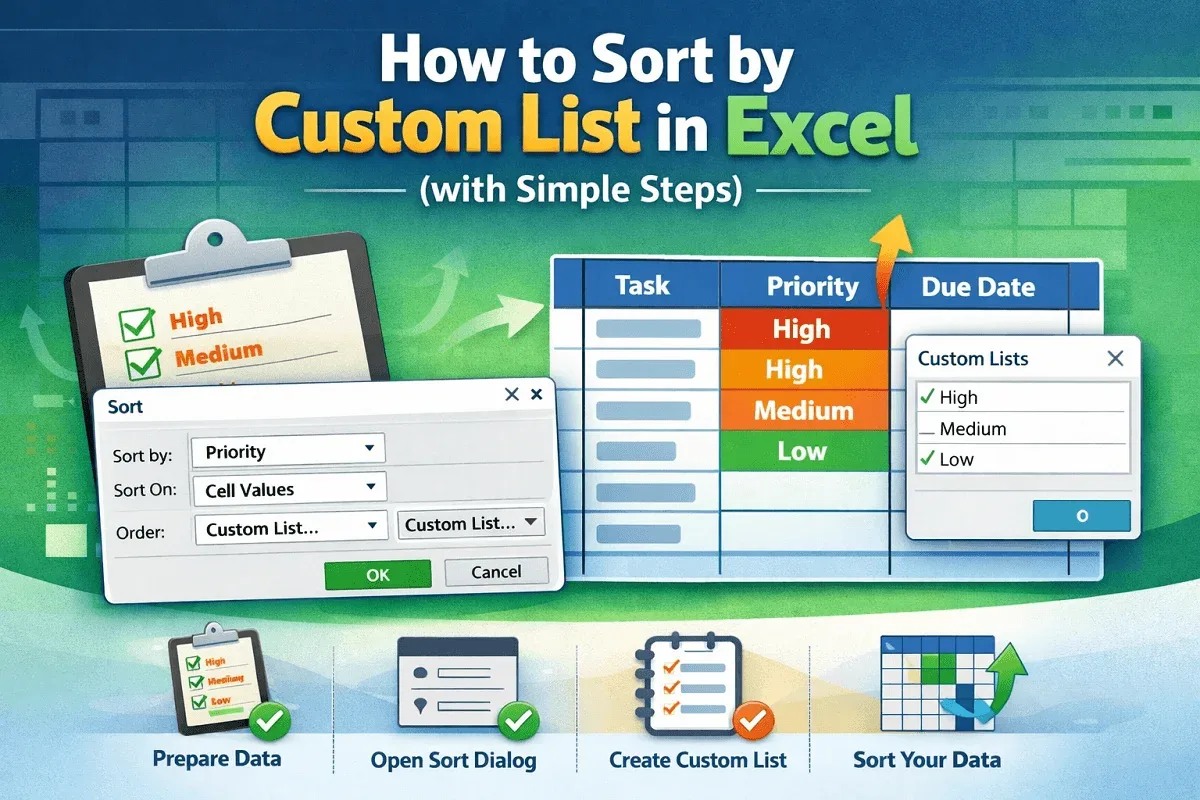
Learn how to sort data in Excel using a custom list with clear steps for preparing your dataset, choosing a column, and completing the sort.
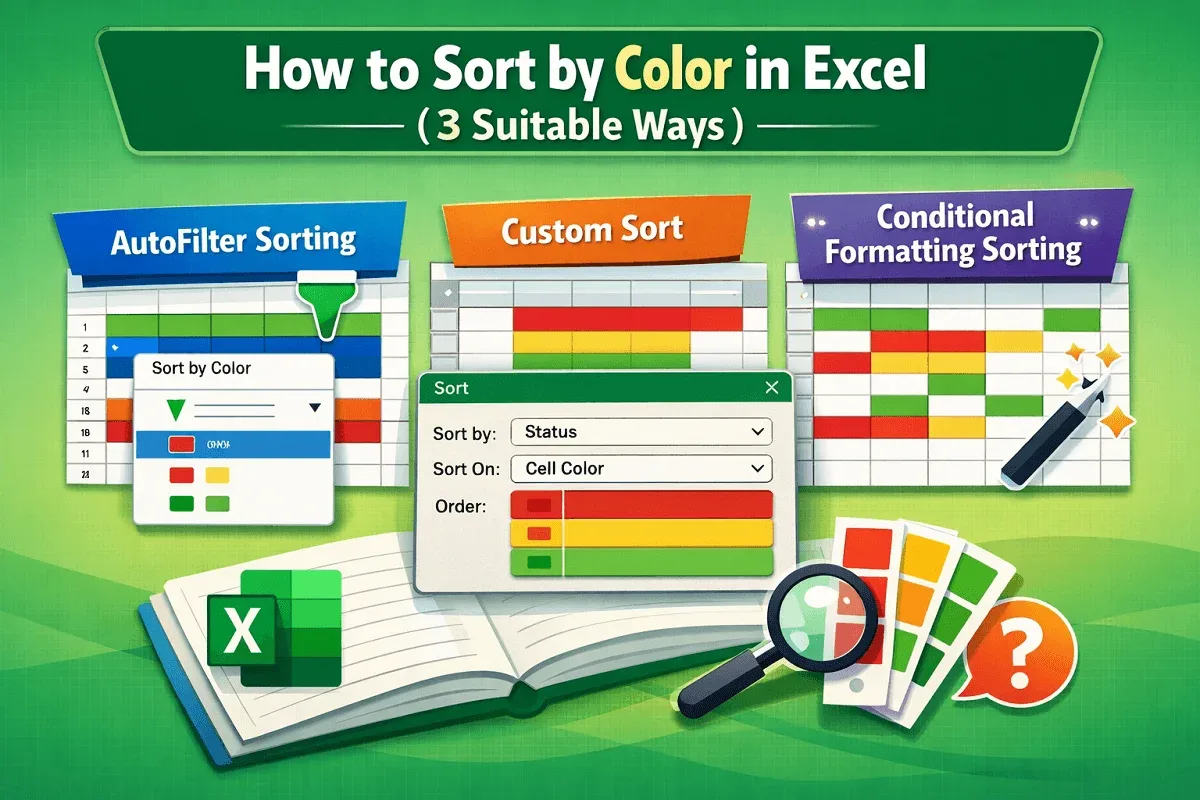
Learn how to sort by color in Excel with AutoFilter, Custom Sort for multi-color data, and conditional formatting options effortlessly.