Excel Pro Tips
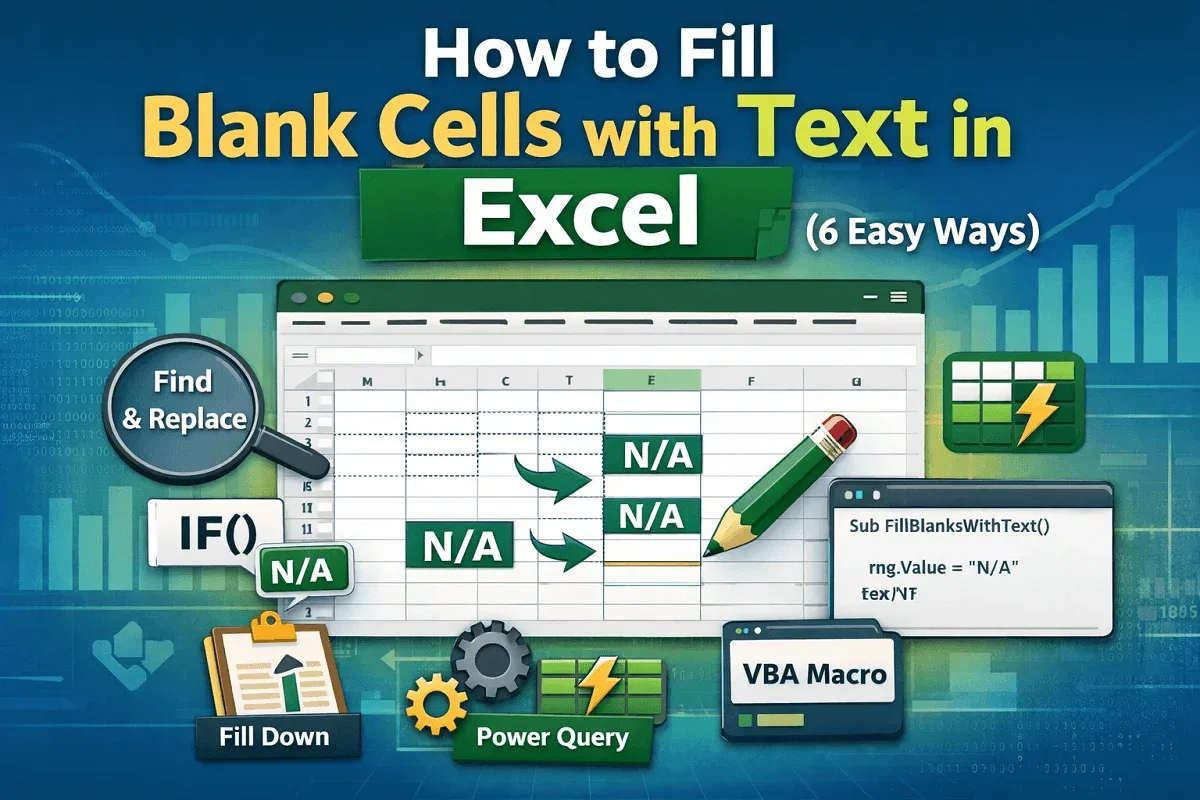
How to Fill Blank Cells with Text in Excel (6 Easy Ways)
Learn how to fill blank cells in Excel using Go To Special, IF formulas, Find and Replace, Power Query, and VBA scripts easily.
Read article

15 articles tagged with “Dealing with Blank Cells in Excel”
Learn how to fill blank cells in Excel using Go To Special, IF formulas, Find and Replace, Power Query, and VBA scripts easily.
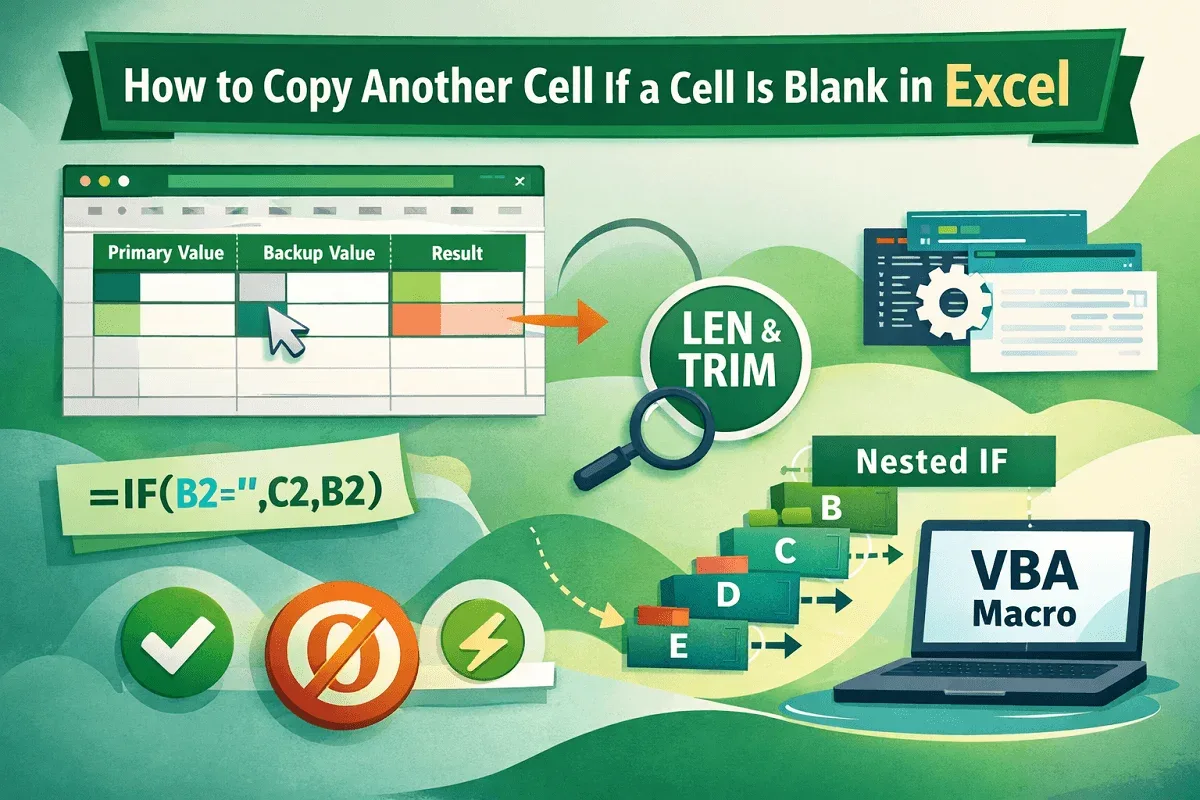
Learn how to copy another cell when a cell is blank in Excel using IF, ISBLANK, LEN, TRIM, nested formulas, and VBA macros easily.
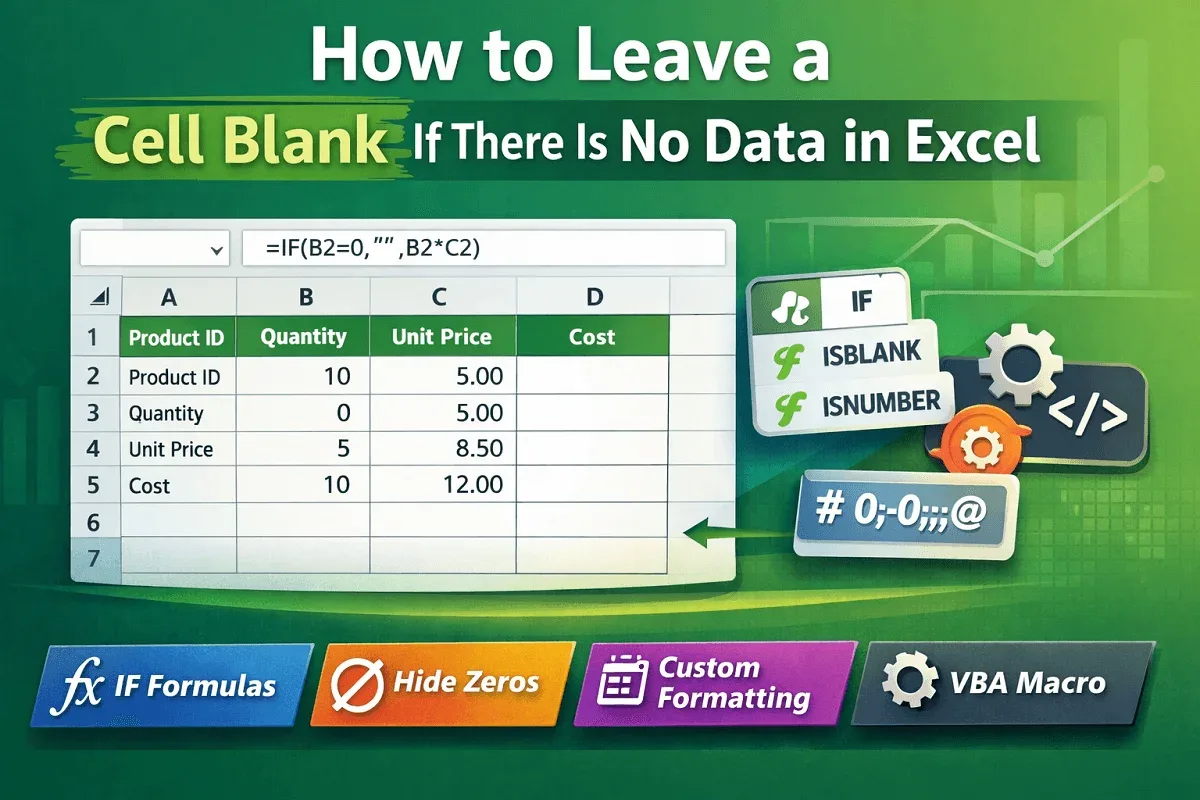
Learn how to leave a cell blank in Excel using IF formulas, ISBLANK, ISNUMBER, zero hiding, formats, and VBA macros easily today
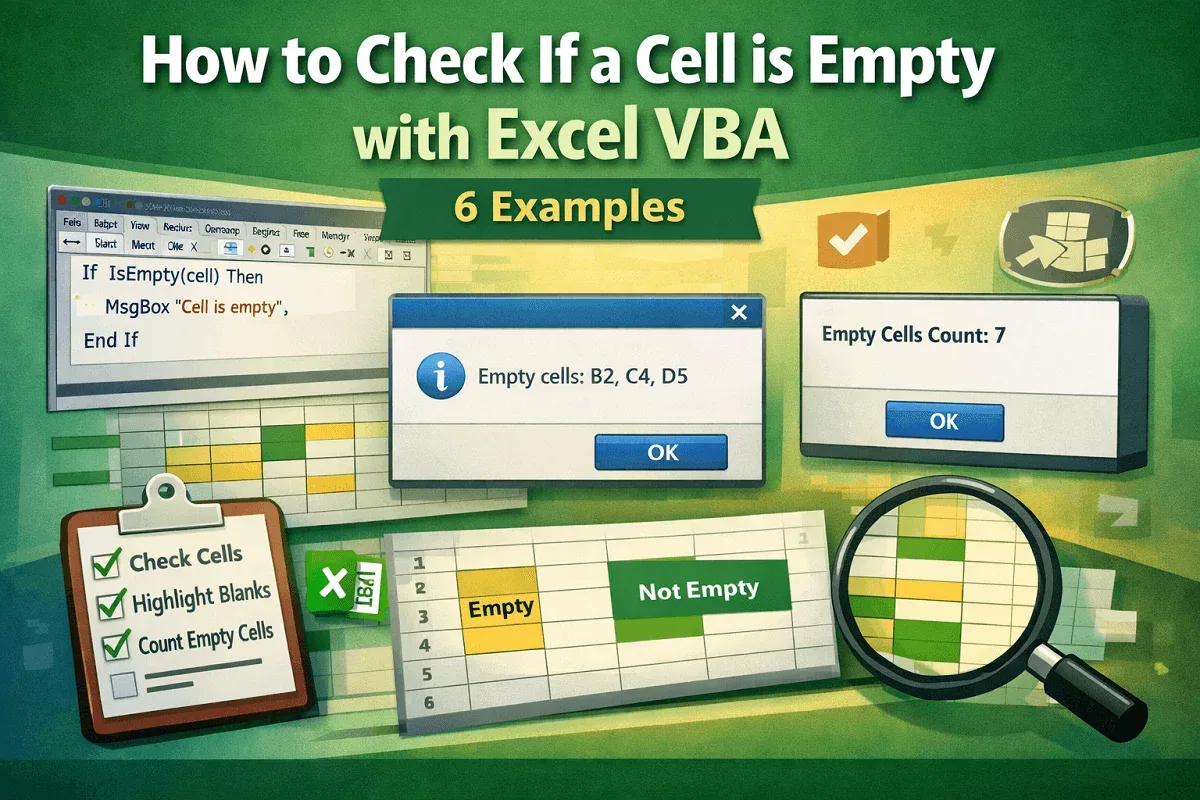
Learn how to check if a cell is empty with Excel VBA using IsEmpty, ranges, message boxes, and counting empty cells easily now.
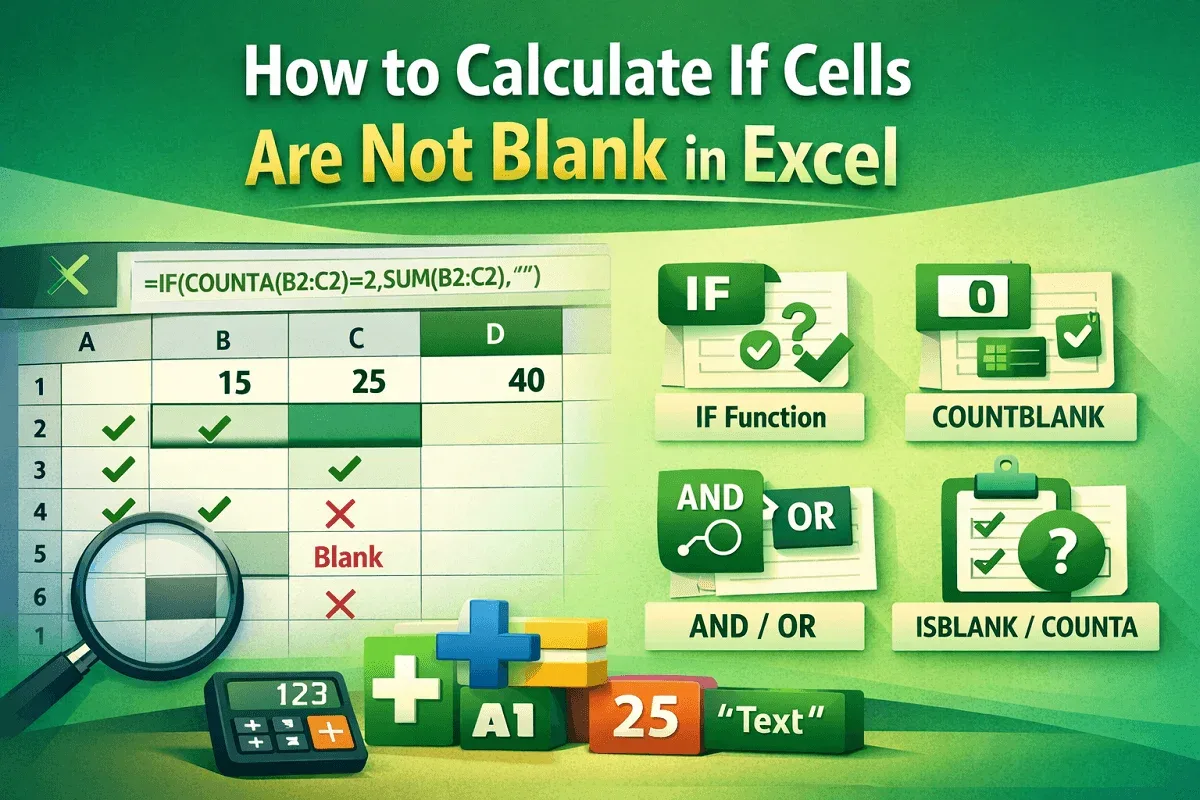
Learn how to calculate in Excel when cells are not blank using IF, COUNTBLANK, COUNTA, AND/OR, and ISBLANK for accurate data checks.

Learn how to find blank cells in Excel using Go To Special, formulas, filters, conditional formatting, and VBA macros.
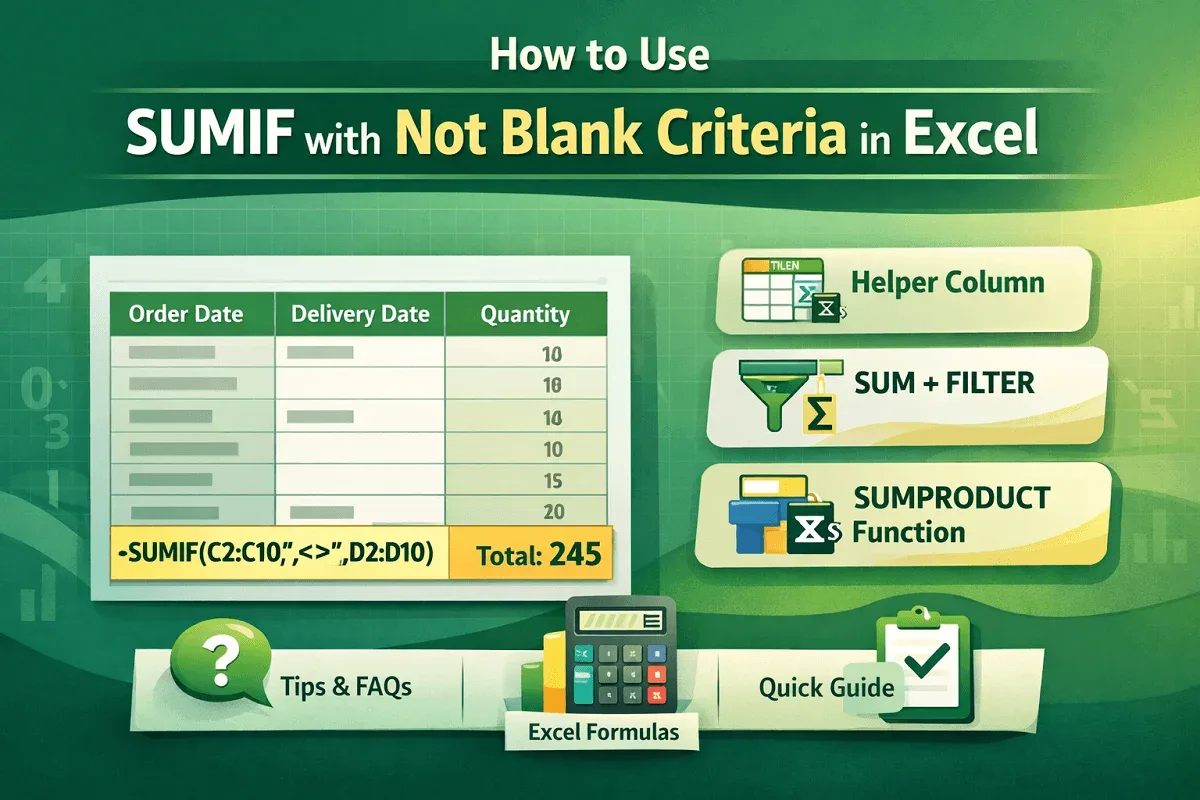
Learn how to sum values in Excel only if cells are not blank using SUMIF, SUMIFS, SUMPRODUCT, FILTER, and helper column methods.

Learn 7 easy ways to find and highlight blank cells in Excel, from manual methods to formulas, filters, and VBA macros.

Learn how to set a cell to blank in Excel formulas using IF, IFERROR, ISBLANK, formatting tricks, and custom VBA for dynamic results.
Learn how to return 0 if cells are blank in Excel using IF, ISBLANK, Go To Special, or Find & Replace for quick data cleanup.

Learn how to delete blank cells in Excel and shift data up using Go To Special, FILTER, Sort, Power Query, and VBA for organized sheets.

Learn how to find and replace blank cells in Excel using Go To Special, Find and Replace, IF and ISBLANK, Power Query, or VBA macros.