Excel VBA
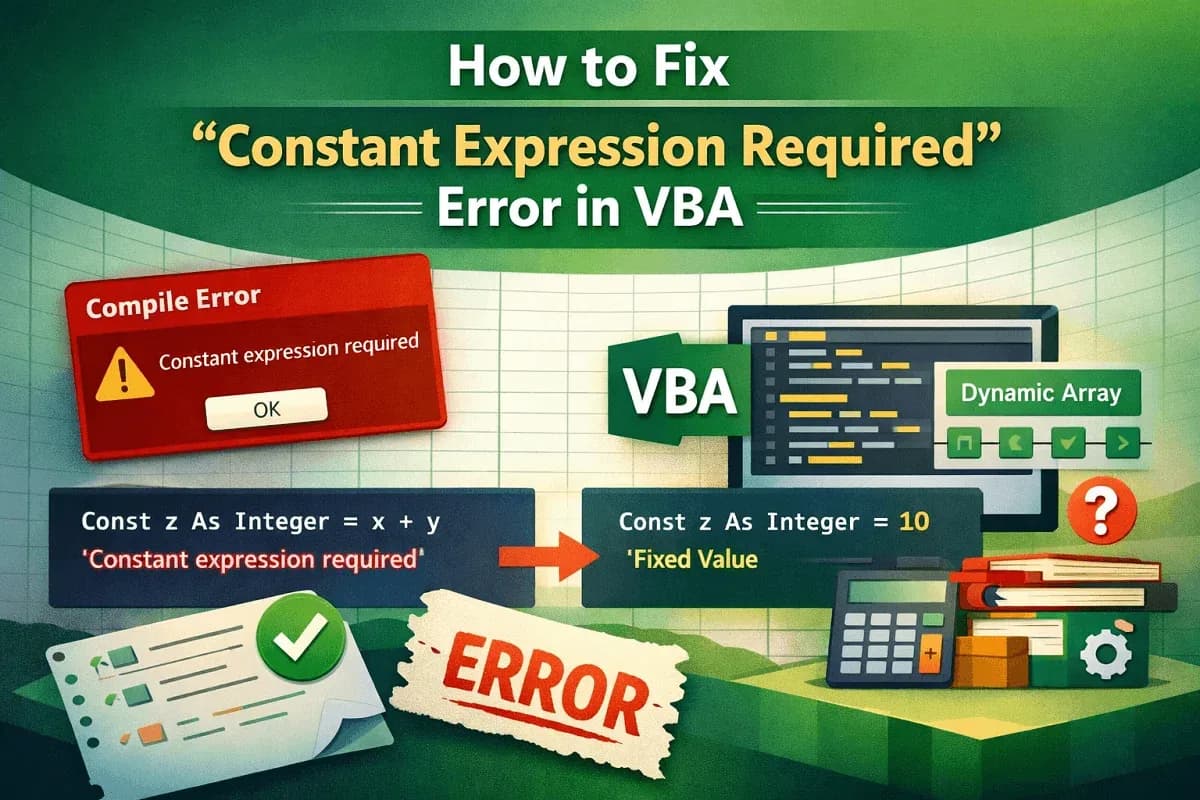
How to Fix "Constant Expression Required" Error in VBA
Learn how to fix the Constant Expression Required error in VBA using proper constants, Redim, ParamArray, and defaults smartly.
Read article

5 articles tagged with “Error Handling in Excel VBA”
Learn how to fix the Constant Expression Required error in VBA using proper constants, Redim, ParamArray, and defaults smartly.
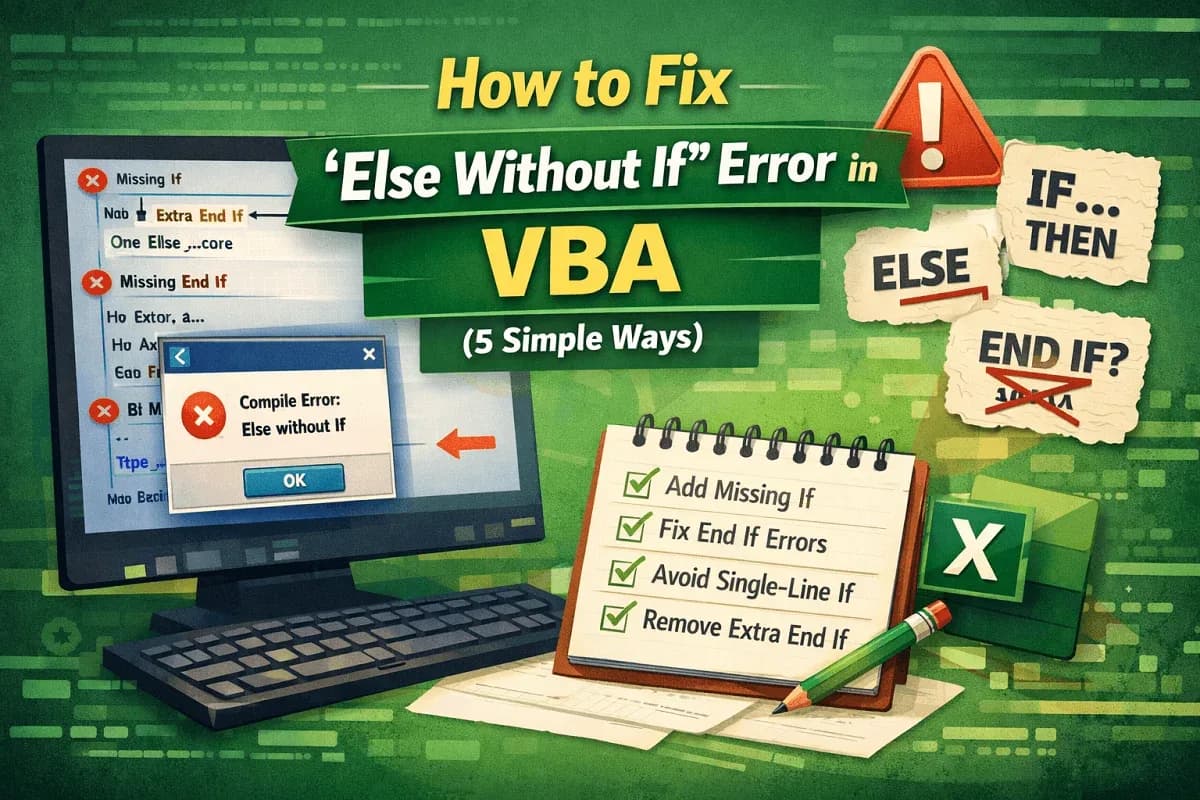
Learn how to fix the “Else Without If” error in VBA by adding missing If or End If statements and avoiding single-line If errors.
![[Fixed] AutoFill Method of Range Class Failed (3 Solutions)](/_next/image/?url=https%3A%2F%2Fpub-b39c974f4c124a36a2fb517be38076ec.r2.dev%2Fimages%2F2026%2F08%2Ffeatured-image-autofill-method-of-range-class-failed-2-00788128.webp&w=3840&q=75)
Fix the "AutoFill method of Range class failed" error in Excel VBA with 3 effective solutions, including dynamic range and Resize method.
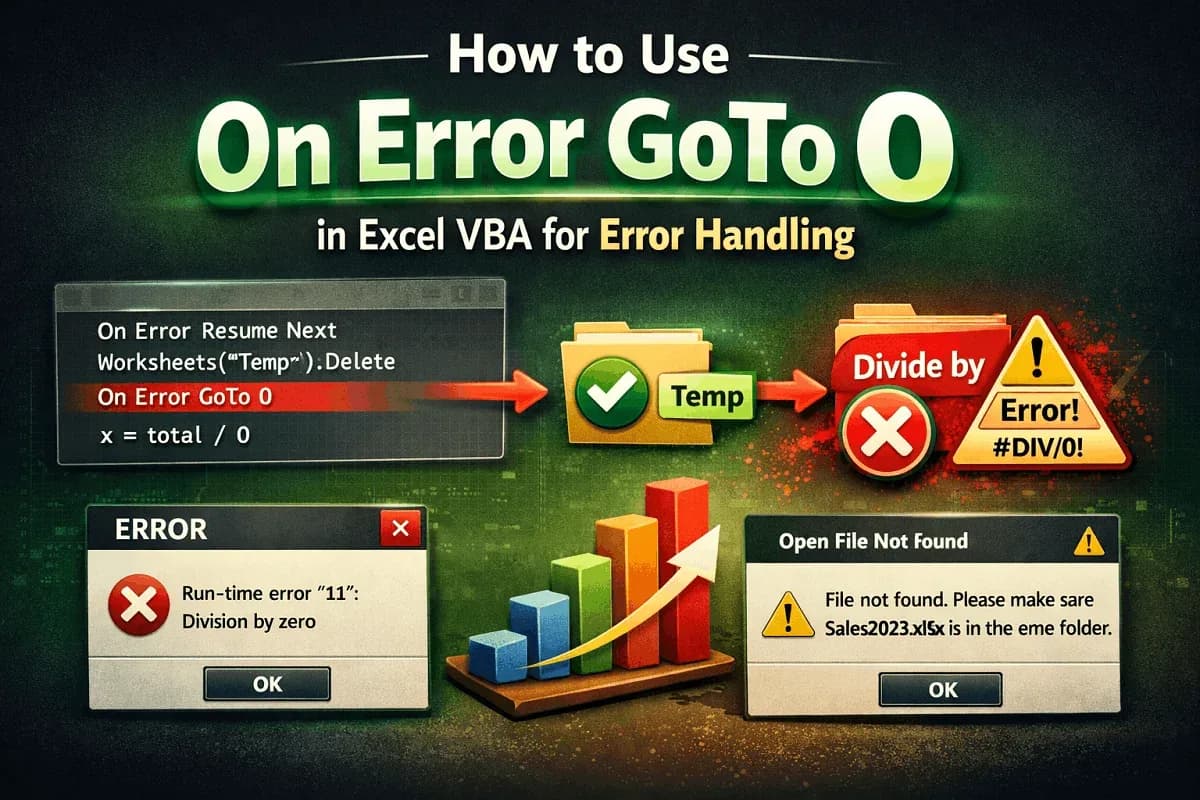
Learn how to use On Error GoTo 0 in Excel VBA to restore default error handling after skipping expected errors like missing sheets or files.

Use On Error Resume Next in Excel VBA to handle missing shapes, detect absent sheets, and manage errors in VLOOKUP loops efficiently.