Both HLOOKUP and VLOOKUP are essential Excel functions that help you find and return specific data in a worksheet. These lookup formulas make it easy to search large tables and extract related ...
VLOOKUP is a powerful Excel function that we frequently use to fetch data from a lookup table. However, once the data is retrieved, we often want to remove the formula but retain only the values when ...
When we work with large or changing datasets, using a regular VLOOKUP can become inefficient because cell ranges must be updated manually. A dynamic VLOOKUP solves this problem by automatically ...
In Excel, we often need to work with data that is larger or has skewed trends. This makes it harder to analyze that large numeric range, let alone identify its trends. Transforming these numbers into ...
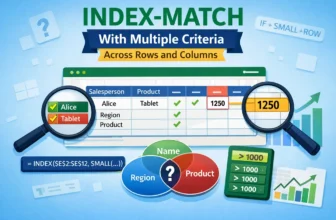
A simple INDEX-MATCH formula handles single criteria, but when you need to match both rows and columns with multiple criteria, you need more advanced formulas. By default, MATCH finds the position of ...
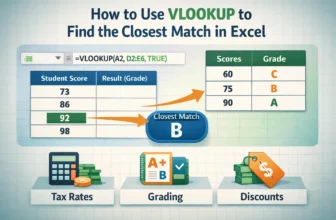
The VLOOKUP function is one of Excel’s most useful tools for finding information, but not every search will return an exact match. In many cases, your lookup value may fall between two entries, such ...
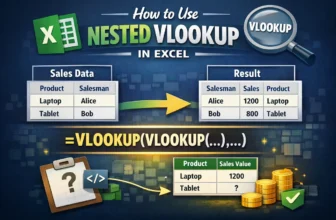
The VLOOKUP function is one of Excel’s most common tools for finding data, but sometimes a single lookup isn’t enough. When your information is split across multiple tables, you may need to run one ...
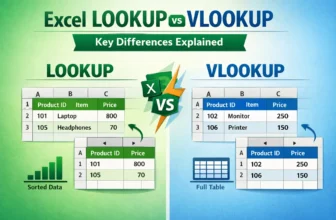
LOOKUP and VLOOKUP are Excel’s built-in functions, used to search for values and return related results. These functions work differently and are suited for different situations.LOOKUP is an ...
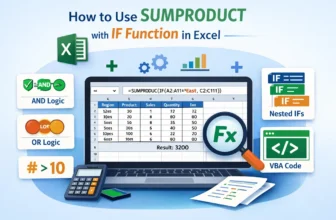
Ever feel the necessity to use SUMPRODUCT combined with conditionals? Exactly the way we use SUMIF. Though SUMPRODUCT has built-in unique functionality to use conditionals, Excel does not have any ...