Advanced Excel
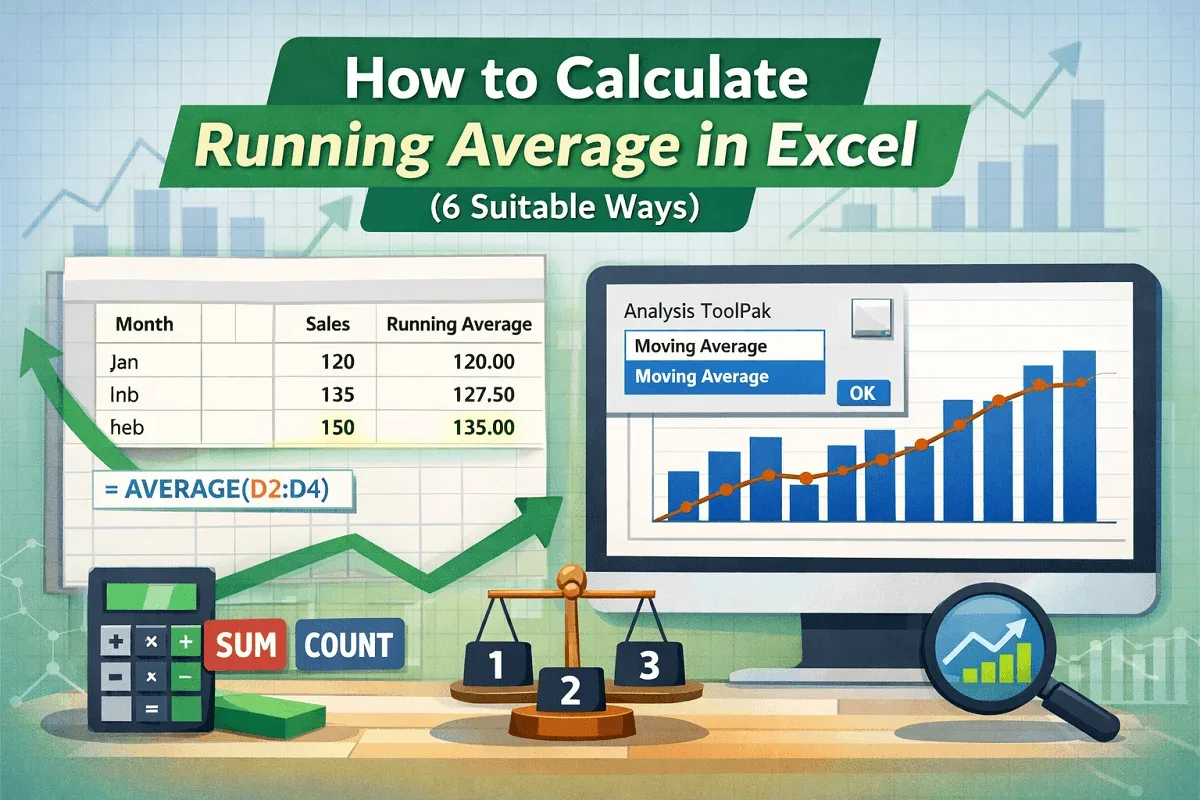
How to Calculate Running Average in Excel (6 Suitable Ways)
Learn how to calculate running averages in Excel using AVERAGE, SUM, COUNT, and visualize trends with charts and the Data Analysis ToolPak.
Read article

9 articles tagged with “Excel AVERAGEIF Function”
Learn how to calculate running averages in Excel using AVERAGE, SUM, COUNT, and visualize trends with charts and the Data Analysis ToolPak.
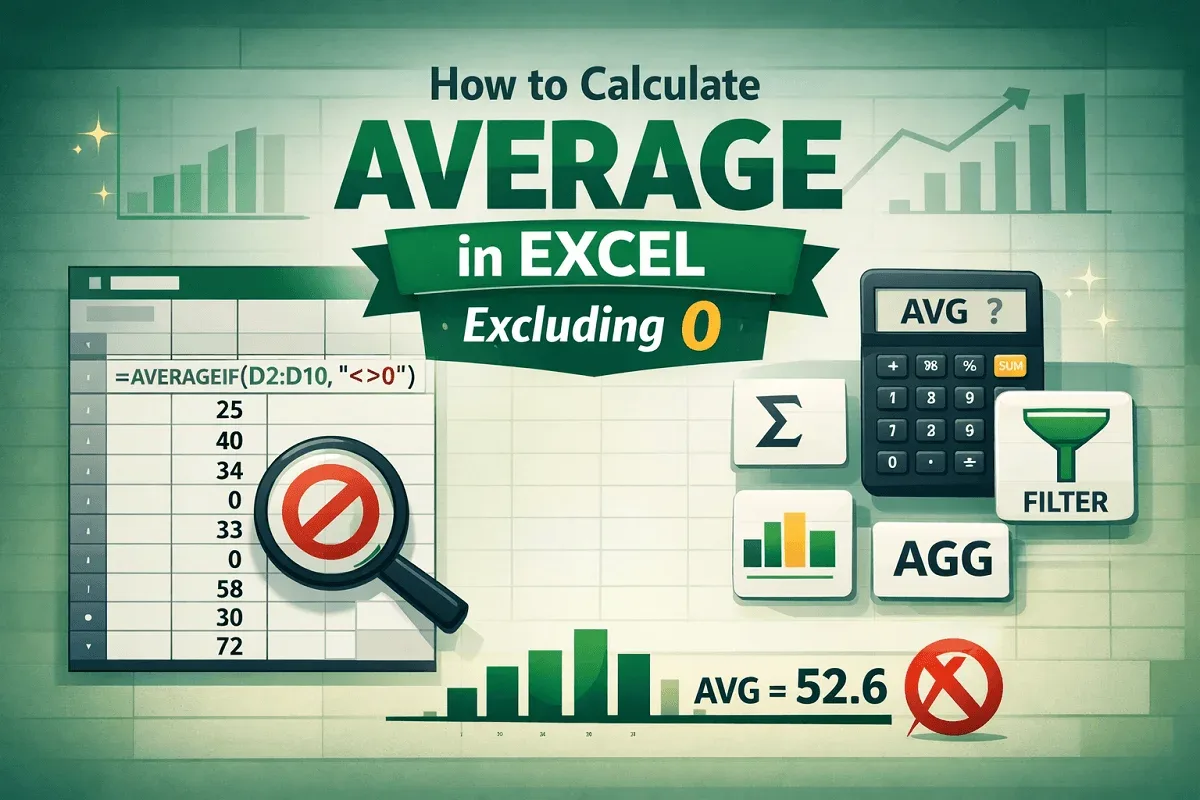
Learn how to calculate average in Excel excluding zeros using AVERAGEIF, SUM & COUNTIF, FILTER, SUBTOTAL, and AGGREGATE functions.

Learn how to average only non-blank cells in Excel using AVERAGEIF, AVERAGEIFS, IF, FILTER functions, table totals, and manual methods.

Learn how to use AVERAGEIF with multiple criteria in Excel using AVERAGEIFS, array formulas, IF with AND, and SUMIFS with COUNTIFS.
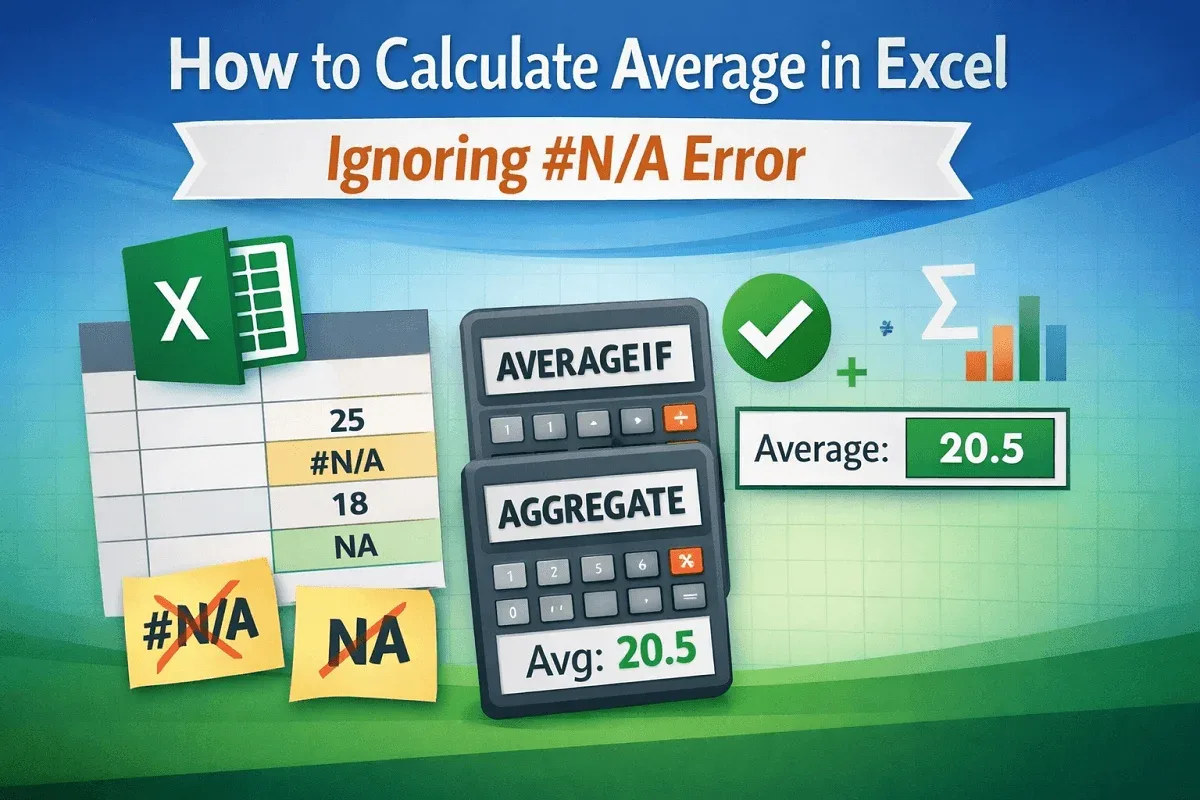
Learn how to calculate average in Excel while ignoring #N/A errors using AVERAGEIF or AGGREGATE to get accurate results without disruptions.
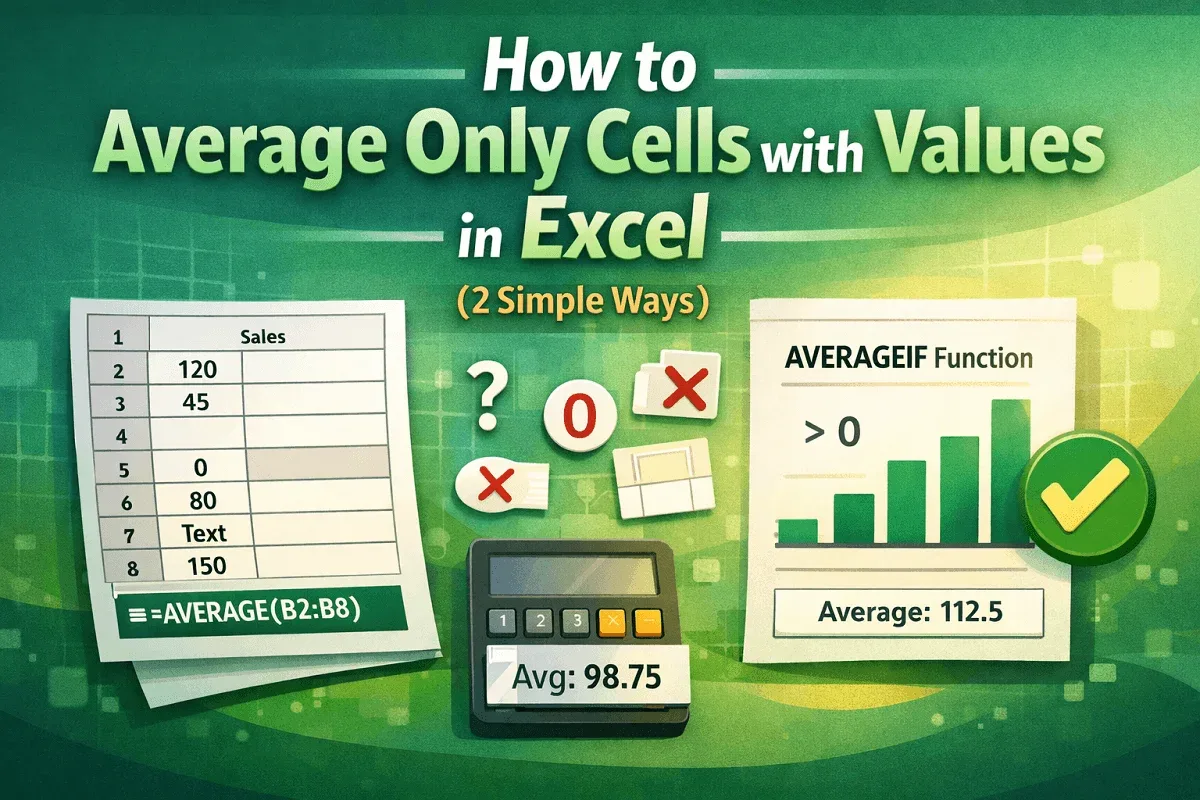
Learn how to average only cells with values in Excel using the AVERAGE function or AVERAGEIF to ignore blanks and calculate accurate results.
Learn how to use AVERAGEIF in Excel with greater than 0 criteria to calculate averages for numbers, ranges, text matches & date conditions.
Learn how to calculate the average in Excel for values between two numbers or dates using ranges, columns, and cell references effectively.

Learn how to find the average in Excel if a cell contains text using exact matches, wildcards, cell references, and AVERAGEIFS for conditions.