
Excel Pro Tips
How to Open Large Excel Files Without Crashing
Learn ways to open large Excel files without crashes, from disabling add-ins to simplifying calculations and optimizing formatting.
Read article

4 articles tagged with “Speed Up Excel Performance”
Learn ways to open large Excel files without crashes, from disabling add-ins to simplifying calculations and optimizing formatting.
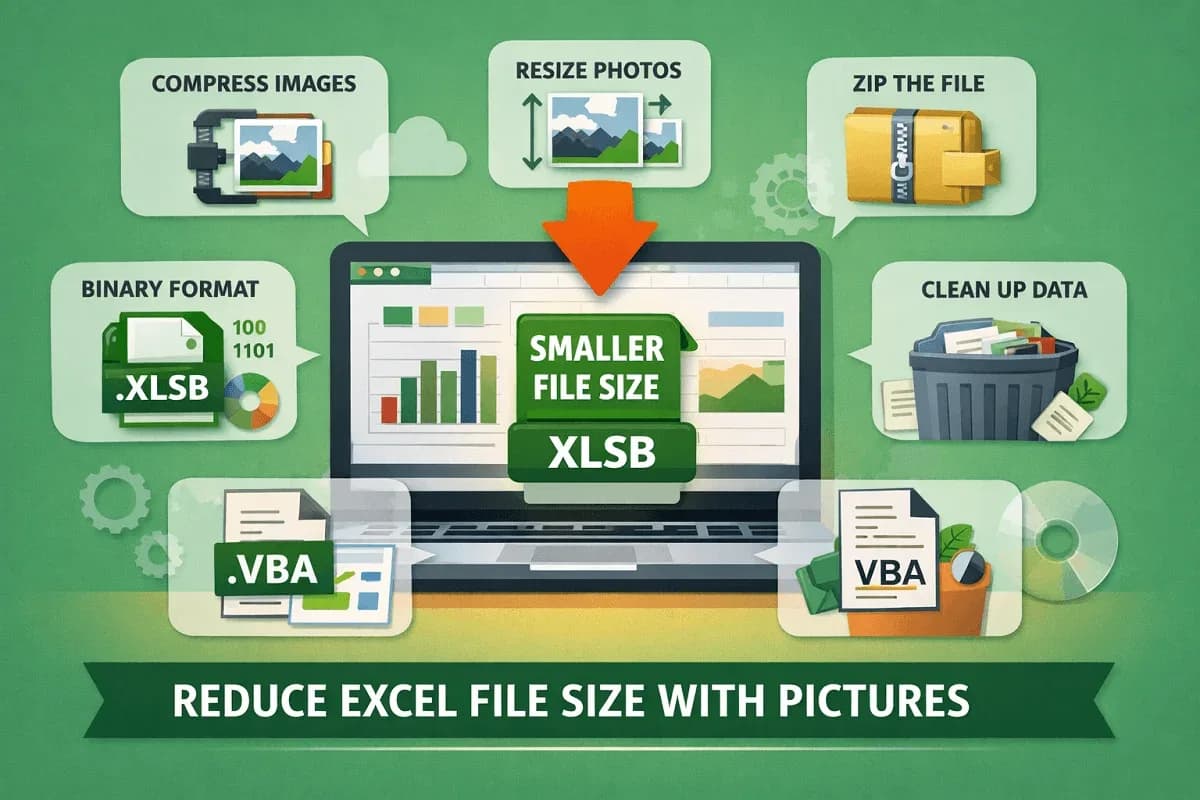
Learn effective ways to reduce Excel file size with pictures using compression, resizing, cleanup tips, and smart file-saving methods.

Learn how to stop calculating threads in Excel by disabling multi-threading, using manual mode, limiting threads, or applying VBA fixes.

Speed up Excel with large data by disabling auto calculations, optimizing formulas, cleaning up styles, and using efficient file formats.