
Excel Pro Tips
How to Split One Cell into Two Parts in Excel (2 Criteria)
Learn how to split one cell into two parts in Excel, either diagonally or visually using cell colors for better data presentation.
Read article

8 articles tagged with “Split Text in Excel”
Learn how to split one cell into two parts in Excel, either diagonally or visually using cell colors for better data presentation.

Learn how to split a string by character in Excel using MID, TEXTSPLIT, Power Query, or a VBA macro for quick and easy text parsing.

Learn how to split a string by length in Excel using LEFT, MID, RIGHT functions, Power Query, Flash Fill, and Text to Columns.
Learn how to split text into columns automatically in Excel using formulas like LEFT, MID, RIGHT, FILTERXML, TEXTSPLIT, and more.
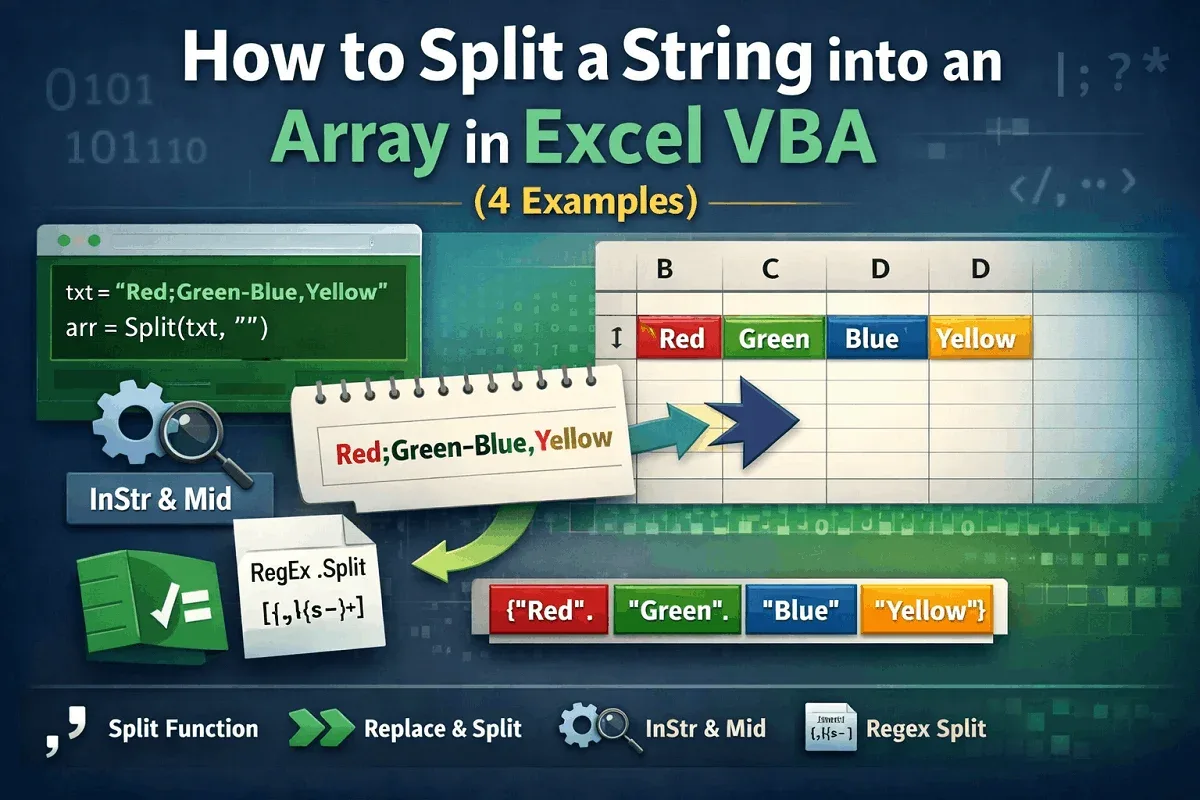
Learn how to split a string into an array in Excel VBA using Split, Replace, InStr with Mid, and Regex for handling delimiters & patterns.
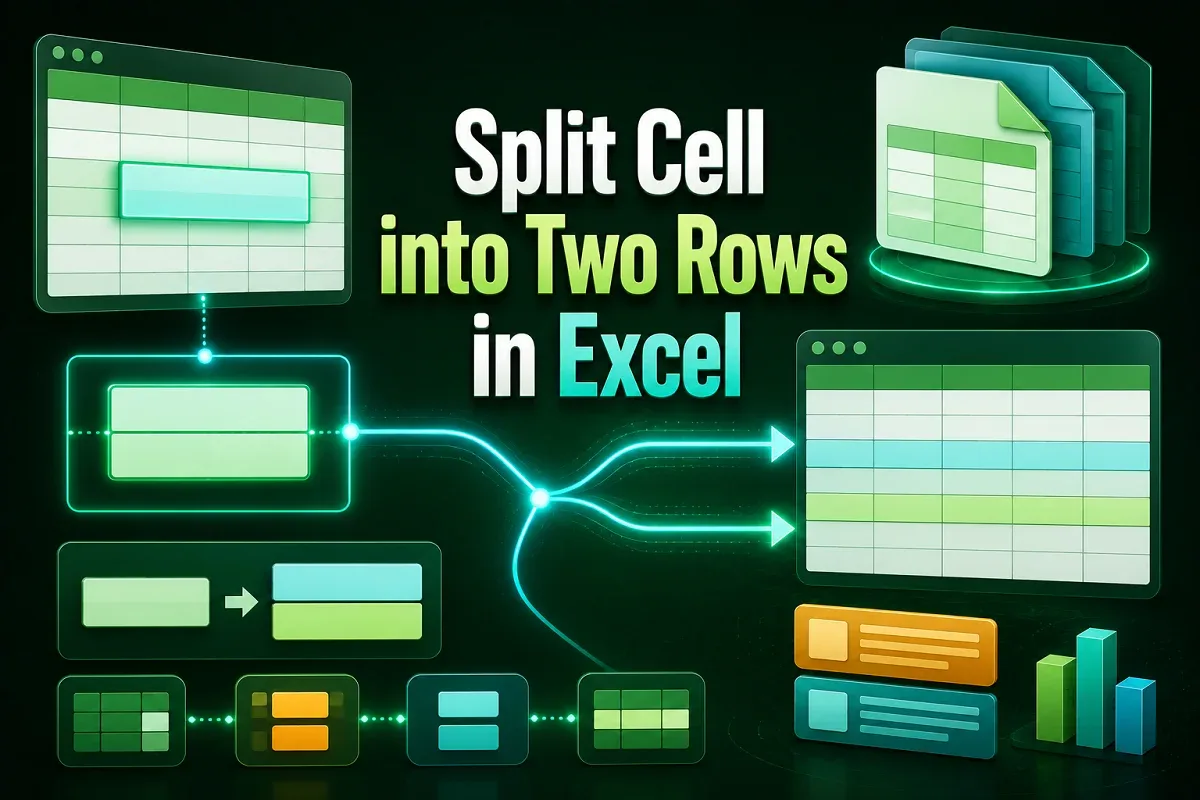
Learn how to split a cell into two rows in Excel using manual methods, formulas, Power Query, VBA, and advanced functions like TEXTSPLIT.

Learn how to separate first and last names with space in Excel using formulas like LEFT, RIGHT, FIND, TEXTSPLIT, TEXTBEFORE, and TEXTAFTER.
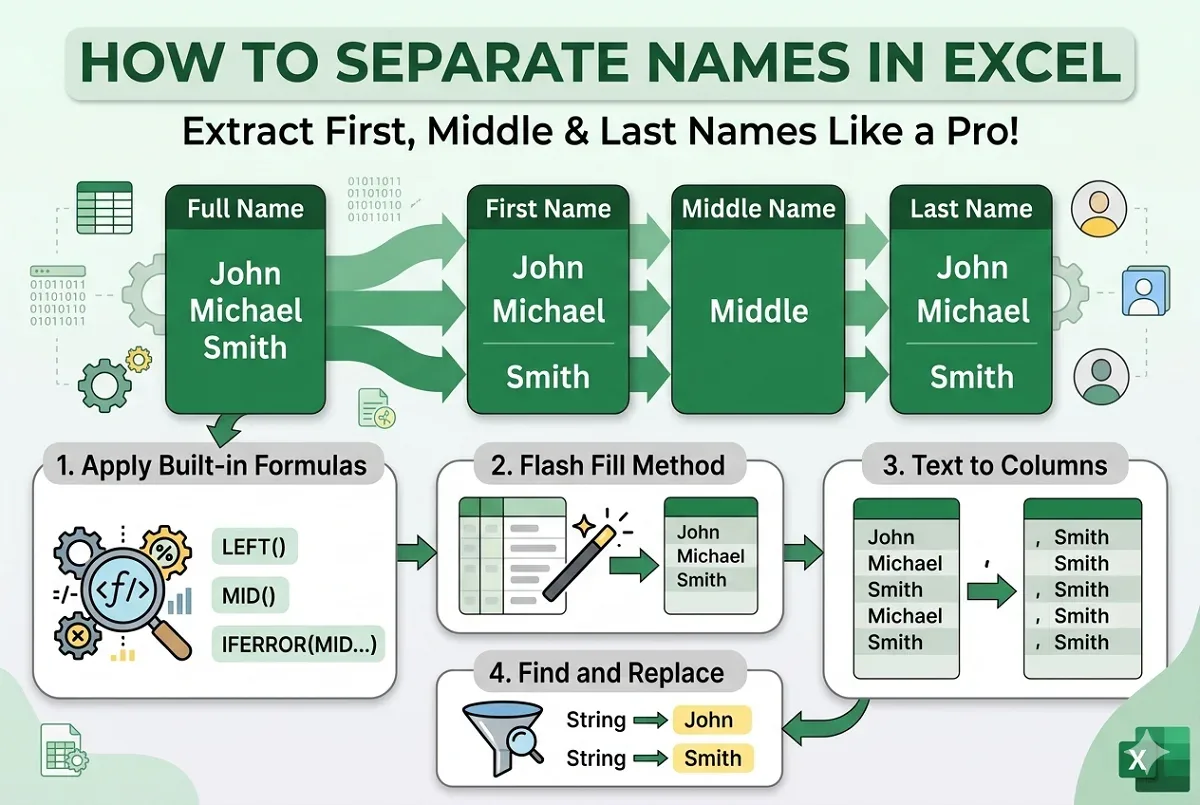
Learn how to separate first, middle, and last names in Excel using formulas, Text to Columns, Flash Fill, and Find and Replace techniques.