Excel Pro Tips
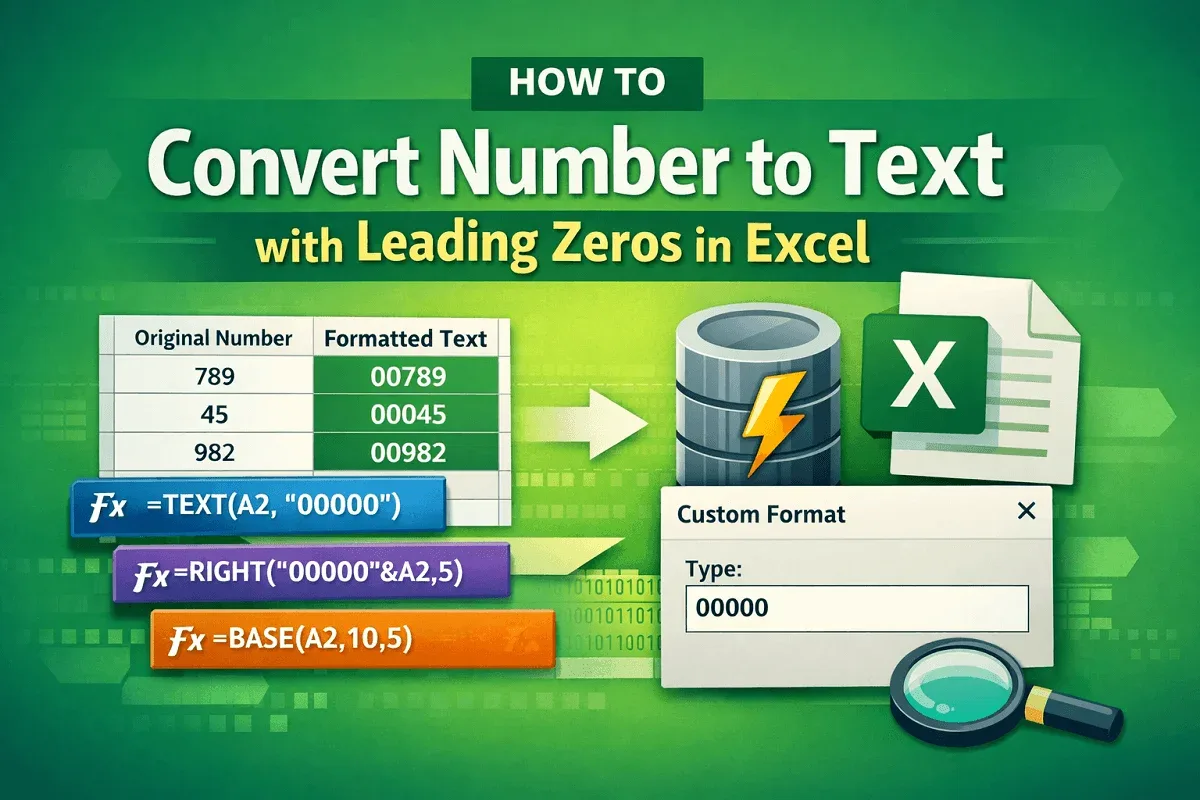
How to Convert Number to Text with Leading Zeros in Excel
Learn simple Excel methods to convert numbers to text with leading zeros, using TEXT, RIGHT, custom formats, Power Query, and more.
Read article

Tasmia Rahim holds a B.Sc in Electrical Engineering with a focus on automation and embedded systems, supporting logic-driven spreadsheet workflows. With 2 years of Excel and Google Sheets experience, she works with conditional formatting and basic automation. She is interested in using macros and ActiveX controls to simplify Excel tasks and improve usability.
Articles by Tasmia Rahim are developed under the guidance of ExcelInsider’s core training program and are technically reviewed by Nehad Ulfat, lead spreadsheet consultant, to ensure accuracy and user-centric value.
Learn simple Excel methods to convert numbers to text with leading zeros, using TEXT, RIGHT, custom formats, Power Query, and more.
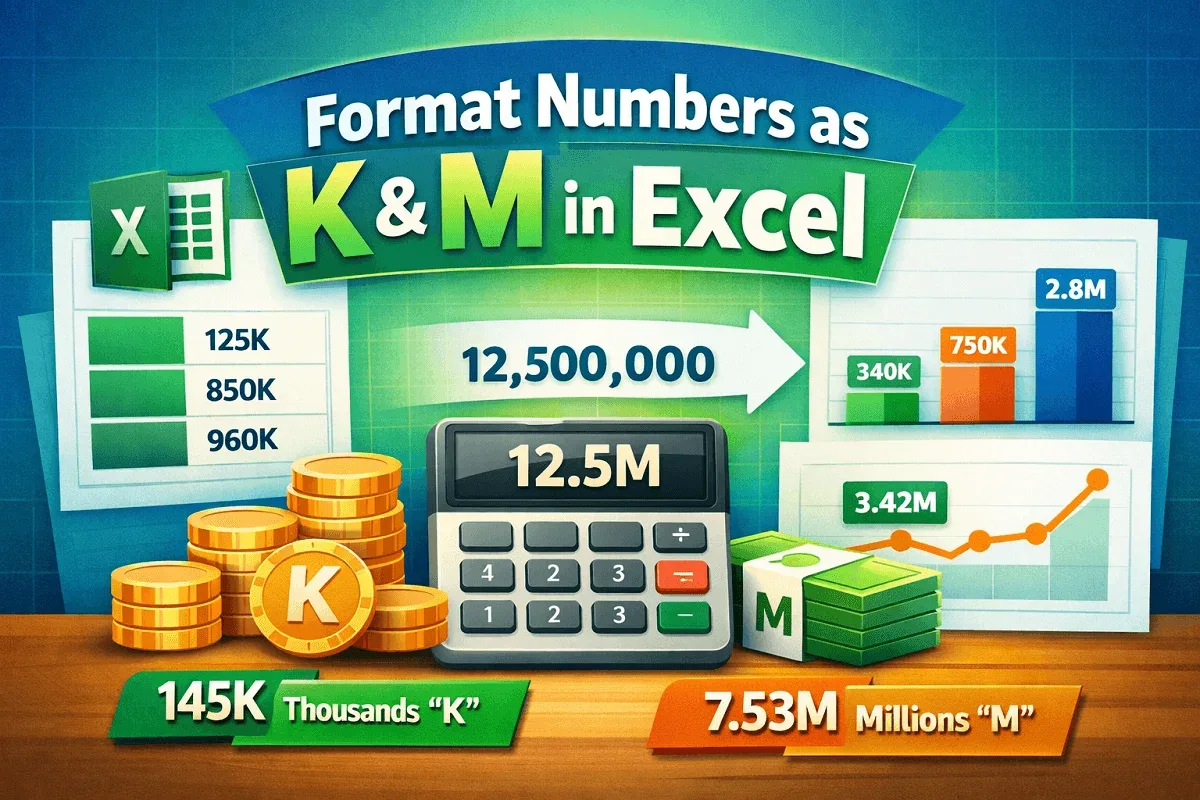
Learn how to format numbers in Excel with “K” for thousands and “M” for millions using custom formatting, TEXT functions, and automated rules.

Learn how to stop calculating threads in Excel by disabling multi-threading, using manual mode, limiting threads, or applying VBA fixes.
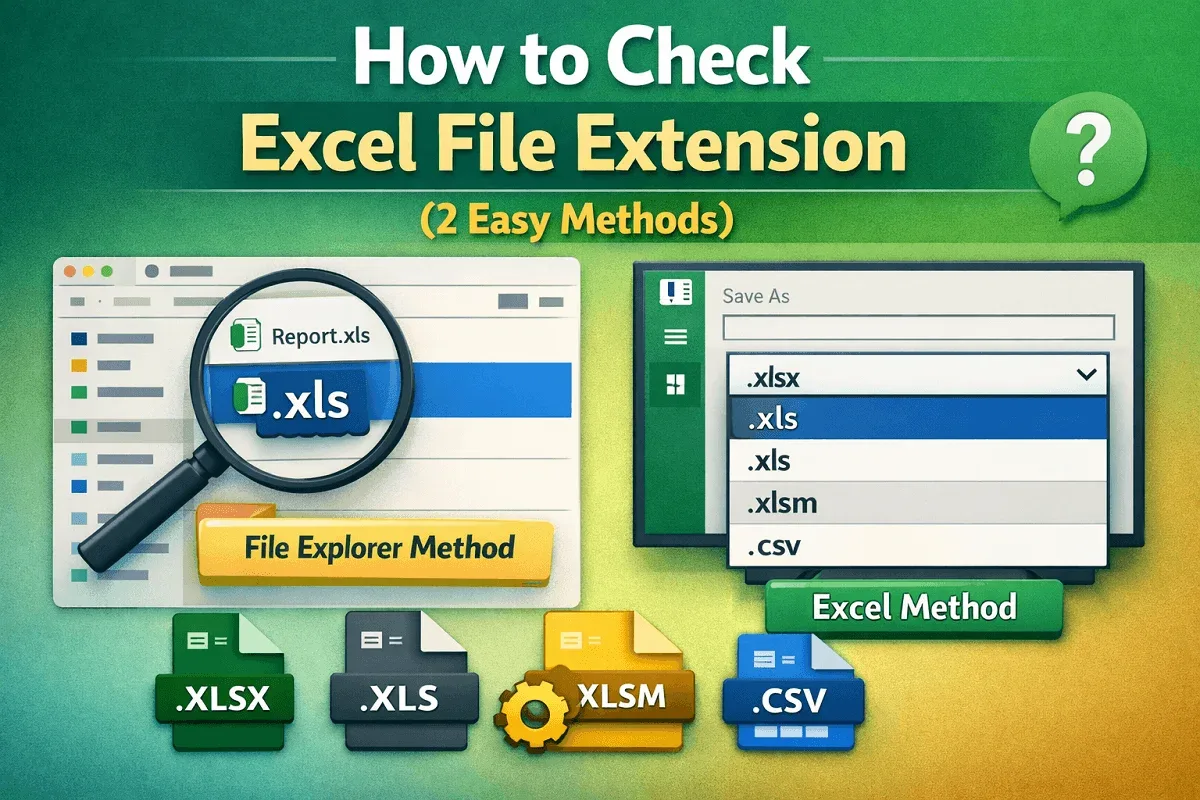
Learn how to check an Excel file extension using File Explorer or directly within Excel to quickly identify formats like XLS, XLSX, and more.
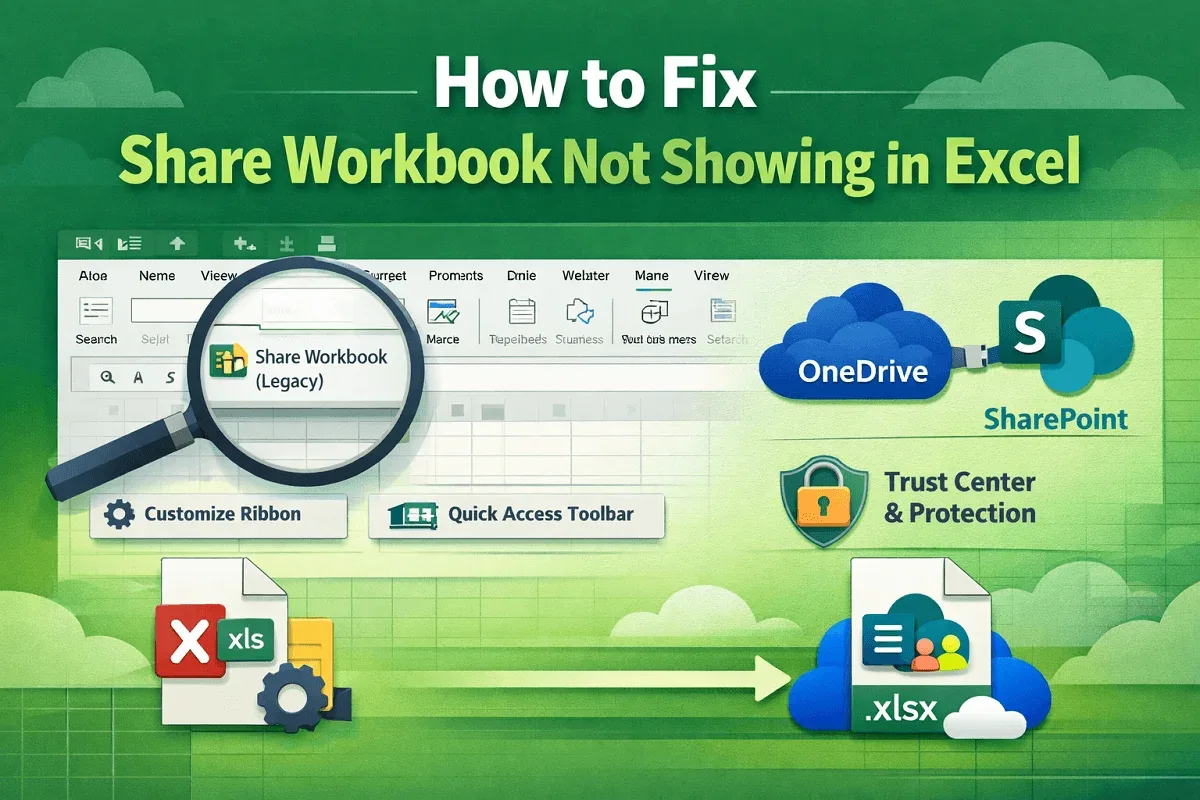
Fix Share Workbook not showing in Excel by adding the legacy command, adjusting Trust Center settings, and using modern co-authoring.
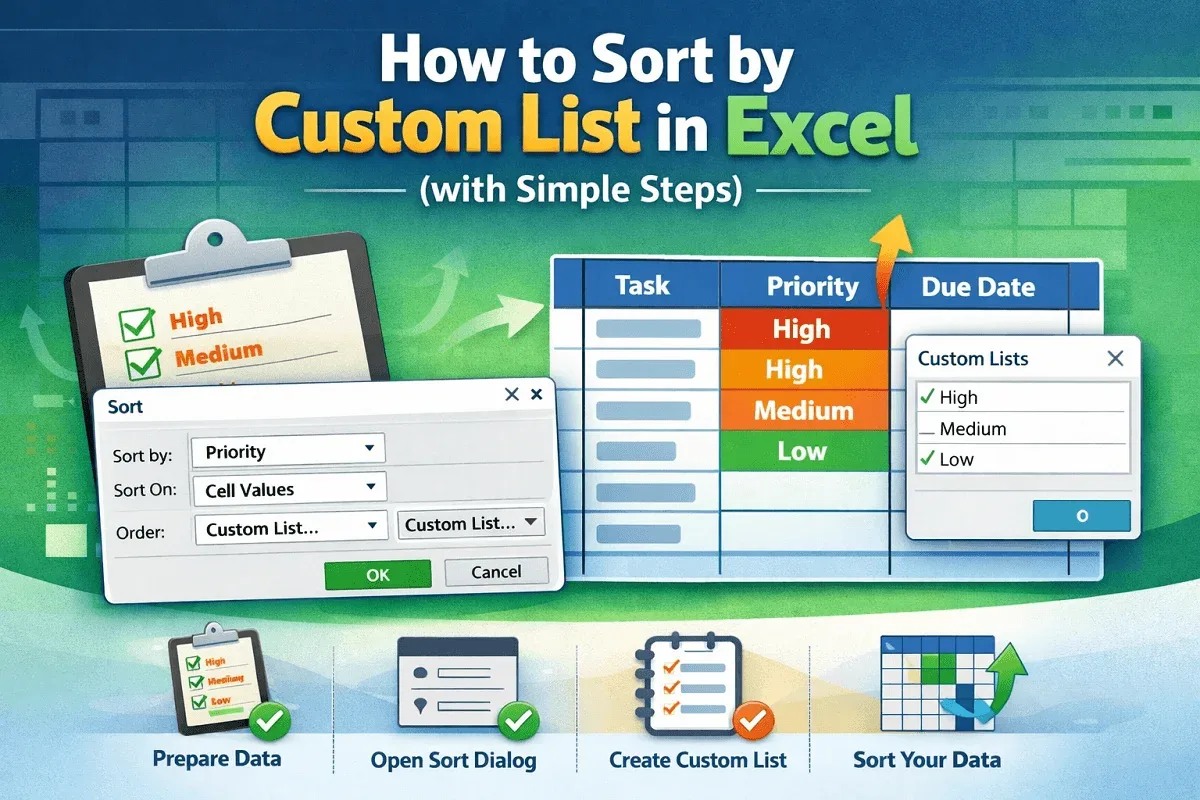
Learn how to sort data in Excel using a custom list with clear steps for preparing your dataset, choosing a column, and completing the sort.
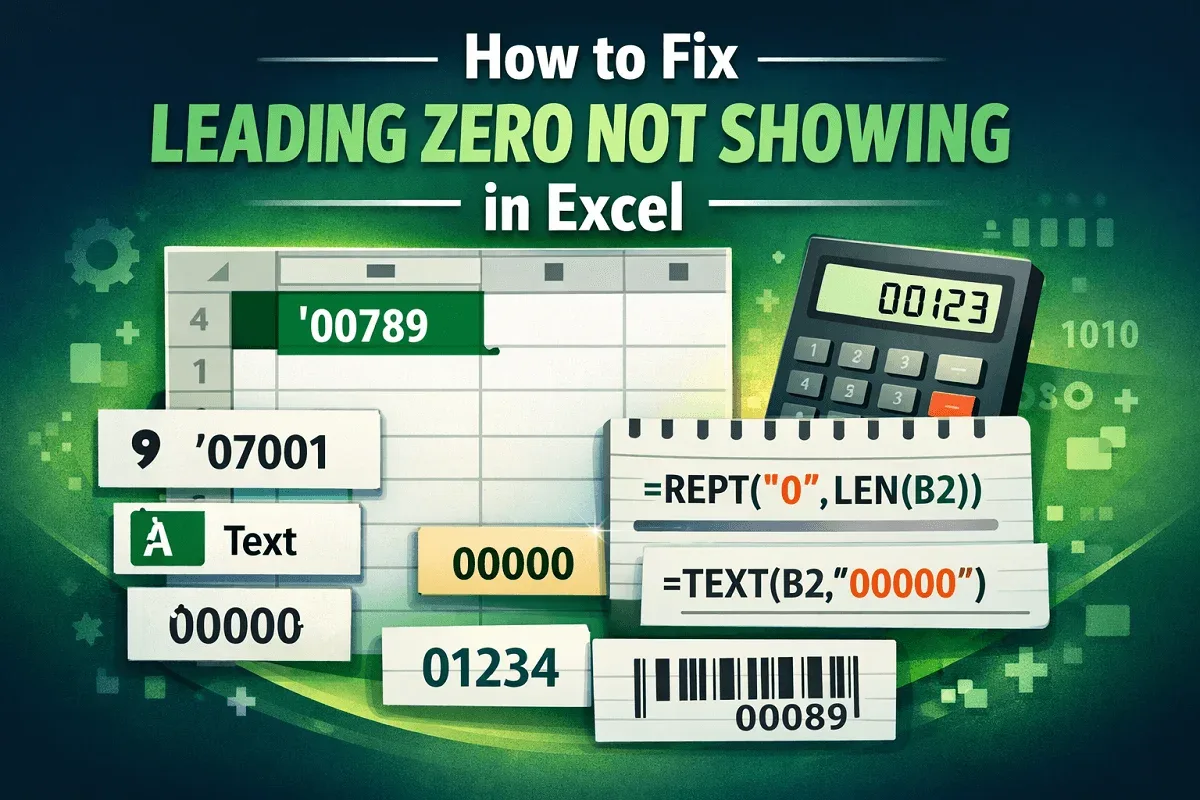
Learn how to fix leading zeros not showing in Excel using text formatting, custom formats, apostrophes, REPT, LEN, and the TEXT function.
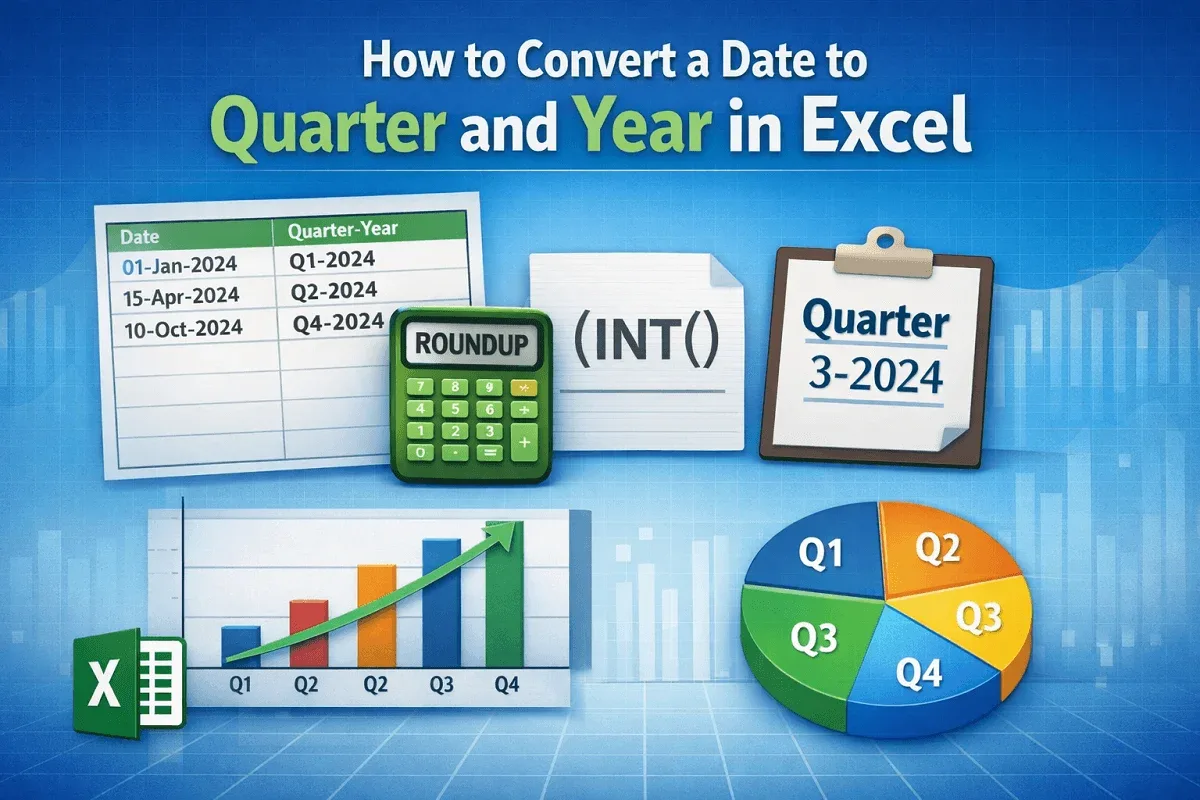
Learn how to convert dates to quarter and year in Excel using ROUNDUP, INT, and custom labels for clear, professional quarterly reporting.
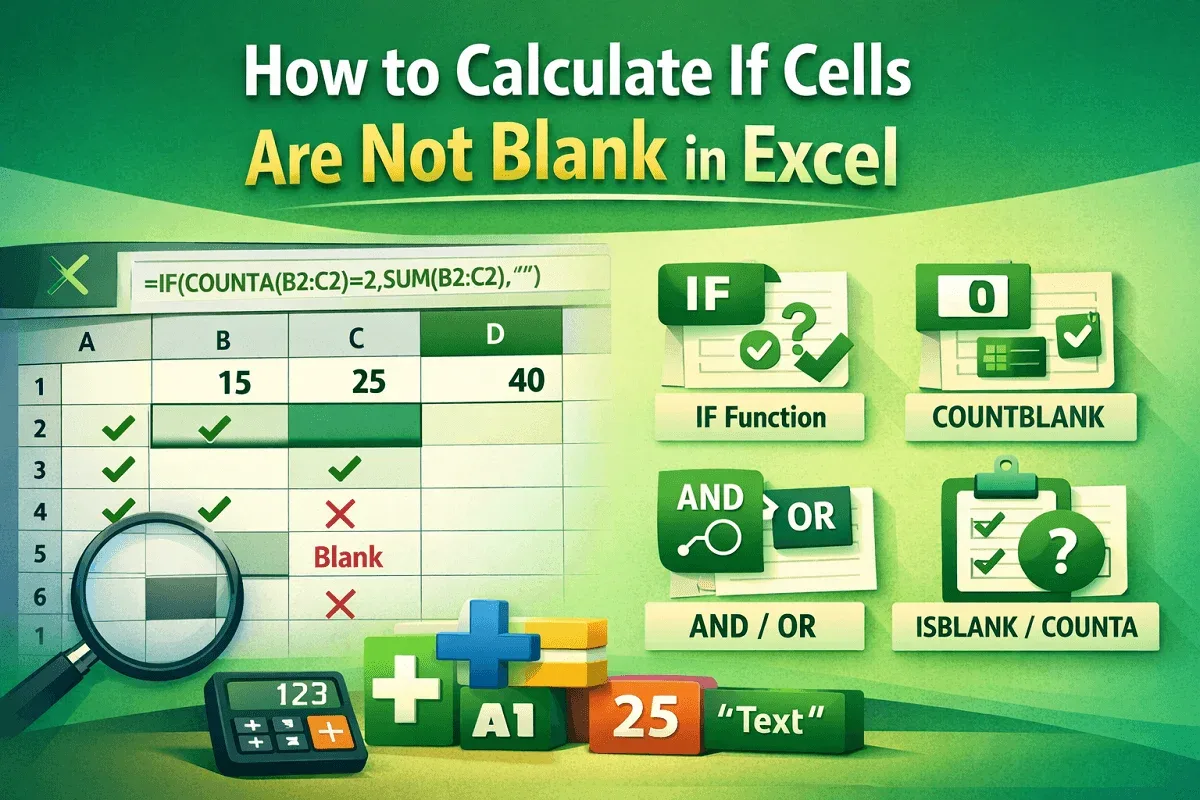
Learn how to calculate in Excel when cells are not blank using IF, COUNTBLANK, COUNTA, AND/OR, and ISBLANK for accurate data checks.

Learn easy Excel methods to convert text with spaces into numbers using SUBSTITUTE, VALUE, CHAR, Text to Columns, and CONCAT techniques.
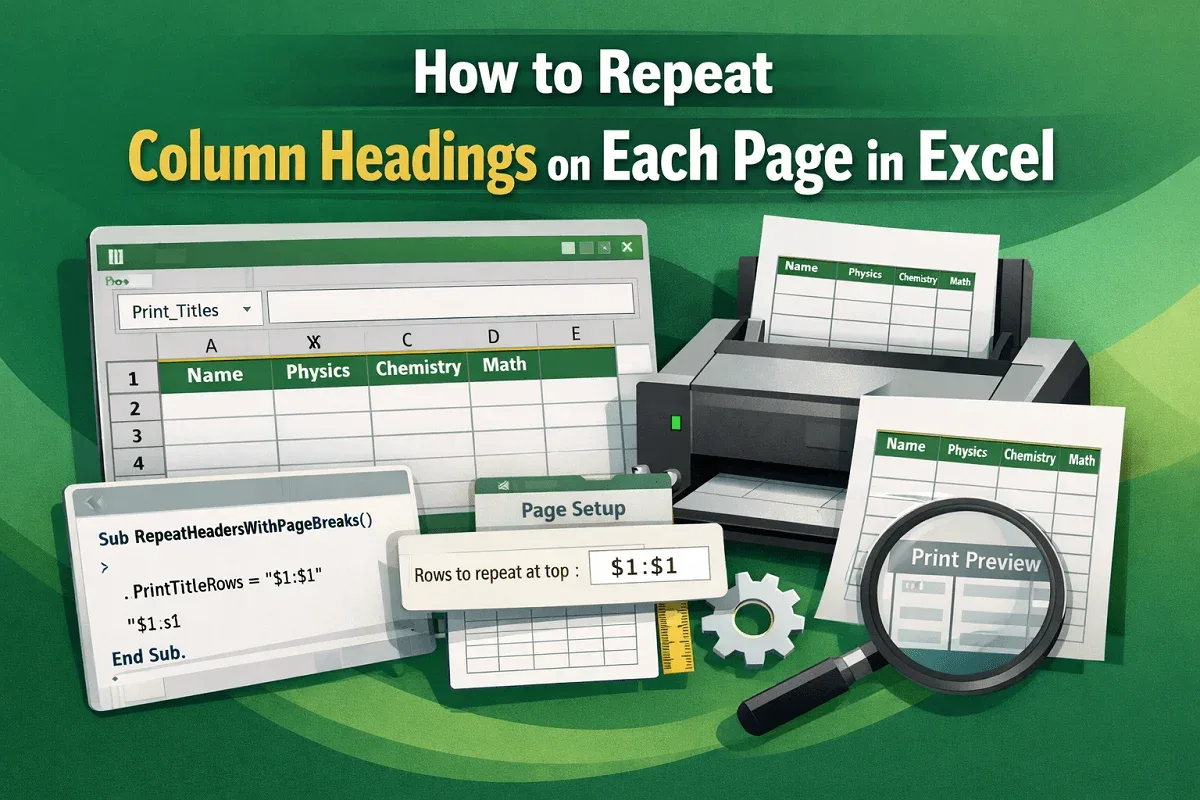
Learn how to repeat column headings on every printed page in Excel using Print Titles, Page Setup adjustments, or a simple VBA solution.

Automate data entry in Excel using simple cell links, dynamic Power Query imports, or fully automated workflows with VBA macros.