Excel Insider
Excel Pro Tips
How to Copy Table from Excel to PowerPoint with Formatting
Learn how to copy a table from Excel to PowerPoint with formatting intact, embed live data, or paste as a static image easily in minutes.
Read article

Tasmia Rahim holds a B.Sc in Electrical Engineering with a focus on automation and embedded systems, supporting logic-driven spreadsheet workflows. With 2 years of Excel and Google Sheets experience, she works with conditional formatting and basic automation. She is interested in using macros and ActiveX controls to simplify Excel tasks and improve usability.
Articles by Tasmia Rahim are developed under the guidance of ExcelInsider’s core training program and are technically reviewed by Nehad Ulfat, lead spreadsheet consultant, to ensure accuracy and user-centric value.
Learn how to copy a table from Excel to PowerPoint with formatting intact, embed live data, or paste as a static image easily in minutes.
Learn how to mail merge from Excel to PowerPoint using Word, with step-by-step instructions to prepare data and generate slides.

Learn how to get the first 3 characters from a cell in Excel using LEFT, MID, FIND, Flash Fill, Text to Columns, and VBA in simple steps.
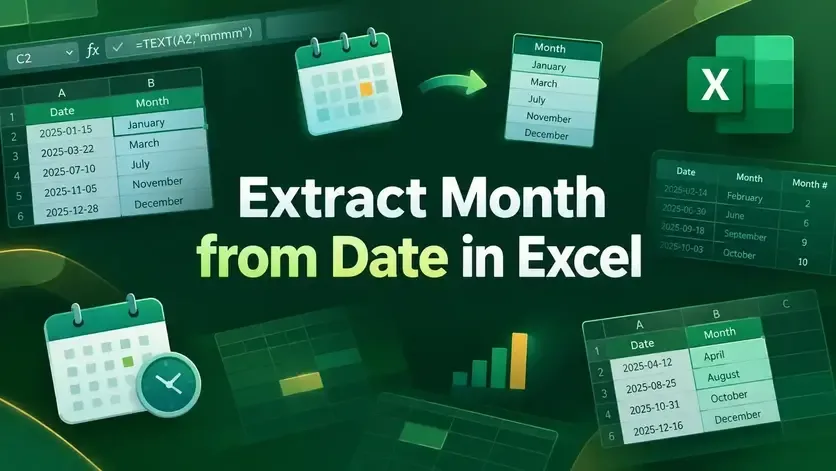
Learn how to extract month from date in Excel using custom formats, TEXT, MONTH, CHOOSE, SWITCH functions, and Power Query methods.
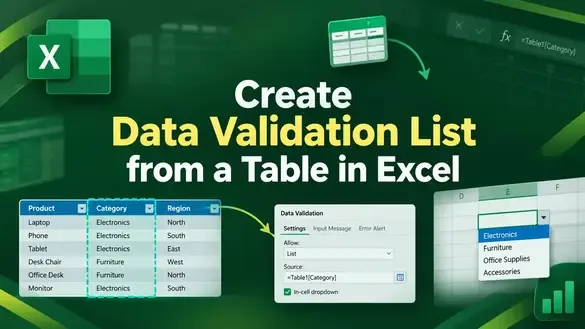
Learn how to create a data validation list from a table in Excel using dynamic ranges, INDIRECT, spill ranges, and named formulas.
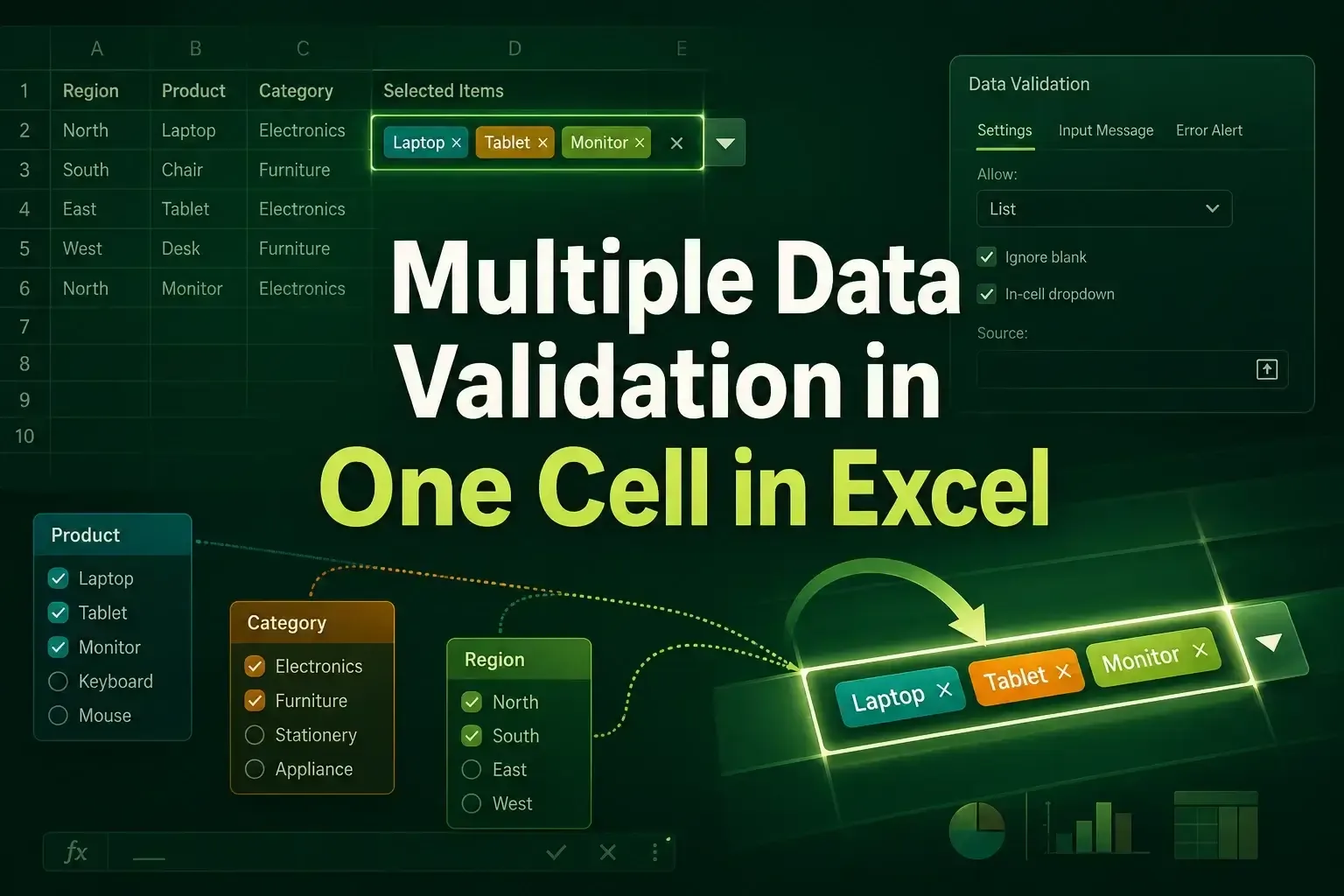
Learn how to apply multiple data validation rules in one Excel cell using AND/OR formulas, custom criteria, and VBA automation.
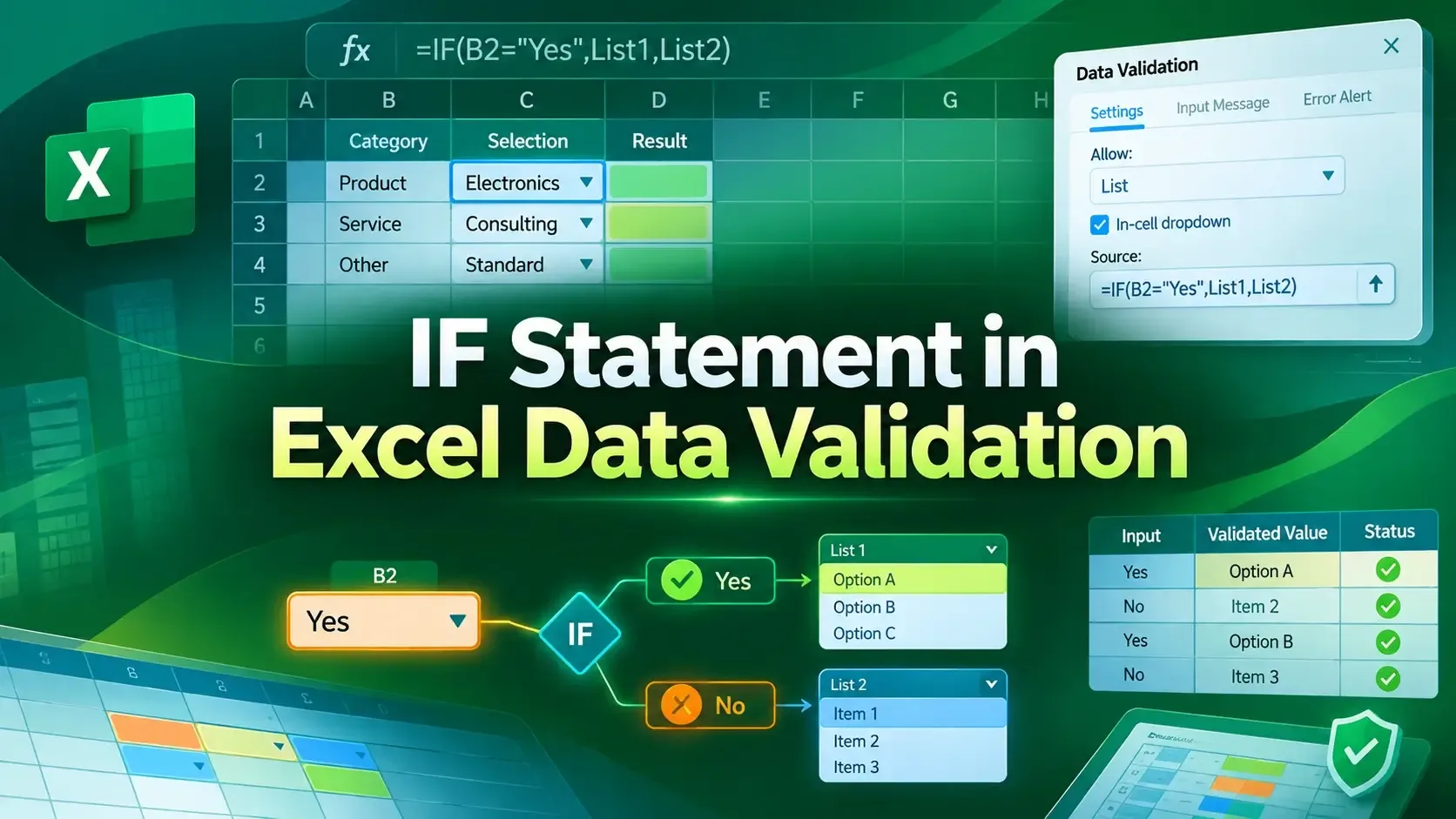
Learn how to use the IF statement in Excel Data Validation to create conditional, dependent dropdown lists and custom error alerts.
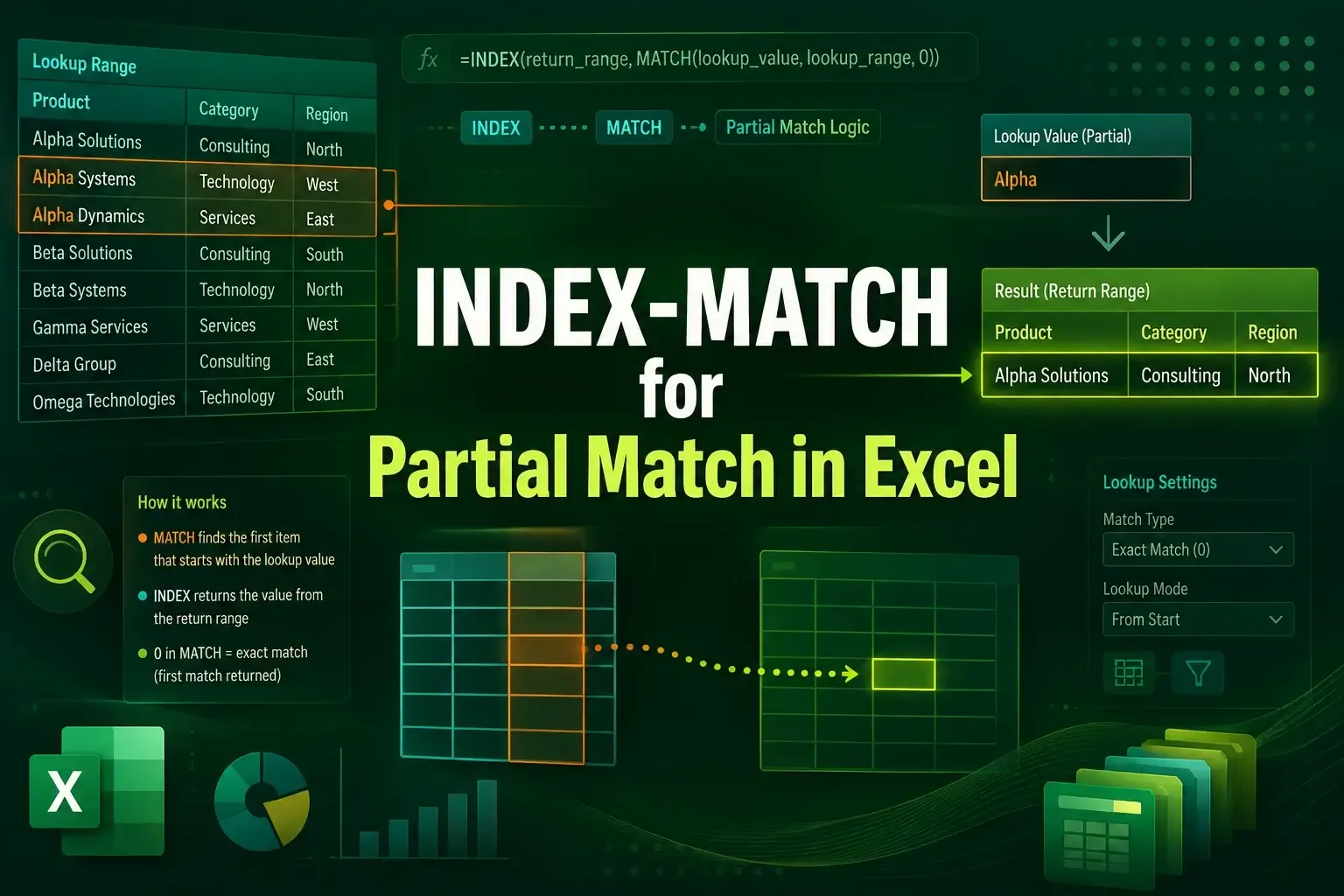
Learn how to use INDEX-MATCH for partial match in Excel to find text anywhere, match specific patterns, and return dynamic results.

Learn how to use SUMIF for partial match in Excel with wildcards, multiple conditions, cell references, and text replacement techniques.

Learn how to show percentage change in an Excel graph using error bars and helper columns for clear, accurate data visualization

Learn how to find a named range in Excel using the Name Box, Go To dialog, and Name Manager to quickly locate and manage ranges.
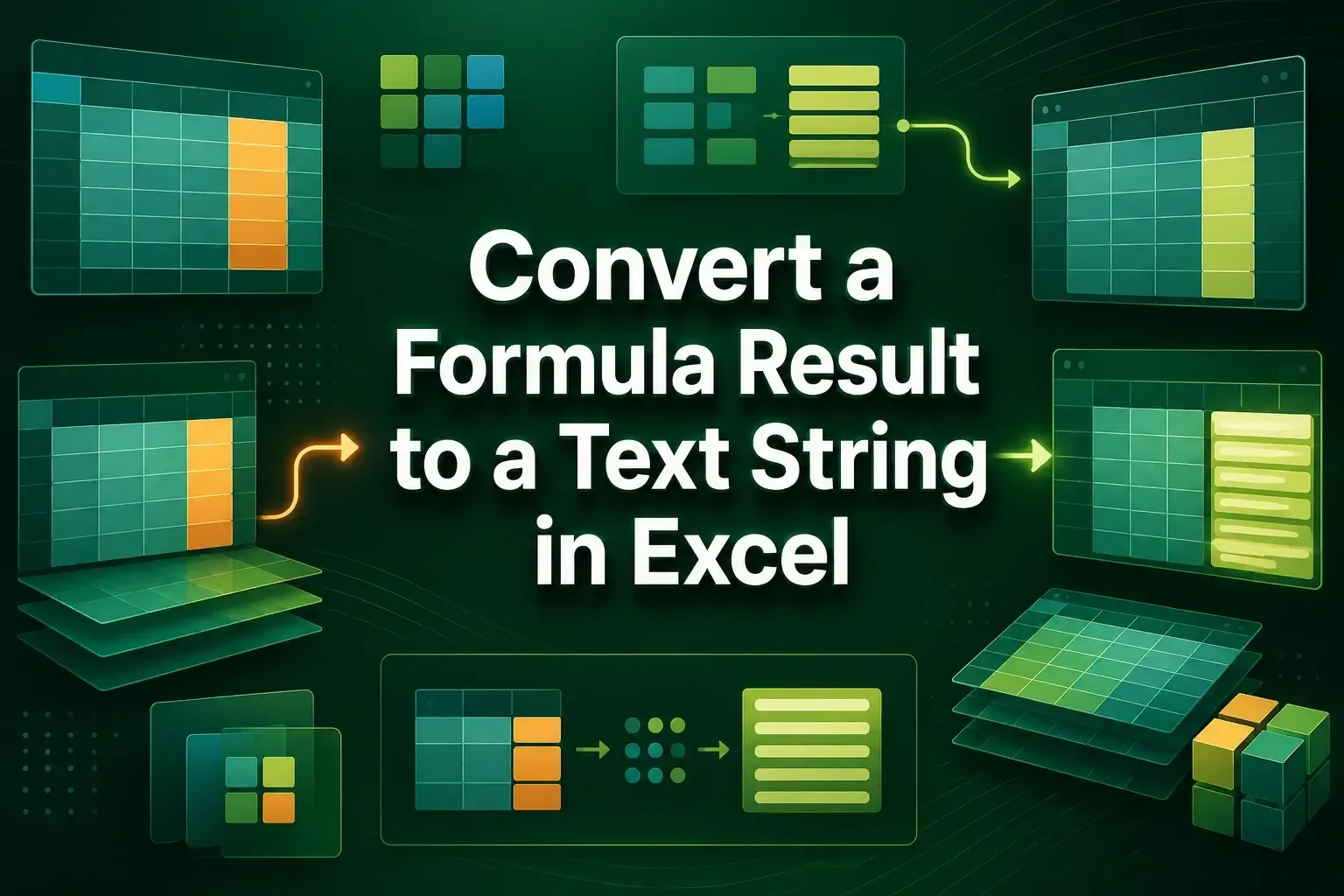
Learn how to convert a formula result to a text string in Excel using TEXT, paste values, Find Replace, Power Query, and VBA methods.