Excel Pro Tips
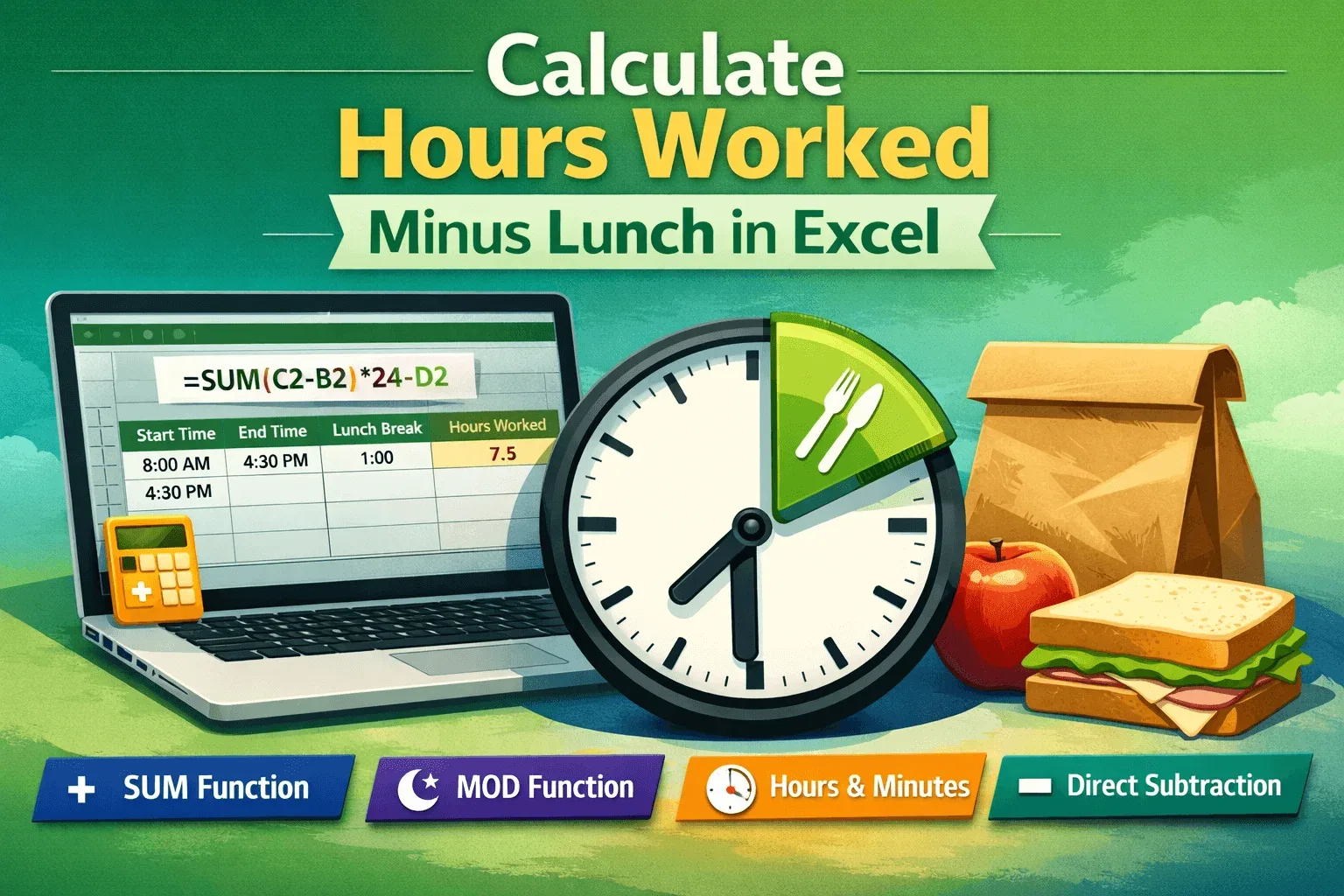
Excel Formula to Calculate Hours Worked Minus Lunch
Learn simple Excel methods to calculate hours worked minus lunch using SUM, MOD, direct subtraction, and format results in hours and minutes.
Read article

Tasmia Rahim holds a B.Sc in Electrical Engineering with a focus on automation and embedded systems, supporting logic-driven spreadsheet workflows. With 2 years of Excel and Google Sheets experience, she works with conditional formatting and basic automation. She is interested in using macros and ActiveX controls to simplify Excel tasks and improve usability.
Articles by Tasmia Rahim are developed under the guidance of ExcelInsider’s core training program and are technically reviewed by Nehad Ulfat, lead spreadsheet consultant, to ensure accuracy and user-centric value.
Learn simple Excel methods to calculate hours worked minus lunch using SUM, MOD, direct subtraction, and format results in hours and minutes.
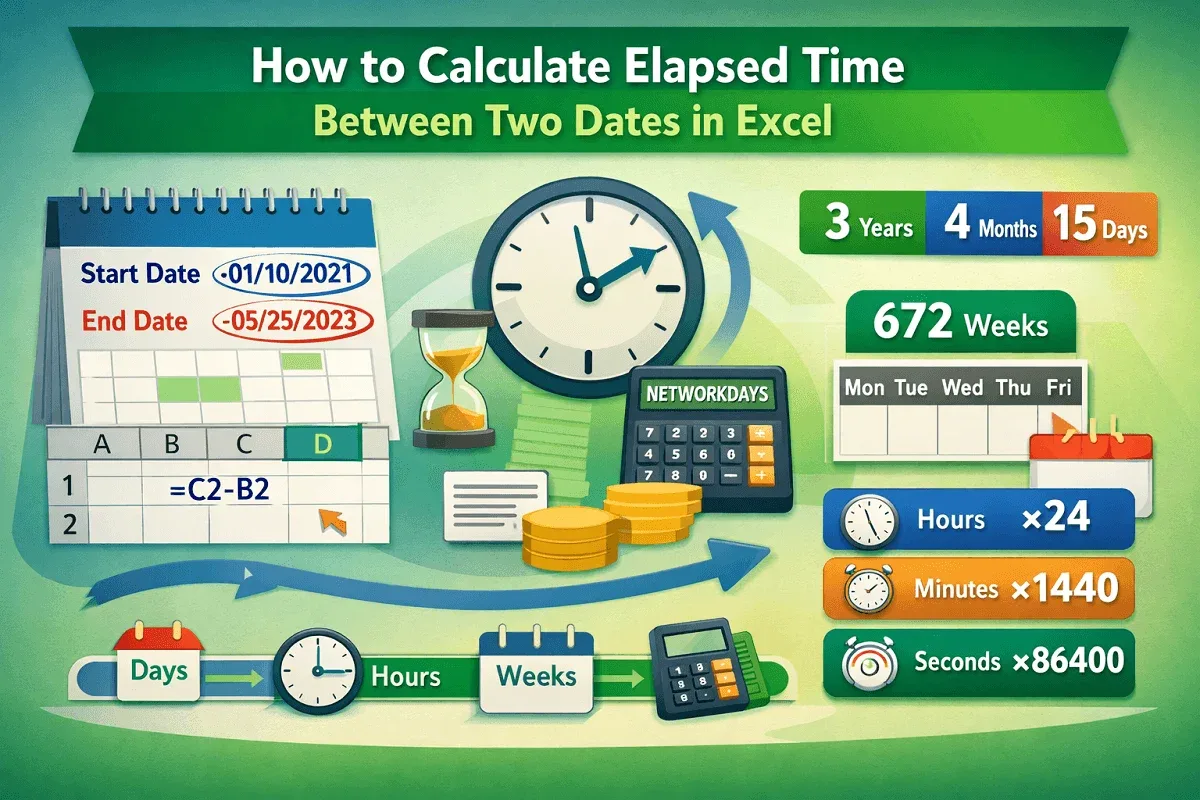
Learn how to calculate elapsed time between two dates in Excel using subtraction, DATEDIF, NETWORKDAYS, and unit conversions.
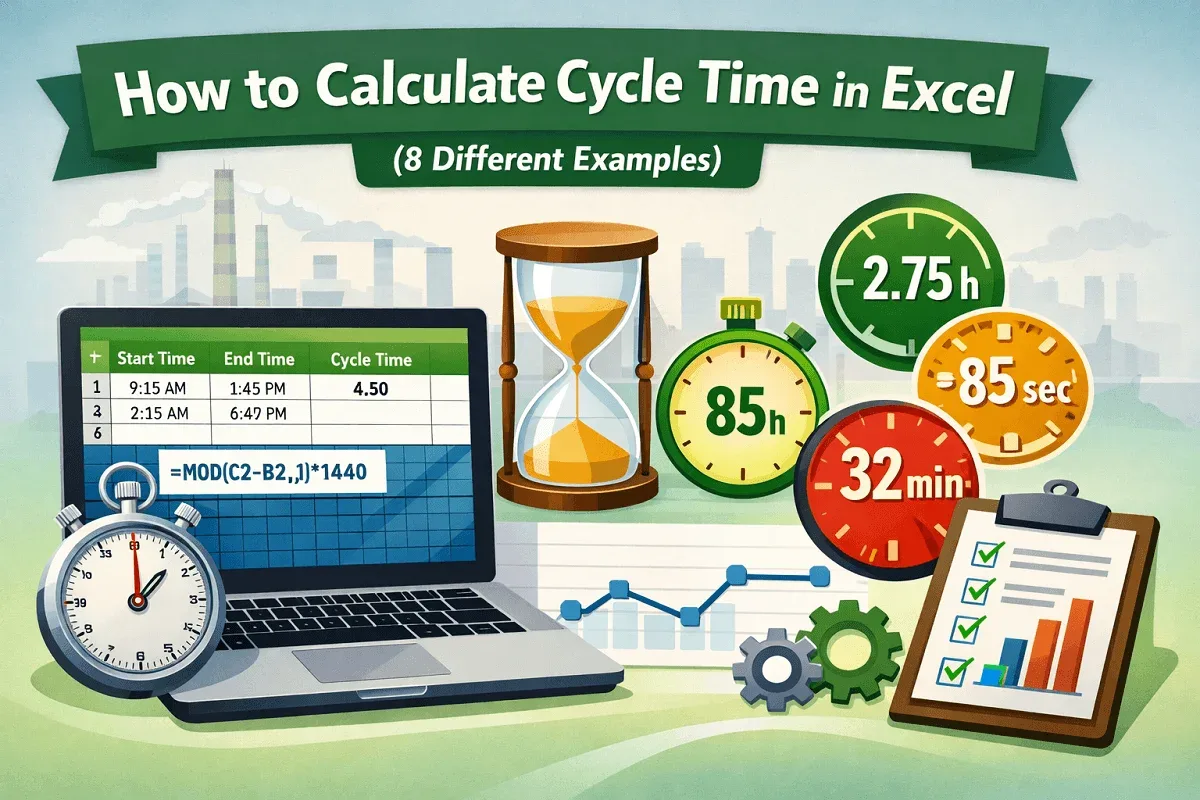
Learn how to calculate cycle time in Excel using subtraction, MOD, and unit-based formulas for minutes, seconds, and hours accurately.
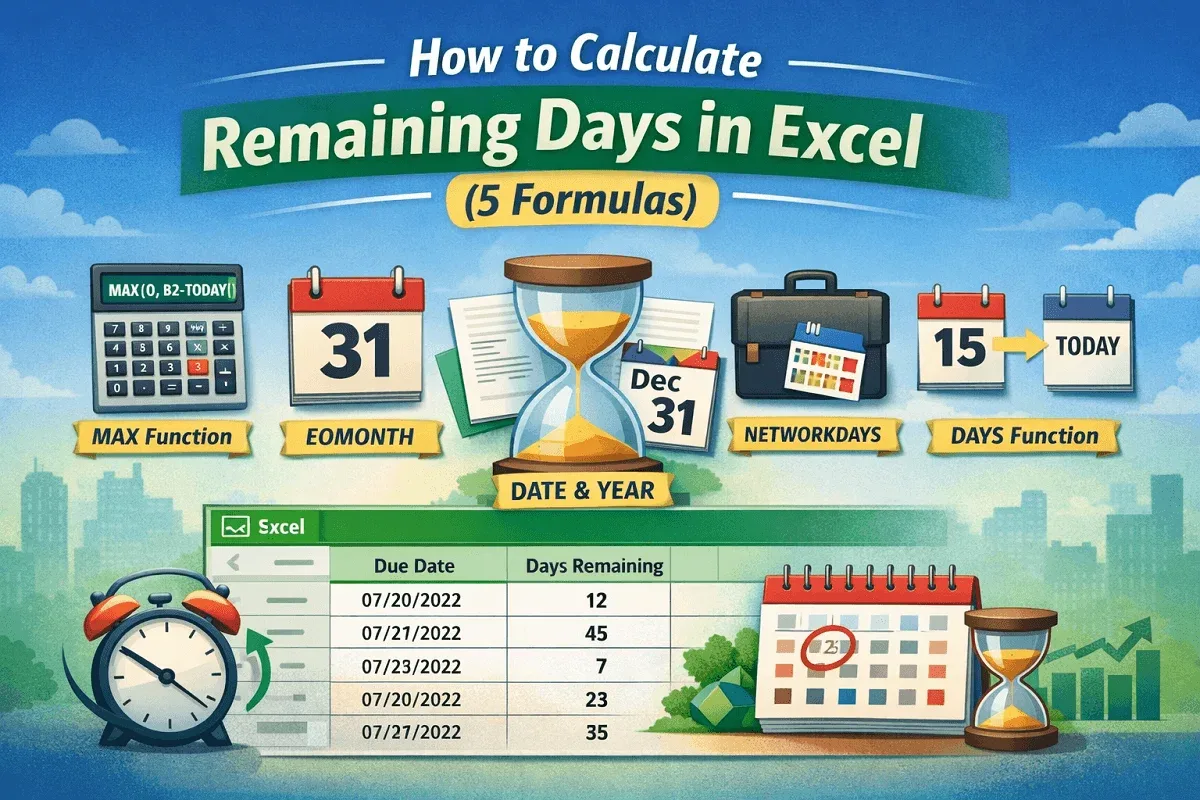
Learn how to calculate remaining days in Excel using MAX, DAYS, EOMONTH, NETWORKDAYS, and DATE functions for accurate, negative-free results.
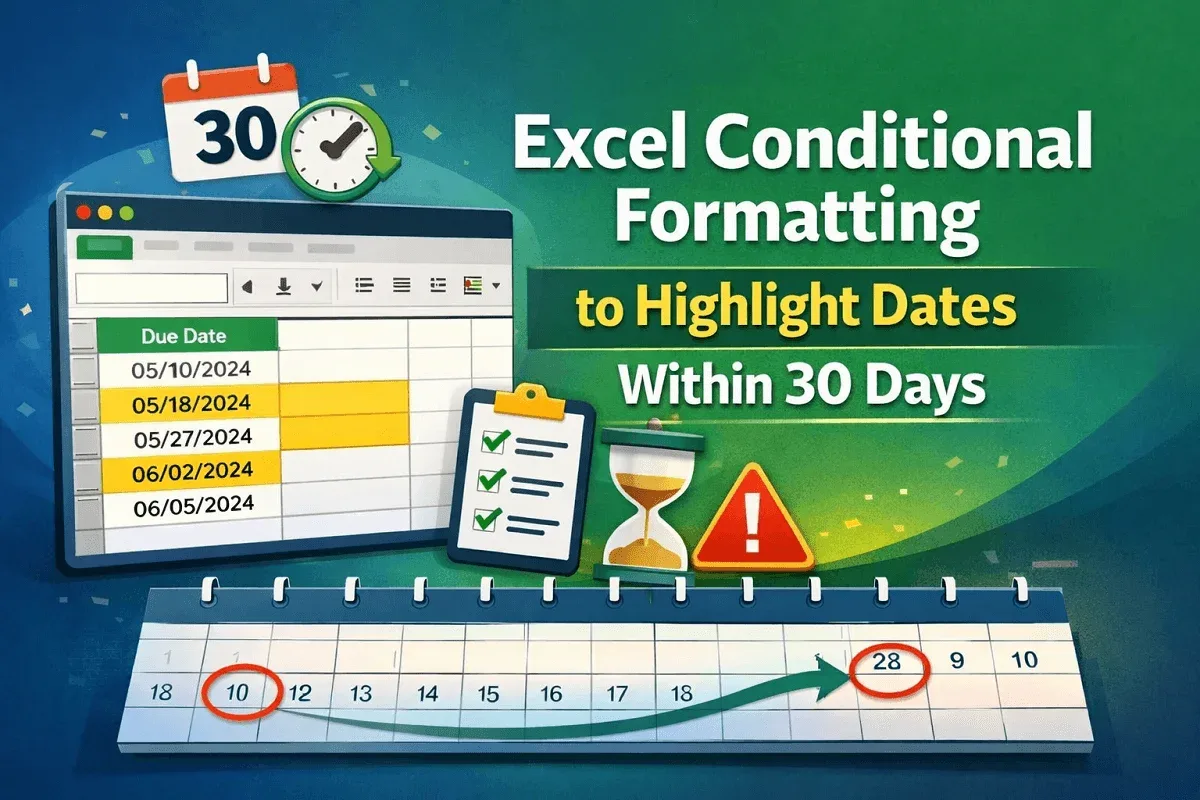
Learn how to use Excel conditional formatting to highlight dates within 30 days using TODAY and AND for dynamic tracking and accuracy.
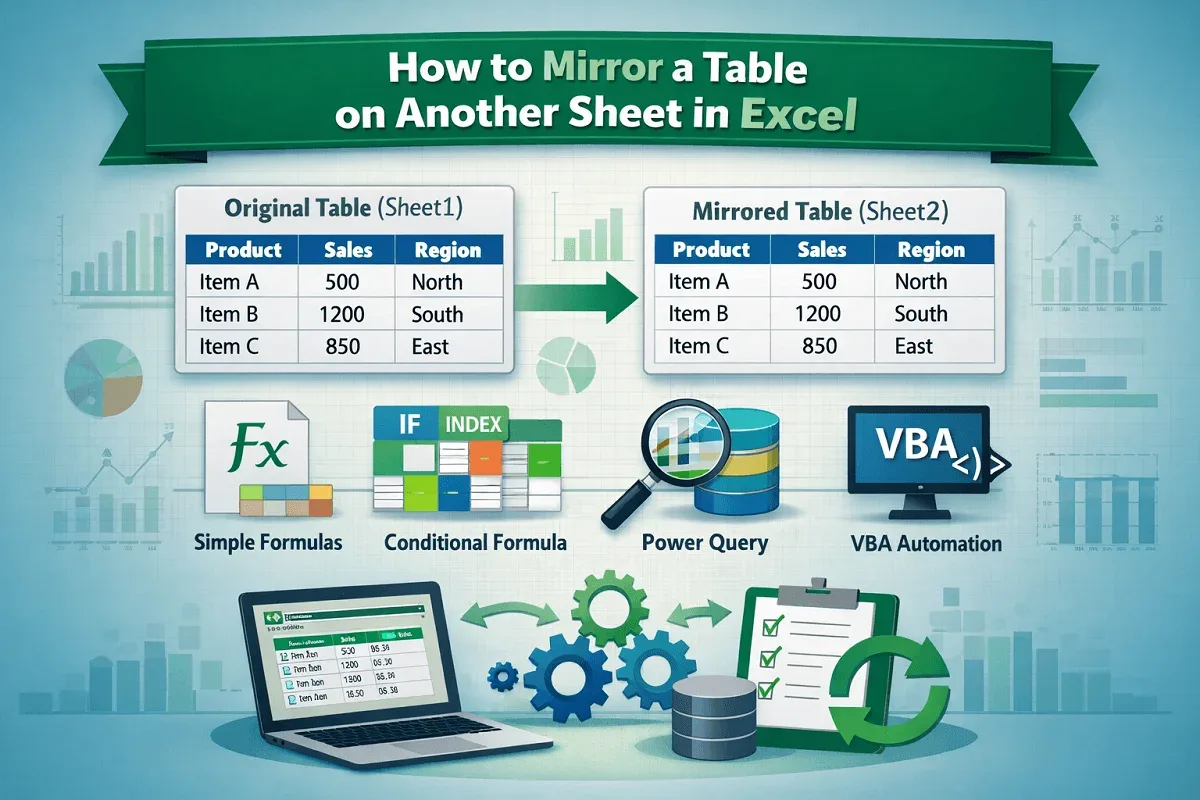
Learn how to mirror a table on another sheet in Excel using simple formulas, conditional logic, Power Query, and VBA for automatic updates.
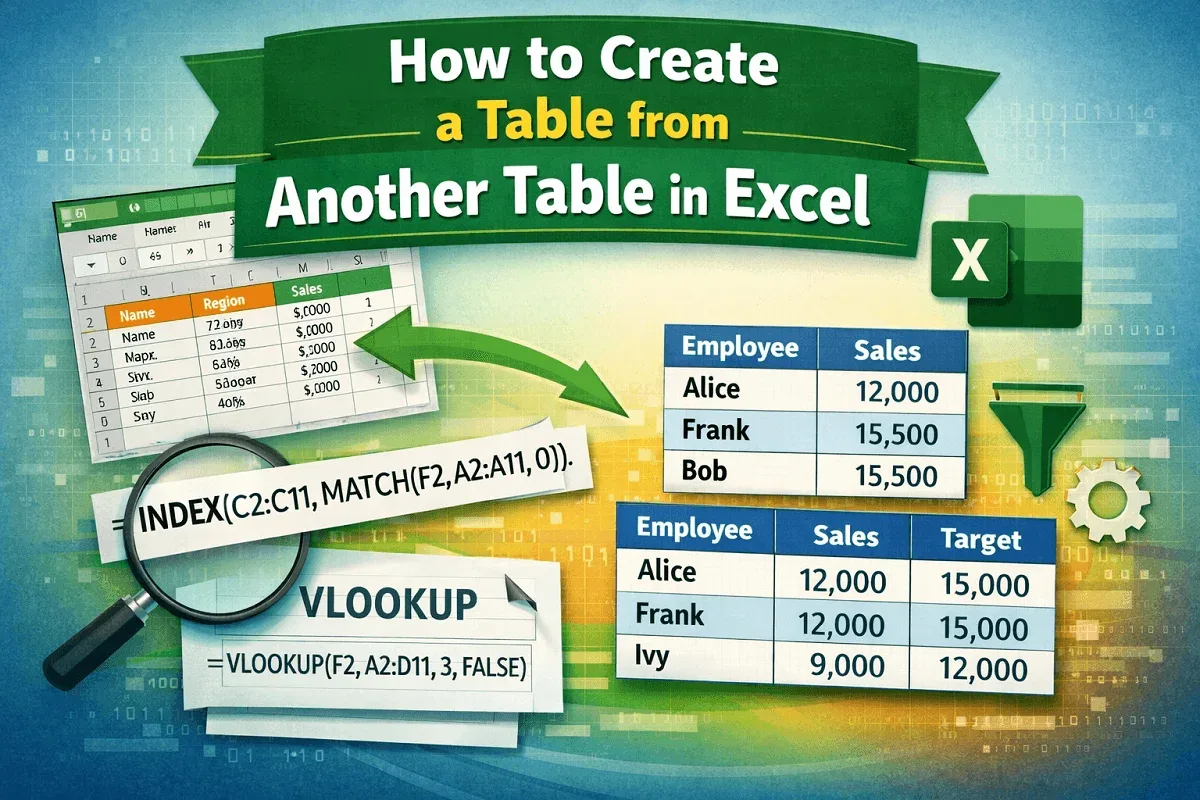
Learn how to create a new Excel table from another table using filtering, INDEX-MATCH, and VLOOKUP to extract and organize data easily.
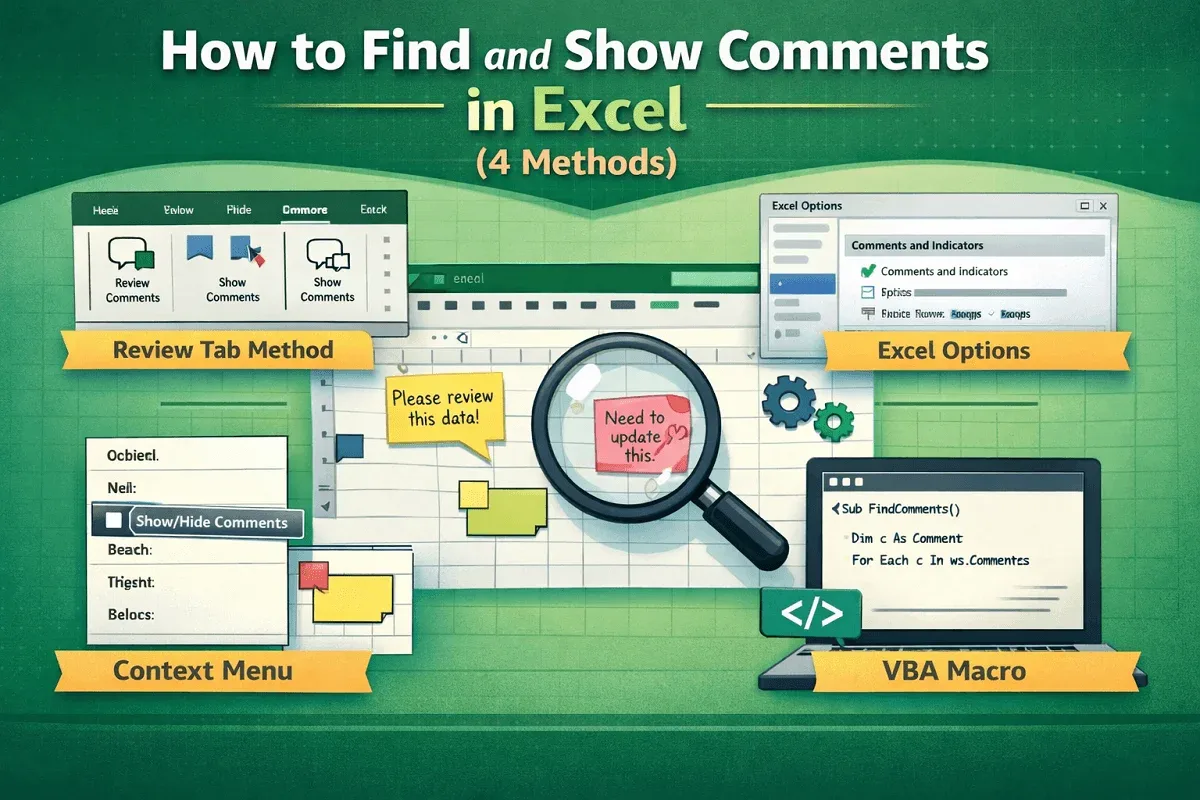
Learn to find and show comments in Excel using the Review tab, Excel Options, context menus, and easy VBA for automatic comment display.
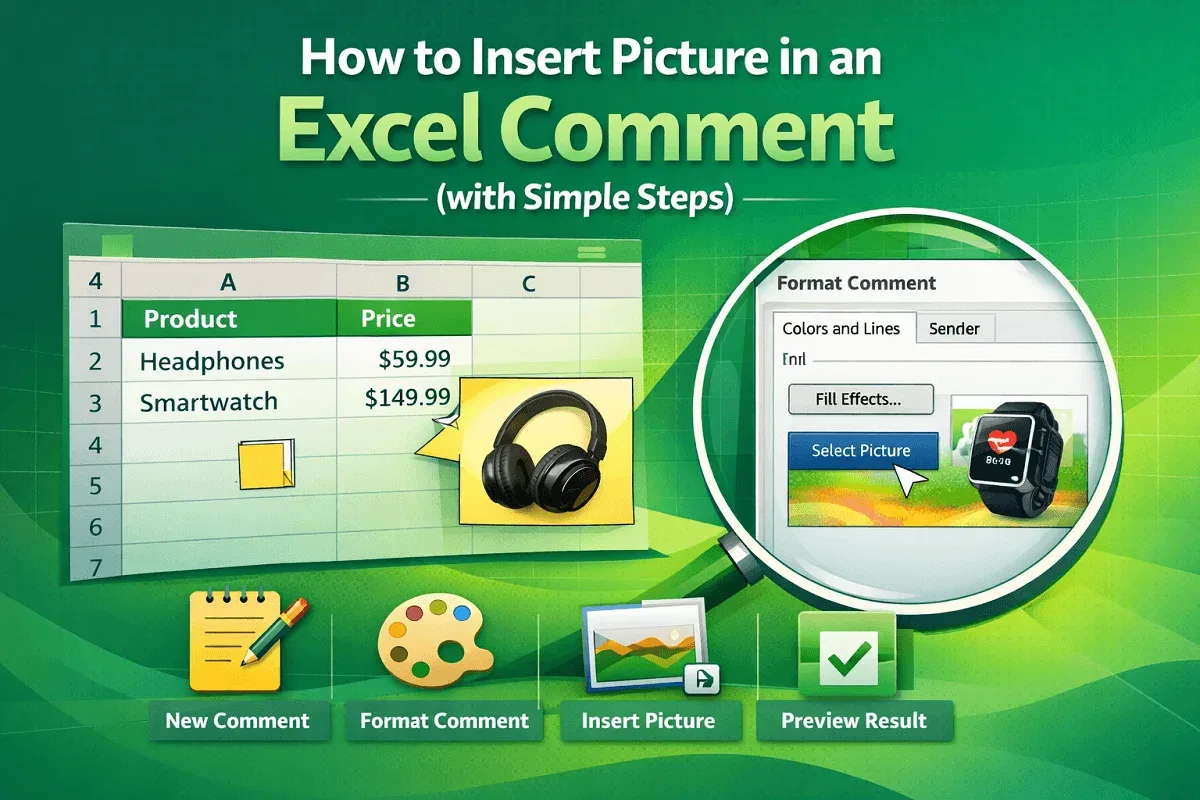
Learn how to insert a picture into an Excel comment by creating a comment, accessing Format options, using Fill Effects & finalizing display.
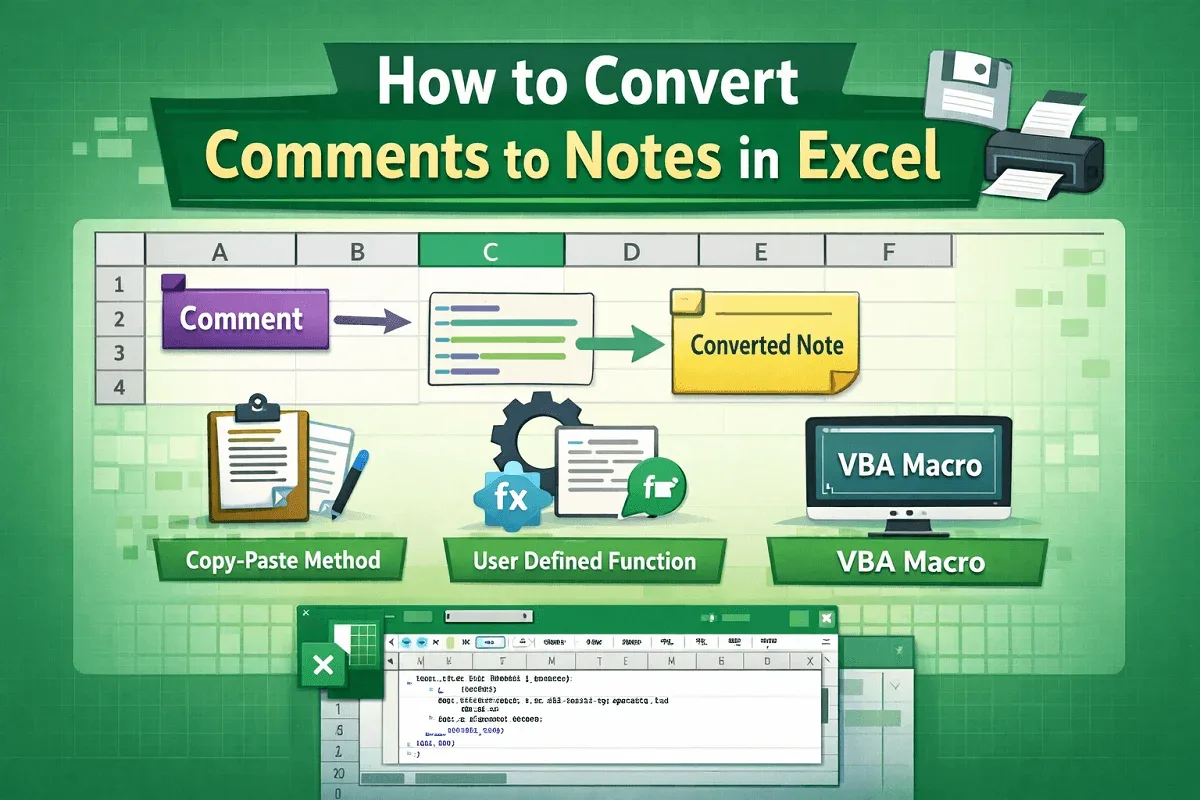
Learn how to convert Excel comments to notes manually, with a custom UDF, or by running a VBA macro to bulk-convert all comments to notes.
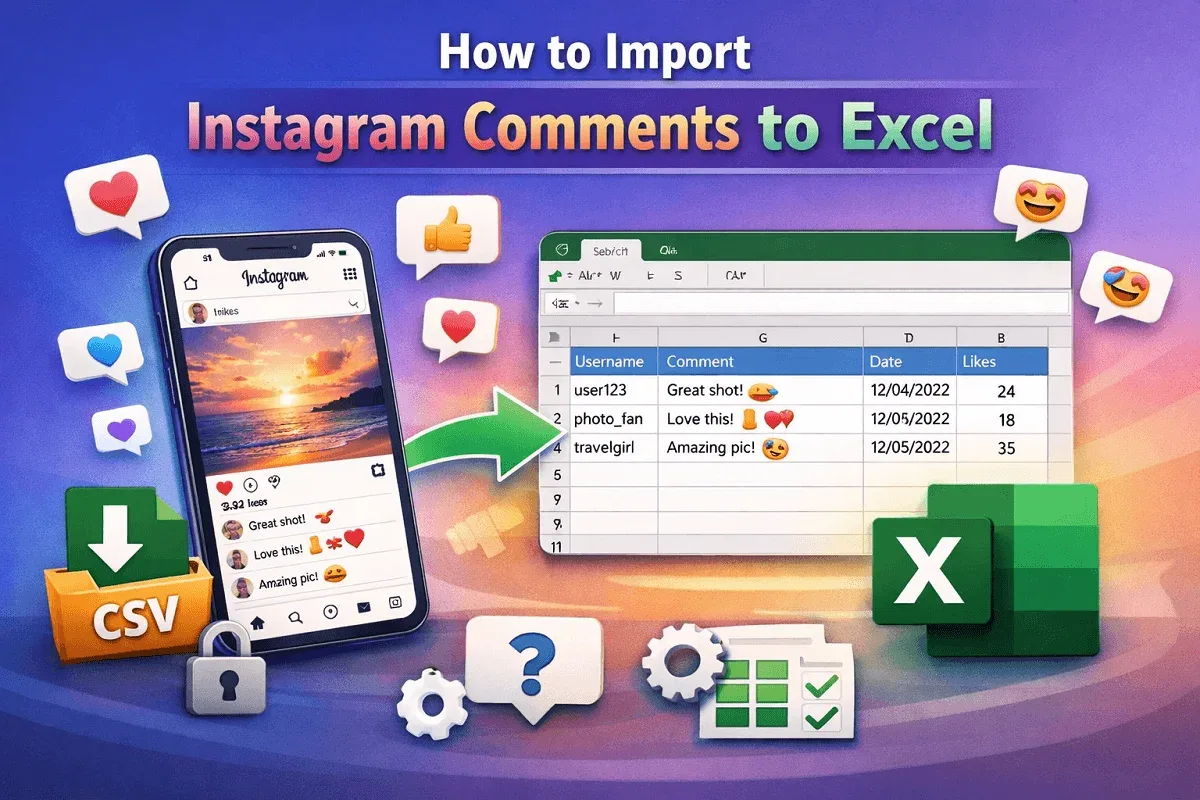
Learn how to export Instagram comments to Excel using online download tools or browser extensions for data collection and analysis.
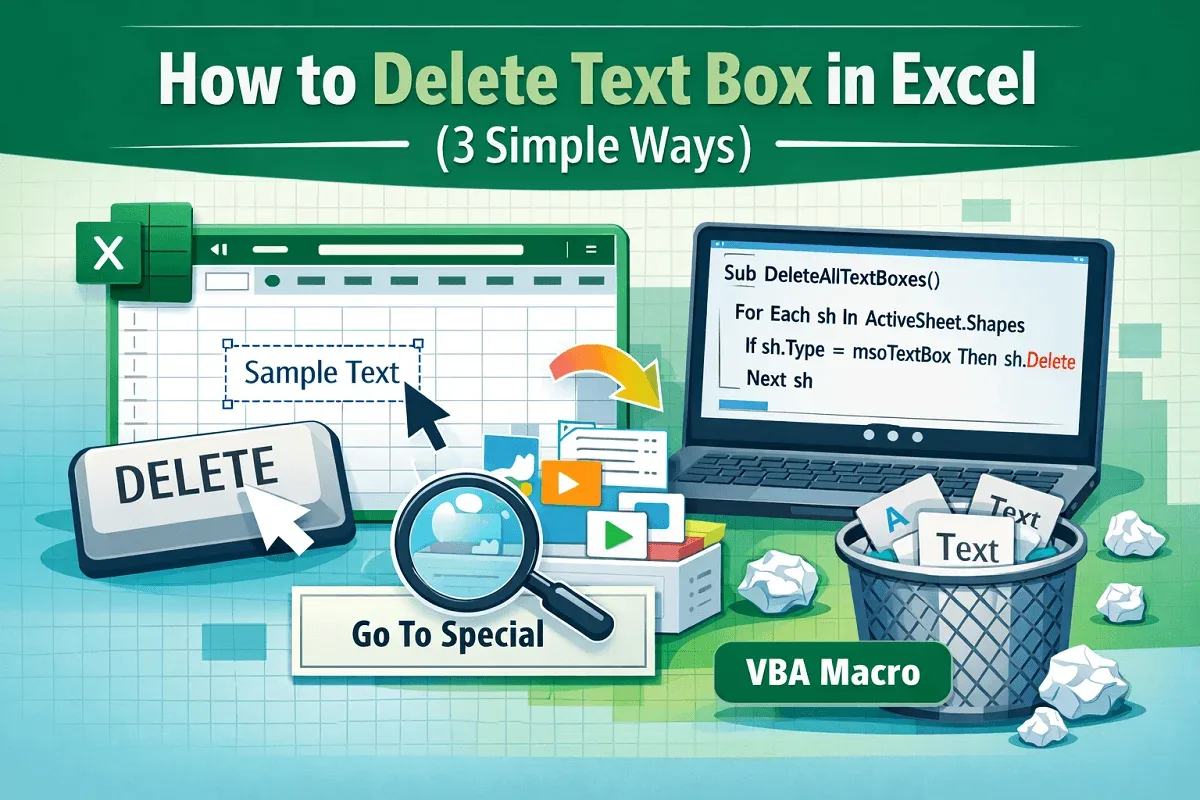
Learn how to delete text boxes in Excel using the Delete key, Go To Special or VBA to automatically clear all text boxes at once.