Excel VBA
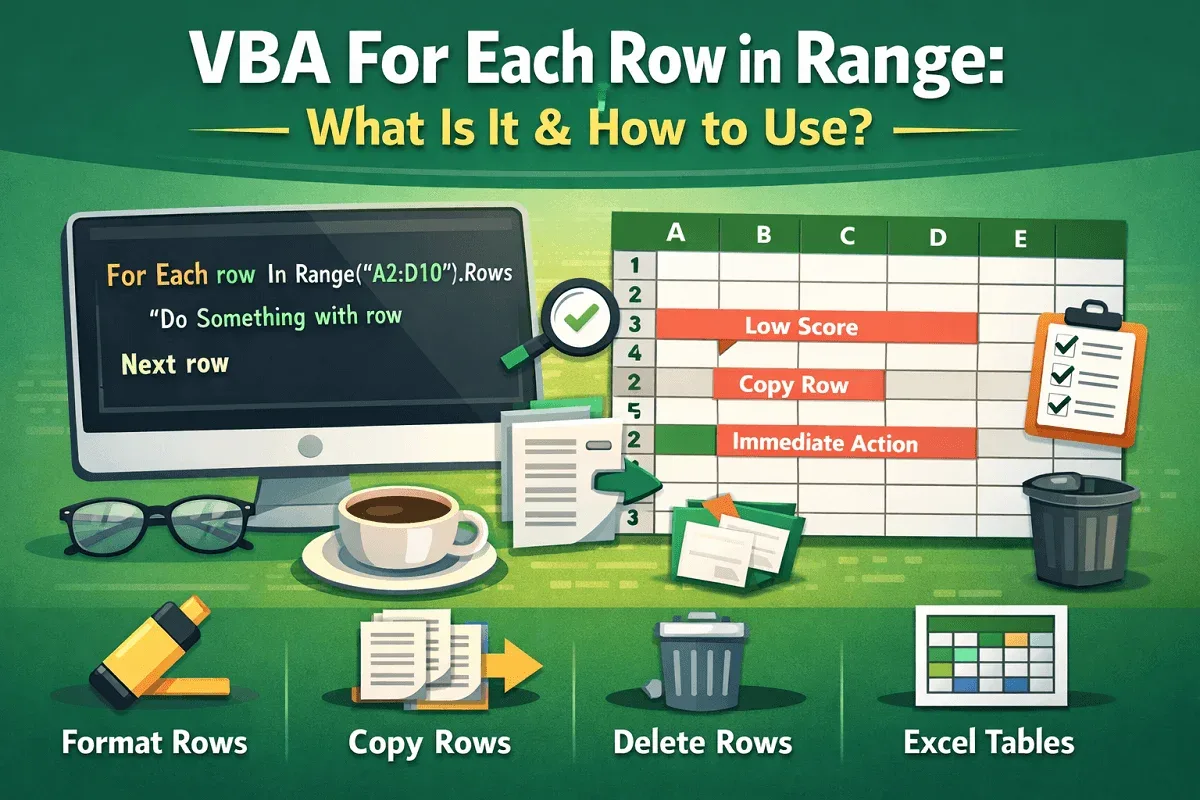
VBA For Each Row in Range: What Is It & How to Use?
Learn what VBA For Each Row in Range means and how to use it with syntax and examples to loop, format, copy, and delete rows efficiently.
Read article


Nighat Hossain holds a BSc in Computer Science and Engineering and has 4+ years of practical Excel and Google Sheets experience. She specializes in VBA automation, formulas, data cleaning, report preparation & template creation. She enjoys simplifying Excel workflows and creating easy-to-follow guides for users.
Articles by Nighat Hossain are developed under the guidance of ExcelInsider’s core training program and are technically reviewed by Nehad Ulfat, lead spreadsheet consultant, to ensure accuracy and user-centric value.
Learn what VBA For Each Row in Range means and how to use it with syntax and examples to loop, format, copy, and delete rows efficiently.
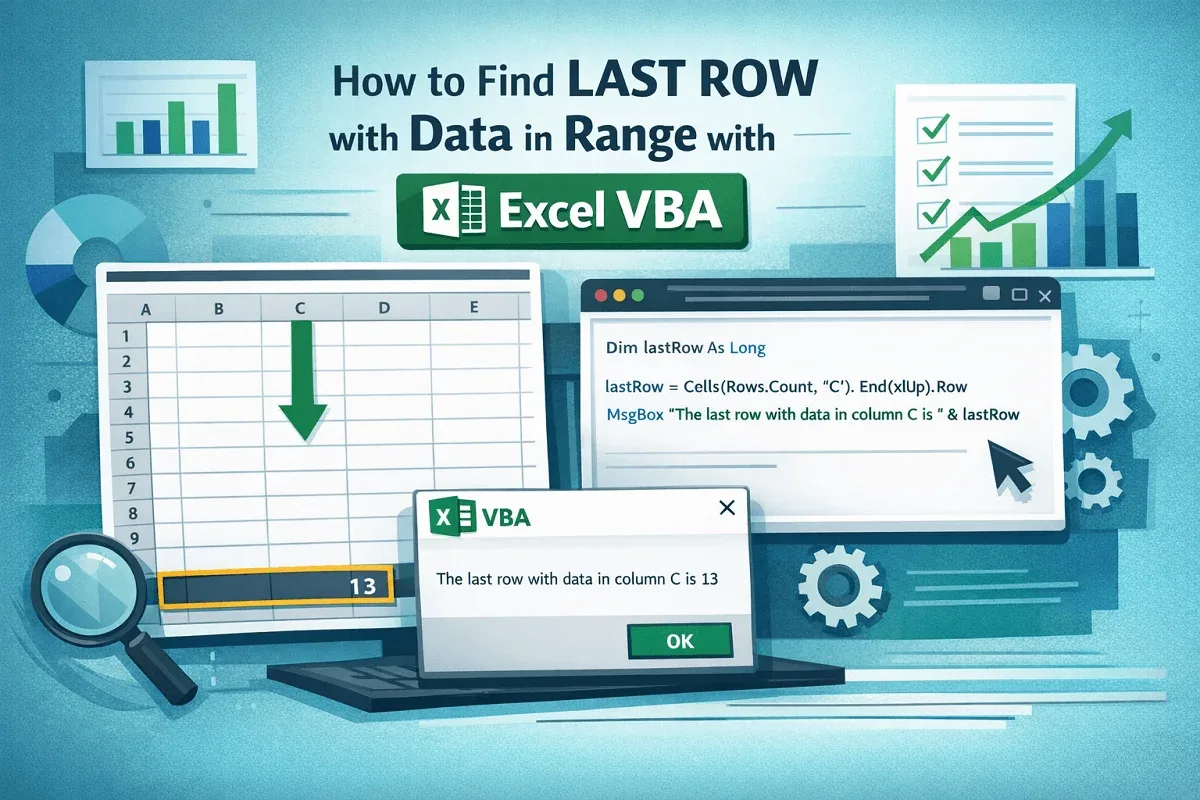
Learn how to find the last row with data in a range using Excel VBA methods like End, Find, SpecialCells, and tables.
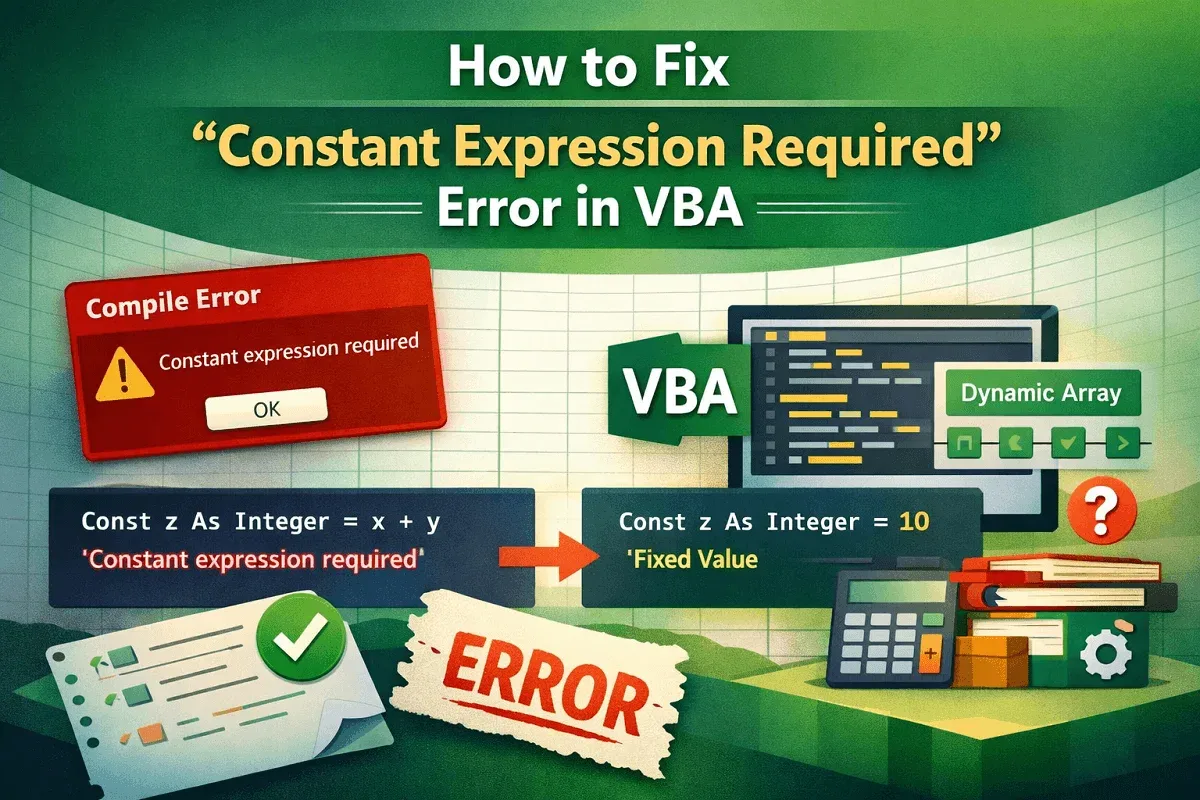
Learn how to fix the Constant Expression Required error in VBA using proper constants, Redim, ParamArray, and defaults smartly.
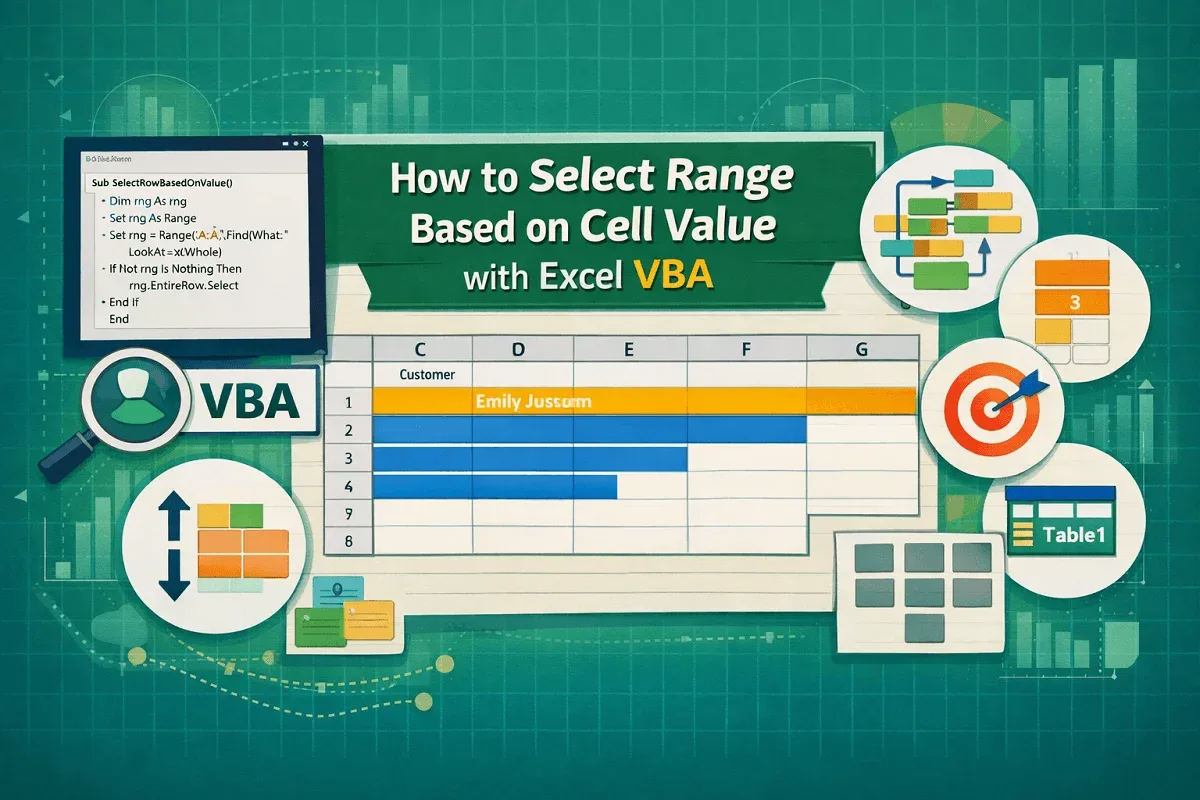
Learn how to select Excel ranges with VBA based on cell values, rows, tables, multiple criteria, logic, Find, and SpecialCells.
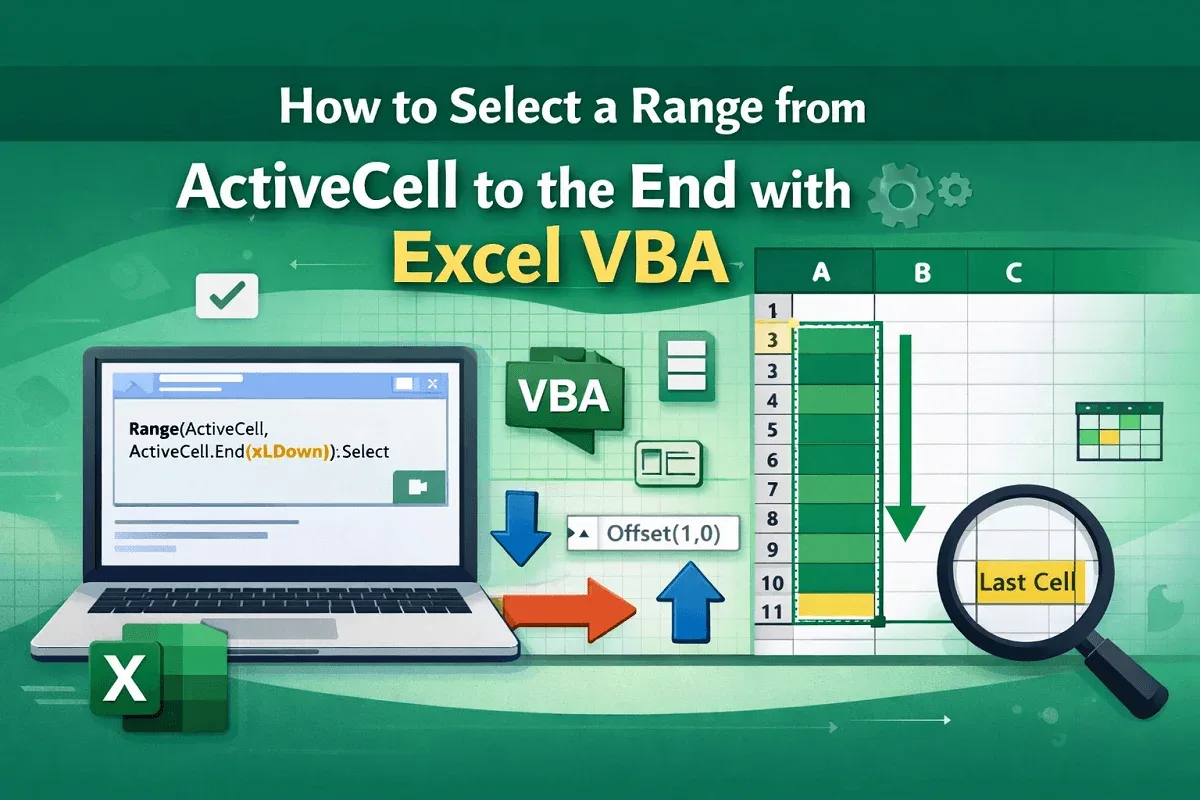
Learn how to select a range from ActiveCell to the end with Excel VBA using End, CurrentRegion, Find, tables, and edge case handling.
Learn how to rename a sheet with Excel VBA using indexes, cell values, codenames, conditions, files, and naming techniques fast.
Learn what the While…Wend statement in Excel VBA is and how to use it with practical examples for loops, data handling, and automation.
Learn how to check if a file exists in Excel VBA using DIR, FileSystemObject, GetAttr, and wildcards for efficient file handling.
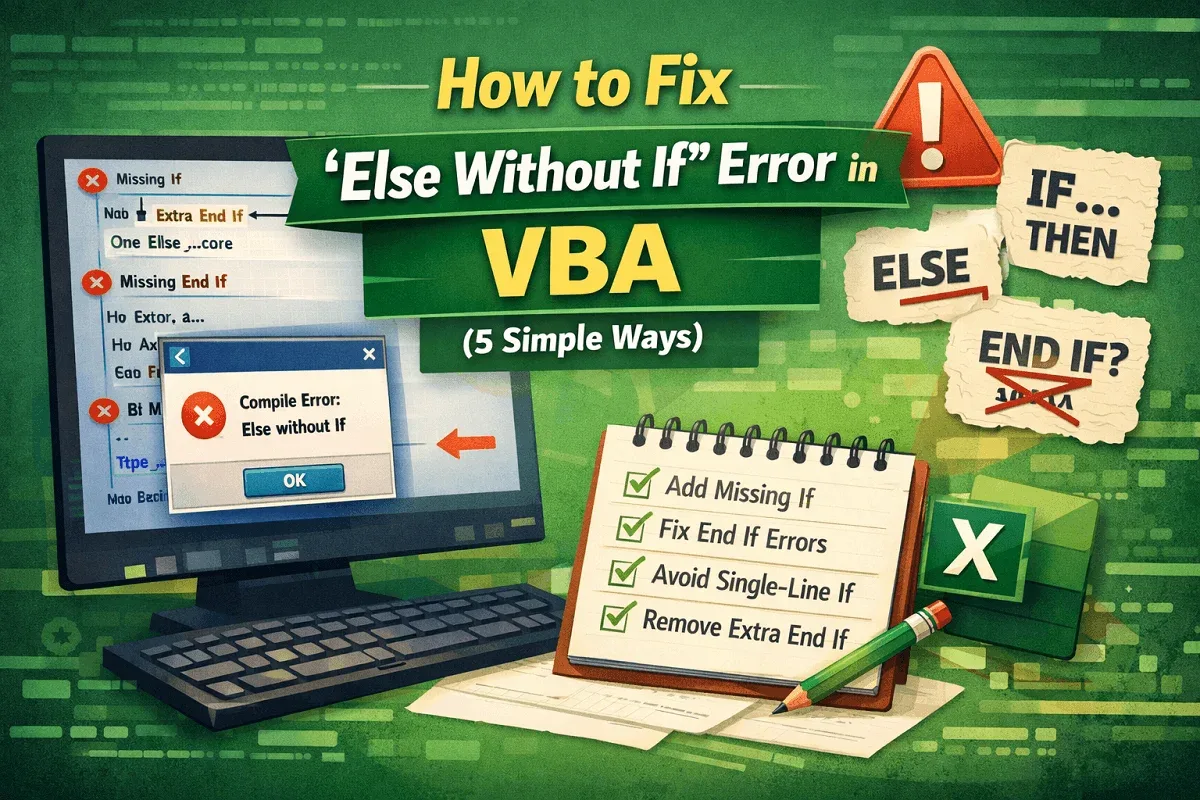
Learn how to fix the “Else Without If” error in VBA by adding missing If or End If statements and avoiding single-line If errors.
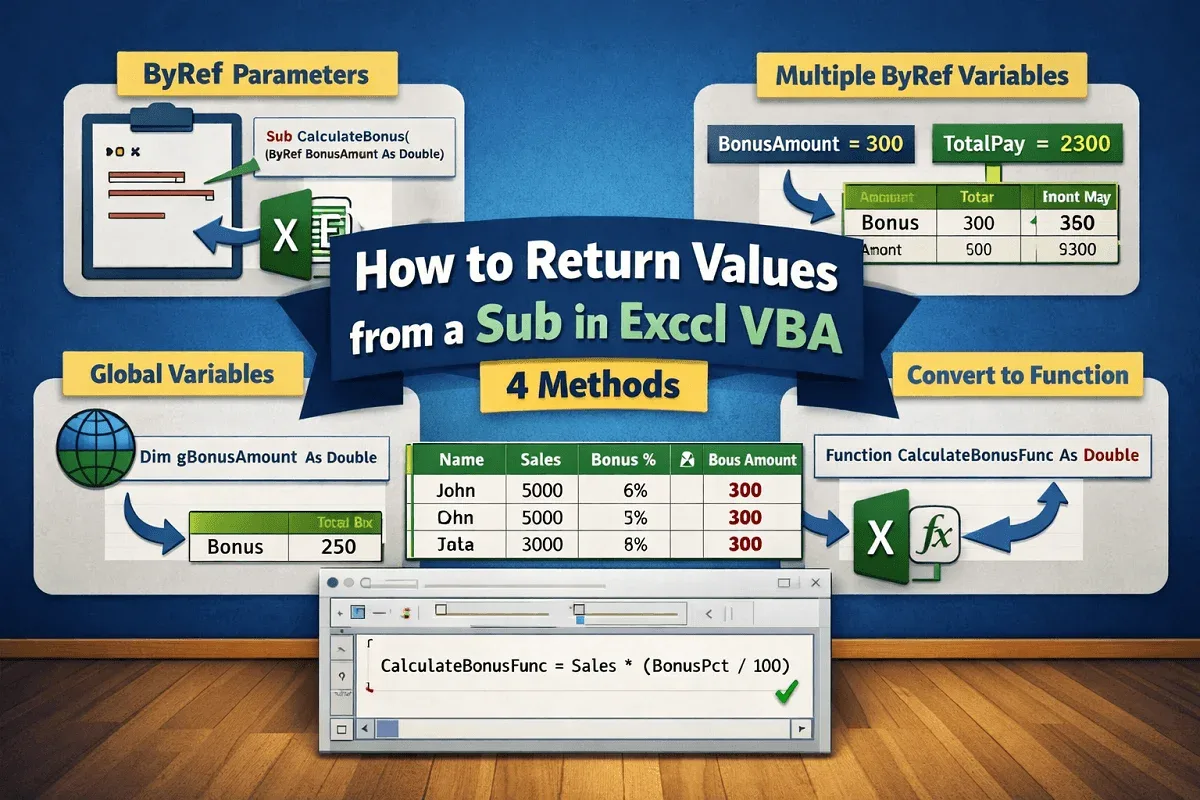
Learn how to return values from a Sub in Excel VBA using ByRef parameters, global variables, or by converting a Sub into a Function.
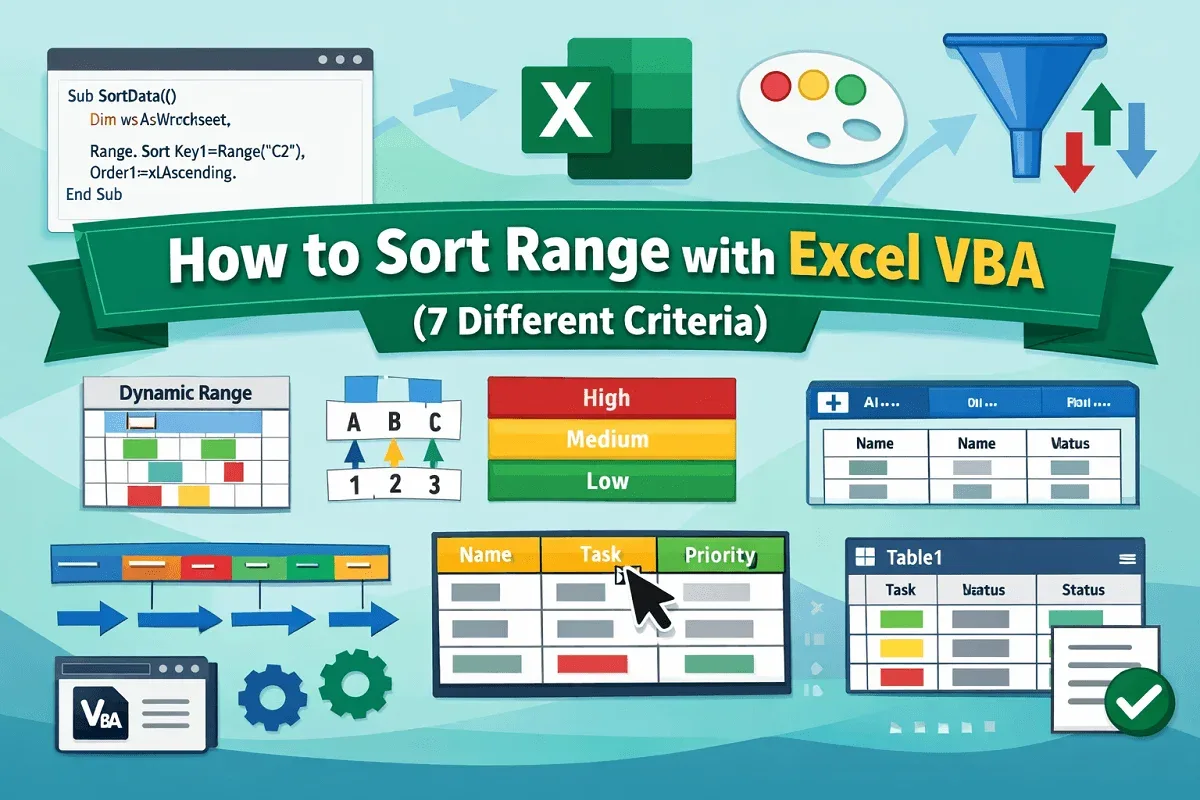
Learn how to sort ranges in Excel using VBA — including multiple columns, dynamic ranges, colors, custom orders, and table sorting.
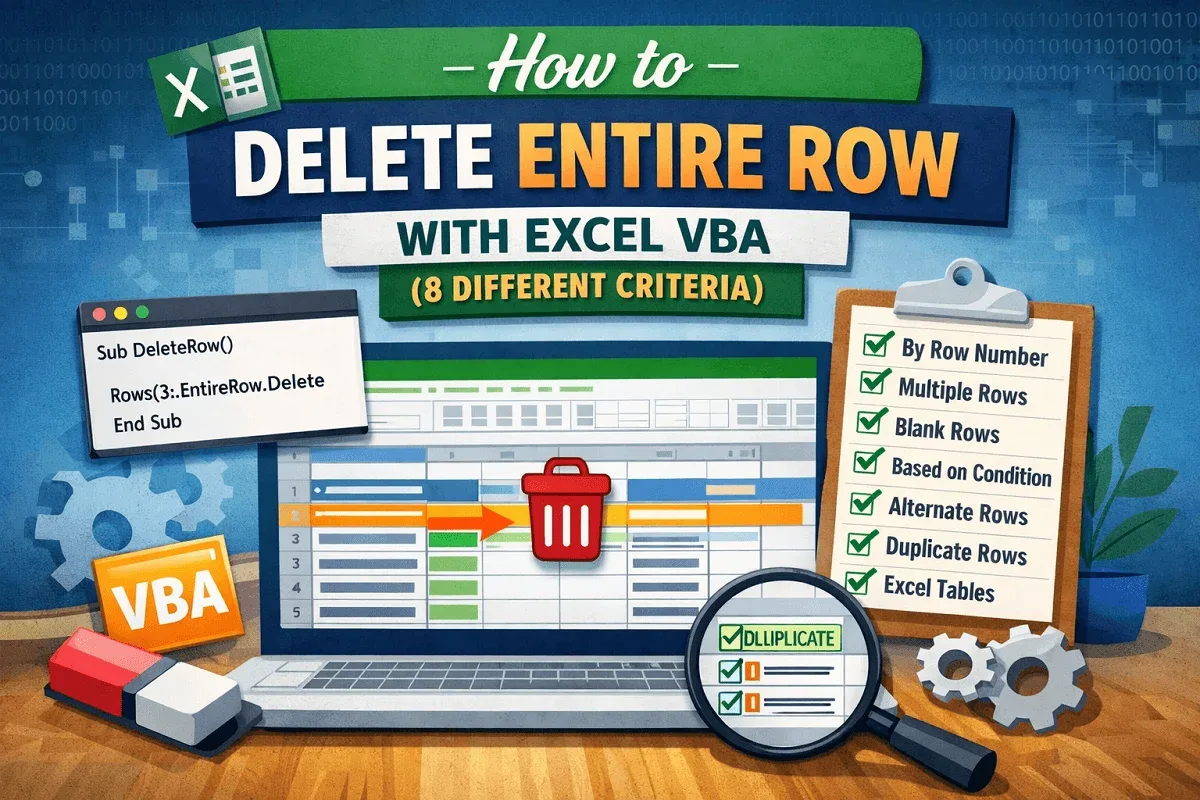
Learn how to delete entire rows in Excel using VBA — by row number, selection, condition, duplicates, blanks, or within tables.