Excel VBA
How to Insert Rows with Excel Macro (9 Useful Examples)
Learn how to insert single or multiple rows in Excel using VBA, with or without formatting, across sheets or at every Nth row.
Read article


Nighat Hossain holds a BSc in Computer Science and Engineering and has 4+ years of practical Excel and Google Sheets experience. She specializes in VBA automation, formulas, data cleaning, report preparation & template creation. She enjoys simplifying Excel workflows and creating easy-to-follow guides for users.
Articles by Nighat Hossain are developed under the guidance of ExcelInsider’s core training program and are technically reviewed by Nehad Ulfat, lead spreadsheet consultant, to ensure accuracy and user-centric value.
Learn how to insert single or multiple rows in Excel using VBA, with or without formatting, across sheets or at every Nth row.
Learn how to check if a sheet exists in Excel VBA—whether in the current, closed, or another open workbook, and create it if missing.
Learn what the For Next Loop in Excel VBA is, its syntax, and how to use it with single, double, triple loops, and custom increments.
Learn how to use Excel VBA to copy worksheets to new or existing workbooks, including open, closed, or multiple sheet transfers.
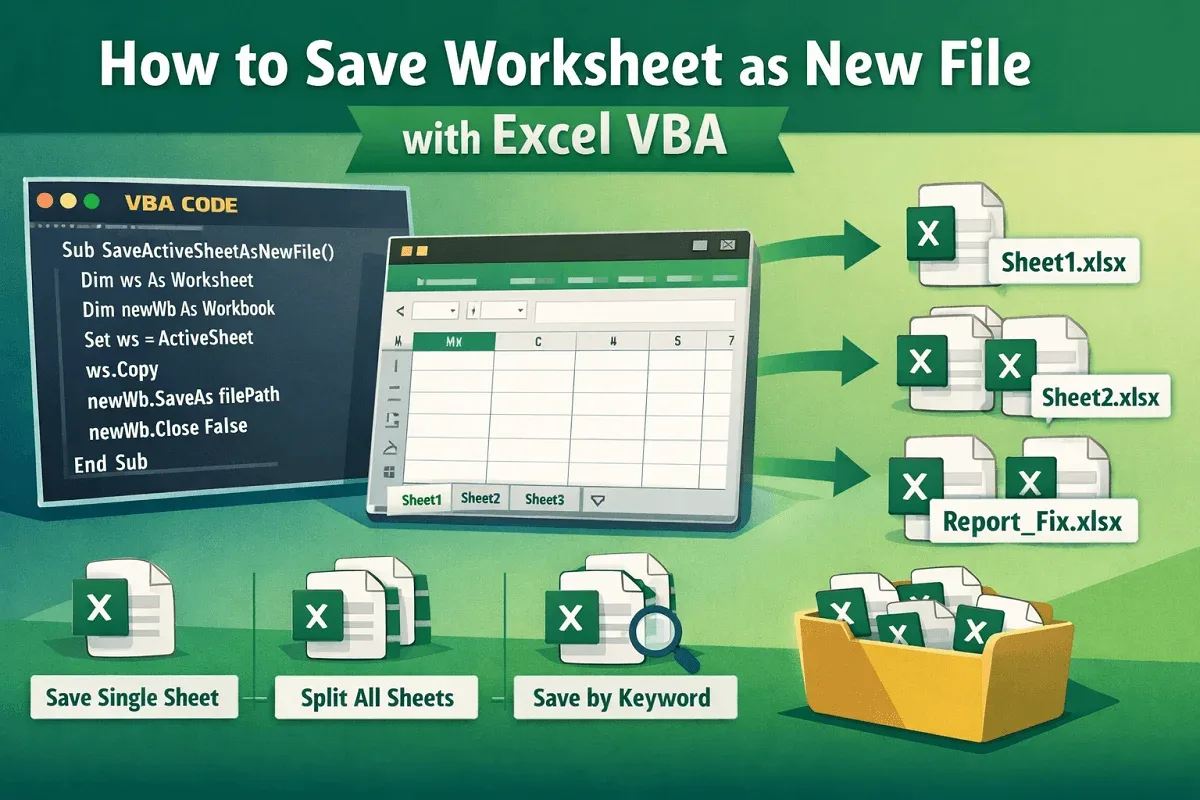
Learn how to save a worksheet as a new file in Excel VBA, whether saving one sheet, all sheets separately, or only those with specific text.
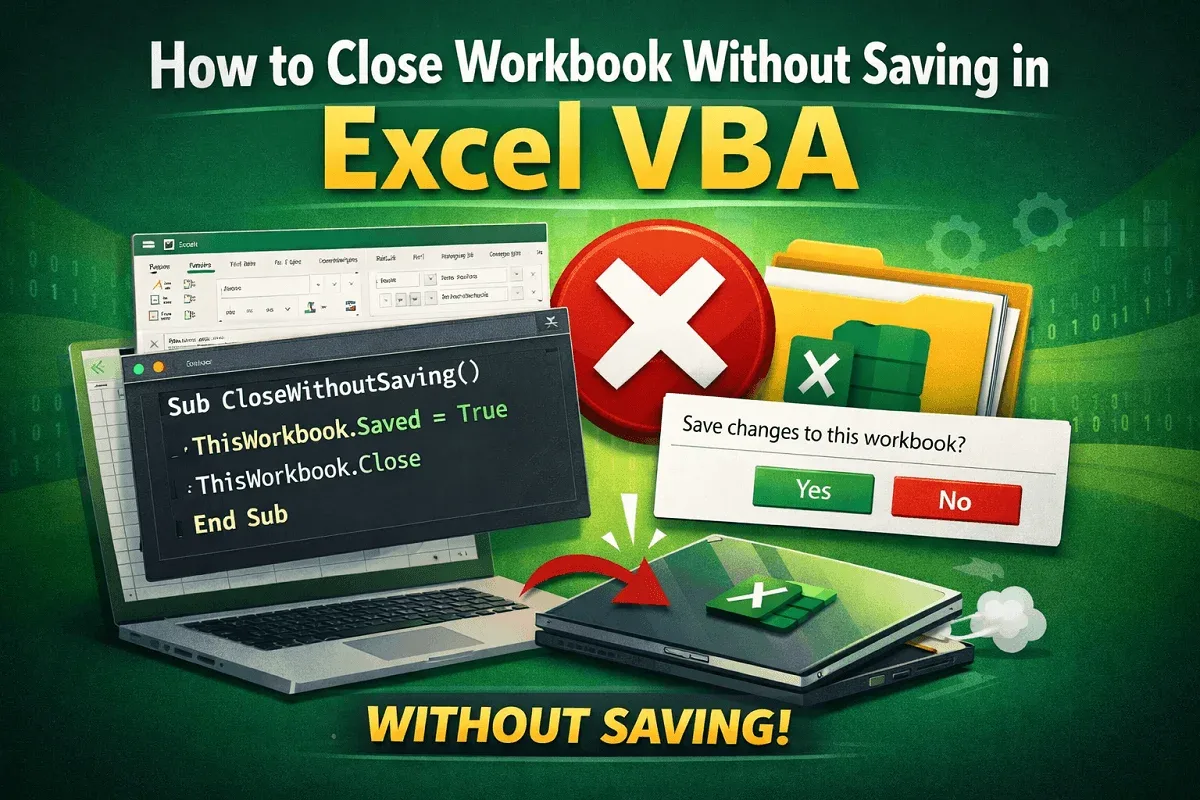
Learn how to close a workbook without saving in Excel VBA by marking as saved, disabling prompts, or using the SaveChanges argument.
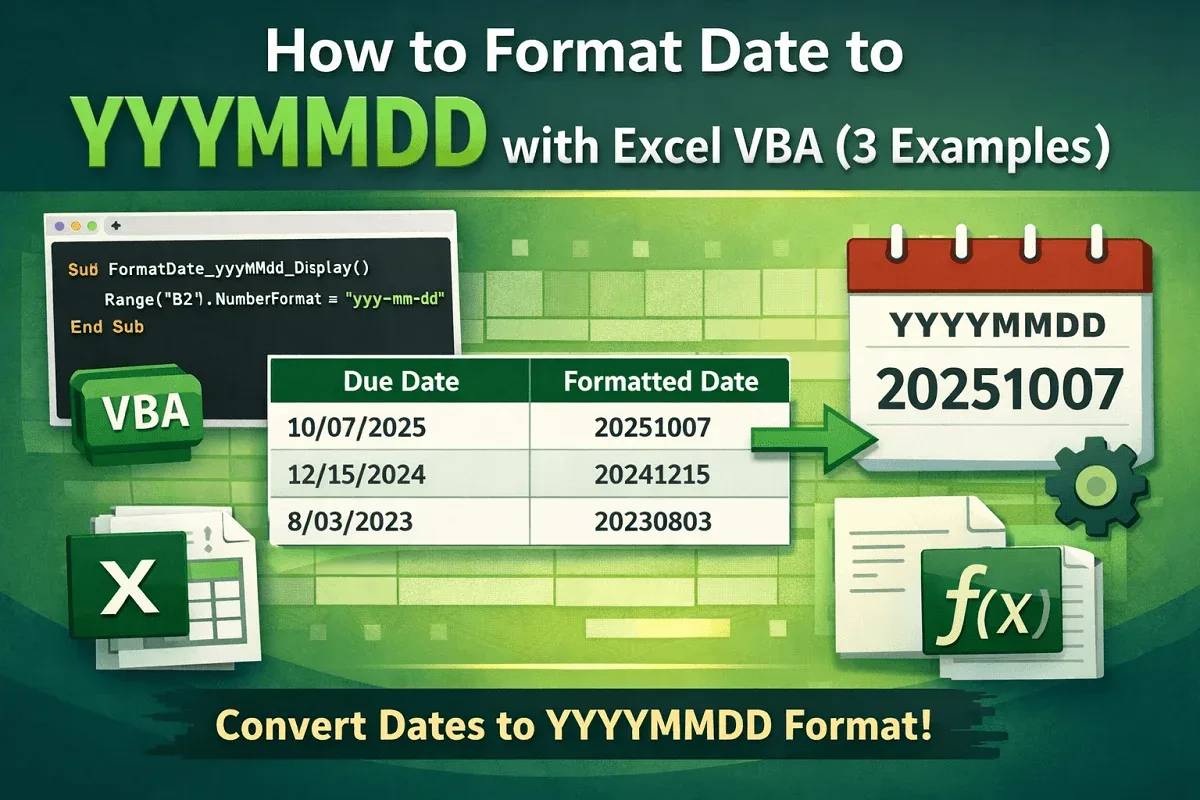
Learn how to format dates to YYYYMMDD in Excel VBA using NumberFormat for cells or ranges, and the VBA Format function for flexibility.
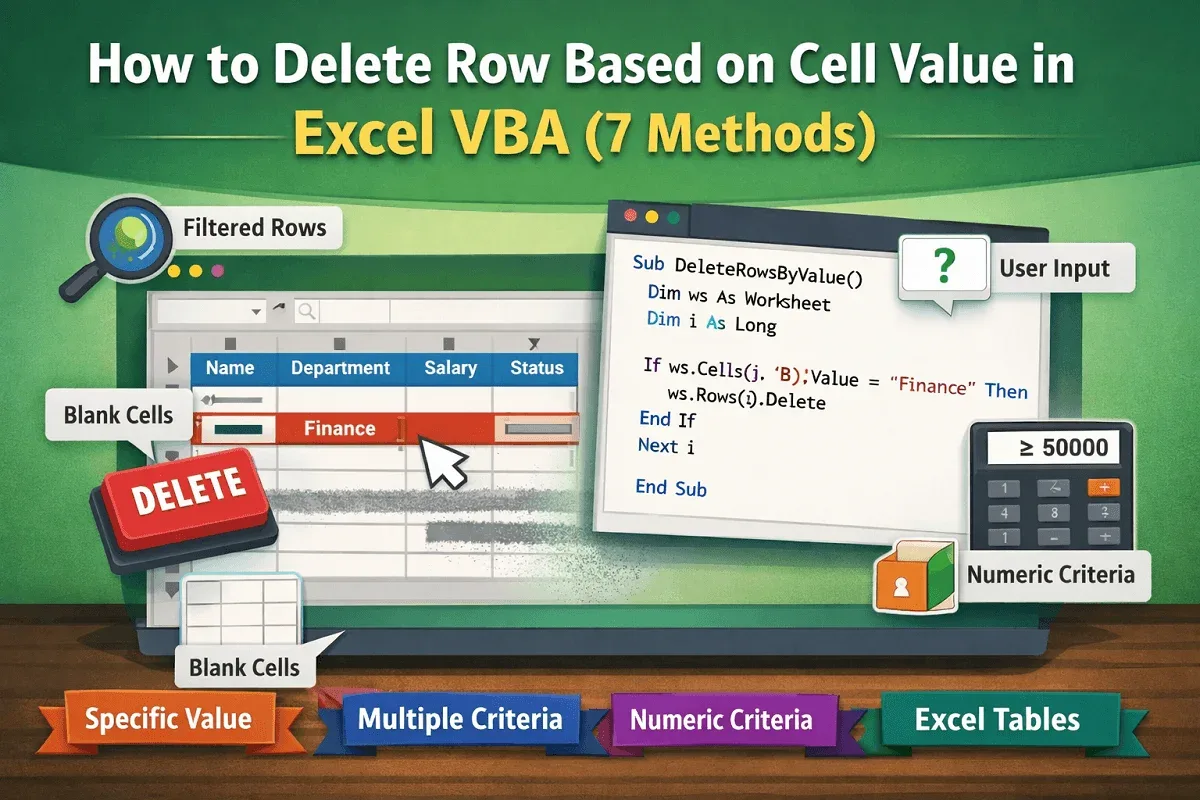
Learn how to delete rows based on cell values in Excel VBA, whether matching text, blanks, numeric criteria, or multiple user-defined rules.
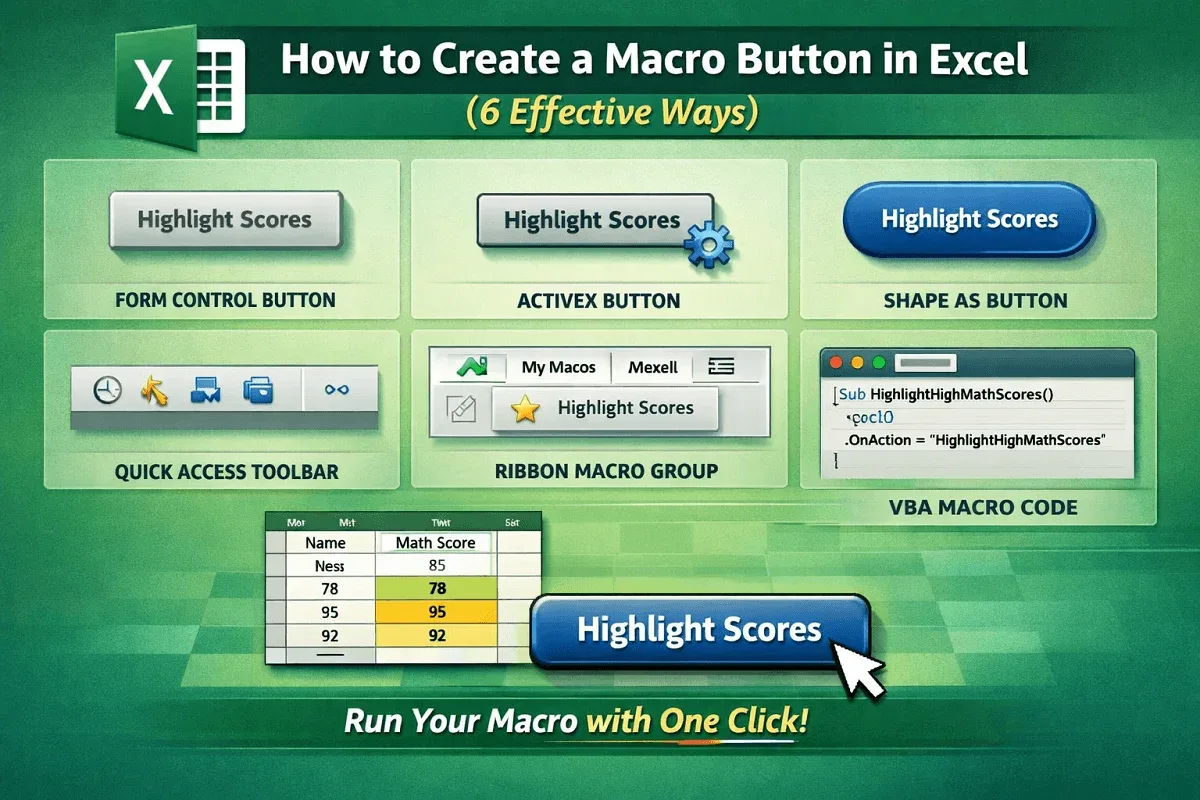
Learn how to create a macro button in Excel using form controls, ActiveX, shapes, VBA, Quick Access Toolbar, or a custom ribbon group.
![[Fixed] Cannot Edit Macro on a Hidden Workbook](https://pub-b39c974f4c124a36a2fb517be38076ec.r2.dev/images/2026/08/featured-image-cannot-edit-a-macro-on-a-hidden-workbook-2-d3e8b523.webp)
Fix the “Cannot edit a macro on a hidden workbook” error in Excel by unhiding, adjusting PERSONAL.xlsb, enabling macros or disabling add-ins.
![[Fixed] Macros Enabled But Not Working (8 Probable Solutions)](https://pub-b39c974f4c124a36a2fb517be38076ec.r2.dev/images/2026/08/featured-image-macros-enabled-but-not-working-2-96fb01ac.webp)
Fix macros not working even when enabled in Excel. Learn 8 proven solutions including trusted location, settings, and code error fixes.
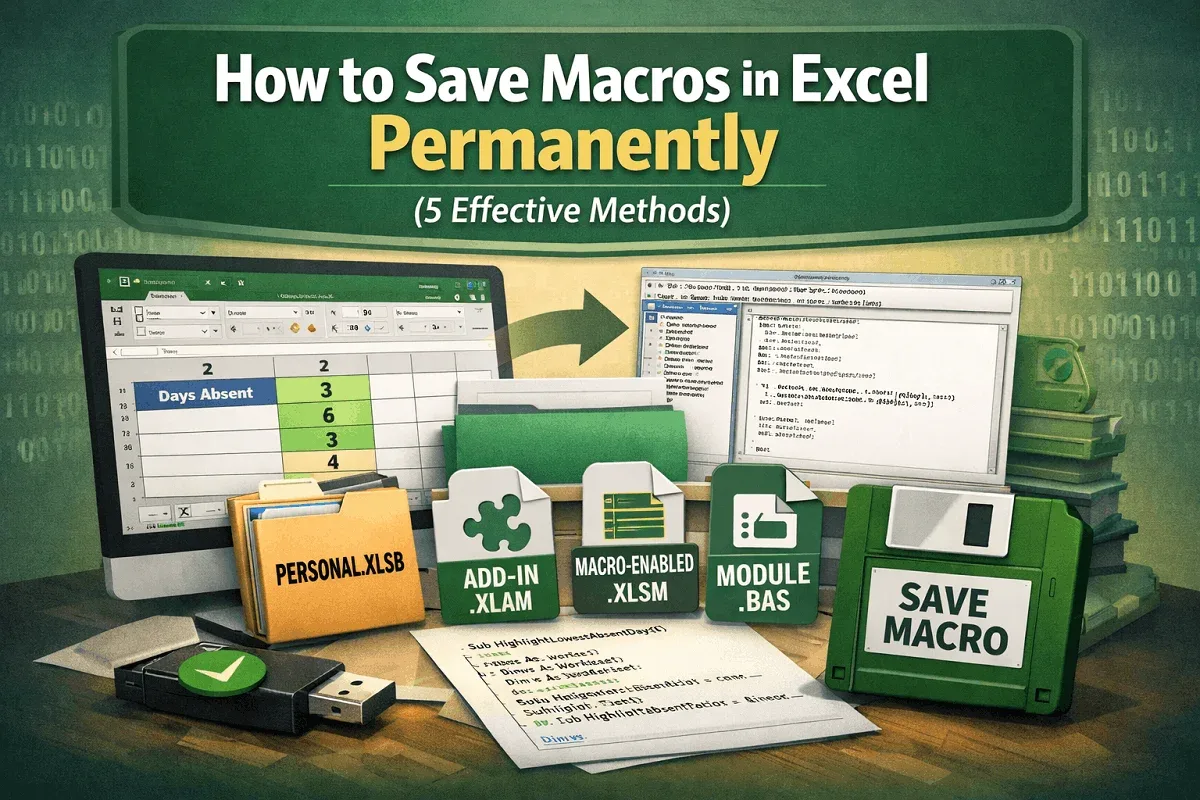
Learn how to save macros in Excel permanently using Personal.xlsb, add-ins (.xlam), macro-enabled files (.xlsm), or exporting as .bas files.