Excel Pro Tips
How to Compare Two Excel Sheets for Duplicates (6 Simple Ways)
Learn how to compare two Excel sheets for duplicates using formulas, conditional formatting, VBA, Power Query, and other effective methods.
Read article


Nighat Hossain holds a BSc in Computer Science and Engineering and has 4+ years of practical Excel and Google Sheets experience. She specializes in VBA automation, formulas, data cleaning, report preparation & template creation. She enjoys simplifying Excel workflows and creating easy-to-follow guides for users.
Articles by Nighat Hossain are developed under the guidance of ExcelInsider’s core training program and are technically reviewed by Nehad Ulfat, lead spreadsheet consultant, to ensure accuracy and user-centric value.
Learn how to compare two Excel sheets for duplicates using formulas, conditional formatting, VBA, Power Query, and other effective methods.
Learn how to delete duplicates in Excel but keep one using Remove Duplicates, Power Query, VBA, UNIQUE function, sorting, and filters.
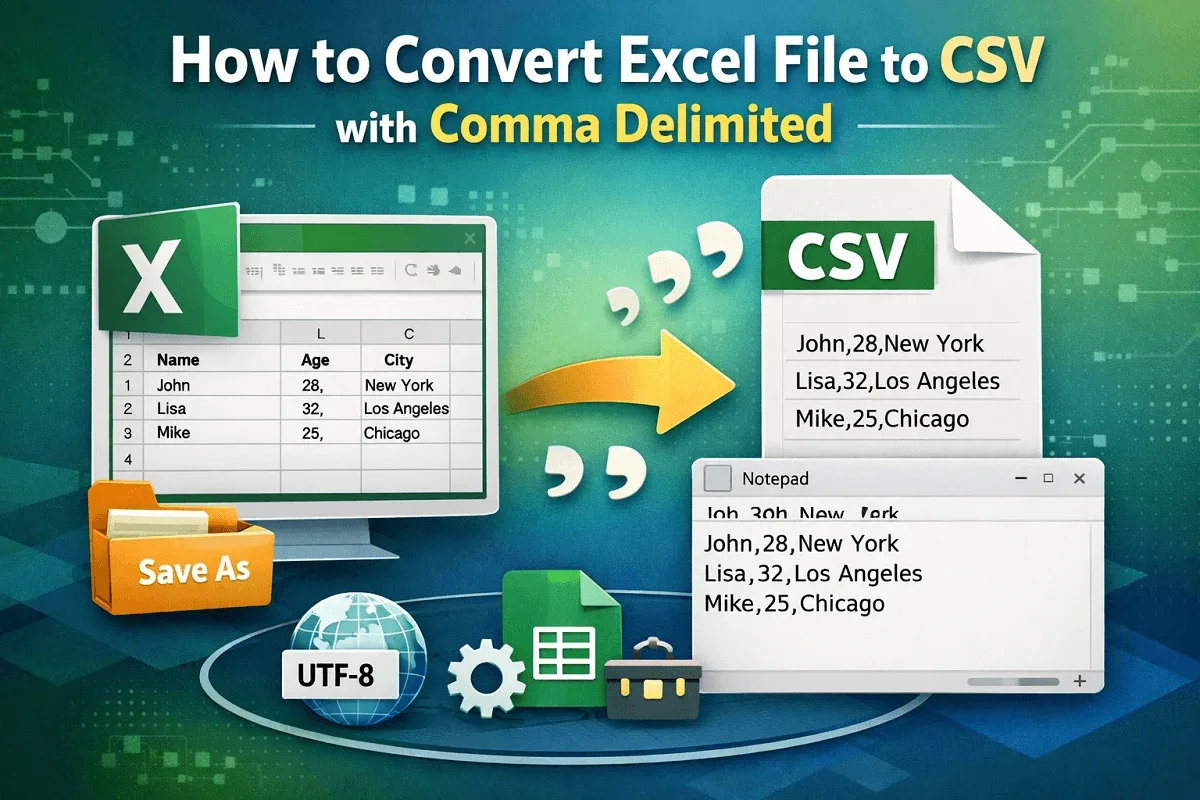
Learn how to convert Excel datasets to CSV (Comma Delimited) format using Save As, encoding options, Google Sheets, and third-party tools.

Link Excel cells to Word using Paste Special and Paste Options methods to automatically update Word documents when Excel data changes.

Learn how to remove the last character or last ‘n’ characters in Google Sheets using LEFT and ARRAYFORMULA functions for multiple cells.
Learn how to copy data from Excel to Word without losing formatting using paste options, pictures, or by embedding Excel files easily.

Learn how to highlight the lowest value in Excel using built-in rules, custom formulas, and highlighting entire rows easily and effectively.
Learn how to calculate years from today in Excel using DATEDIF, YEARFRAC, INT, and YEAR functions with easy step-by-step methods.

Learn how to convert numbers to words in Excel using formulas and VBA—handle decimals and currency values easily with step-by-step methods.
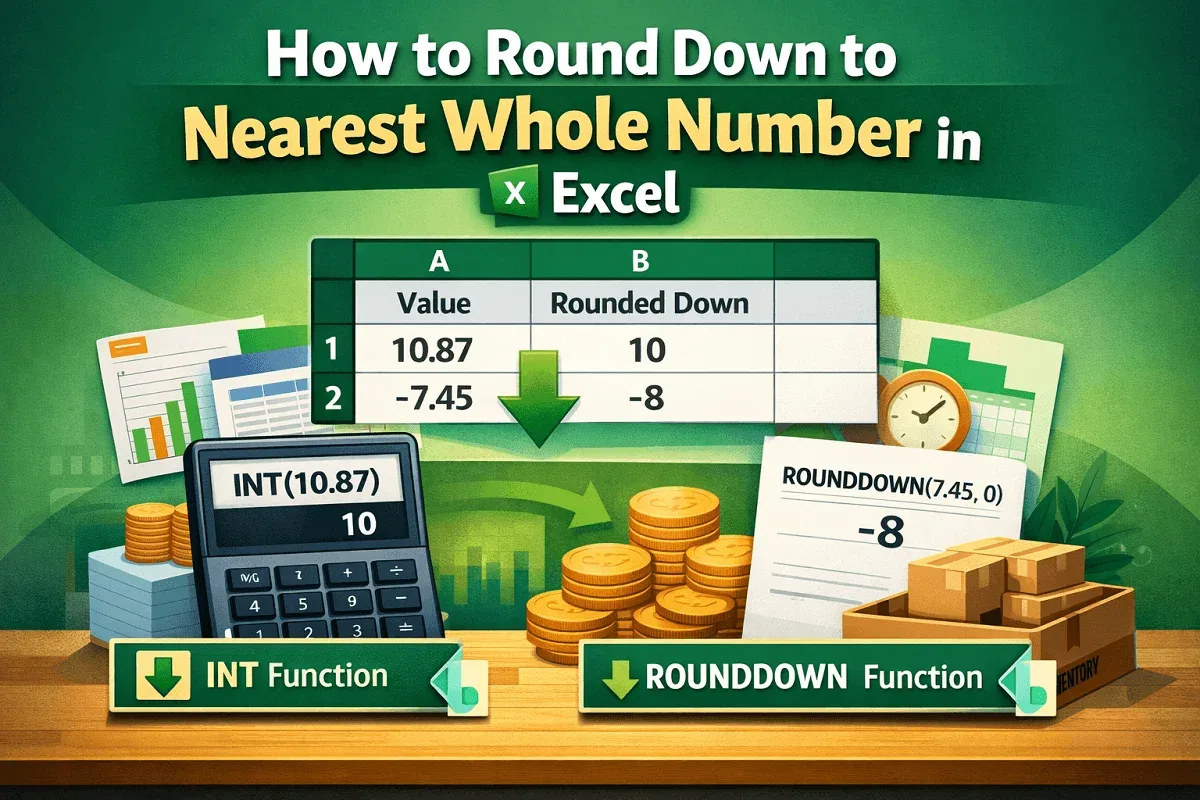
Learn how to round down to the nearest whole number in Excel using ROUNDDOWN and INT functions for both positive and negative values.
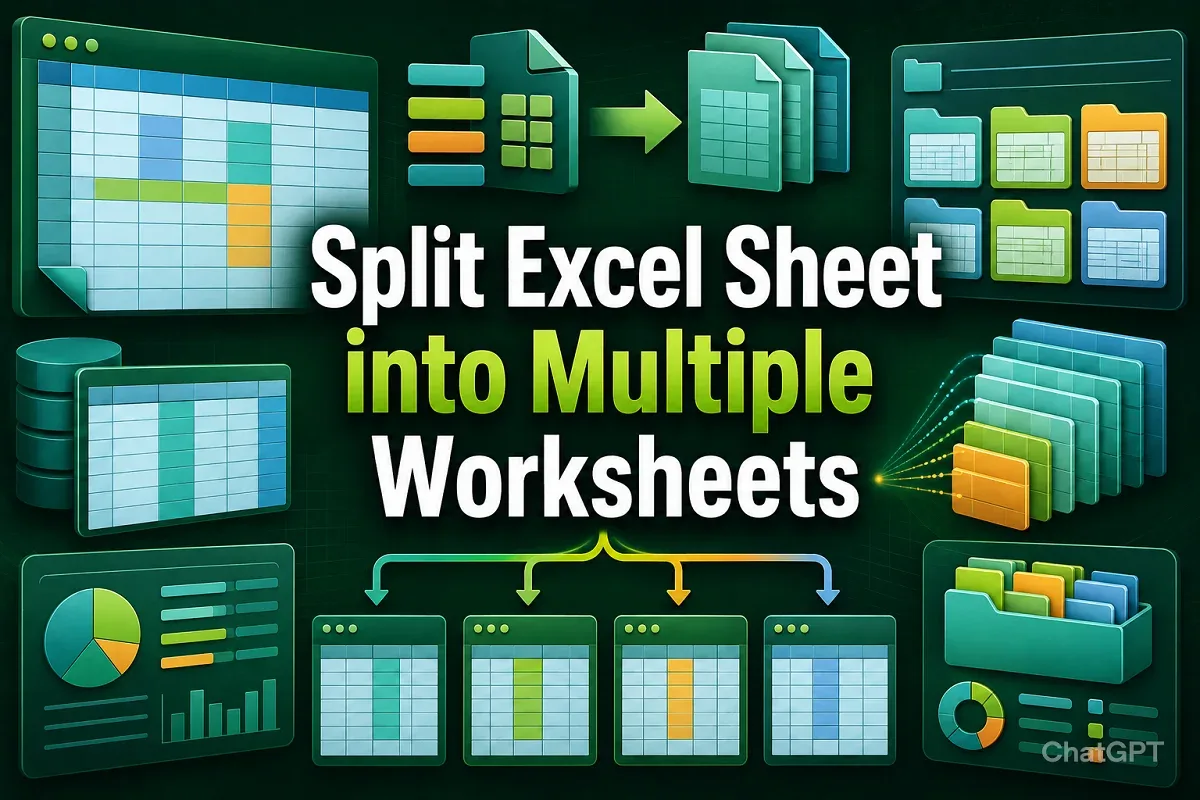
Learn how to split an Excel sheet into multiple worksheets using PivotTable, VBA, Power Query, and manual methods based on columns or rows.