Google Sheets Intermediate Tutorials
How to Filter with Multiple Conditions in Google Sheets
Learn how to filter with multiple conditions in Google Sheets using FILTER and QUERY functions, combining AND, OR, text, and numeric logic.
Read article


Tahmid Munim Hossain is completing a Master’s in Biochemistry and Molecular Biology at the University of Dhaka. With 4+ years of experience in Excel and Google Sheets, he specializes in data cleaning, transformation, advanced formulas, workflow automation, and report building. Tahmid has optimized spreadsheets for SEO, client reporting, and performance tracking. He also applies spreadsheet-based analysis in molecular diagnostics and genomic research. His interest lies in using spreadsheets as a tool for biological and genomic data analysis.
Articles by Tahmid Munim are developed under the guidance of ExcelInsider’s core training program and are technically reviewed by Nehad Ulfat, lead spreadsheet consultant, to ensure accuracy and user-centric value.
Learn how to filter with multiple conditions in Google Sheets using FILTER and QUERY functions, combining AND, OR, text, and numeric logic.
Learn how to use IMPORTRANGE in Google Sheets with conditions by combining it with QUERY, FILTER, helper columns, and multiple criteria.
Learn how to count unique values in Google Sheets using COUNTUNIQUE, UNIQUE with COUNTA, COUNTIF, SUMPRODUCT, and FLATTEN for advanced cases.
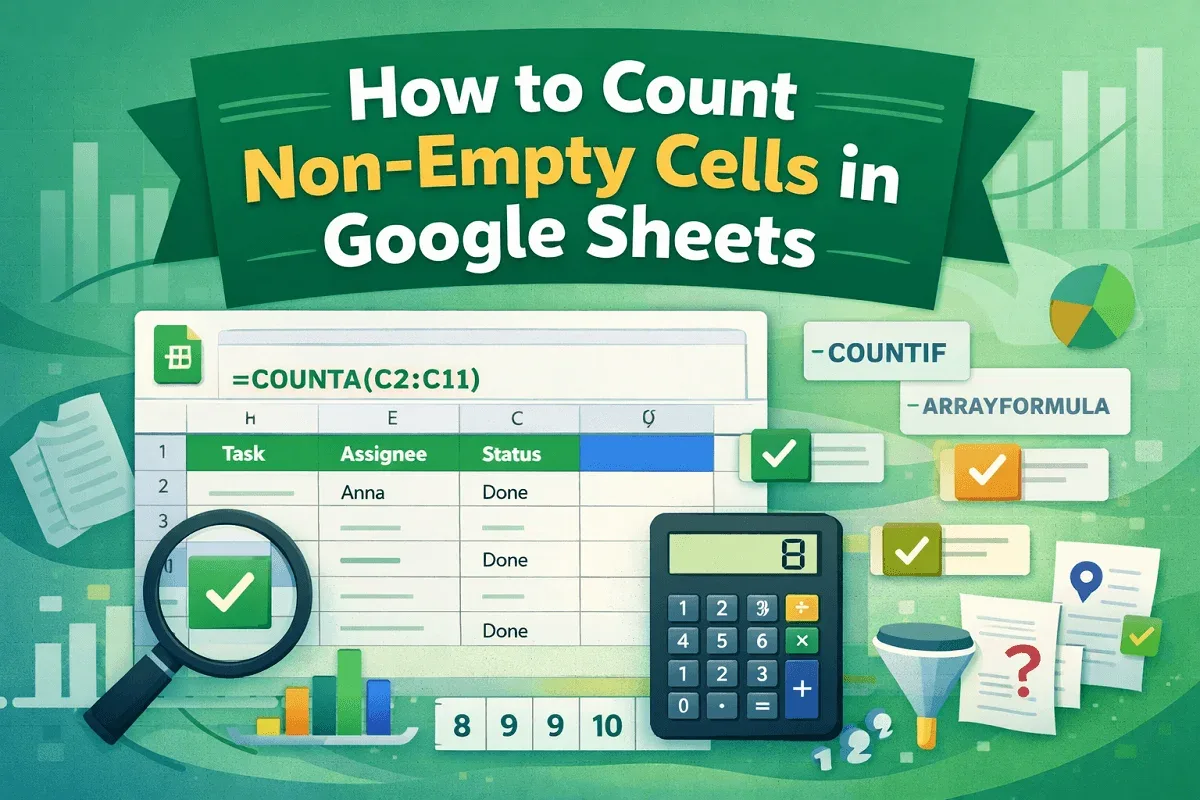
Learn how to count non-empty cells in Google Sheets using COUNTA, COUNTIF, and ARRAYFORMULA while filtering spaces and applying conditions.
Learn how to remove duplicates in Google Sheets using formulas like UNIQUE, FILTER, QUERY, ARRAYFORMULA, and MATCH for dynamic data cleanup.

Learn how to get weekday names from dates in Google Sheets using TEXT, WEEKDAY, CHOOSE, SWITCH, ARRAYFORMULA, and Apps Script methods.
Learn 6 easy ways to automatically copy data from one sheet to another in Google Sheets using formulas, QUERY, scripts, and more.
Learn how to use COUNTIF, ARRAYFORMULA, SUMPRODUCT, and more to count TRUE values effectively in Google Sheets with flexible methods.
Learn how to sort columns in Google Sheets without mixing data using Sort Range, SORT function, QUERY, filters, and Apps Script.
Learn how to use VLOOKUP for multiple values in Google Sheets with FILTER, TEXTJOIN, QUERY, ARRAYFORMULA, and Apps Script alternatives.
Learn how to filter duplicates in Google Sheets using FILTER with COUNTIF, UNIQUE, conditional formatting, or Google Apps Script.

Learn how to remove hyperlinks in Google Sheets using the context menu, link preview, formulas, paste special, or Apps Script.