Google Sheets Intermediate Tutorials
How to Protect Sheet from View in Google Spreadsheet
Learn how to protect a Google Sheets tab from view by using sheet protection, hiding, limited sharing, and separate files for more security.
Read article


Atkeya Fariha specializes in data management, analysis, formulas, automation, and integration. She has contributed to research, creative projects, and worked as a data analyst. She is passionate about data analysis, finance management, and project management using spreadsheets.
Articles by Atkeya Fariha are developed under the guidance of ExcelInsider’s core training program and are technically reviewed by Nehad Ulfat, lead spreadsheet consultant, to ensure accuracy and user-centric value.
Learn how to protect a Google Sheets tab from view by using sheet protection, hiding, limited sharing, and separate files for more security.
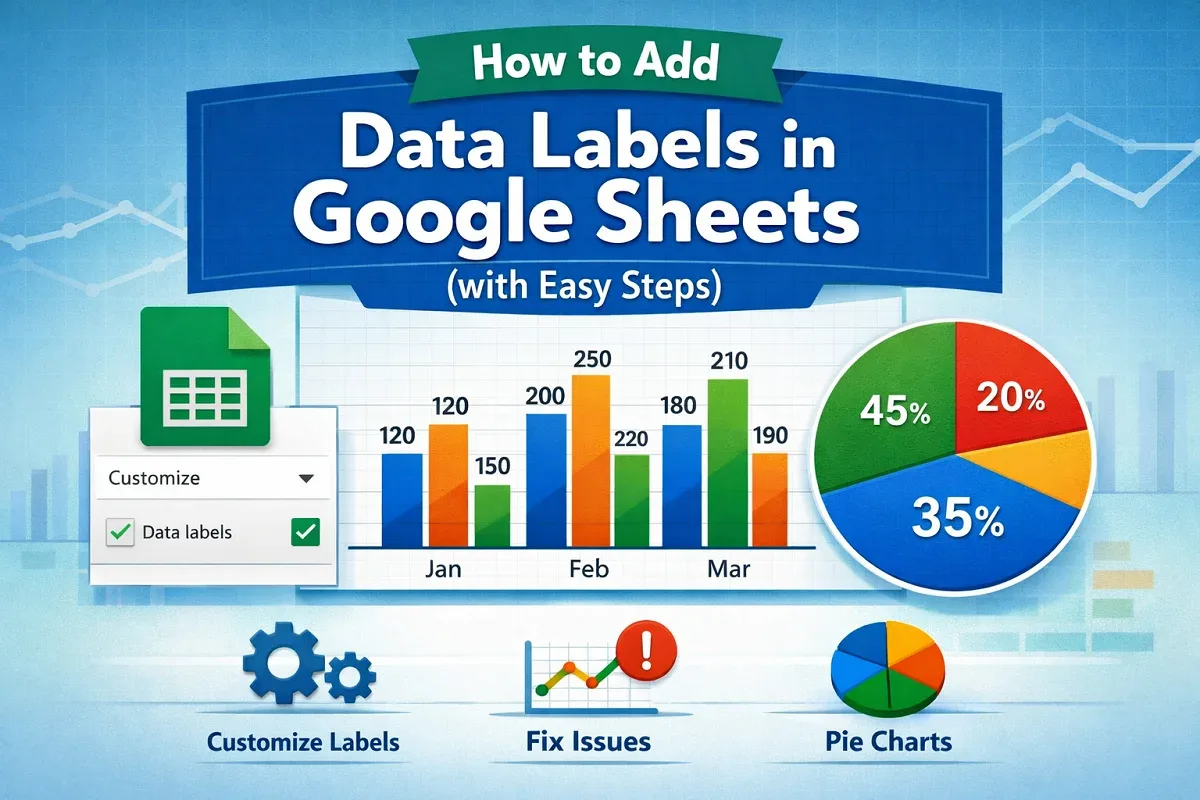
Learn how to add and customize data labels in Google Sheets charts, fix issues like misalignment, and update them with changing data.
Learn how to print selected cells in Google Sheets by choosing print areas, copying to new sheets, using filters, and best printing tips.
Learn how to copy conditional formatting in Google Sheets using Paint Format, Paste Special, and extending formatting to new ranges easily.
Learn how to do spell check in Google Sheets using keyboard shortcuts, menu options, and understand its spell check features easily.