Excel Pro Tips
How to Leave a Cell Blank If There Is No Data in Excel
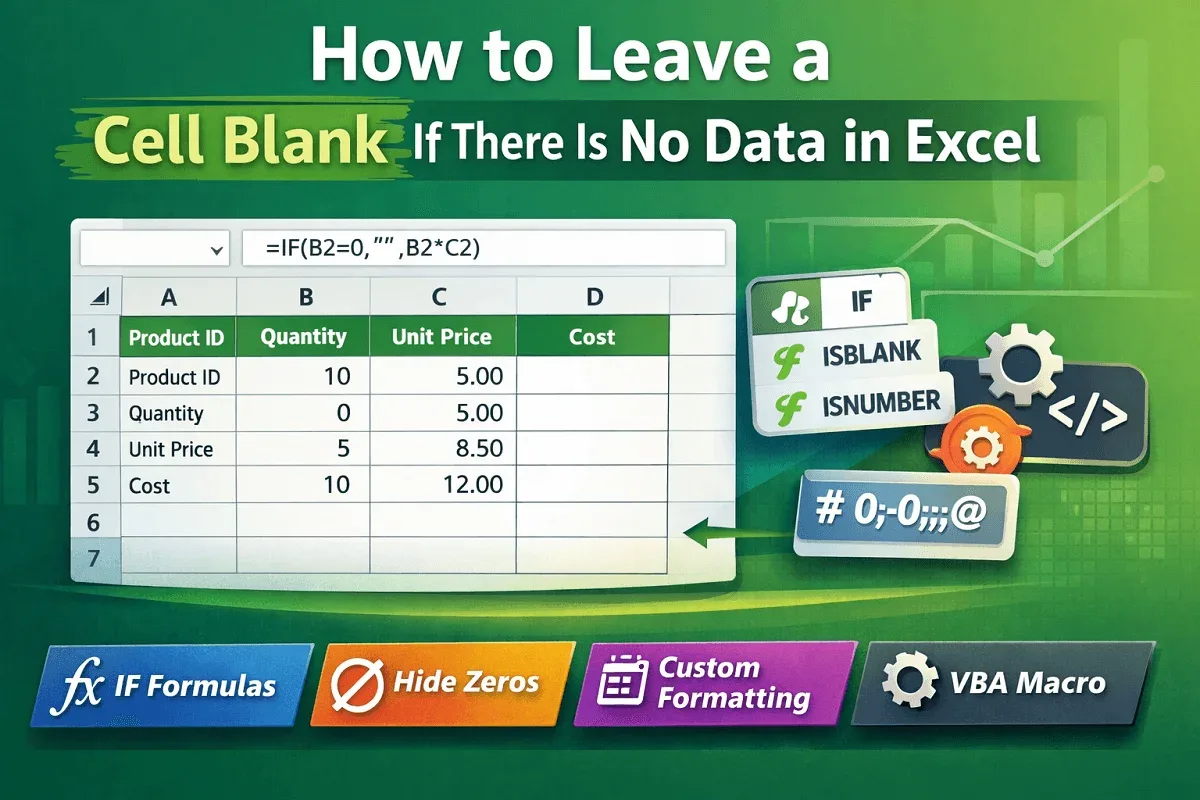
Learn how to leave a cell blank in Excel using IF formulas, ISBLANK, ISNUMBER, zero hiding, formats, and VBA macros easily today
Read article


Atkeya Fariha specializes in data management, analysis, formulas, automation, and integration. She has contributed to research, creative projects, and worked as a data analyst. She is passionate about data analysis, finance management, and project management using spreadsheets.
Articles by Atkeya Fariha are developed under the guidance of ExcelInsider’s core training program and are technically reviewed by Nehad Ulfat, lead spreadsheet consultant, to ensure accuracy and user-centric value.
Learn how to leave a cell blank in Excel using IF formulas, ISBLANK, ISNUMBER, zero hiding, formats, and VBA macros easily today
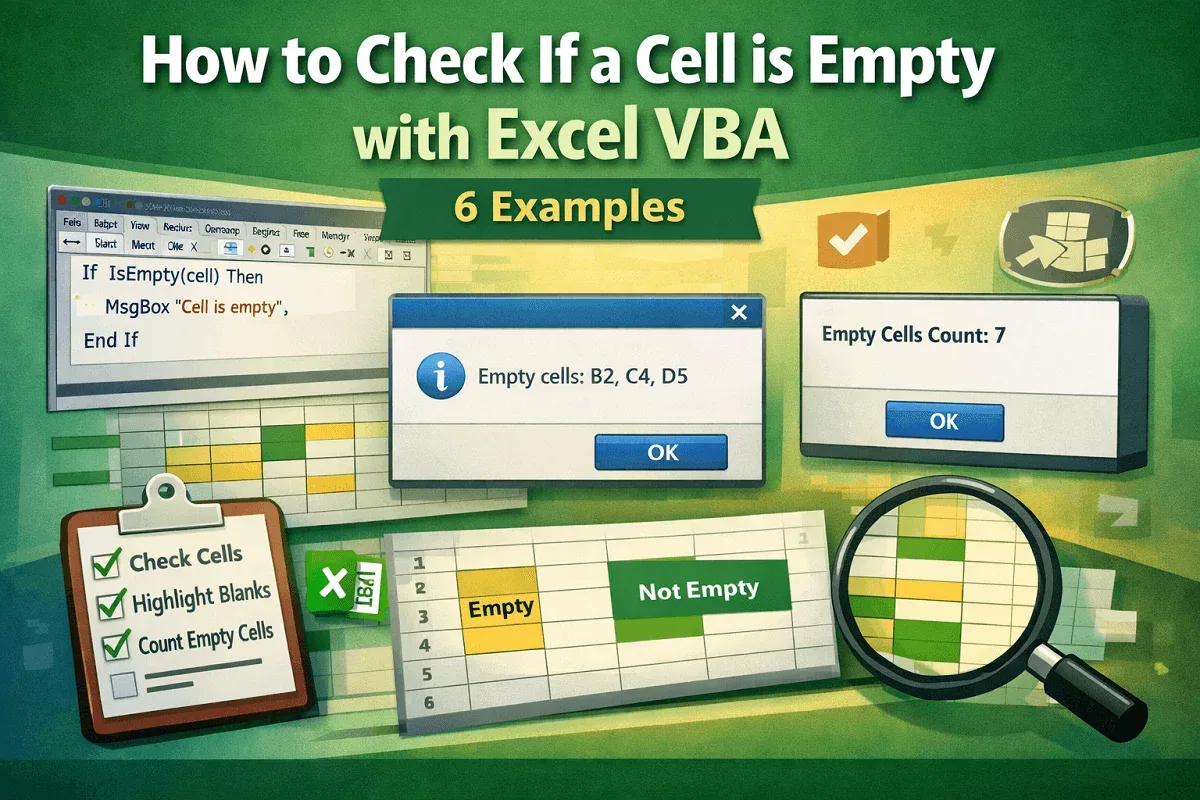
Learn how to check if a cell is empty with Excel VBA using IsEmpty, ranges, message boxes, and counting empty cells easily now.
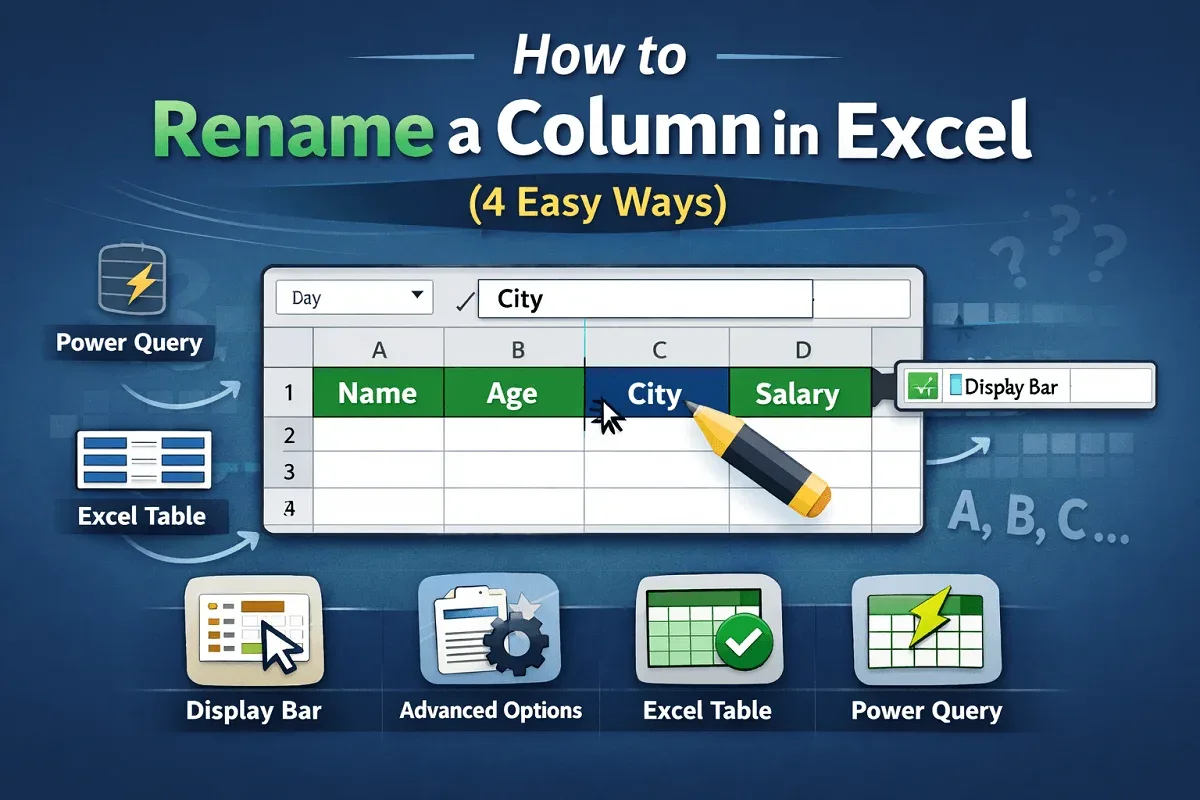
Learn how to rename a column in Excel using the display bar, advanced options, Excel tables, and Power Query efficiently.

Learn how to create column headers in Excel manually, freeze panes, use tables, prepare headers for printing, and alternative methods.
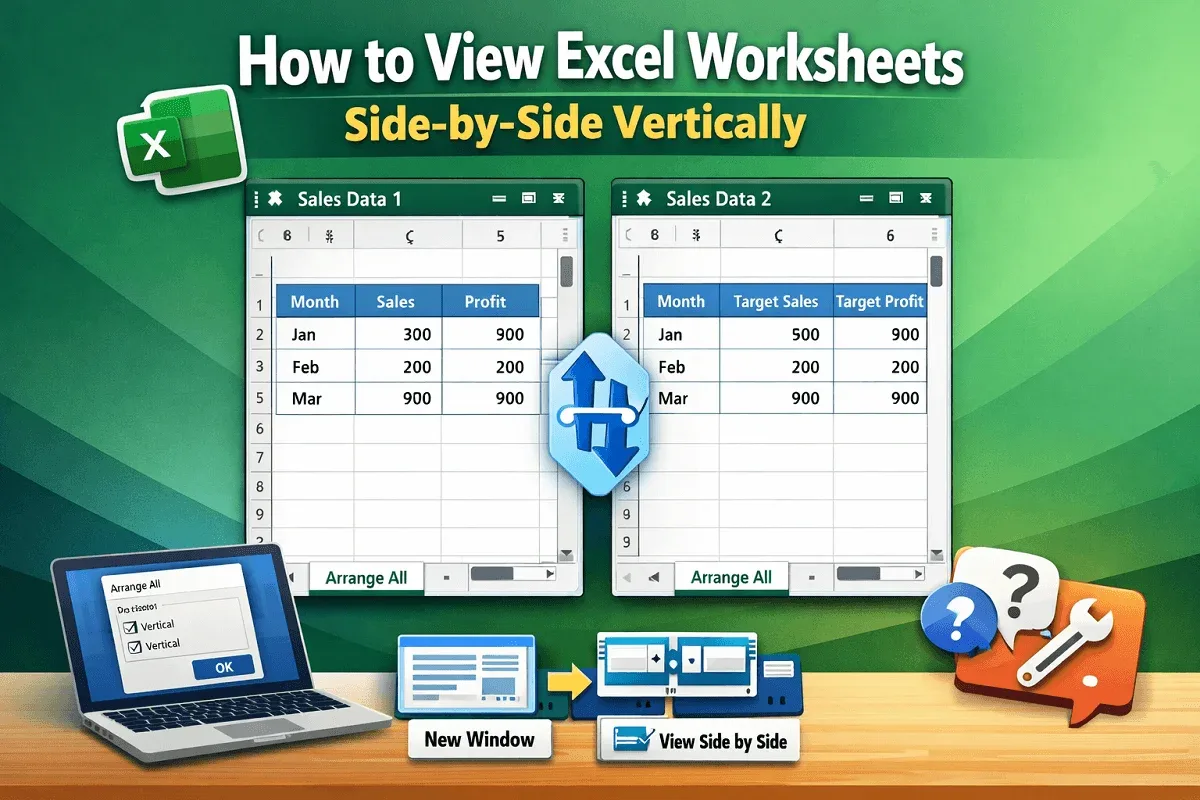
Learn how to view Excel worksheets side by side vertically using new windows, View Side by Side, sync scrolling, and fixes for common issues.
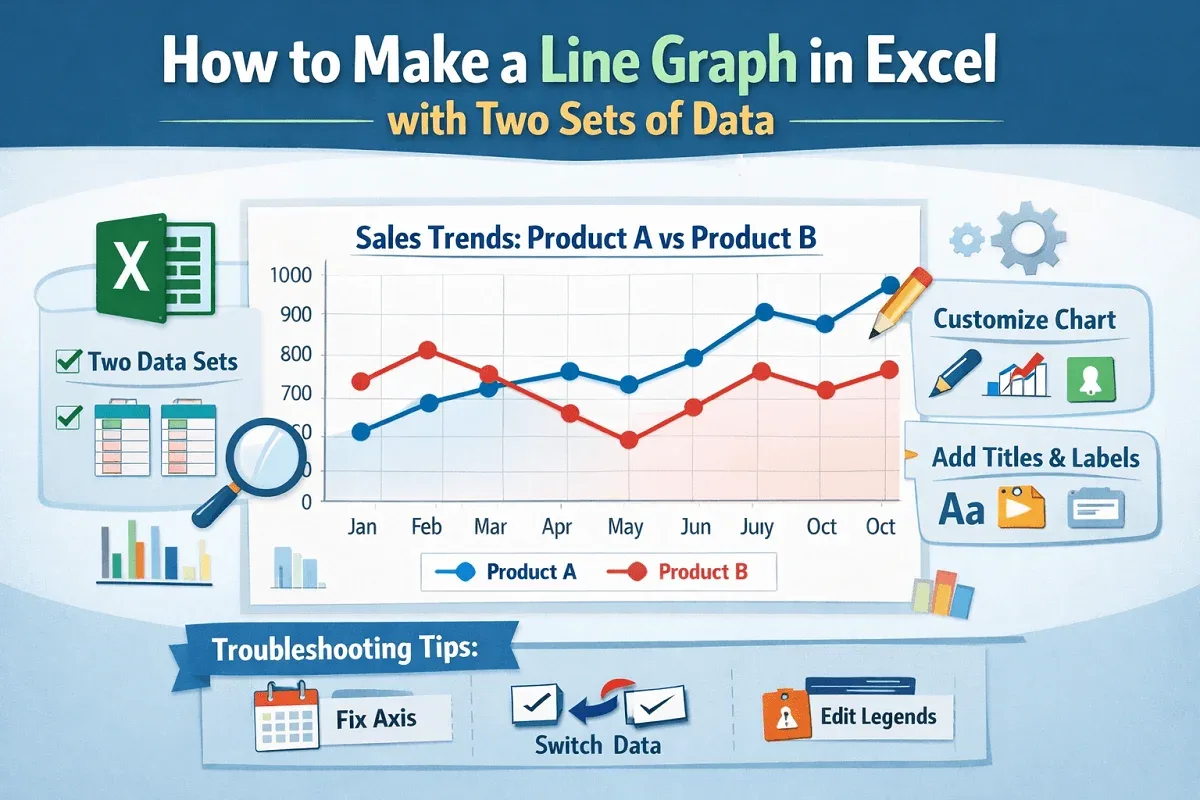
Learn how to make a line graph in Excel with two sets of data, clear steps, axis checks, customization, and quick tips easily.
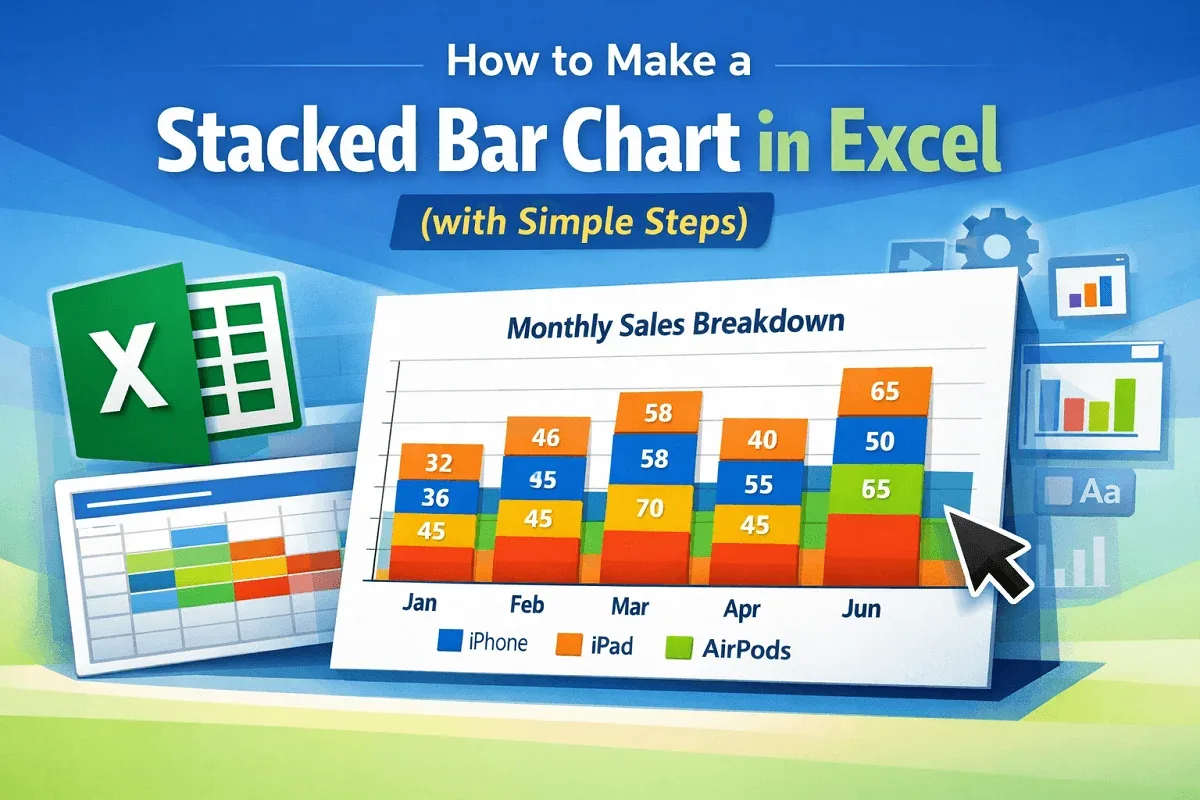
Learn how to make a stacked bar chart in Excel with step-by-step instructions, chart overview, and useful tips for clear data visualization.
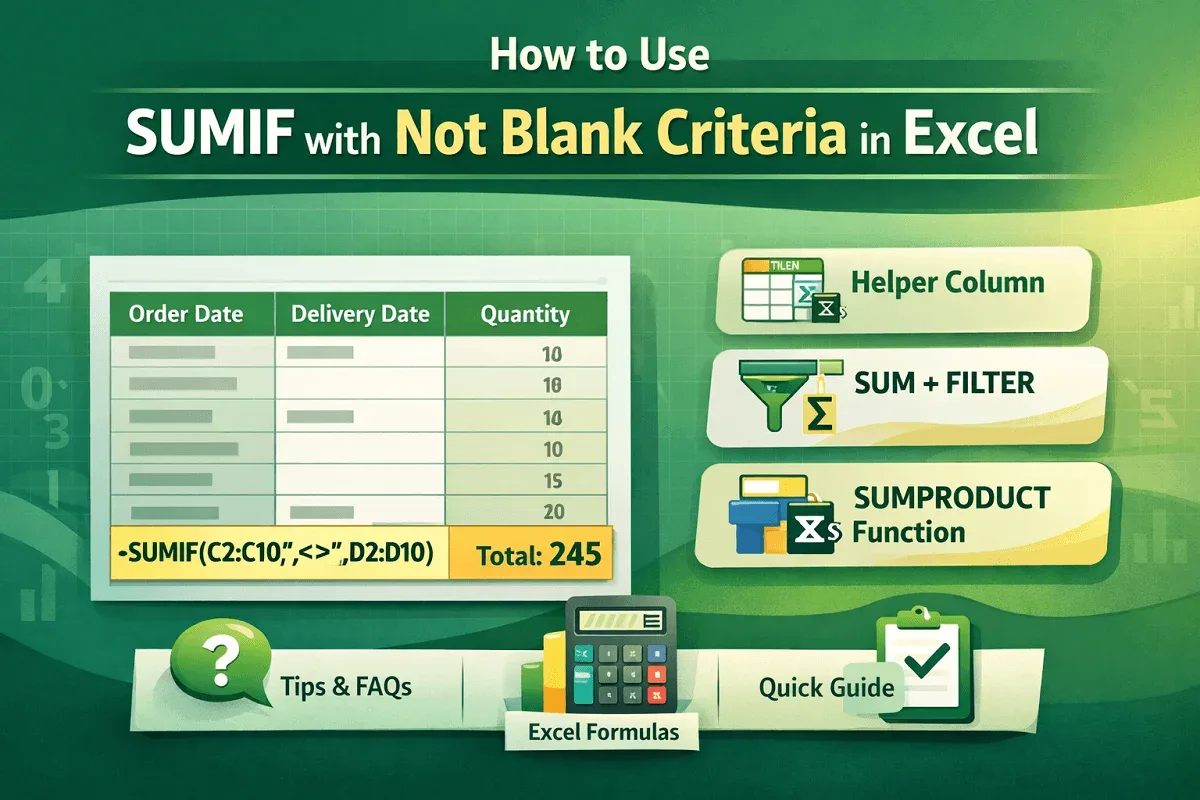
Learn how to sum values in Excel only if cells are not blank using SUMIF, SUMIFS, SUMPRODUCT, FILTER, and helper column methods.
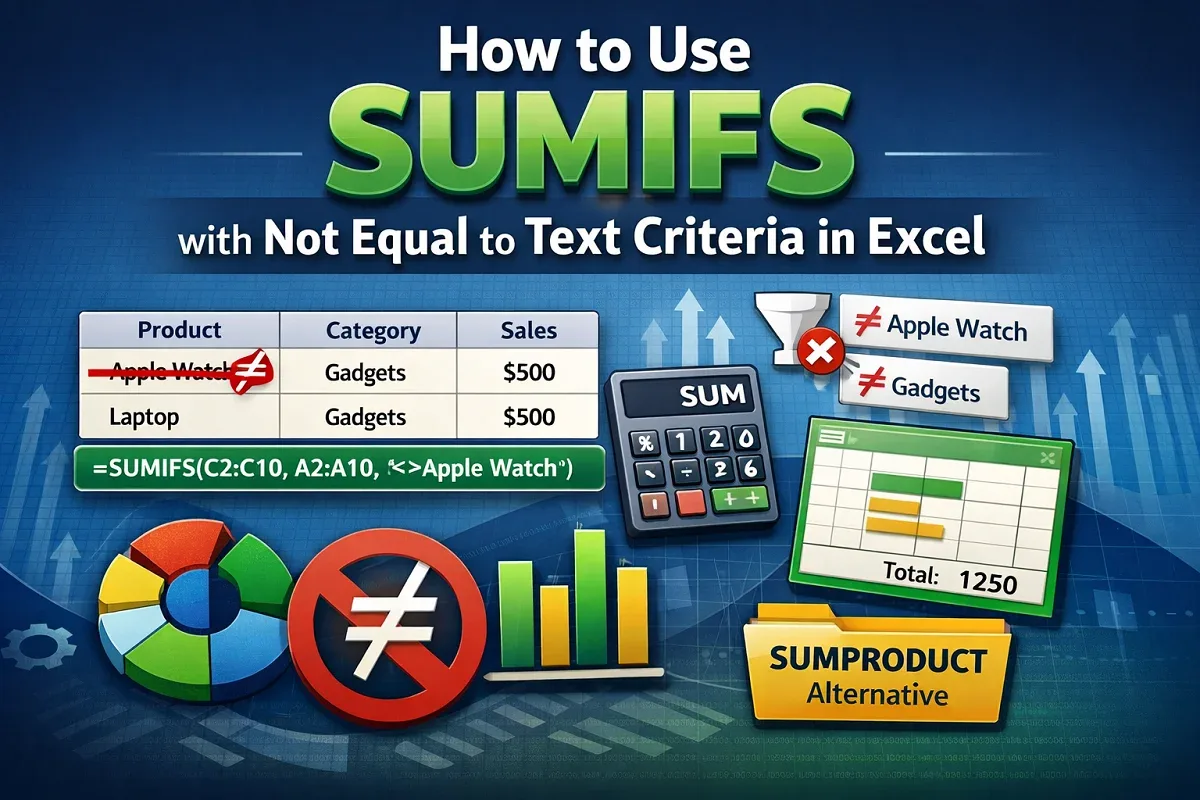
Learn how to use the SUMIFS function in Excel with “not equal to” text criteria for exact, partial, and multiple condition matching.
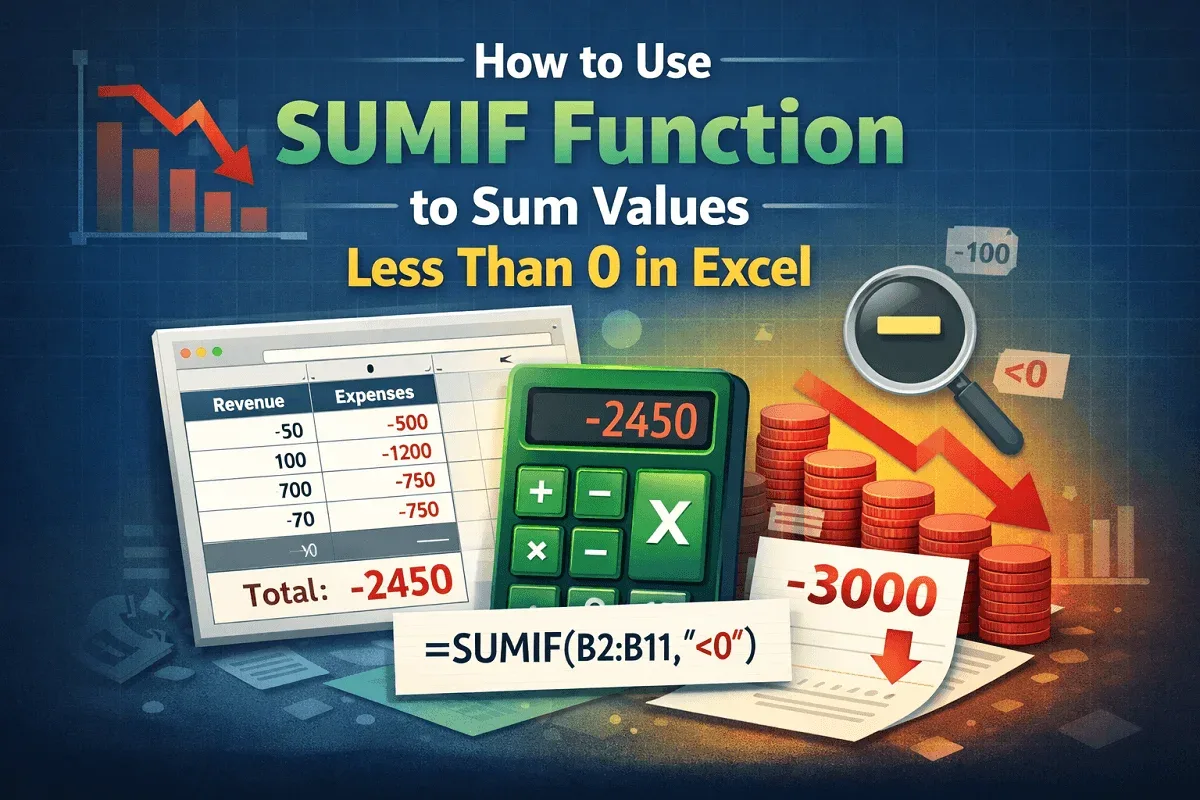
Learn how to use the SUMIF and SUMIFS functions in Excel to quickly sum values less than 0 with formulas, examples, and tips.
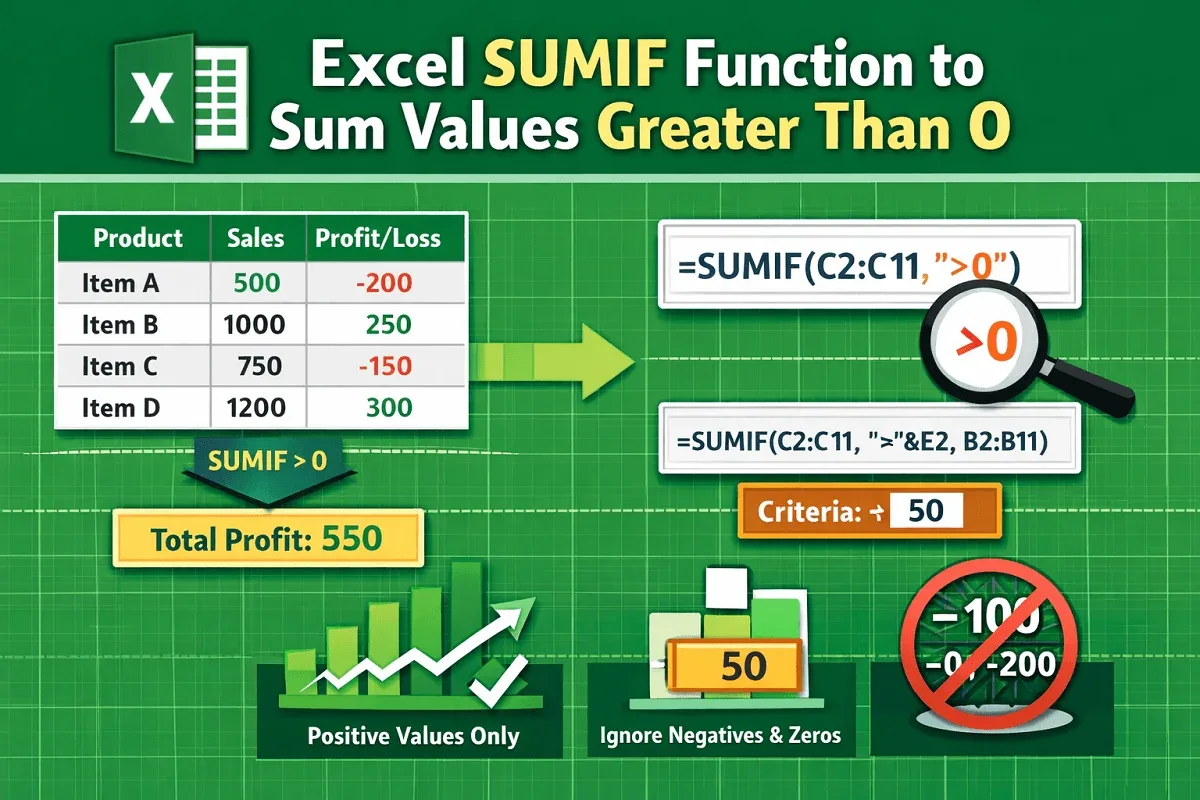
Learn how to use the SUMIF function in Excel to sum values greater than 0 with formulas, cell references, and examples.
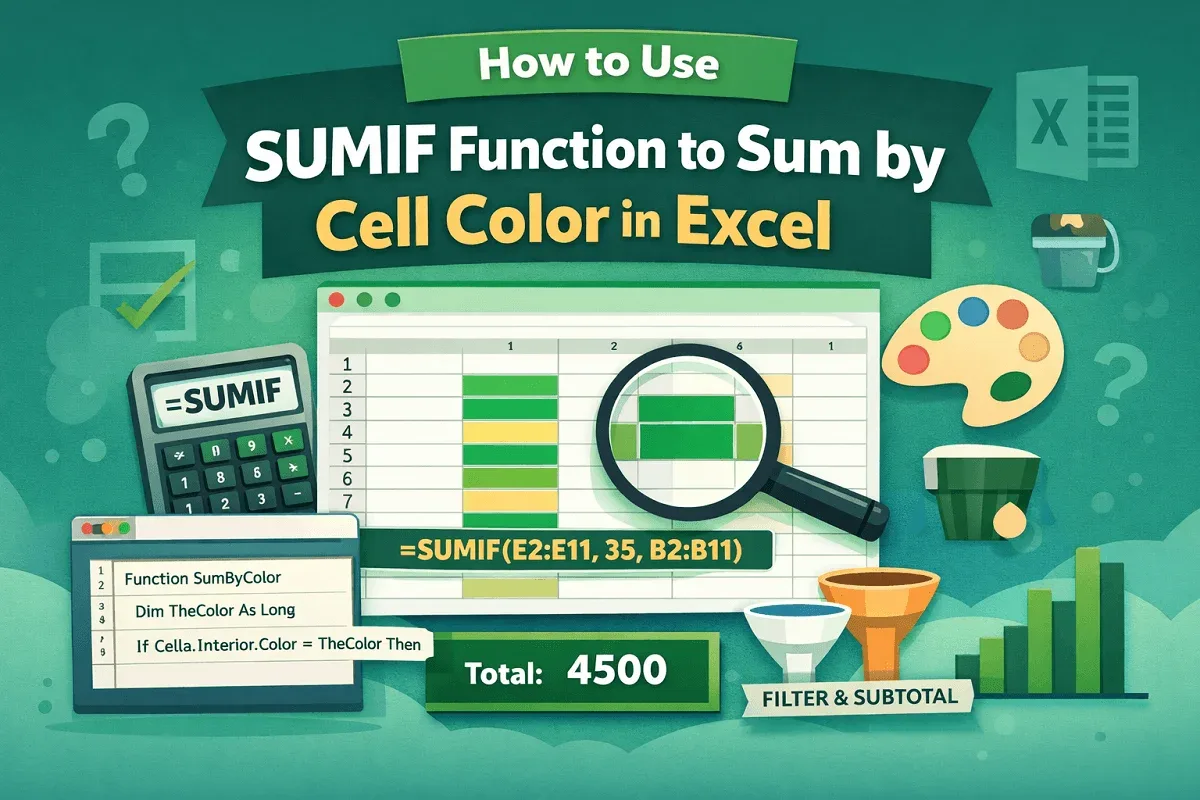
Learn how to use the SUMIF function to sum by cell color in Excel with GET.CELL, VBA code, and FILTER & SUBTOTAL alternatives.