
Excel Pivot Table
Remove Conditional Formatting from Blank Cells in Pivot Table
Remove conditional formatting from blank cells in Excel Pivot Tables using rules, formulas, and VBA for cleaner reports.
Read article


Wasim Akram holds a BSc in Industrial and Production Engineering and has around four years of hands-on Excel and Google Sheets experience. He specializes in formulas, lookups, PivotTables, dashboards, charts, data cleaning, macros, VBA, and Google Apps Script. He has created 300+ tutorials that helped over 100,000 users solve data problems. He enjoys exploring advanced formulas and building automated templates that simplify daily tasks.
Articles by Wasim Akram are developed under the guidance of ExcelInsider’s core training program and are technically reviewed by Nehad Ulfat, lead spreadsheet consultant, to ensure accuracy and user-centric value.
Remove conditional formatting from blank cells in Excel Pivot Tables using rules, formulas, and VBA for cleaner reports.
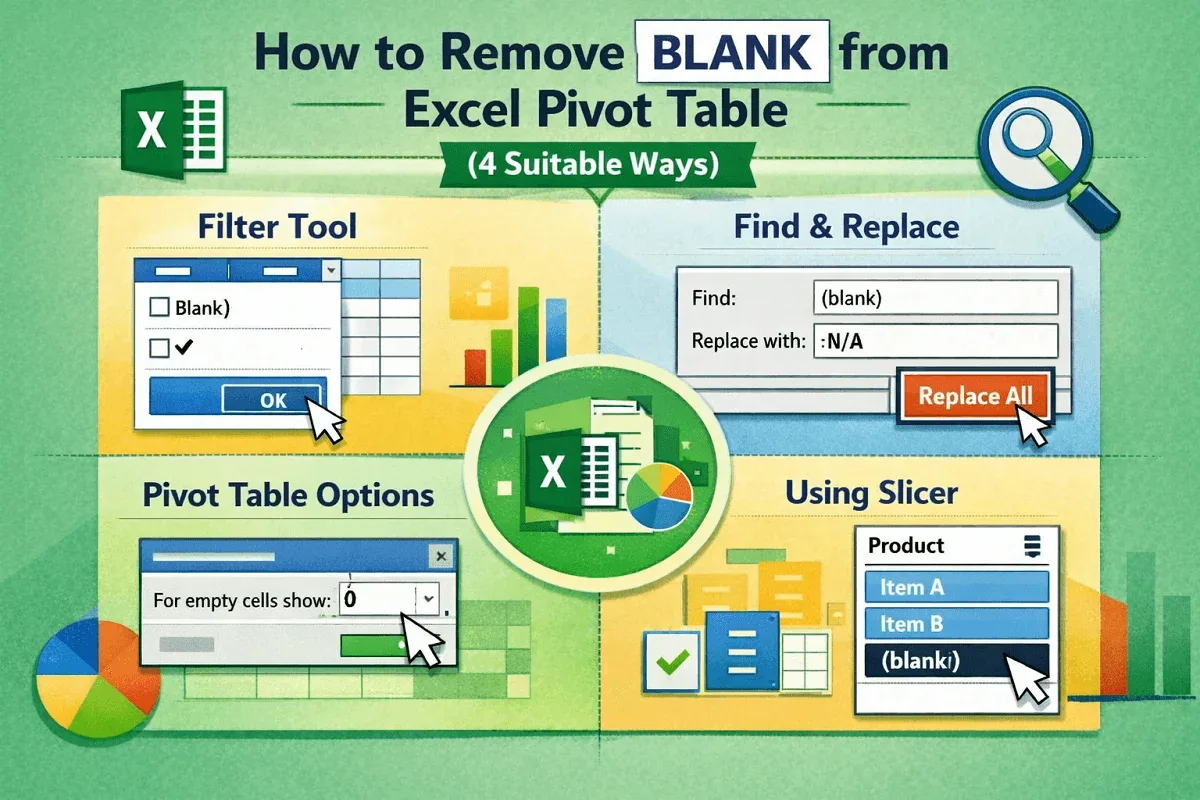
Learn how to remove blanks from an Excel Pivot Table using filters, Find & Replace, Pivot Options, and slicers easily.
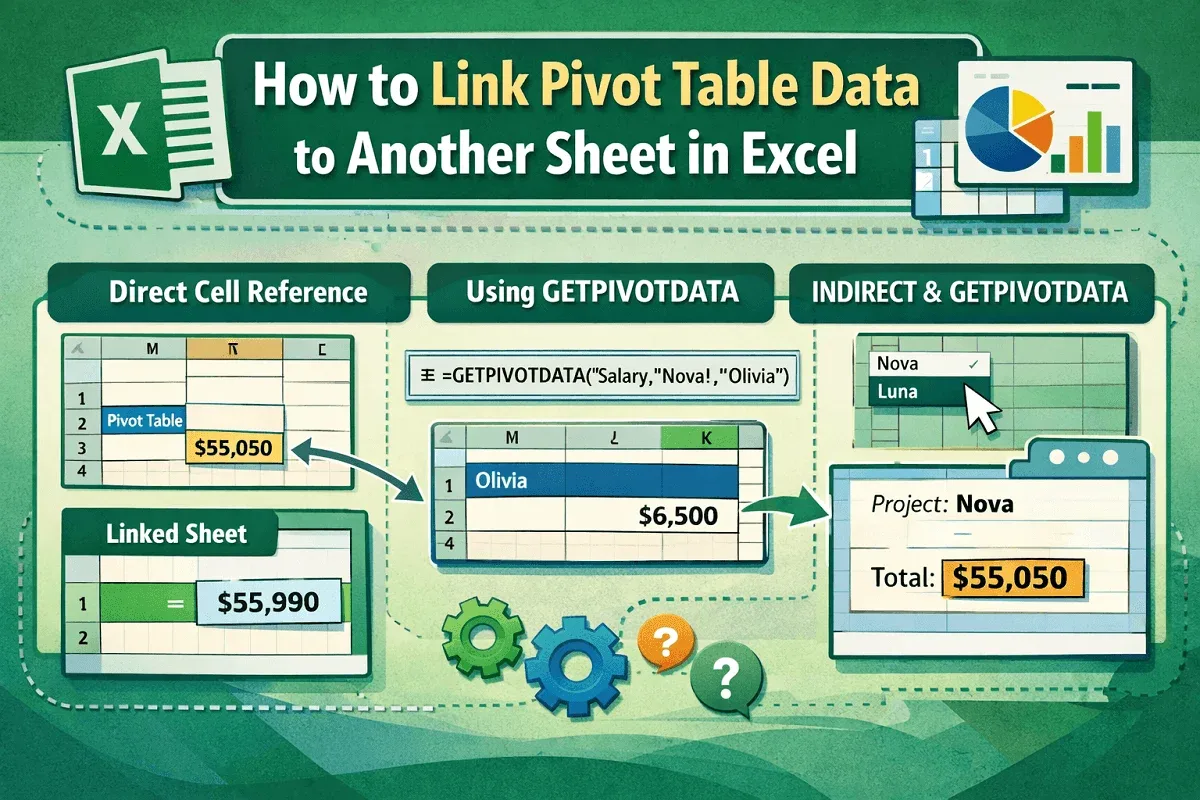
Learn how to link Pivot Table data to another sheet using cell references, GETPIVOTDATA, and INDIRECT formulas in Excel easily.
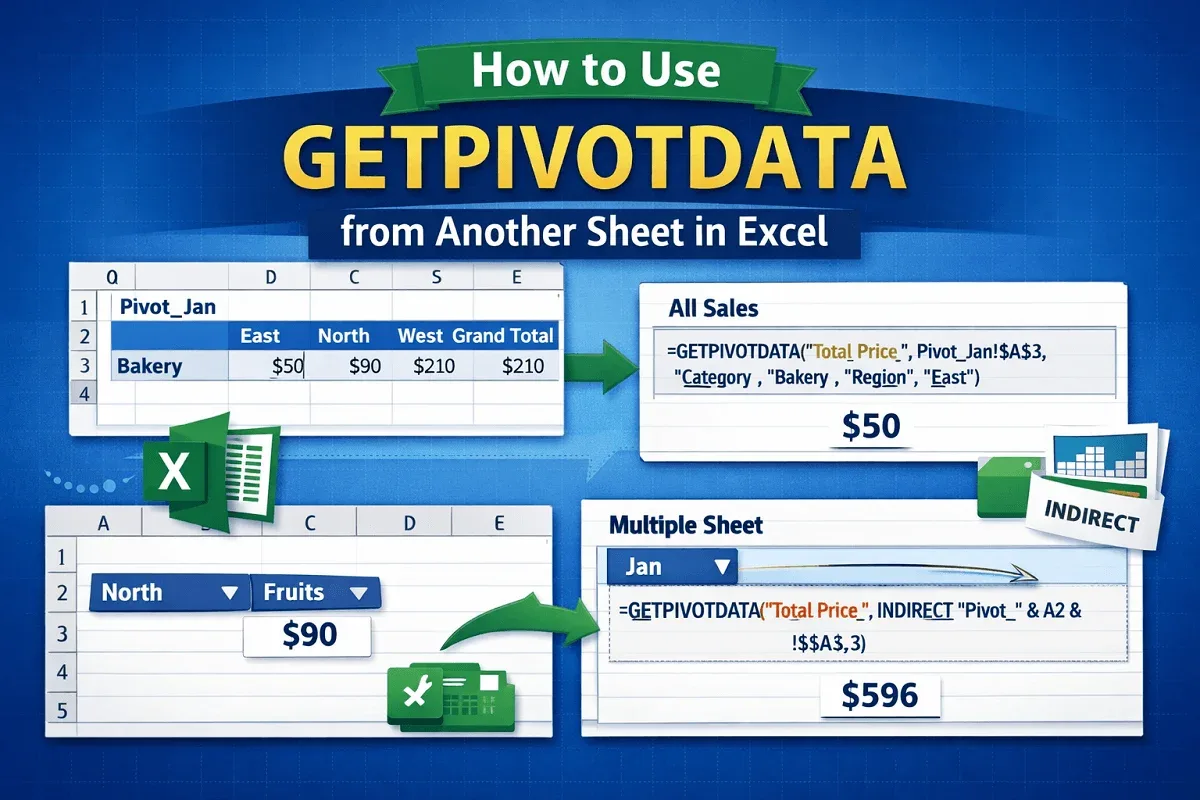
Use GETPIVOTDATA to pull specific Pivot Table values from another sheet using cell references, INDIRECT and formulas.
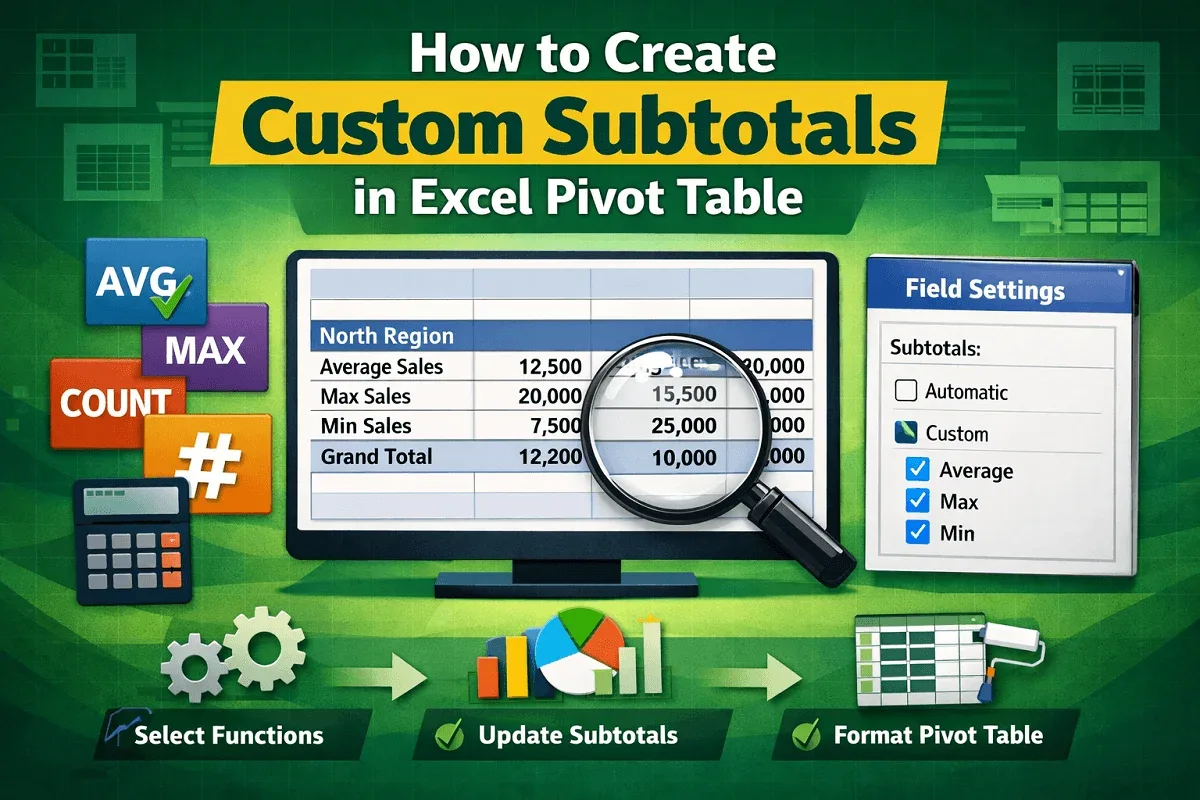
Create custom subtotals in Excel Pivot Tables by adjusting field settings, building pivot tables with data, and formatting results clearly.
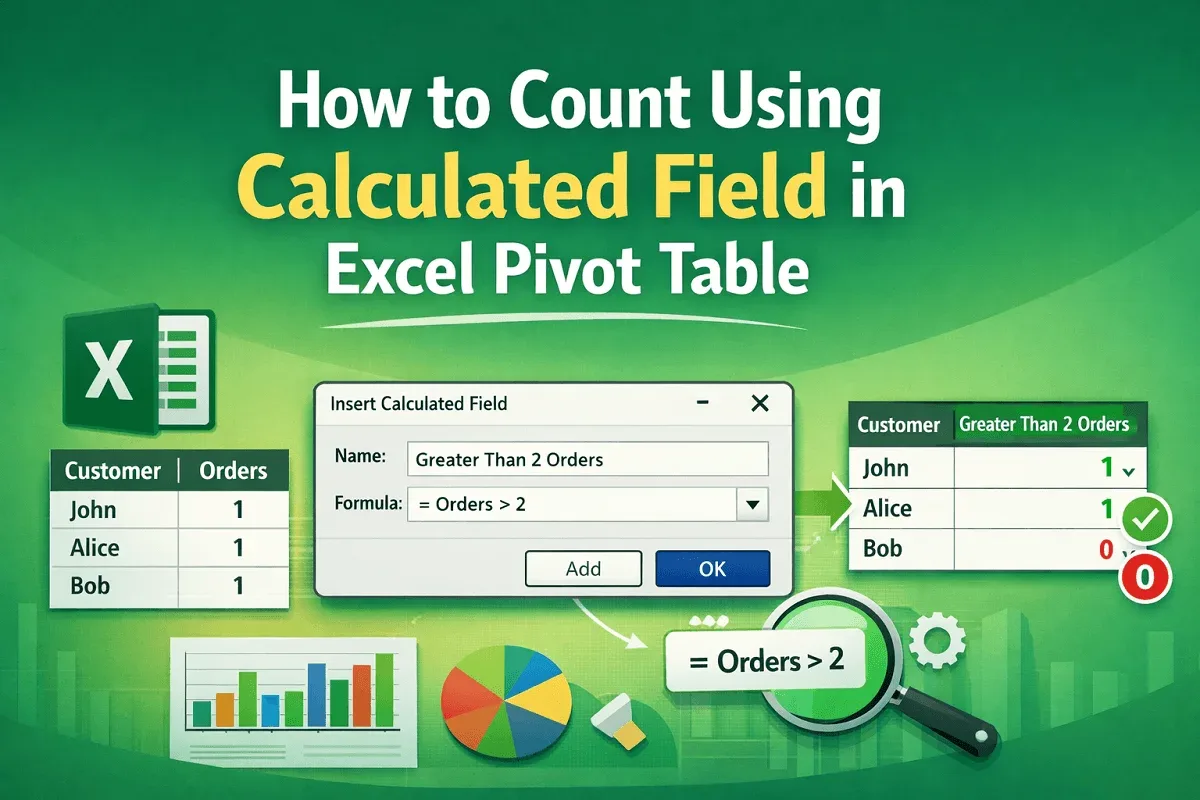
Count values using a calculated field in an Excel Pivot Table by creating helper columns, fixing count errors, and setting fields correctly.

Calculate percentage of grand total in an Excel Pivot Table using Field Settings or the Show Values As feature for clear.
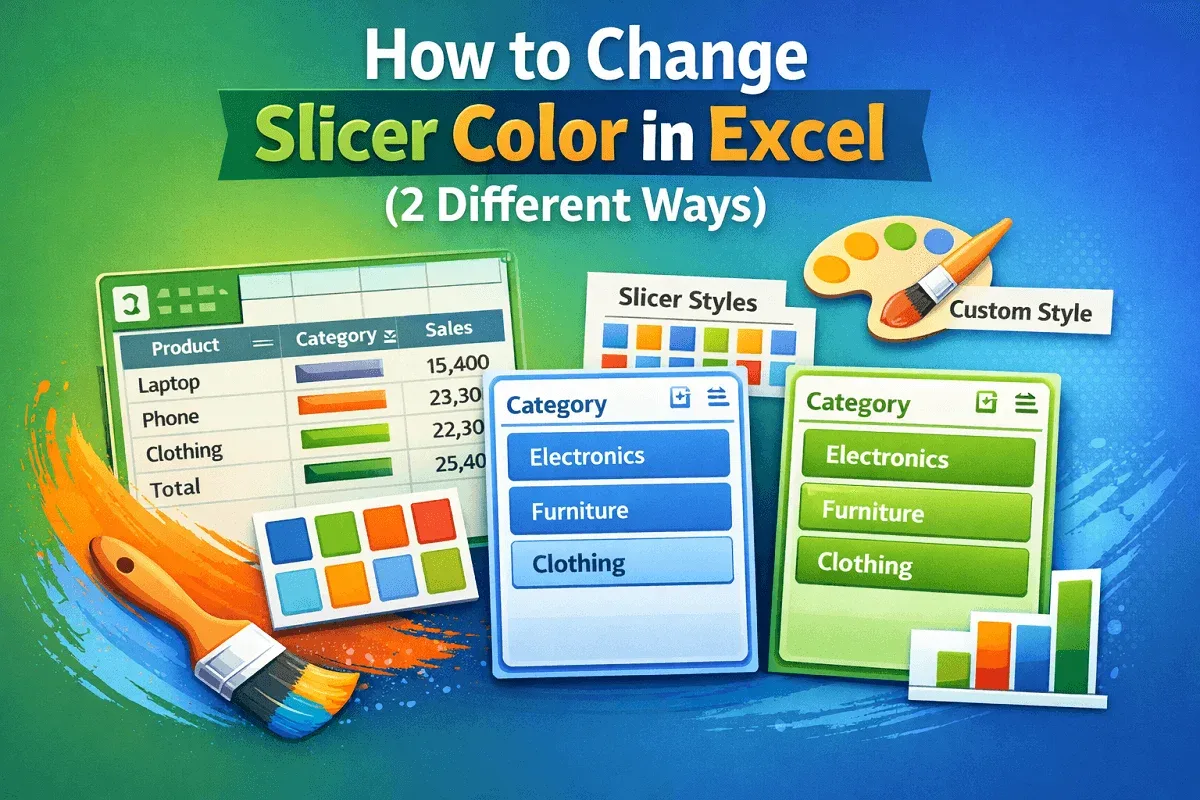
Learn how to change slicer color in Excel using built-in slicer styles or create custom styles with your own colors now.
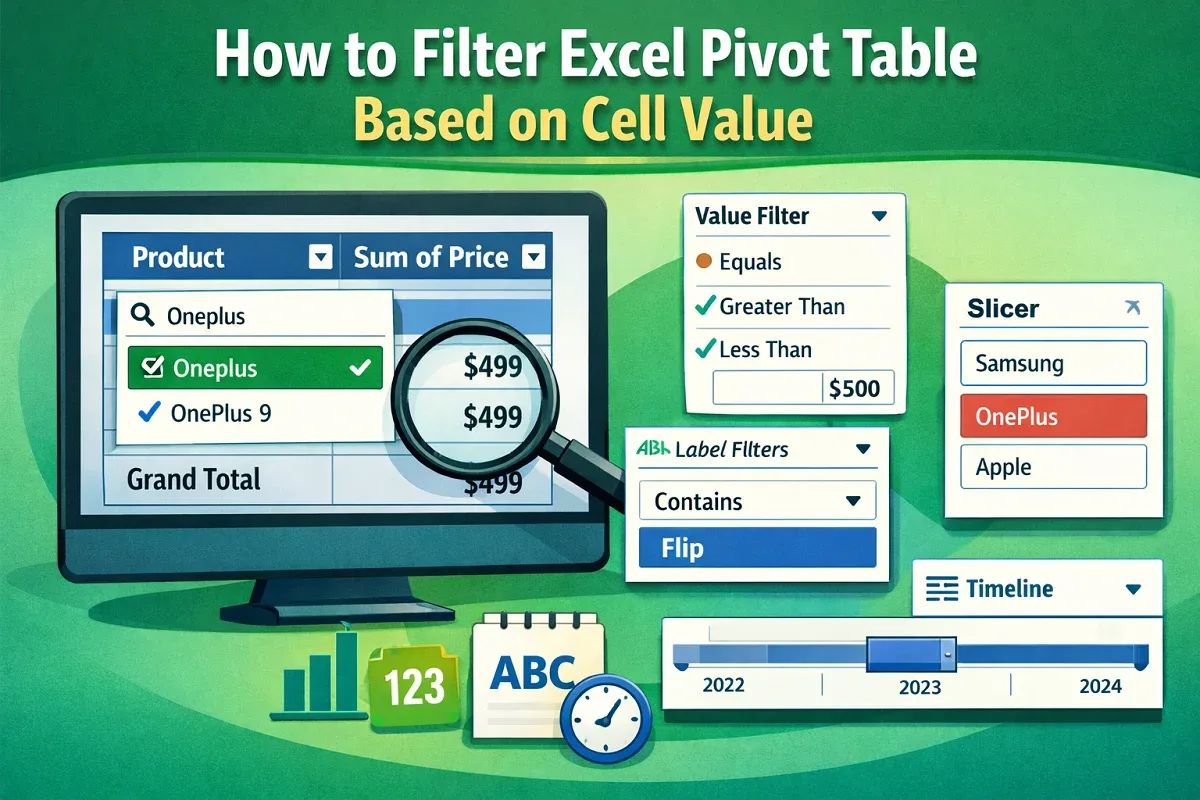
Filter Excel Pivot Tables based on cell values using column filters, label and value filters, slicers, or timelines for dates.

Learn how to ungroup dates in Excel Pivot Tables using the Ungroup feature, keyboard shortcuts, or by disabling auto grouping.
Learn how to group dates by month and year in an Excel Pivot Table using drag-and-drop and the Group Selection feature.
Learn how to sort a Pivot Table by the sum of values using the Sort feature for horizontal sorting & a Calculated Field for vertical sorting.