Excel Pro Tips
Excel Formula to Find If Date Is Less Than Today (4 Examples)
Learn how to use Excel formulas, conditional formatting, and VBA to check if a date is less than today and display status effectively.
Read article


Wasim Akram holds a BSc in Industrial and Production Engineering and has around four years of hands-on Excel and Google Sheets experience. He specializes in formulas, lookups, PivotTables, dashboards, charts, data cleaning, macros, VBA, and Google Apps Script. He has created 300+ tutorials that helped over 100,000 users solve data problems. He enjoys exploring advanced formulas and building automated templates that simplify daily tasks.
Articles by Wasim Akram are developed under the guidance of ExcelInsider’s core training program and are technically reviewed by Nehad Ulfat, lead spreadsheet consultant, to ensure accuracy and user-centric value.
Learn how to use Excel formulas, conditional formatting, and VBA to check if a date is less than today and display status effectively.
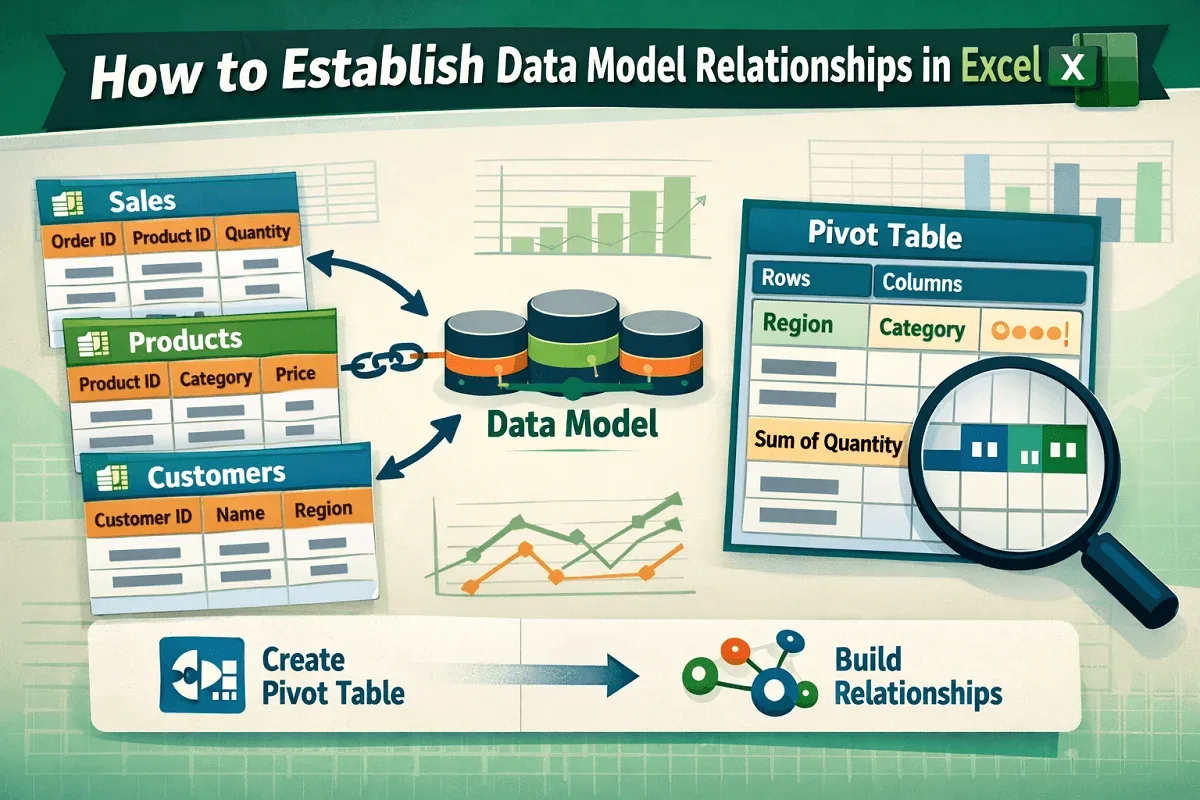
Learn how to establish data model relationships in Excel using tables, PivotTables, and relationships to analyze data efficiently.
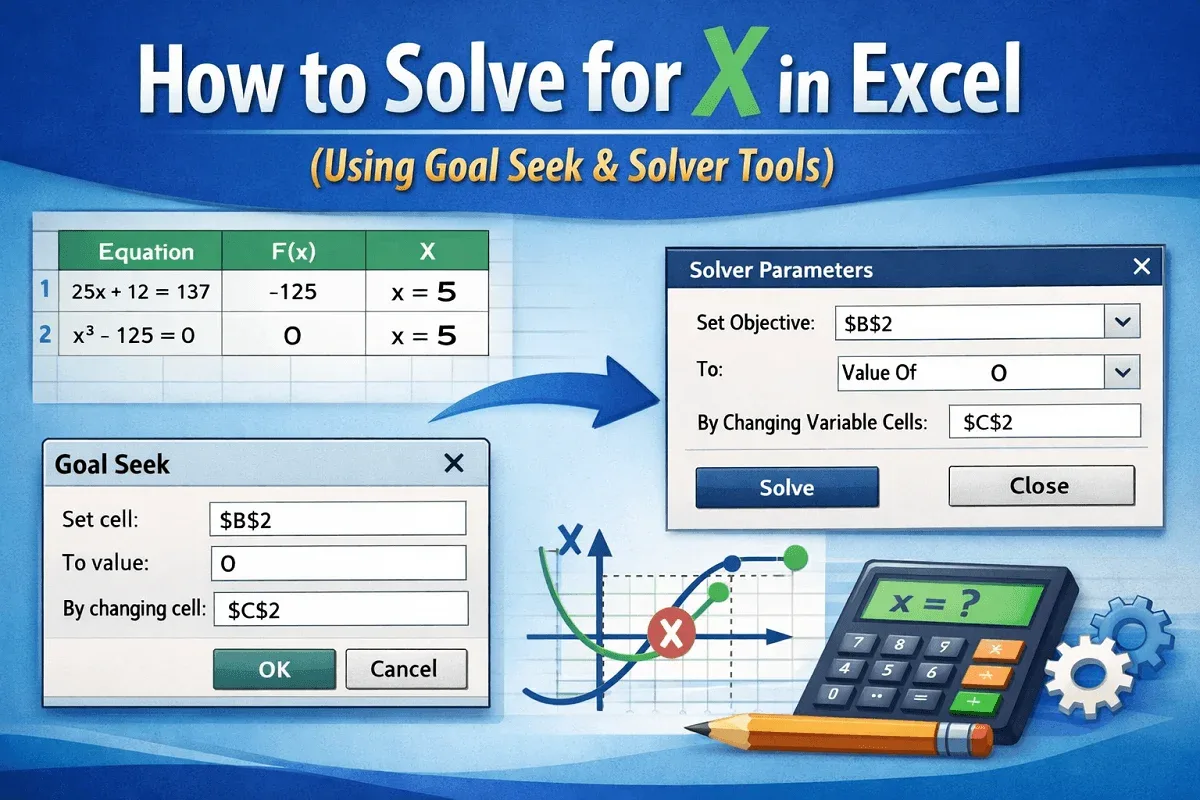
Learn how to solve for x in Excel using Goal Seek and Solver with easy step-by-step instructions for accurate results.
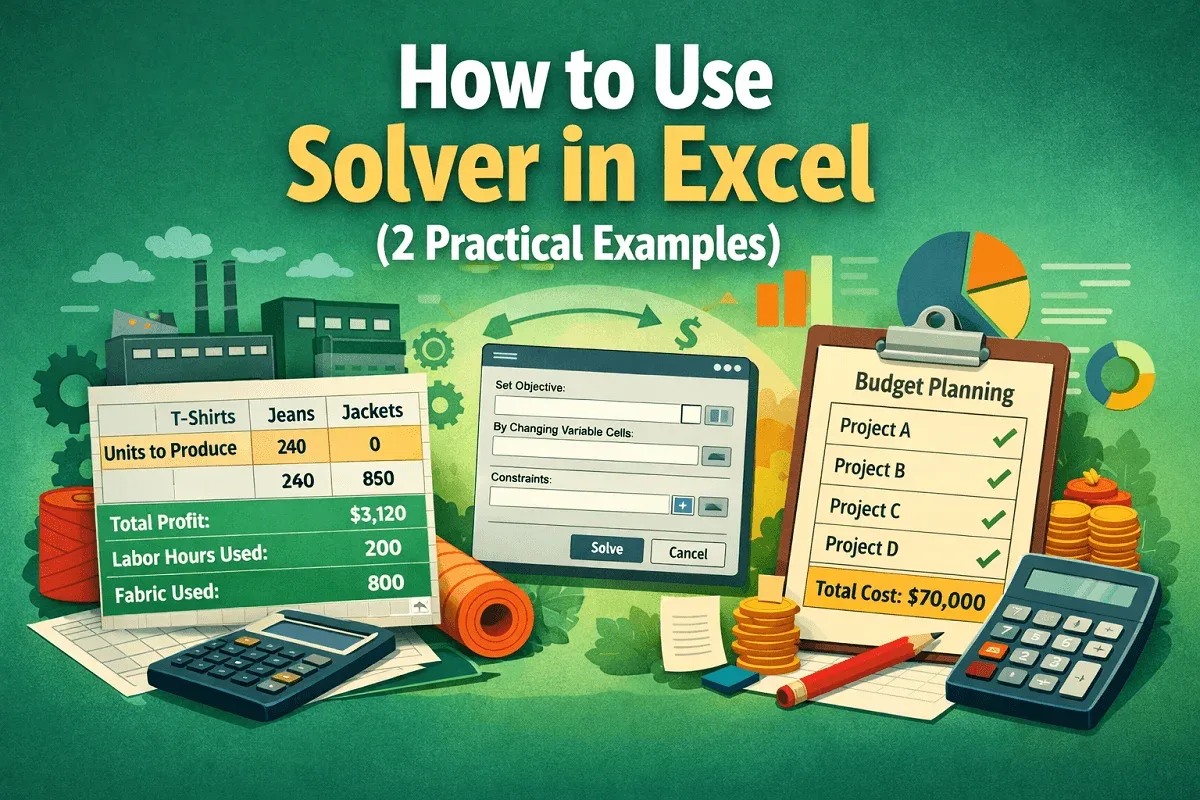
Learn how to use Solver in Excel with step-by-step examples for optimizing production and managing budgets effectively.
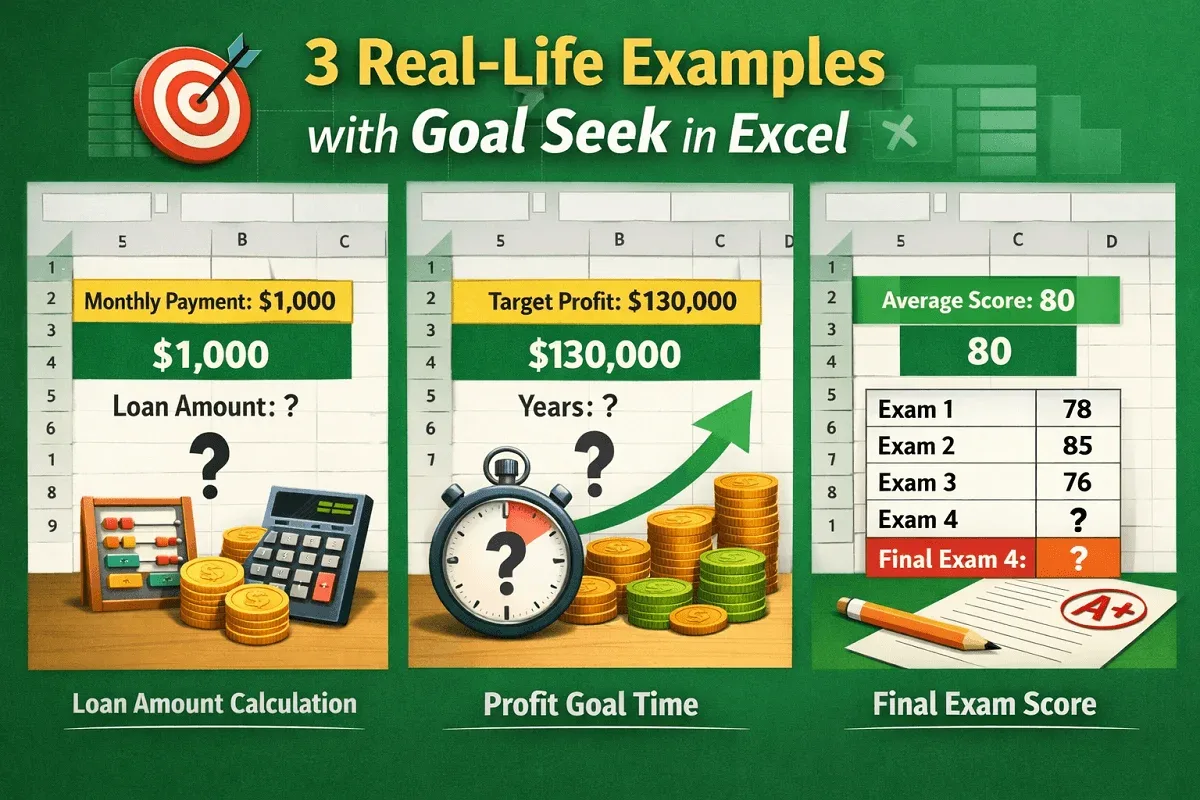
Learn how to use Goal Seek in Excel with 3 real-life examples: loan calculation, profit planning, and final exam score targeting.
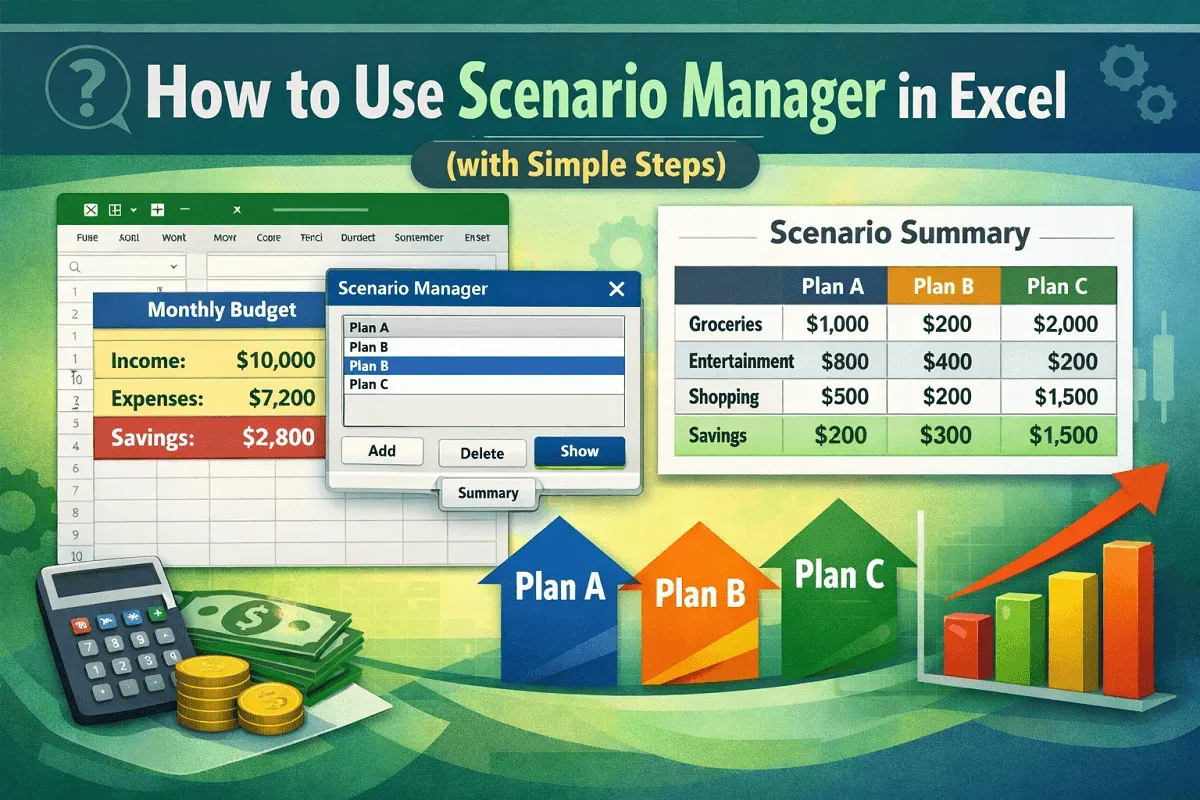
Learn how to use Scenario Manager in Excel to create, manage, and compare multiple budgeting scenarios with a clear summary report.
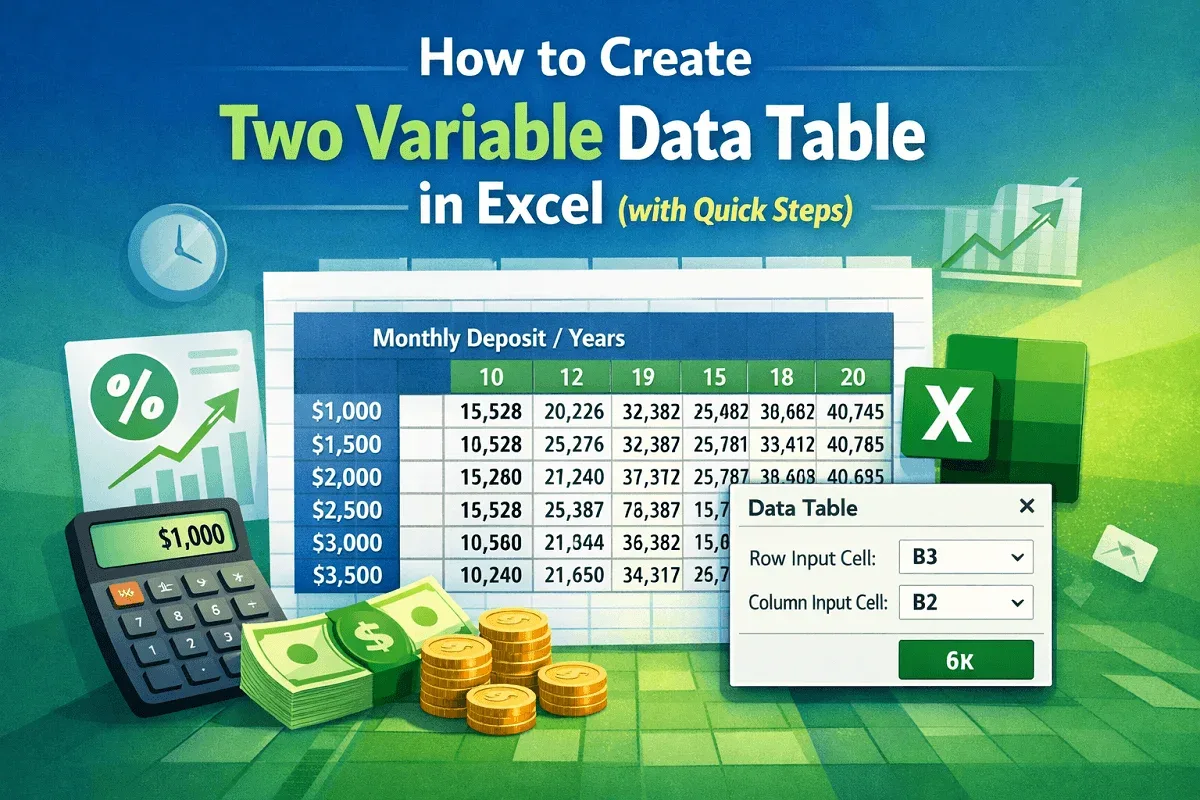
Learn how to create a two-variable data table in Excel with step-by-step instructions: calculate, set range, and apply the Data Table tool.
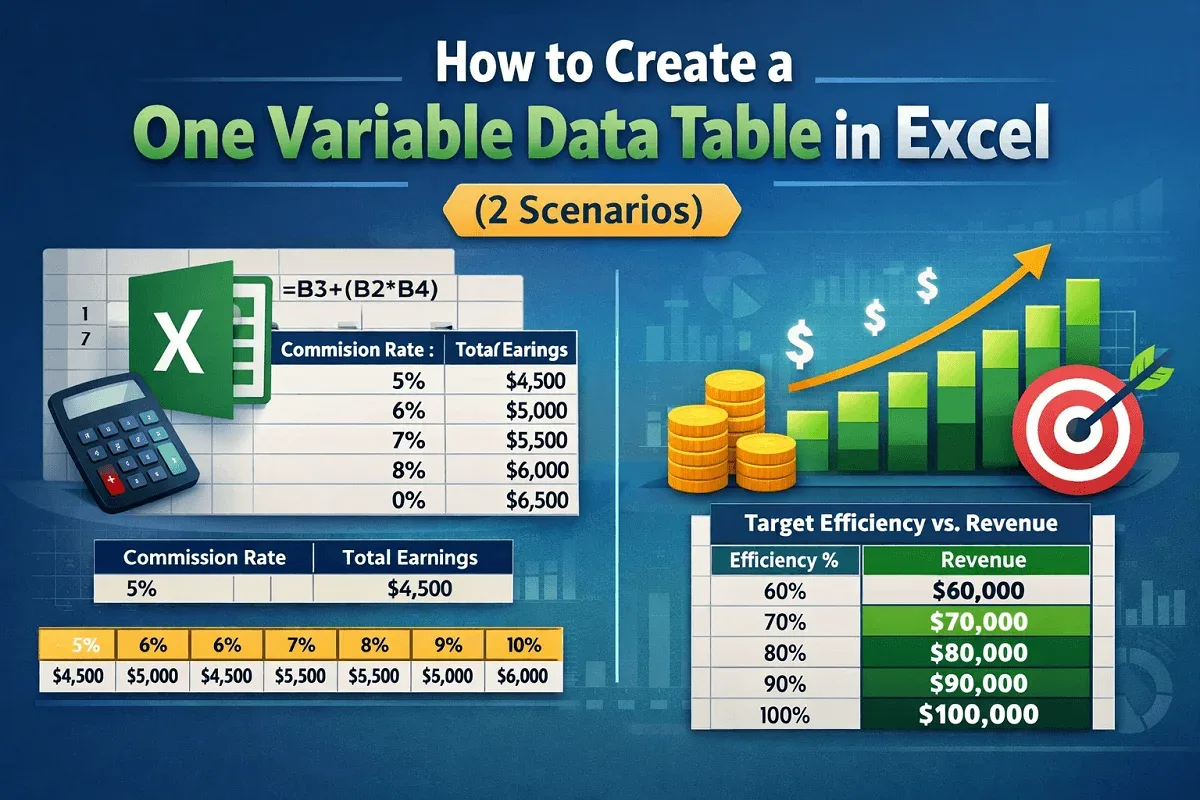
Learn how to create a one-variable data table in Excel with step-by-step examples and scenarios to simplify data analysis and forecasting.
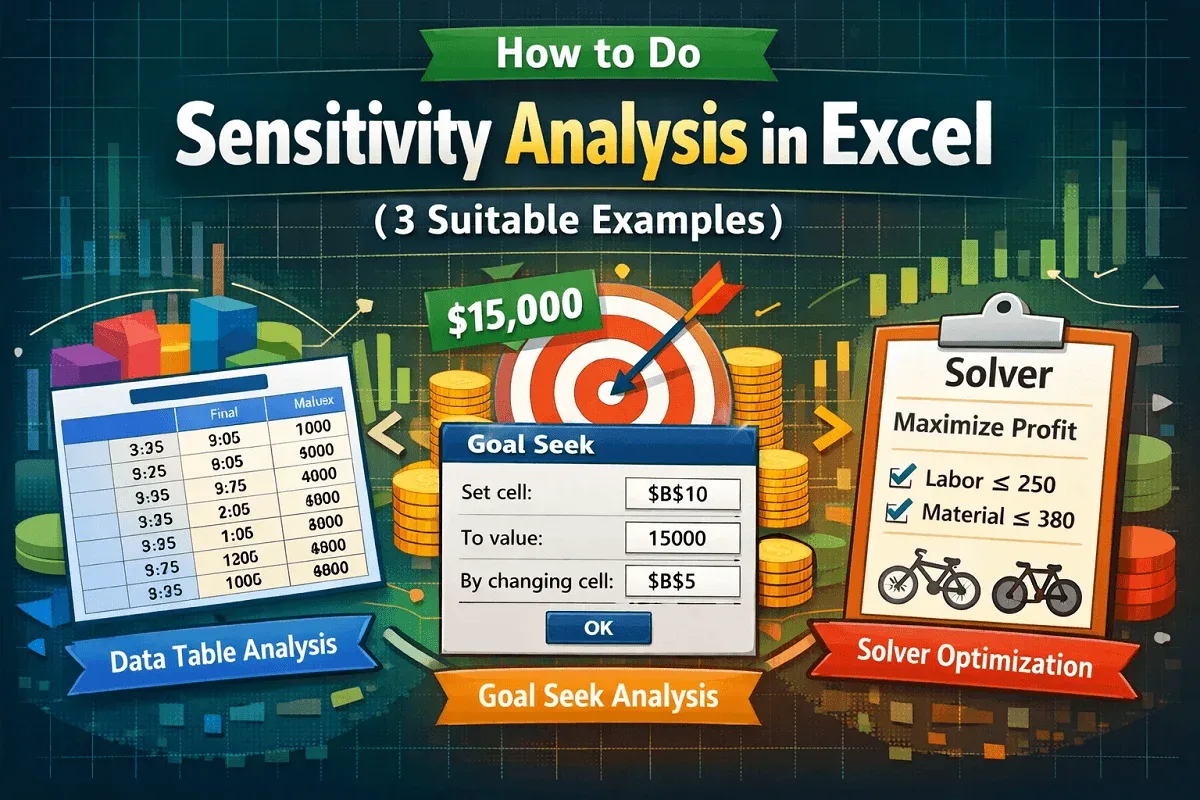
Learn how to do Sensitivity Analysis in Excel using Data Tables, Goal Seek, and Solver to evaluate decision-making scenarios effectively.
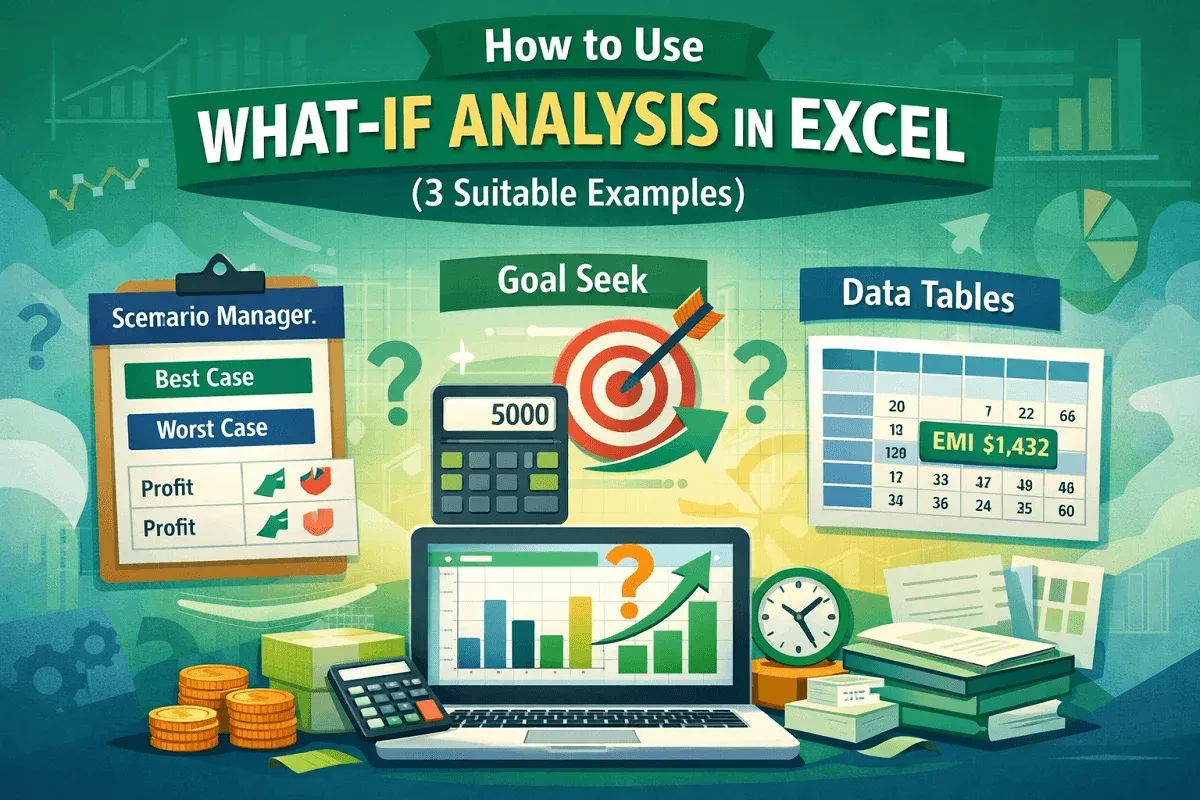
Learn how to use What-If Analysis in Excel with Scenario Manager, Goal Seek, and Data Tables for effective decision-making.
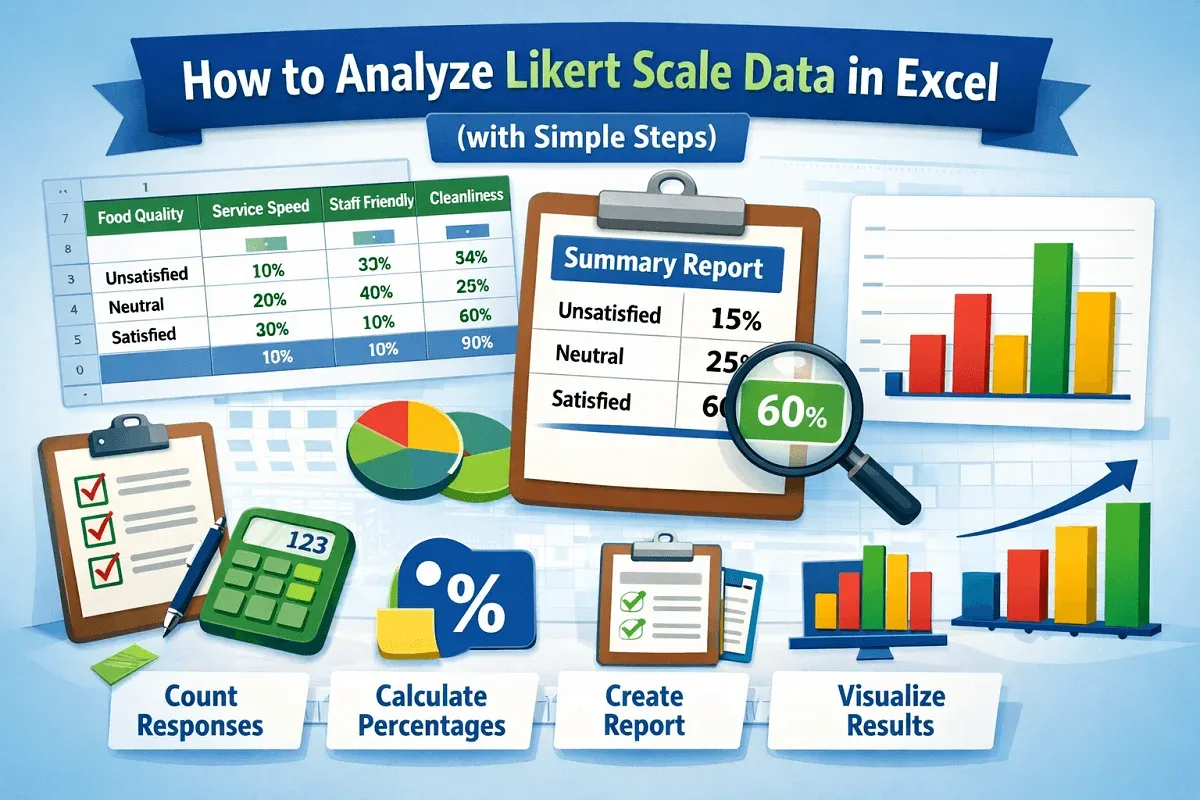
Learn how to analyze Likert scale data in Excel with step-by-step guidance, from counting feedback to creating charts and reports.