Excel Pro Tips
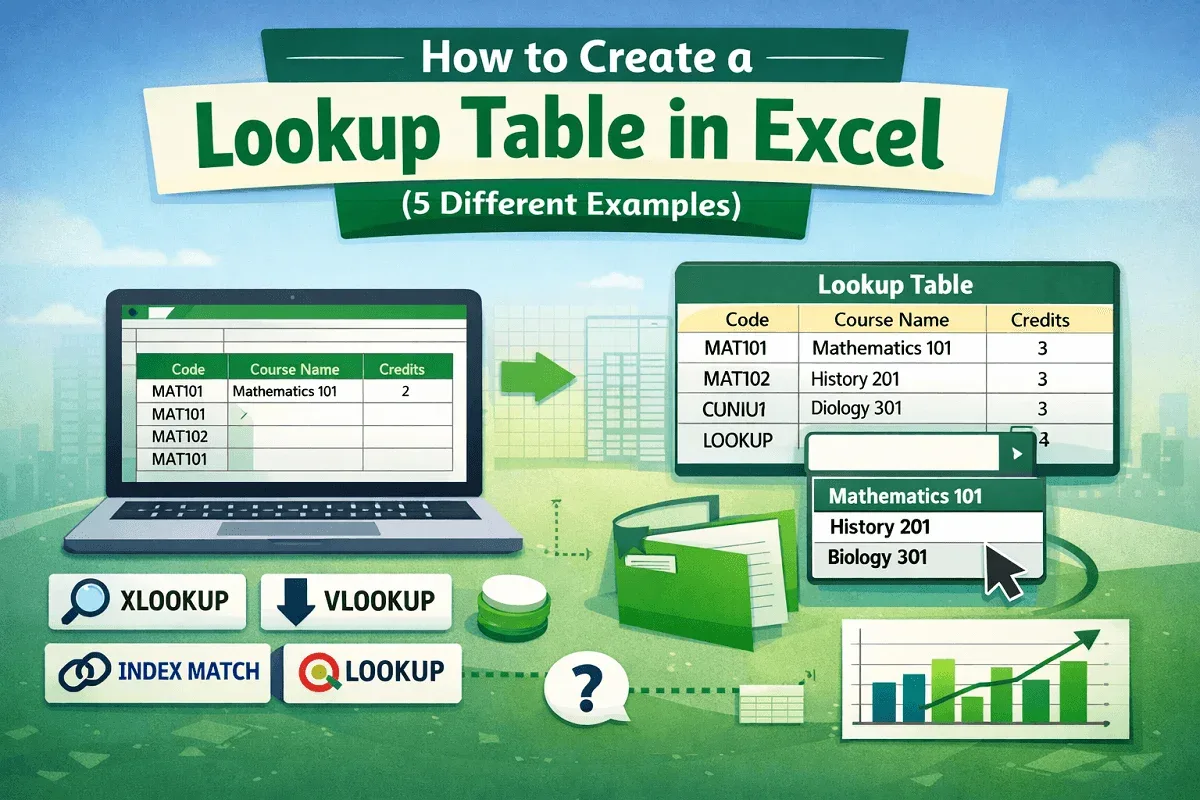
How to Create a Lookup Table in Excel (5 Different Examples)
Learn how to create a lookup table in Excel using XLOOKUP, VLOOKUP, INDEX-MATCH, LOOKUP, and drop-down lists for fast data use.
Read article

Articles by Fariha Tasnim are developed under the guidance of ExcelInsider’s core training program and are technically reviewed by Nehad Ulfat, lead spreadsheet consultant, to ensure accuracy and user-centric value.
Learn how to create a lookup table in Excel using XLOOKUP, VLOOKUP, INDEX-MATCH, LOOKUP, and drop-down lists for fast data use.

Learn how to flip data horizontally in Excel using Sort with a helper row, formulas, VBA macros, and handy Excel add-ins.

Learn how to find blank cells in Excel using Go To Special, formulas, filters, conditional formatting, and VBA macros.
Learn how to show Excel column numbers instead of letters using R1C1 reference style, helper rows, and practical formula examples.
Learn how to delete rows in Excel if a cell contains specific content using filters, helper columns, Find tool, or VBA automation.
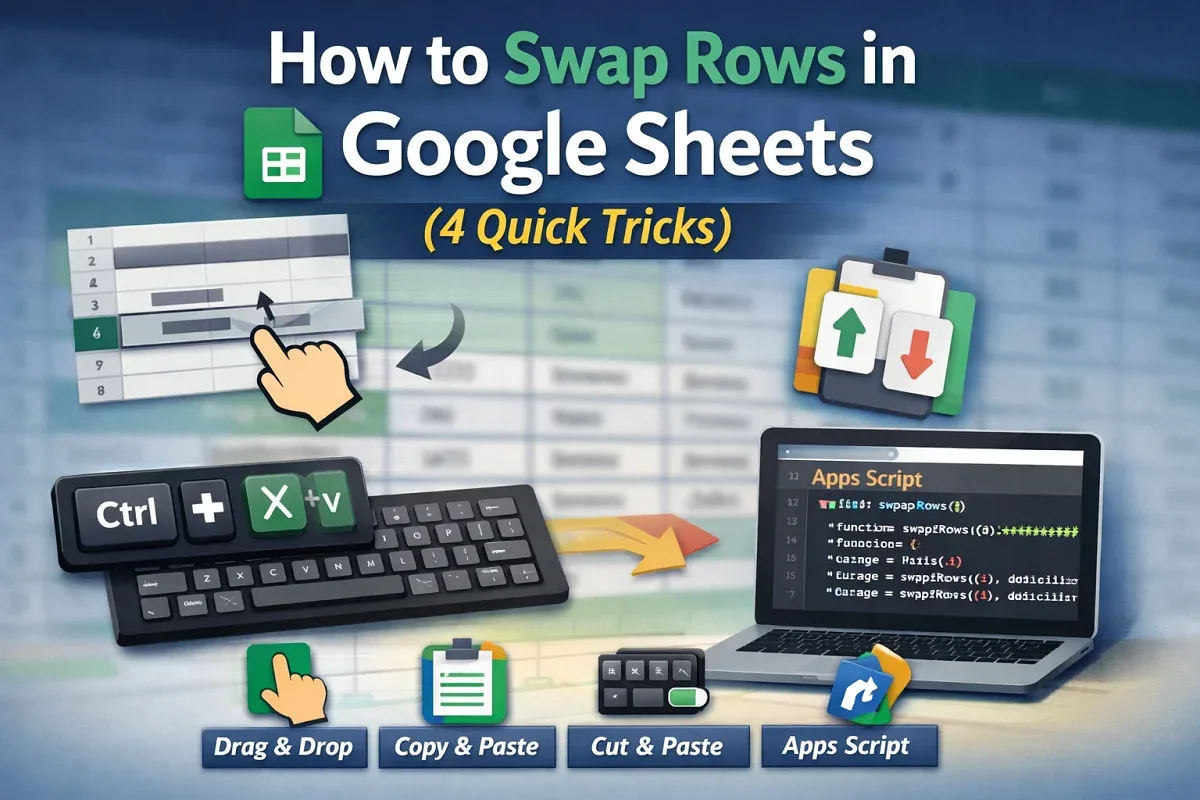
Learn how to swap rows in Google Sheets using drag-and-drop, copy-paste, keyboard shortcuts, or a custom Apps Script method.
Learn how to change row height in Google Sheets by dragging, using the menu, scripts, or auto-fit for better spreadsheet control.

Learn how to fix green border issues in Google Sheets, from search highlights to filters, protected ranges, and shared file access.
Learn 6 easy ways to rotate text in Google Sheets, including toolbar, custom angle, merged cells, scripts, formulas, and drawing tool.

Learn how to use Google Sheets offline by enabling access, selecting specific files, and installing the required Chrome extension.
Learn how to custom sort in Google Sheets using Sort Range, SORT, ARRAYFORMULA, and dropdown filters for tailored data views.
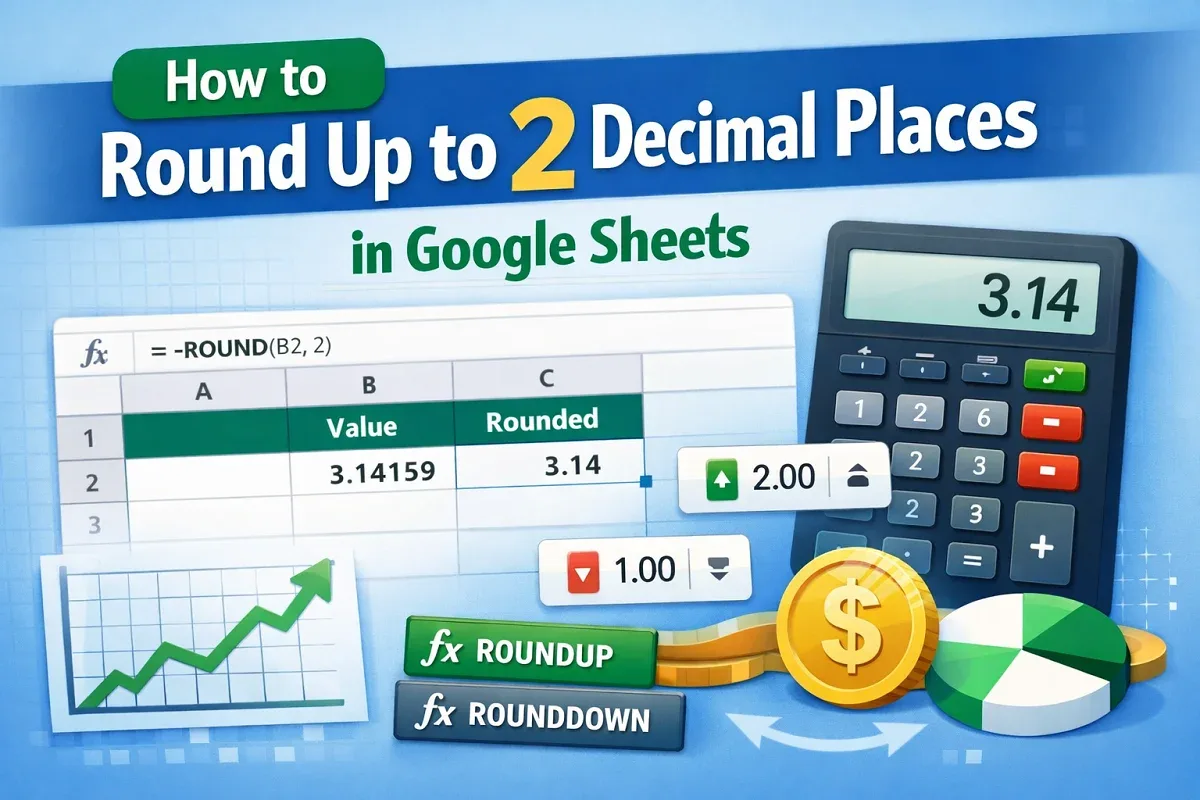
Learn how to round up to 2 decimal places in Google Sheets using ROUND, ROUNDUP, ROUNDDOWN, number formatting, and toolbar options.