Excel Pro Tips
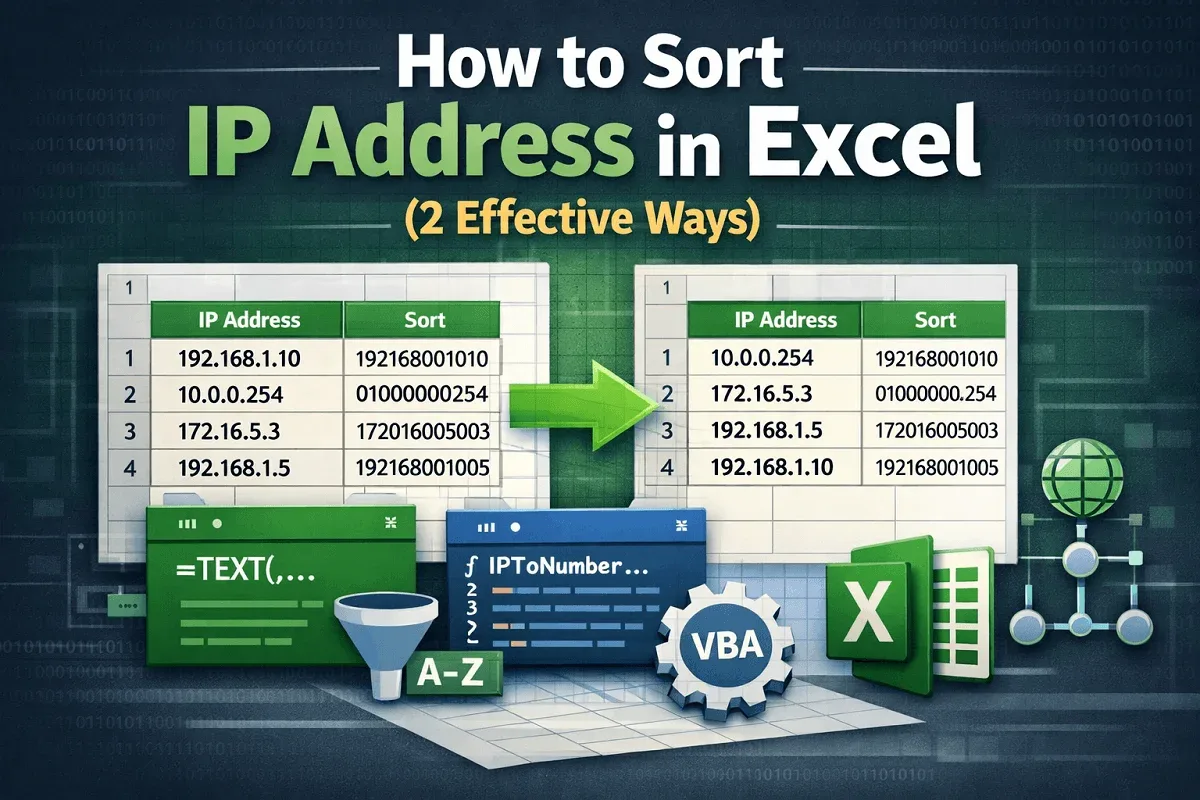
How to Sort IP Address in Excel (2 Effective Ways)
Learn how to sort IP addresses in Excel using custom formulas or VBA macros to organize data accurately and avoid sorting errors.
Read article

Zahin Tasnim Ridita holds a B.Sc. in Mechanical and Production Engineering from Islamic University of Technology. With 3 years of experience in Excel and Google Sheets, she specializes in data management, formulas, automation, charts, pivot tables, Power Tools, conditional formatting, and VLOOKUP. Zahin has a keen interest in all areas of spreadsheet expertise, focusing on optimizing workflows and improving data analysis through advanced spreadsheet functions.
Articles by Zahin Tasnim are developed under the guidance of ExcelInsider’s core training program and are technically reviewed by Nehad Ulfat, lead spreadsheet consultant, to ensure accuracy and user-centric value.
Learn how to sort IP addresses in Excel using custom formulas or VBA macros to organize data accurately and avoid sorting errors.

Learn how to remove line breaks in Excel using Find and Replace, SUBSTITUTE, TRIM with CLEAN functions, or a VBA macro for quick cleanup.

Learn how to capitalize the first letter of each word in Excel using the PROPER function, Flash Fill, or a custom VBA macro.
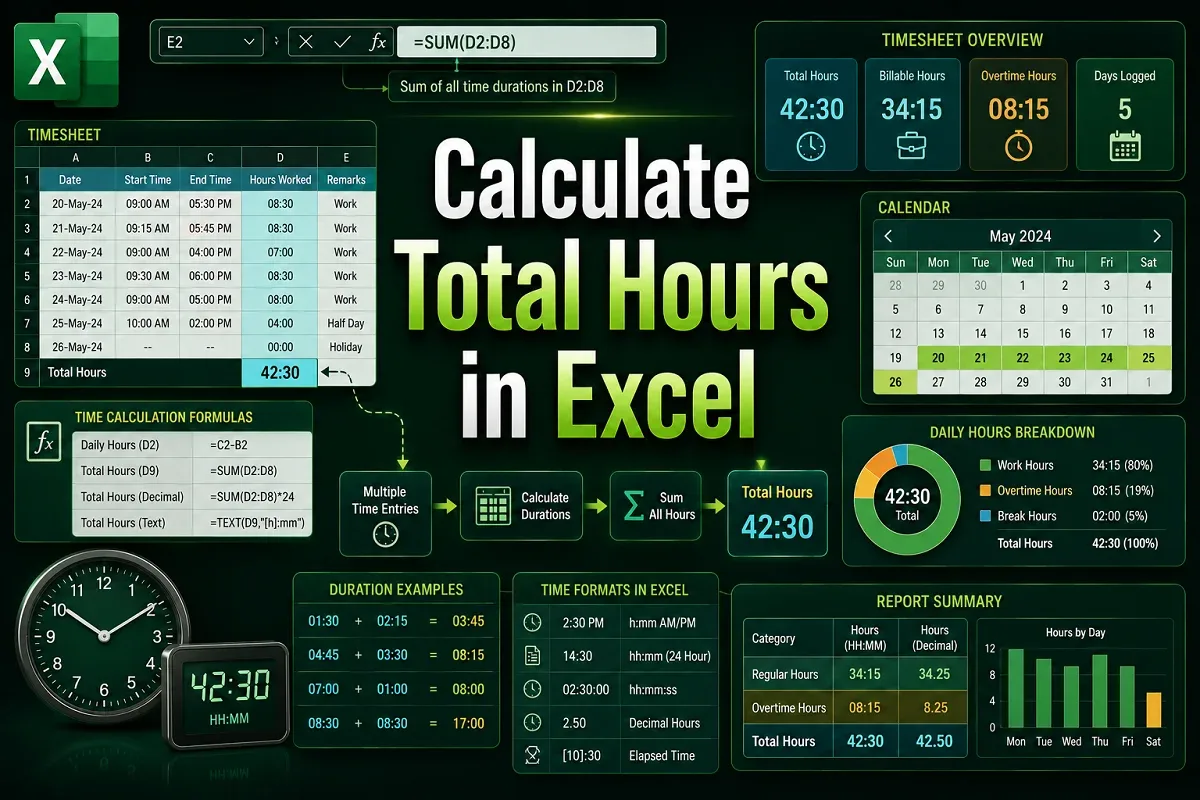
Learn how to calculate total hours in Excel using correct time formats, MOD, TEXT, and conditional formulas for regular and overnight shifts.
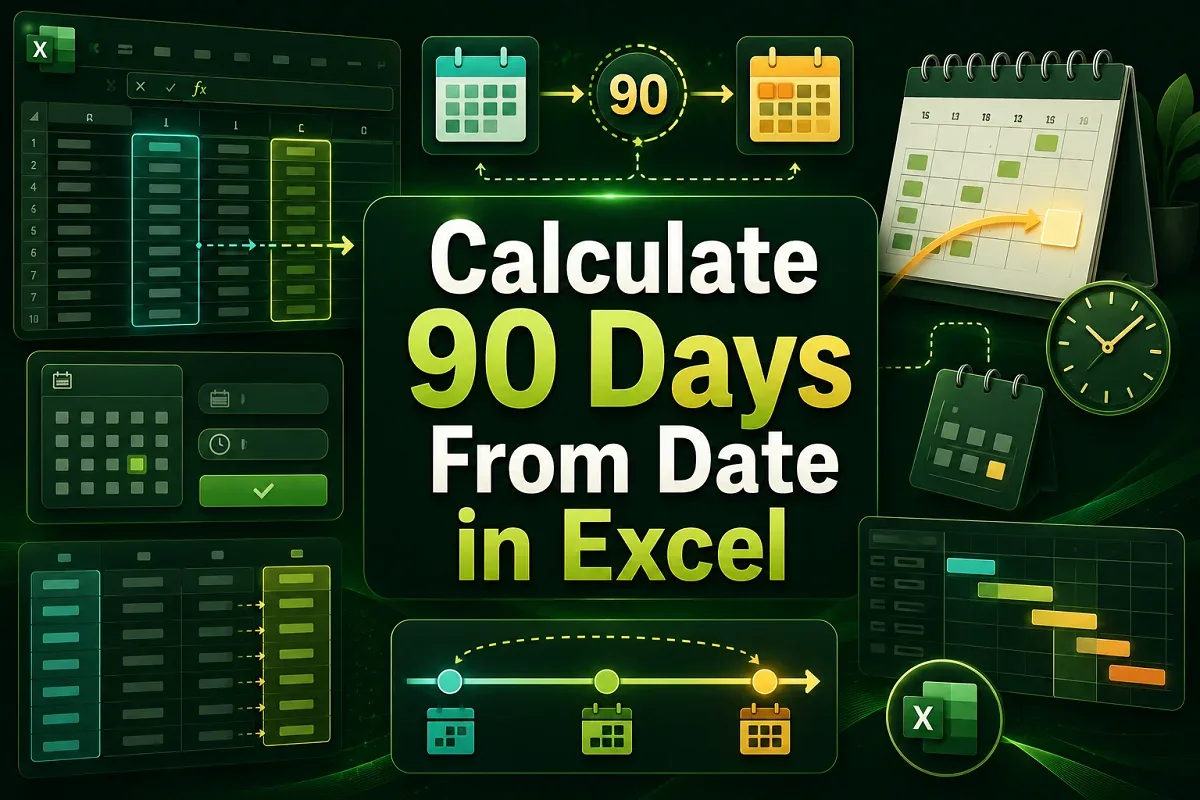
Learn how to calculate 90 days from a date in Excel using simple addition, DATE, EDATE for months, and WORKDAY to exclude weekends.

Learn how to create an organizational chart in Excel from a list using SmartArt, TAB for hierarchy, and the Visio Data Visualizer Add-in.
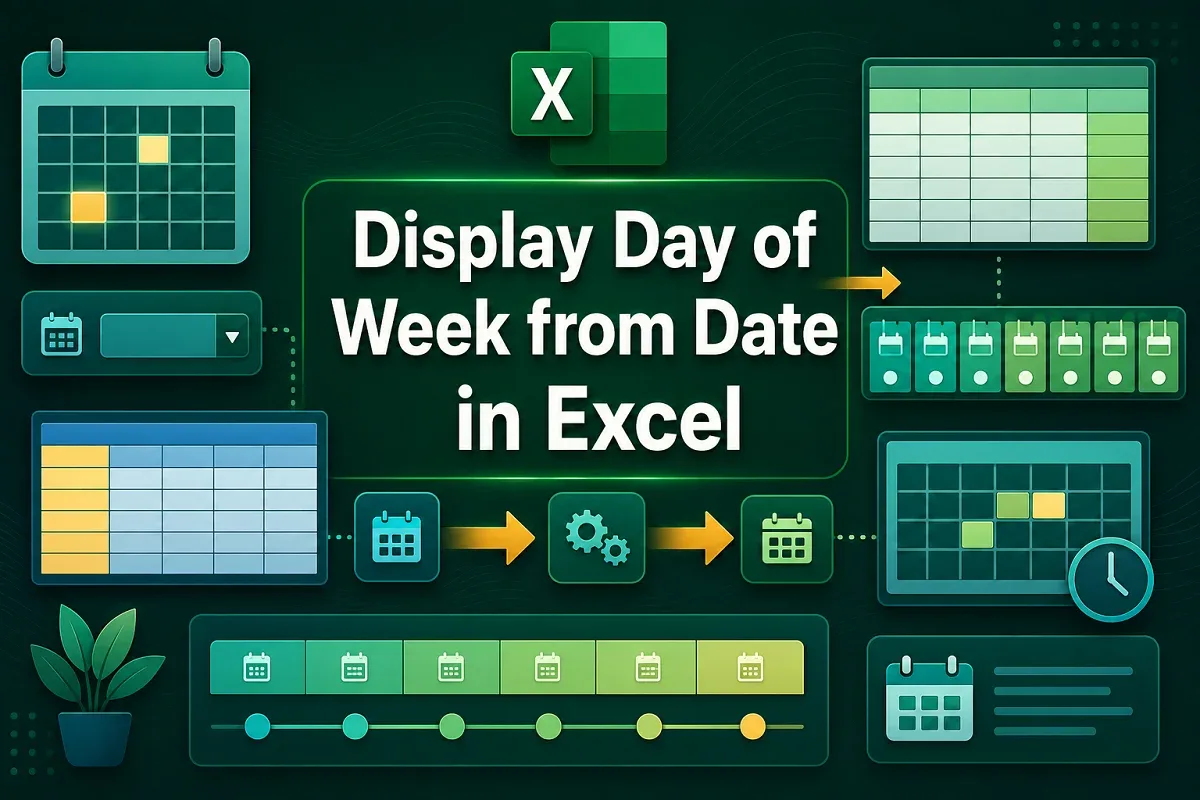
Display the day of the week from a date in Excel using TEXT, WEEKDAY, CHOOSE functions, or by applying a custom date format easily.
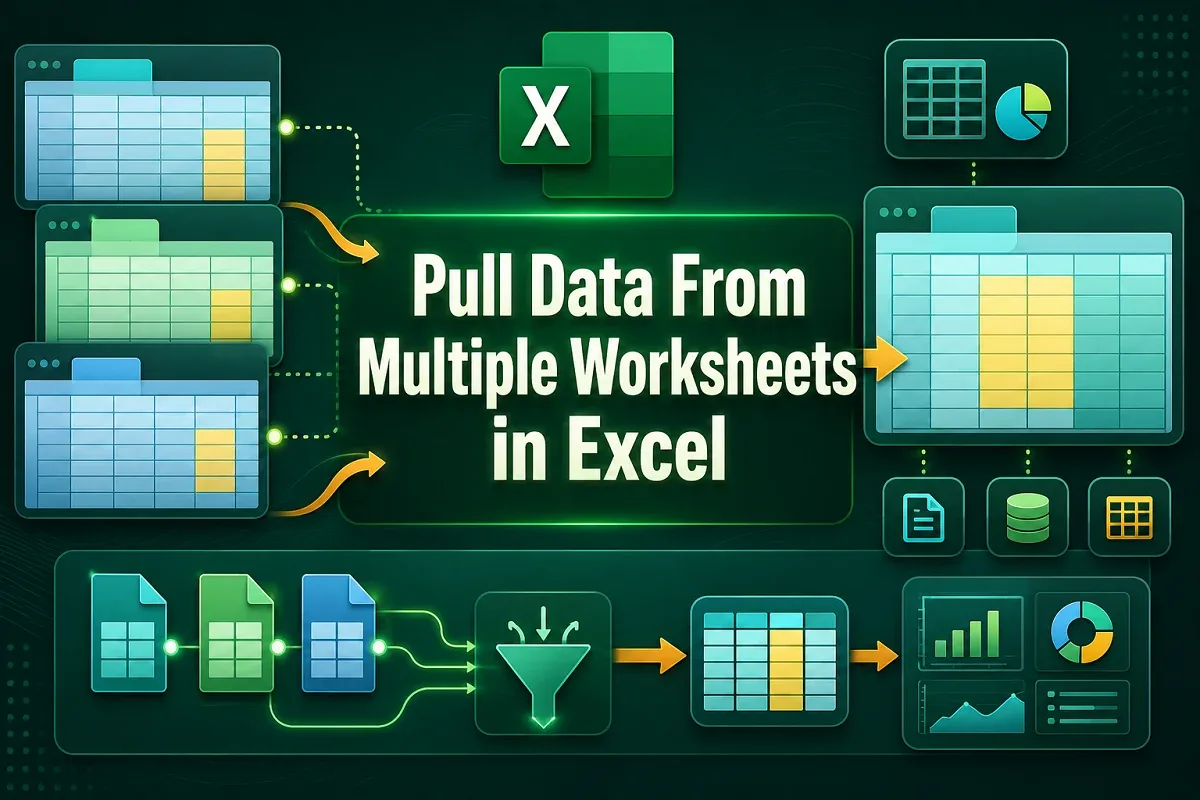
Learn how to pull data from multiple Excel worksheets into one using Power Query, VBA code, or the built-in Consolidate feature.

Learn how to delete version history in Google Sheets by viewing, copying, and removing version data to keep your files clean and organized.
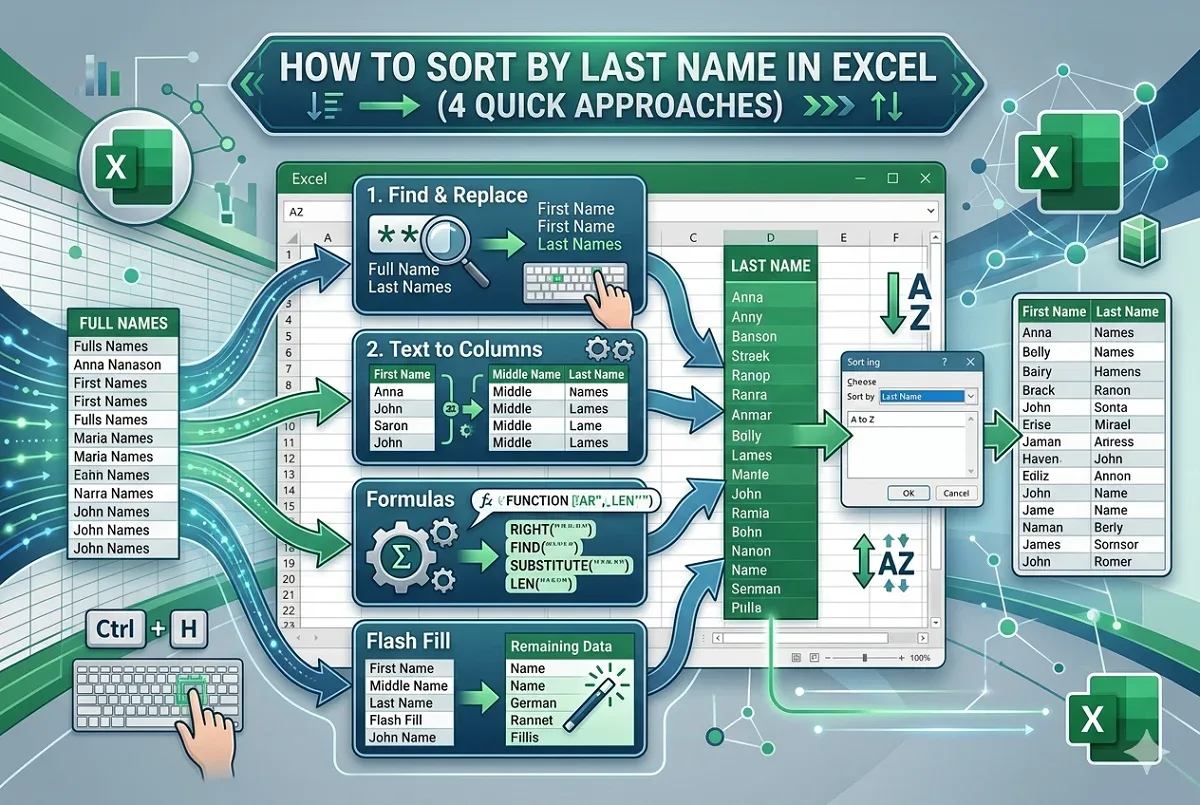
Learn how to sort data by last name in Excel using Find and Replace, Text to Columns, formulas, and Flash Fill for various name types.