Excel VBA
How to Use Exit For Loop in Excel VBA (with 3 Practical Examples)
Learn how to use Excel VBA Exit For Loop to stop loops efficiently, with clear examples for searches, blanks, and thresholds in VBA macros.
Read article

Zahin Tasnim Ridita holds a B.Sc. in Mechanical and Production Engineering from Islamic University of Technology. With 3 years of experience in Excel and Google Sheets, she specializes in data management, formulas, automation, charts, pivot tables, Power Tools, conditional formatting, and VLOOKUP. Zahin has a keen interest in all areas of spreadsheet expertise, focusing on optimizing workflows and improving data analysis through advanced spreadsheet functions.
Articles by Zahin Tasnim are developed under the guidance of ExcelInsider’s core training program and are technically reviewed by Nehad Ulfat, lead spreadsheet consultant, to ensure accuracy and user-centric value.
Learn how to use Excel VBA Exit For Loop to stop loops efficiently, with clear examples for searches, blanks, and thresholds in VBA macros.
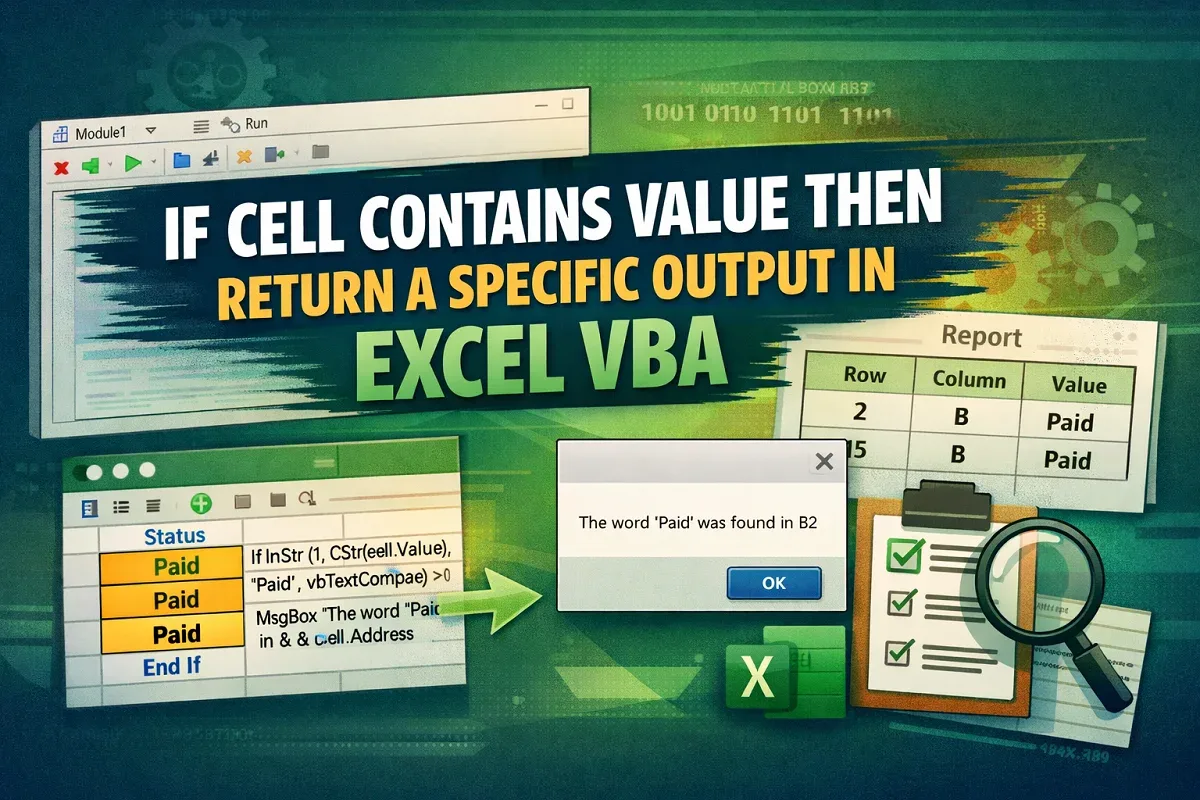
Learn how to use “If Cell Contains Value Then” in Excel VBA with logic explanation and practical examples for automation and reporting.
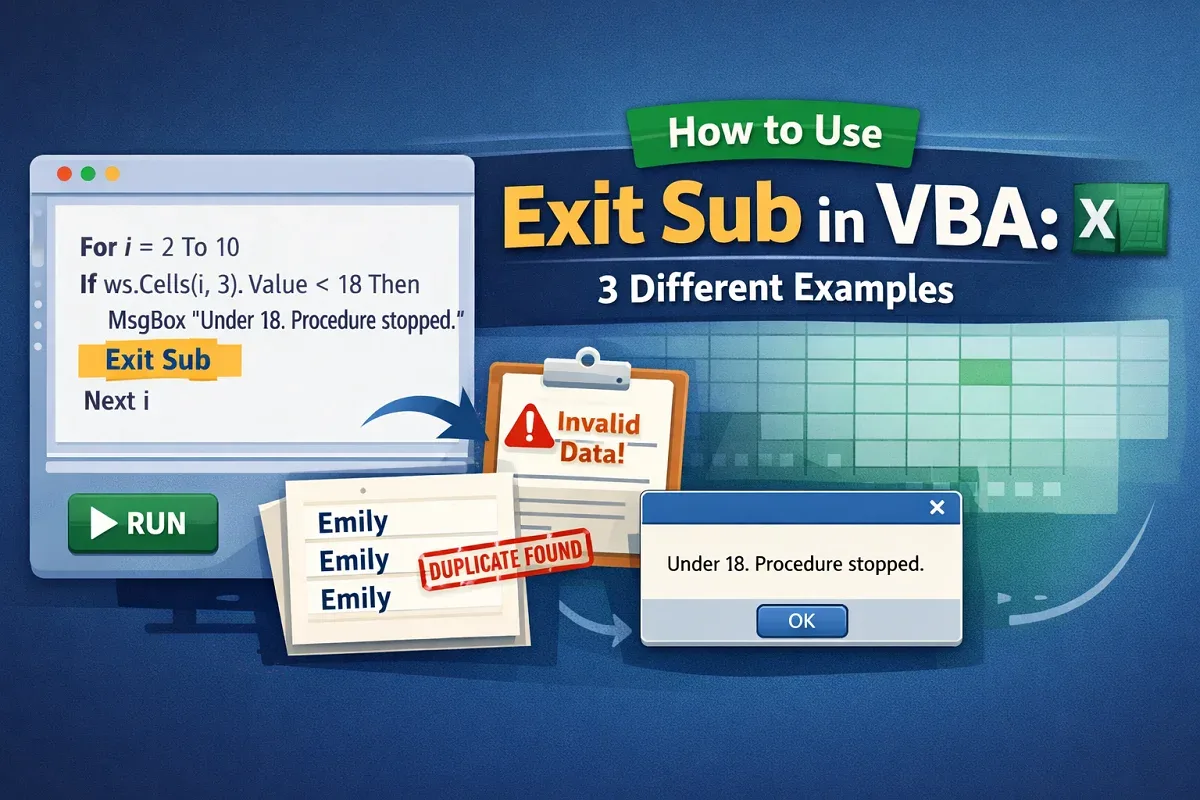
Learn how and why to use Exit Sub in VBA, how it works, and practical examples for conditions, invalid data, and duplicates.
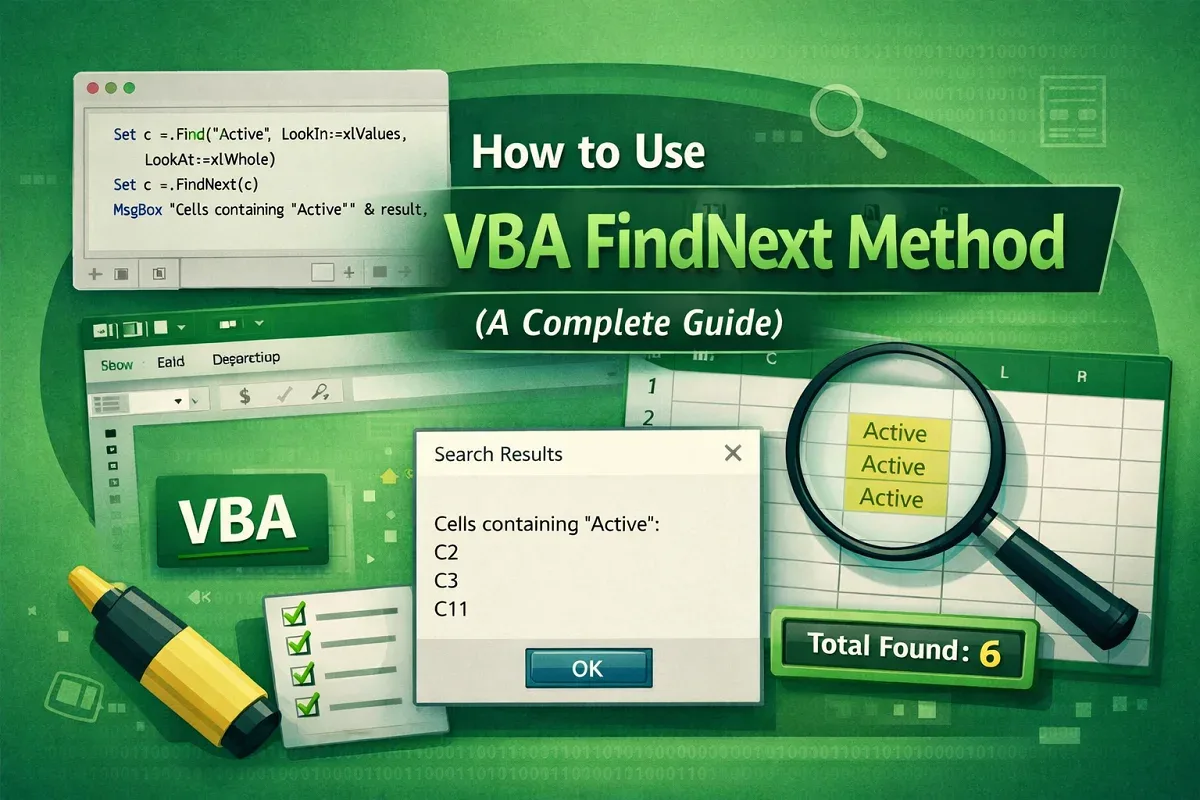
Learn how to use the VBA FindNext method in Excel to find, highlight, count, and display all matching values efficiently.
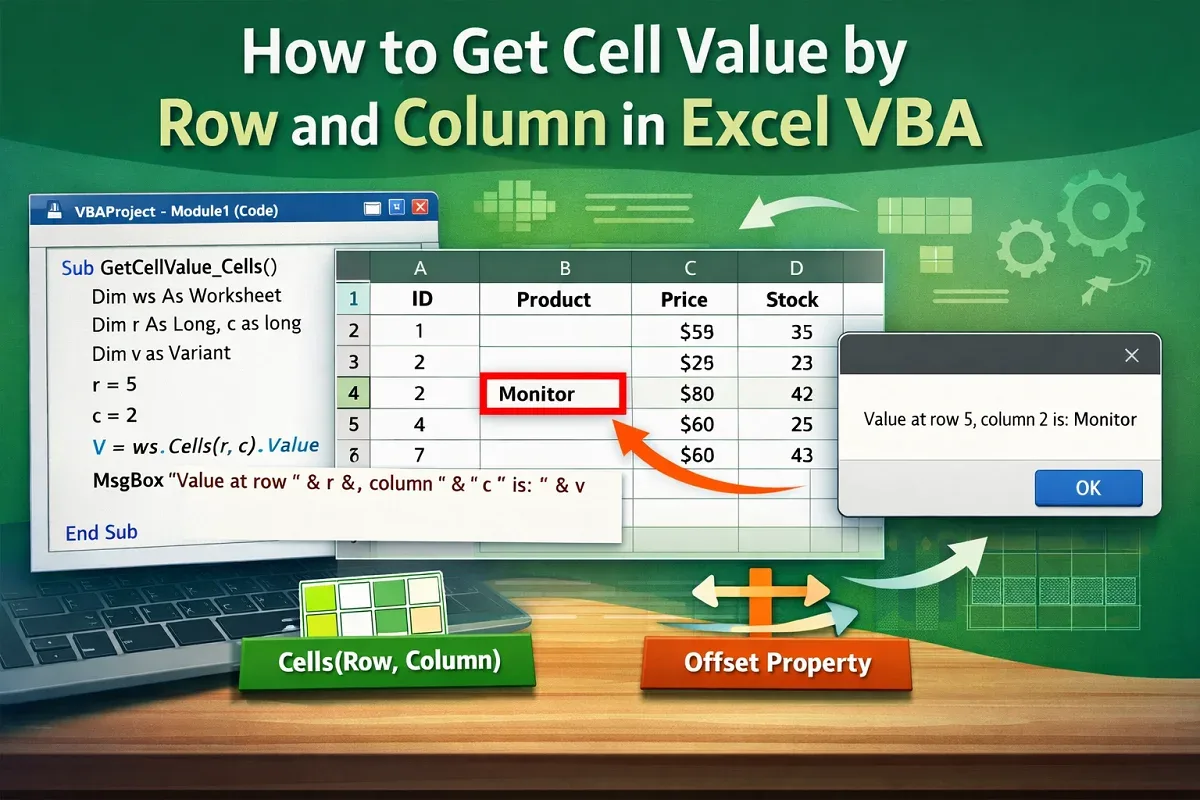
Learn how to get cell values by row and column in Excel VBA using Cells, Range, and Offset methods with practical examples.
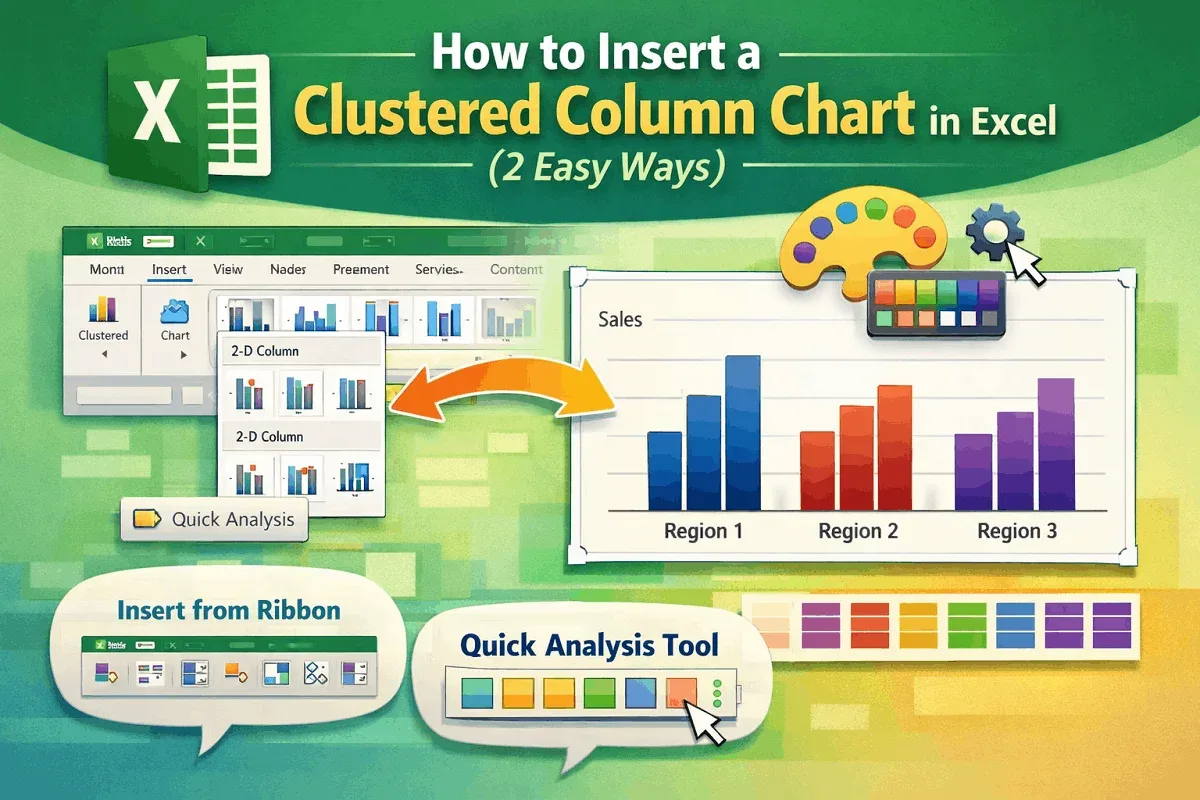
Learn how to insert a Clustered Column Chart in Excel using ribbons, the Quick Analysis Tool, and customize it to suit your data.
Learn how to fix the SpellNumber function in Excel with VBA, macro settings, and add-in tips to ensure it works correctly.

Learn how to find a character from the right side of a string in Excel using RIGHT, FIND, and TEXTAFTER functions for accurate results.

Learn how to change sentence case in Excel using formulas or VBA macros to quickly convert text into proper formatting styles.
Learn how to convert hours and minutes to decimal in Excel using arithmetic formulas, HOUR and MINUTE functions, or custom text formulas.
Learn how to convert hours to days in Excel using CONVERT, INT, MOD, and QUOTIENT functions, including 8-hour workday conversions.

Learn how to highlight selected cells in Excel using manual formatting, conditional formatting, custom formulas, or VBA macros easily.