Excel Pro Tips
How to Calculate Win-Loss Percentage in Excel (5 Easy Ways)
Learn how to calculate win-loss percentages in Excel using formulas, text-based data, sales stats, and even automate it with a VBA macro.
Read article

With 3 years of experience in Excel and Google Sheets, Sohana Chowdhury specializes in turning messy data into organized insights through VBA, Power Query, and advanced formulas. She also brings a strong editorial background as a profound writer at Livingston Research, where her work is grounded in sharp research and analytical rigor. Whether she is designing a dynamic dashboard or delivering high-level content, Sohana ensures precision, efficiency, and expert analysis in every project.
Articles by Sohana Chowdhury are developed under the guidance of ExcelInsider’s core training program and are technically reviewed by Nehad Ulfat, lead spreadsheet consultant, to ensure accuracy and user-centric value.
Learn how to calculate win-loss percentages in Excel using formulas, text-based data, sales stats, and even automate it with a VBA macro.
Learn how to undo changes in Excel after saving and closing using AutoSave, backups, file history, and recovering unsaved versions.
Learn how to add a comma between names in Excel using Flash Fill, SUBSTITUTE, TEXTJOIN, CONCATENATE, Power Query, and VBA.
Learn how to randomize a list of names in Excel using RAND, RANDBETWEEN, INDEX, SORTBY, CHOOSE, Power Query, and custom VBA for shuffling.
Learn how to randomly select from a list in Excel using Data Analysis, INDEX with RANDBETWEEN, RANDARRAY, RAND, and custom VBA macros.
Learn how to return multiple values based on single criteria in Excel using FILTER, INDEX, TEXTJOIN, Power Query, and custom VBA macros.
Learn how to return the row number of a match in Excel using ROW, MATCH, INDEX, IF, TEXTJOIN, and VBA for single or multiple matches.
Learn how to apply Excel conditional formatting based on another cell range using operators, text rules, AND/OR logic, and VBA.

Learn how to flip a table in Excel vertically or horizontally using SORTBY, INDEX, TRANSPOSE, Power Query, or VBA for table inversion.
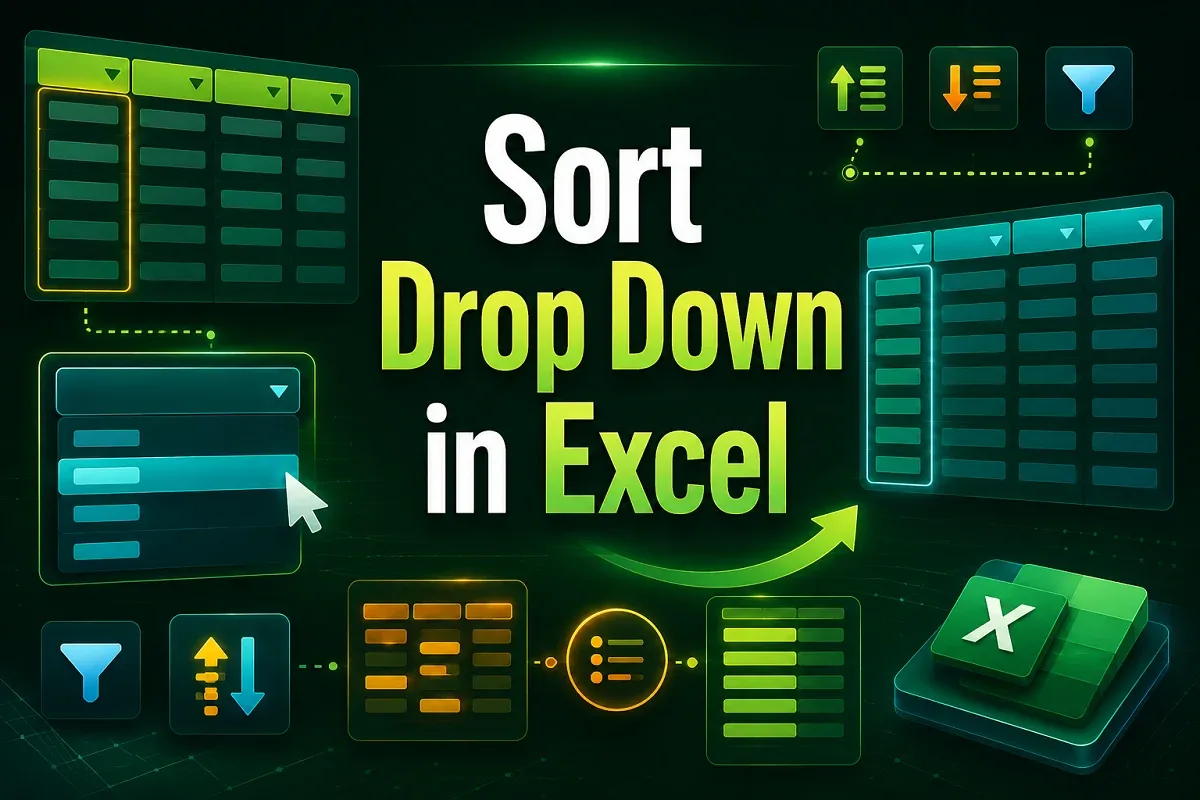
Learn how to sort a drop-down list in Excel using SORT, COUNTA with OFFSET, Power Query, or VBA for dynamic and alphabetically ordered lists.
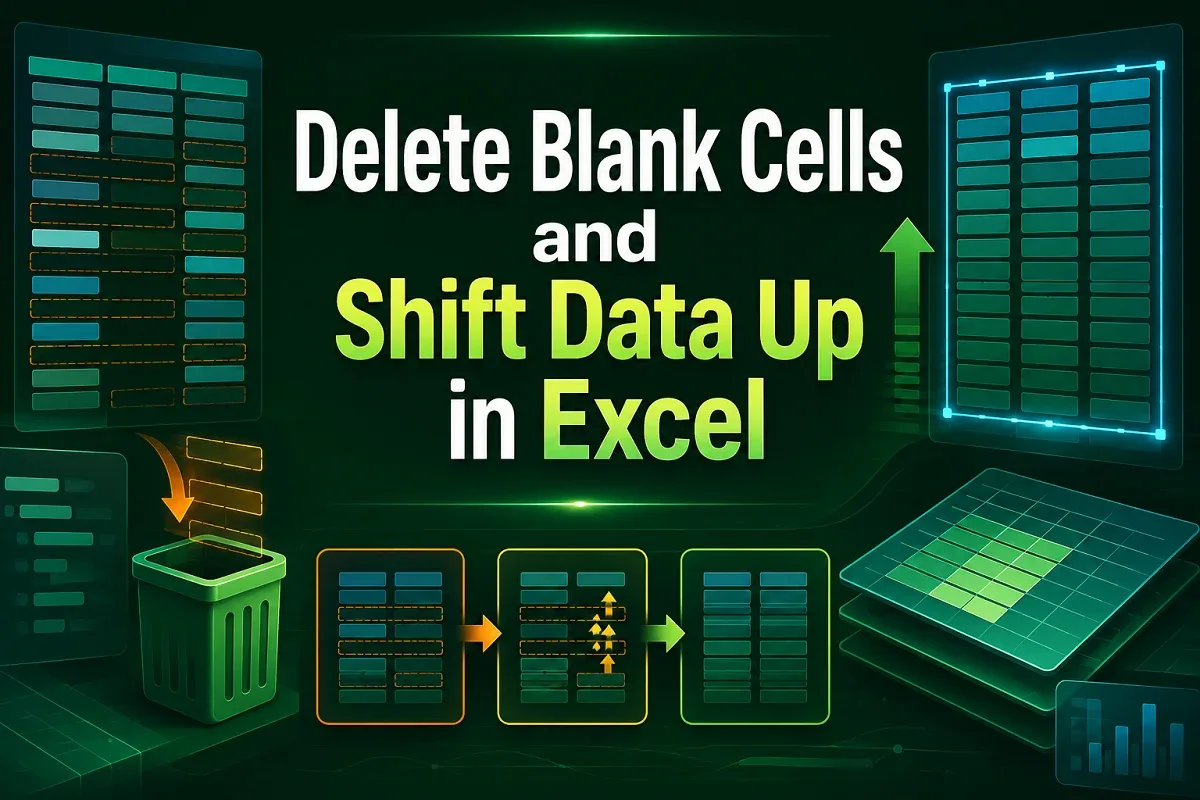
Learn how to delete blank cells in Excel and shift data up using Go To Special, FILTER, Sort, Power Query, and VBA for organized sheets.
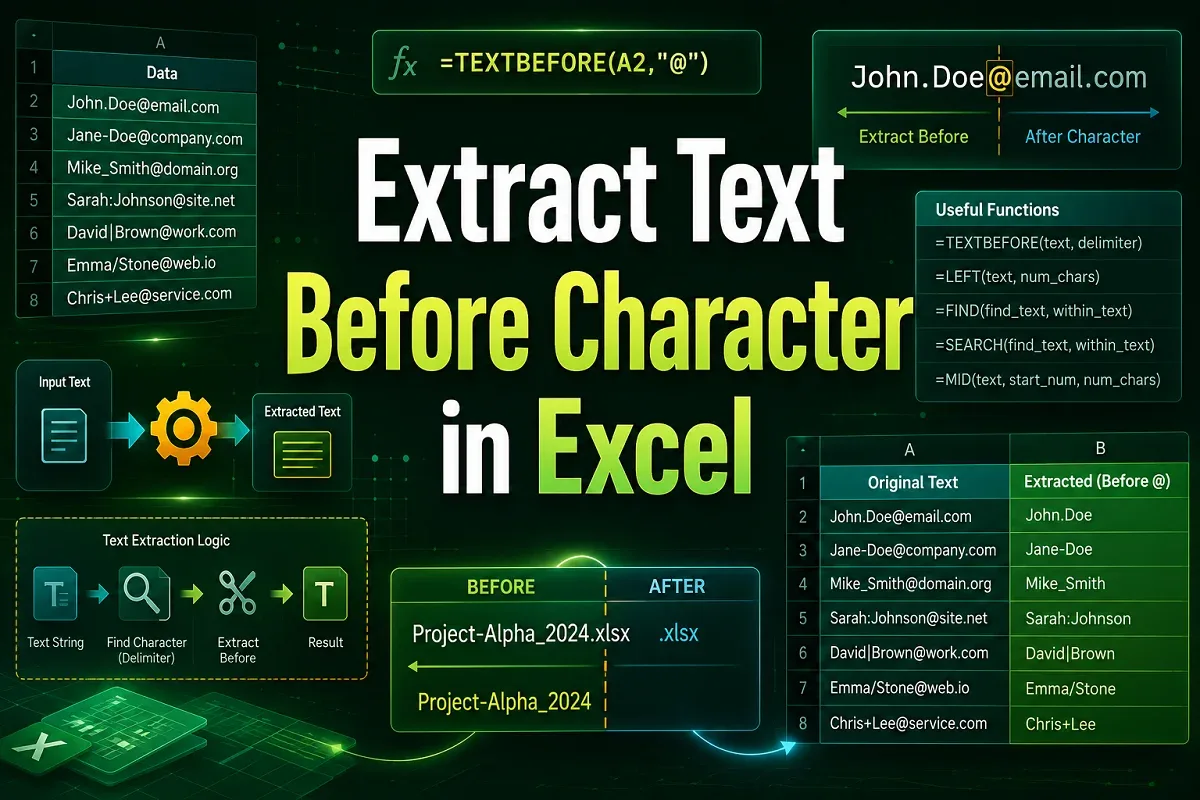
Learn how to extract text before a character in Excel using TEXTBEFORE, LEFT & FIND, Flash Fill, Text to Columns, and VBA.