
Excel Pro Tips
How to Remove Carriage Returns in Excel (7 Quick Tricks)
Learn how to remove carriage returns in Excel using Flash Fill, Find & Replace, formulas, Power Query, and VBA macros for clean data.
Read article

With 3 years of experience in Excel and Google Sheets, Sohana Chowdhury specializes in turning messy data into organized insights through VBA, Power Query, and advanced formulas. She also brings a strong editorial background as a profound writer at Livingston Research, where her work is grounded in sharp research and analytical rigor. Whether she is designing a dynamic dashboard or delivering high-level content, Sohana ensures precision, efficiency, and expert analysis in every project.
Articles by Sohana Chowdhury are developed under the guidance of ExcelInsider’s core training program and are technically reviewed by Nehad Ulfat, lead spreadsheet consultant, to ensure accuracy and user-centric value.
Learn how to remove carriage returns in Excel using Flash Fill, Find & Replace, formulas, Power Query, and VBA macros for clean data.

Learn how to convert seconds to minutes in Excel using formulas, CONVERT, TEXT, custom formatting, and even VBA for mm:ss display.
Learn how to calculate overdue days in Excel using DAYS, DATEDIF, IF, and NETWORKDAYS functions while dealing with different scenarios.
Learn how to subtract fixed or variable hours from time in Excel using TIME, TEXT, MOD, and IF functions—even for times past midnight.
Learn how to convert 8-digit numbers to dates in Excel using formulas, Flash Fill, Power Query, Text to Columns, or VBA macros.

Learn how to stop Excel from rounding decimals by adjusting precision settings, column width, decimal formatting, and using the TEXT function.

Learn how to capitalize the first letter of a sentence in Excel using Flash Fill, formulas, Power Query, or VBA to format text efficiently.

Learn how to add minutes to time in Excel using fixed values, cell references, TIME and TEXT functions, and proper time formatting techniques.
Learn how to count months from a date to today in Excel using MONTH, DATEDIF, YEARFRAC functions, or custom VBA formulas for precise results.

Learn how to find and replace blank cells in Excel using Go To Special, Find and Replace, IF and ISBLANK, Power Query, or VBA macros.
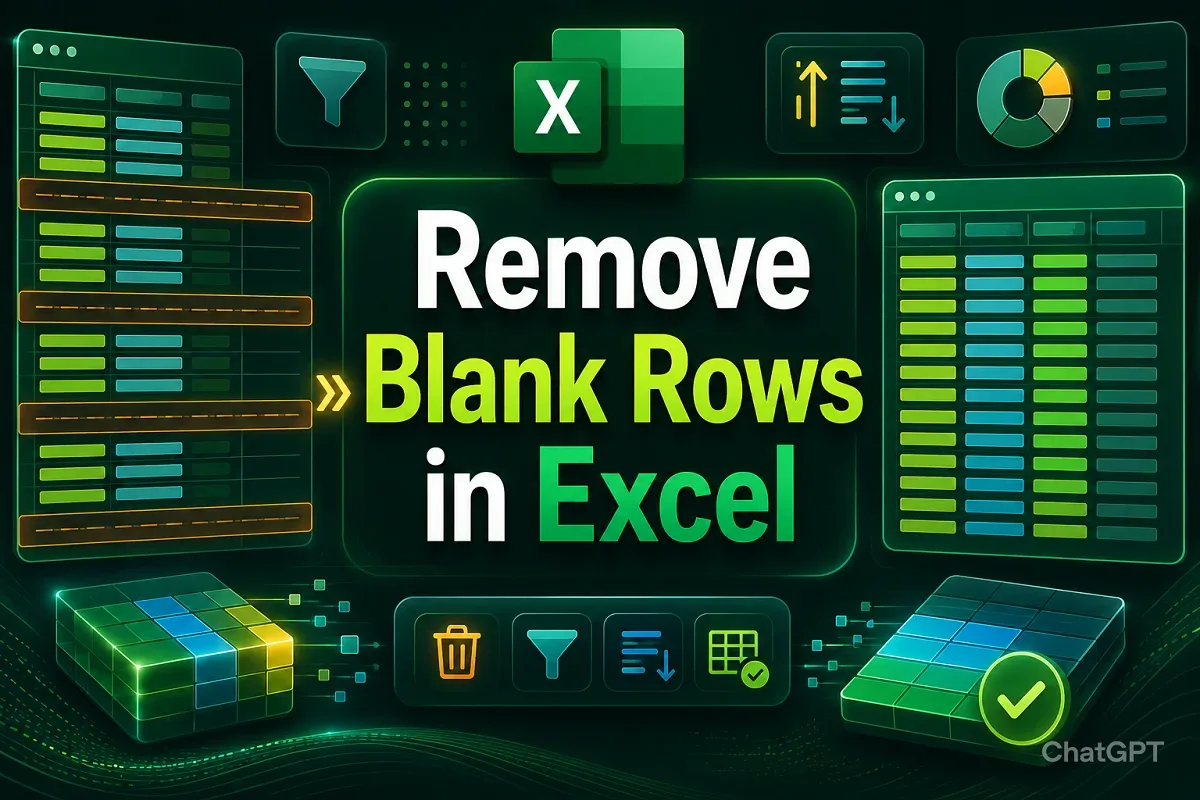
Learn how to remove blank rows in Excel using manual deletion, filters, Find & Select, COUNTA, Power Query, sorting, or VBA macros.
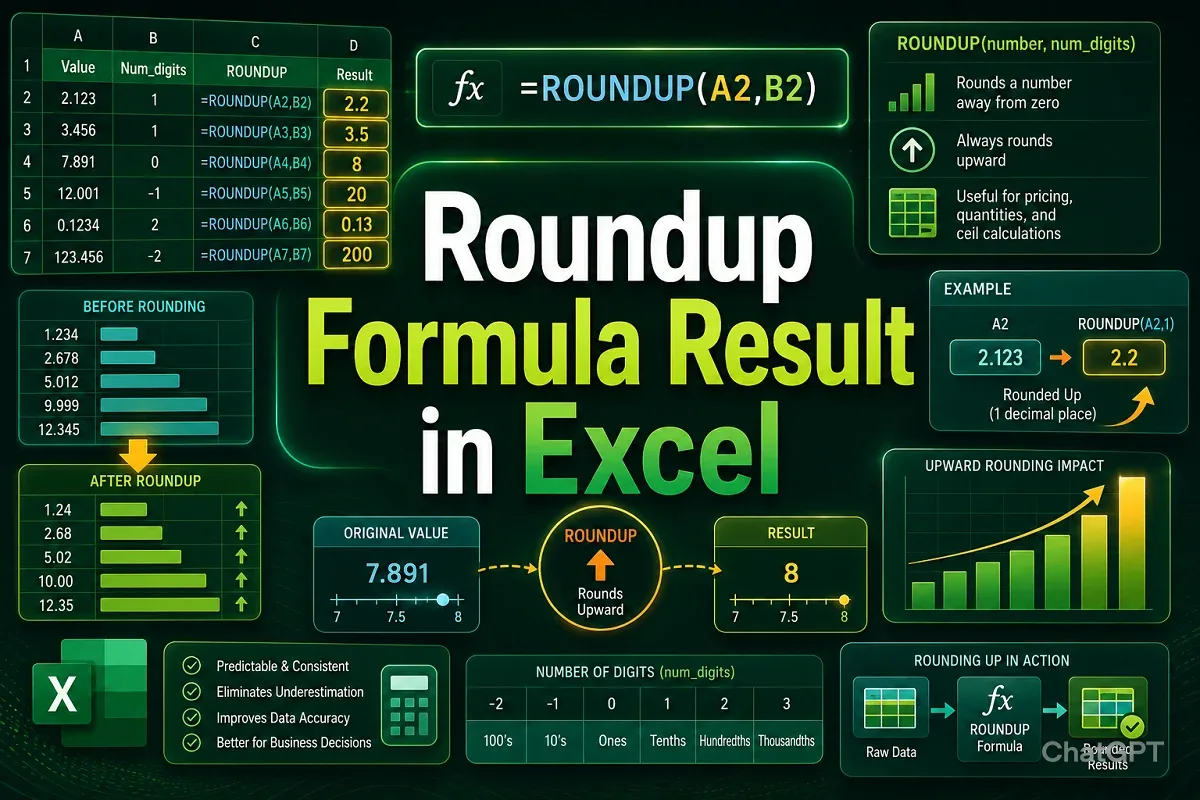
Learn how to round up formula results in Excel using ROUNDUP, ROUND, MROUND, EVEN, and ODD functions, or by formatting cells correctly.