Advanced Excel
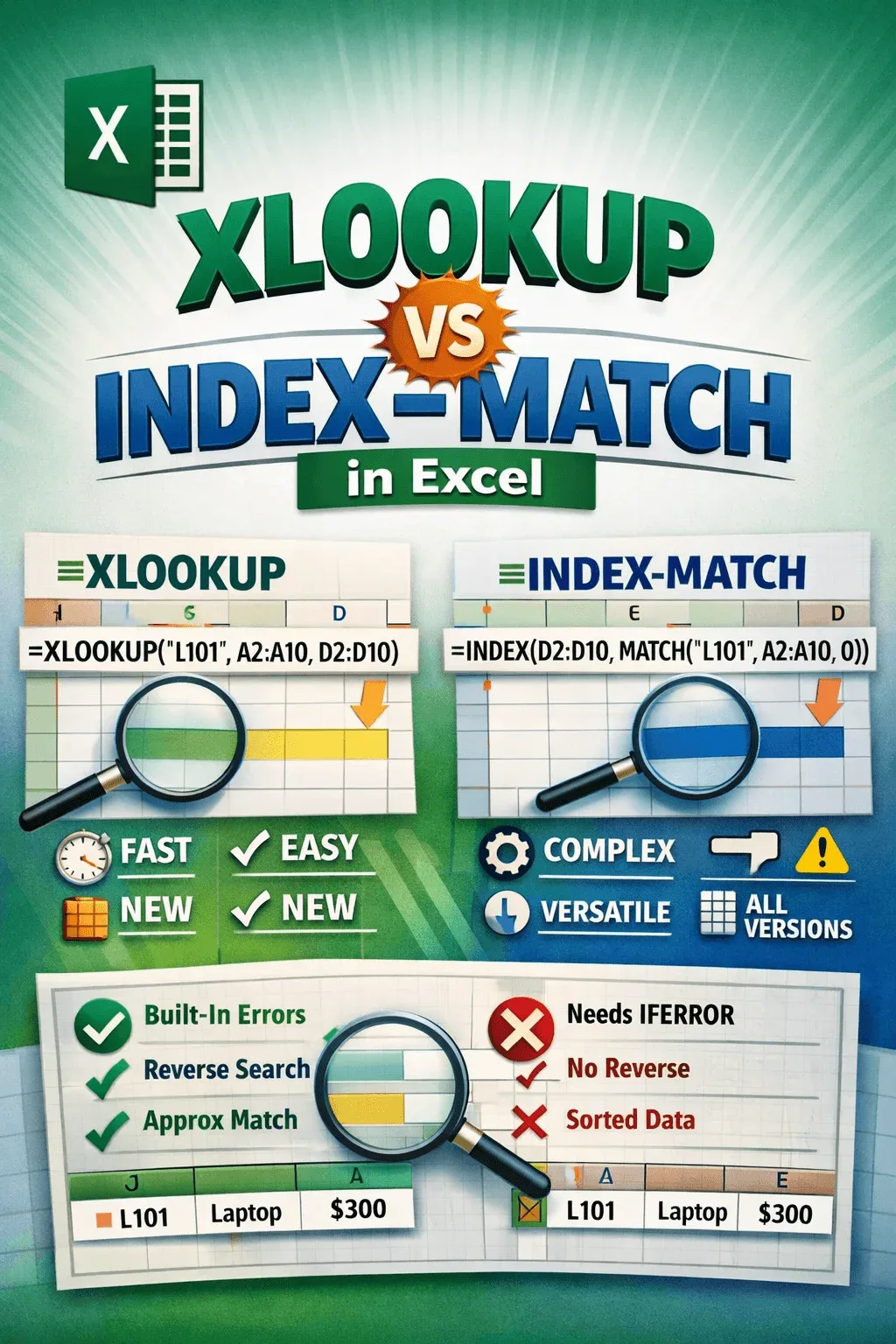
XLOOKUP vs INDEX-MATCH Formula in Excel (with Examples)
Compare XLOOKUP vs INDEX MATCH in Excel: syntax, speed, compatibility, error handling, and advanced lookup functions in detail.
Read article

With 3 years of experience in Excel and Google Sheets, Sohana Chowdhury specializes in turning messy data into organized insights through VBA, Power Query, and advanced formulas. She also brings a strong editorial background as a profound writer at Livingston Research, where her work is grounded in sharp research and analytical rigor. Whether she is designing a dynamic dashboard or delivering high-level content, Sohana ensures precision, efficiency, and expert analysis in every project.
Articles by Sohana Chowdhury are developed under the guidance of ExcelInsider’s core training program and are technically reviewed by Nehad Ulfat, lead spreadsheet consultant, to ensure accuracy and user-centric value.
Compare XLOOKUP vs INDEX MATCH in Excel: syntax, speed, compatibility, error handling, and advanced lookup functions in detail.
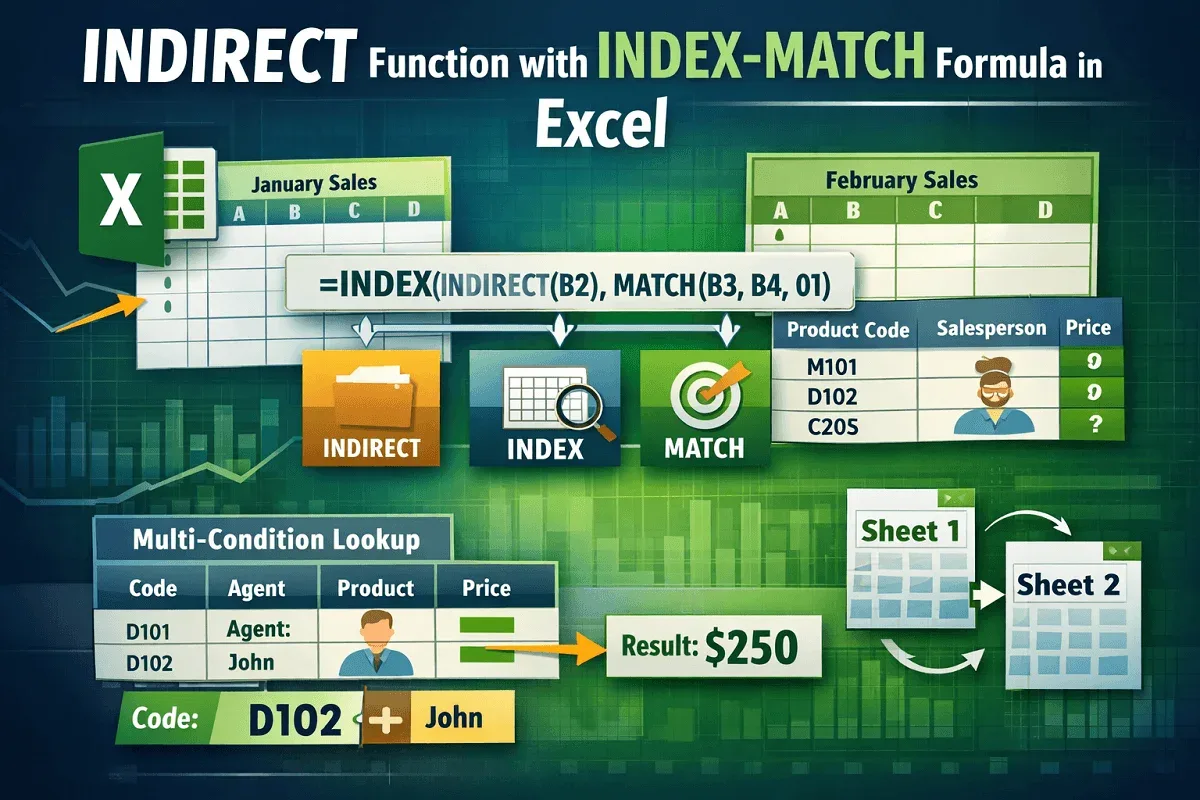
Master the INDIRECT, INDEX, and MATCH functions in Excel for dynamic lookups, cross-sheet references, and advanced data matching tasks.
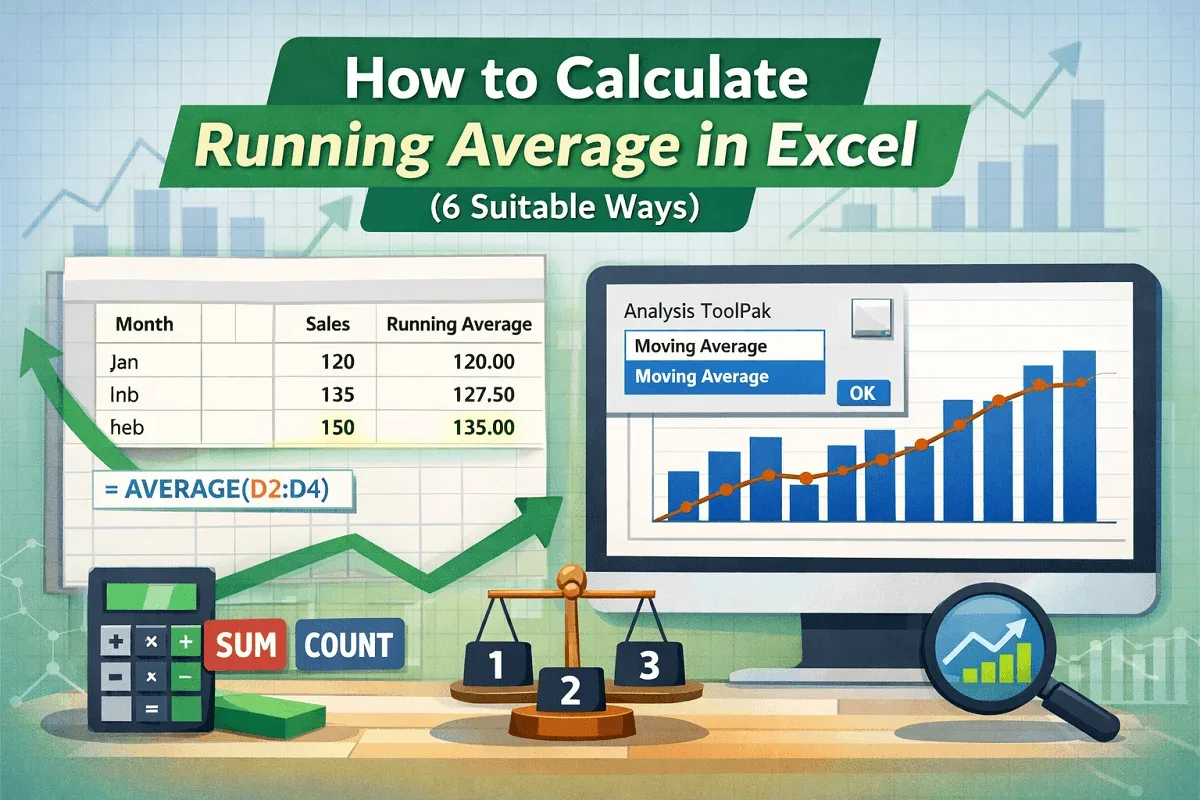
Learn how to calculate running averages in Excel using AVERAGE, SUM, COUNT, and visualize trends with charts and the Data Analysis ToolPak.
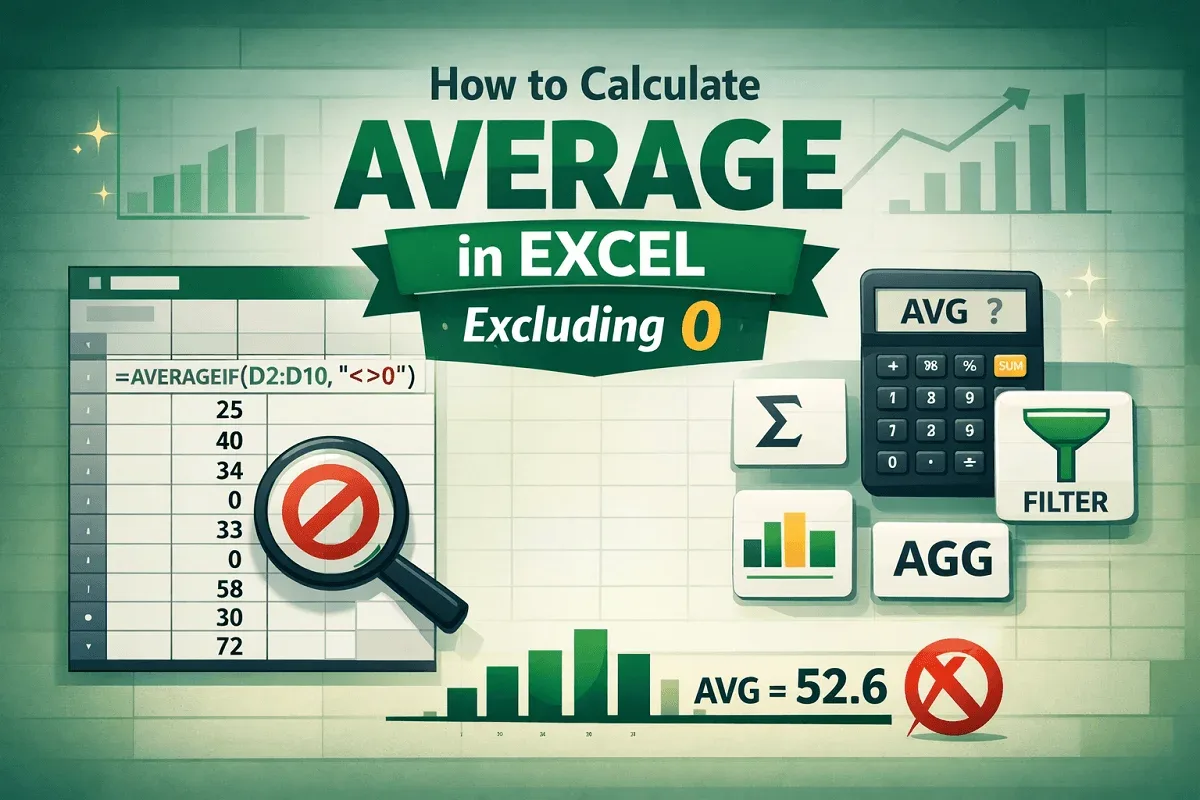
Learn how to calculate average in Excel excluding zeros using AVERAGEIF, SUM & COUNTIF, FILTER, SUBTOTAL, and AGGREGATE functions.

Learn how to copy comments in Excel manually, with Paste Special, or using VBA macros to duplicate or extract all comments easily.

Learn how to protect specific cells in Excel using built-in features, formulas & VBA to secure your data while allowing edits where needed.
Learn the key differences between sorting and filtering in Excel with clear examples, use cases, and tips for organizing your data.

Learn 7 easy ways to find and highlight blank cells in Excel, from manual methods to formulas, filters, and VBA macros.
Learn how to set a cell to blank in Excel formulas using IF, IFERROR, ISBLANK, formatting tricks, and custom VBA for dynamic results.
Learn how to delete empty rows at the bottom in Excel using manual selection, Go To Special, IF with COUNTA, and VBA macros.
Learn how to remove metadata from Excel using File Explorer, Inspect Workbook, clear properties, and delete links, comments, and hidden data.
Learn how to use INDEX MATCH across multiple sheets in Excel to set up lookup fields, retrieve data, and find relevant information easily.