Google Sheets Functions
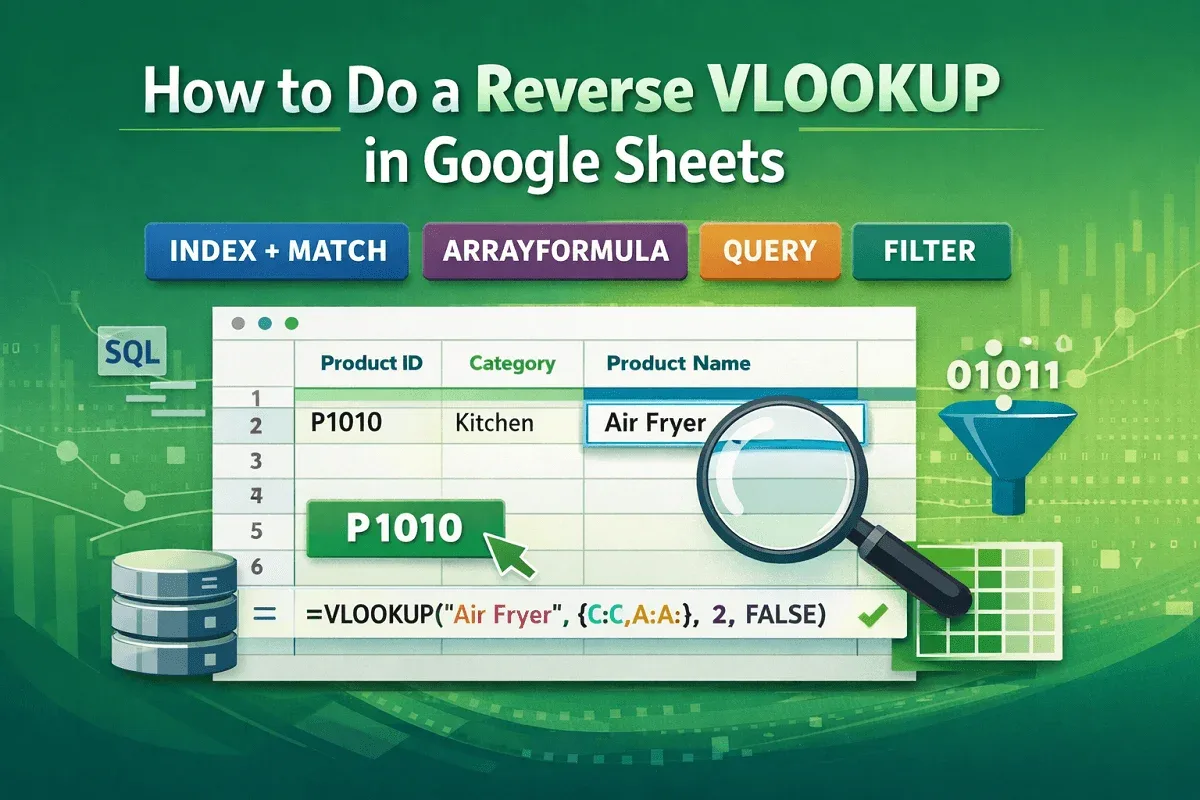
How to Do a Reverse VLOOKUP in Google Sheets (5 Examples)
Learn how to do a reverse VLOOKUP in Google Sheets using INDEX-MATCH, ARRAYFORMULA, FILTER, and QUERY for flexible and dynamic lookups.
Read article


Mohammed Shafin Arshad is a Computer Science student and cybersecurity enthusiast in Malaysia with 6 years of Excel and Google Sheets experience. He specializes in VBA, macro automation, and SaaS-focused workflow guides. His background includes university data science projects, and he enjoys using macros to solve complex spreadsheet problems.
Articles by Mohammed Shafin Arshad are developed under the guidance of ExcelInsider’s core training program and are technically reviewed by Nehad Ulfat, lead spreadsheet consultant, to ensure accuracy and user-centric value.
Learn how to do a reverse VLOOKUP in Google Sheets using INDEX-MATCH, ARRAYFORMULA, FILTER, and QUERY for flexible and dynamic lookups.
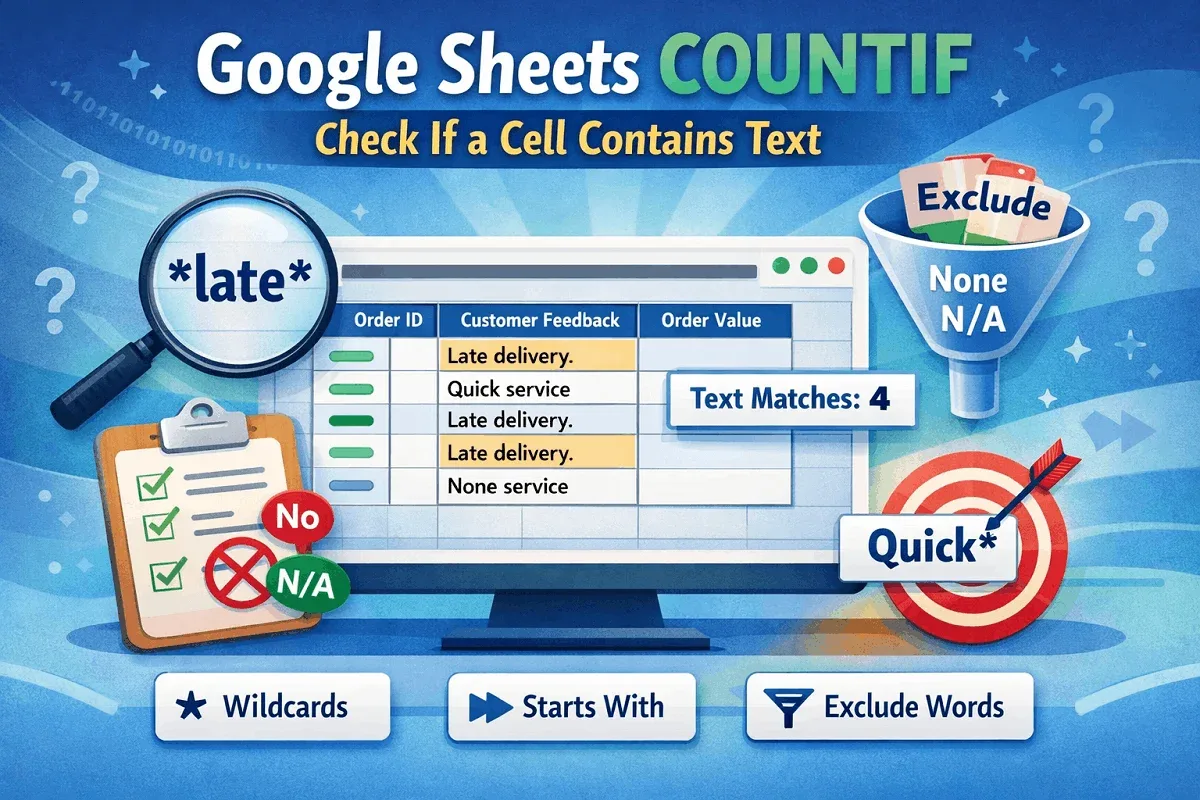
Learn how to use COUNTIF in Google Sheets to check if a cell contains text, matches specific words, or excludes certain text entries.
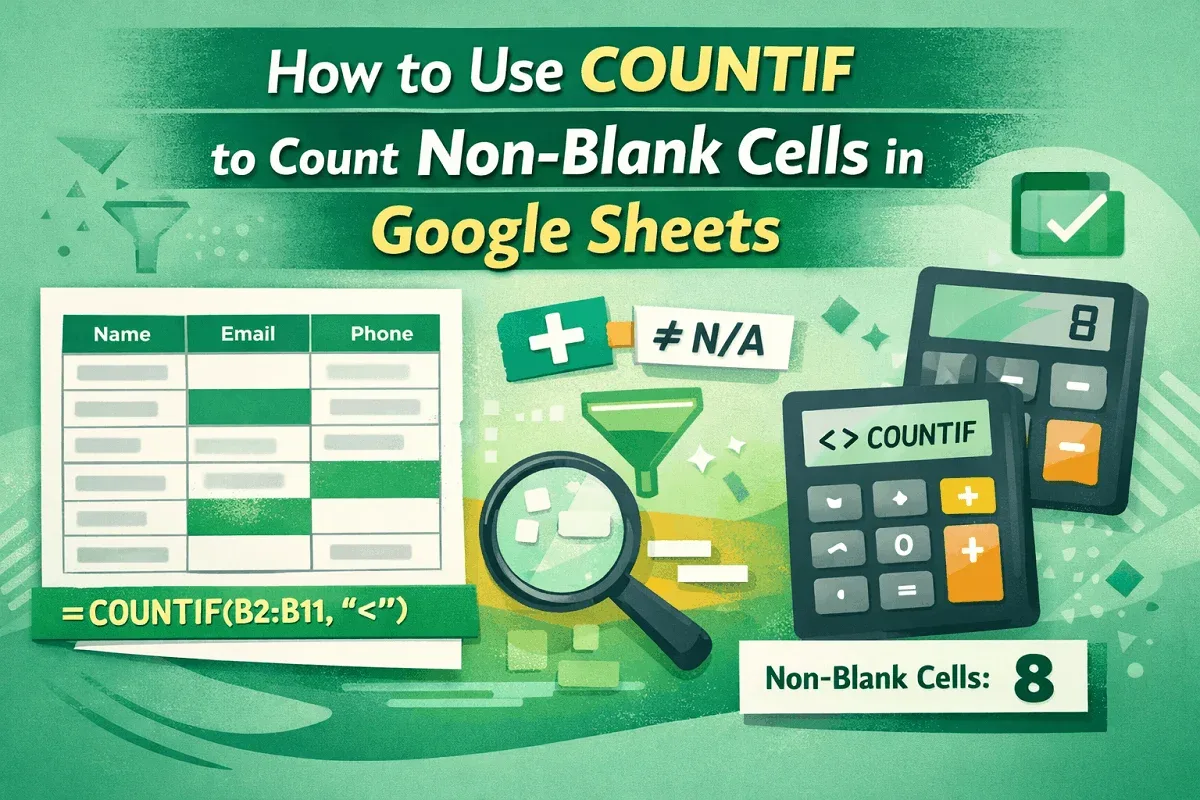
Learn how to use COUNTIF in Google Sheets to count non-blank cells, even across ranges, while ignoring specific values and extra spaces.
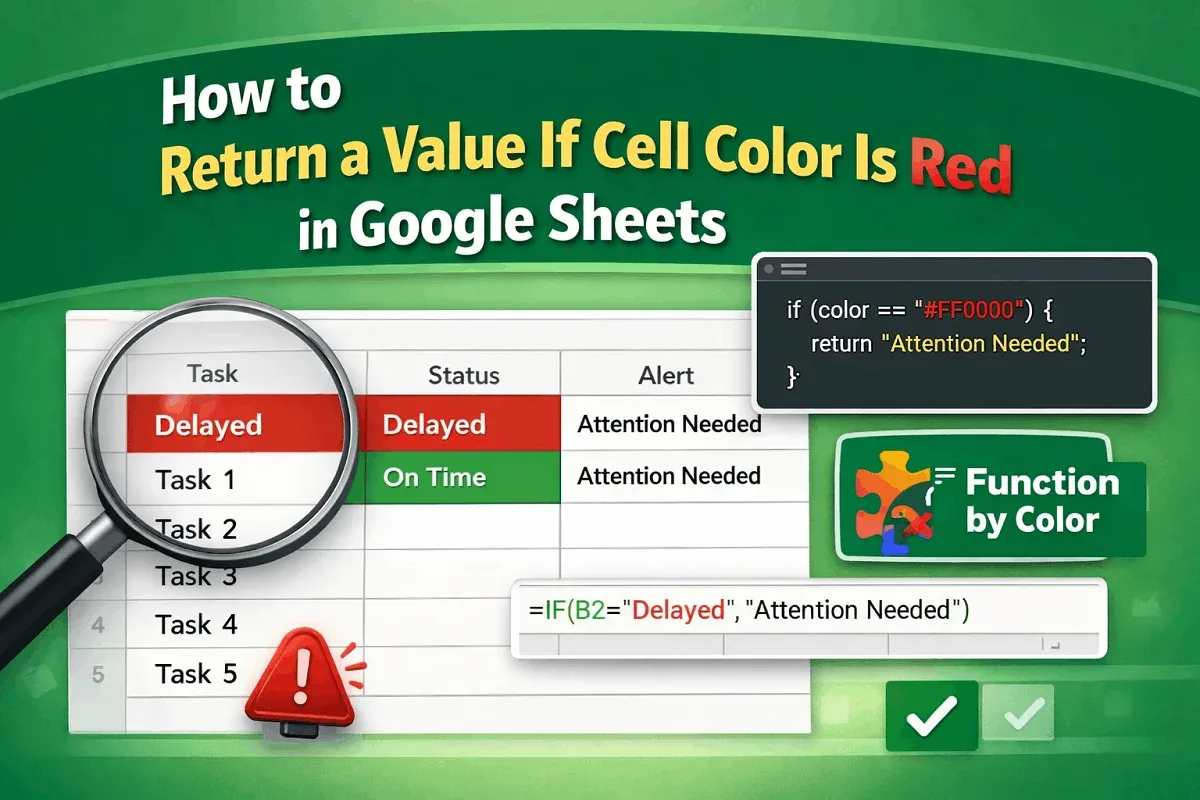
Learn how to return a value if a cell color is red in Google Sheets using Apps Script, conditional formatting with helper columns, or add-on.
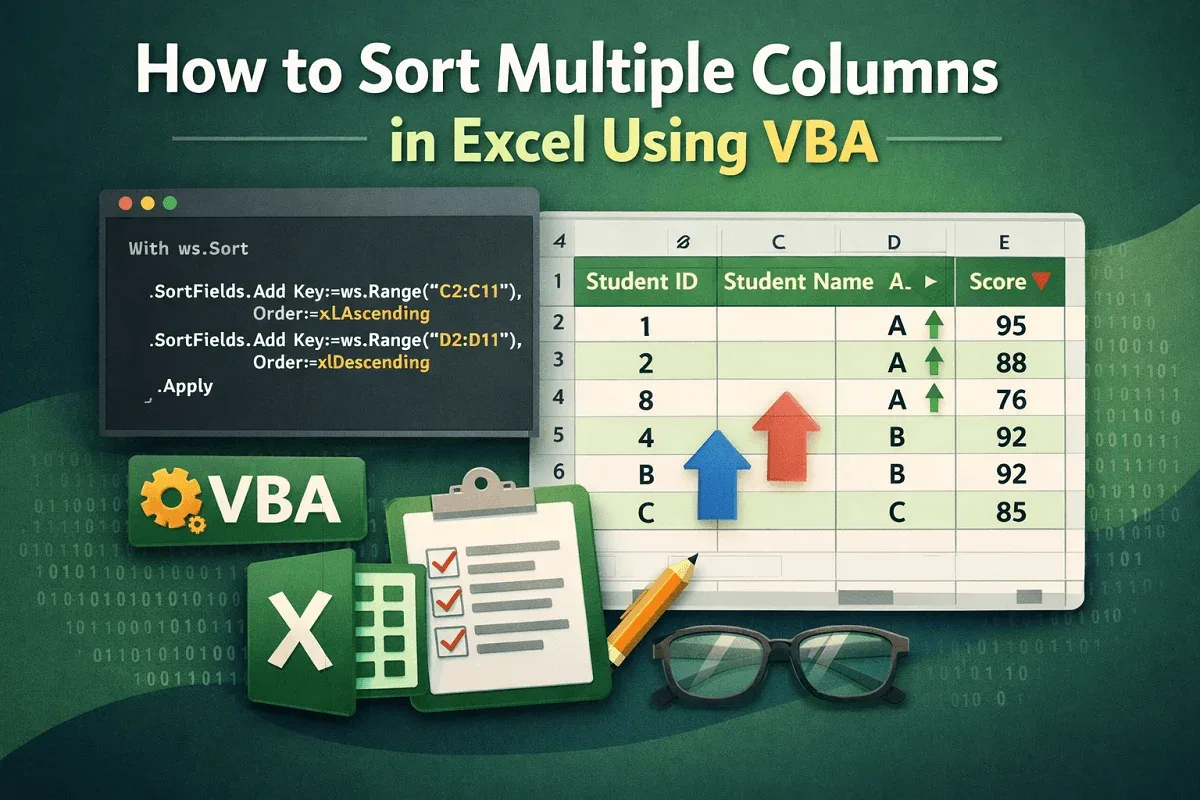
Learn how to sort multiple columns in Excel using VBA, including sorting by a single column or applying multi-level sorting.
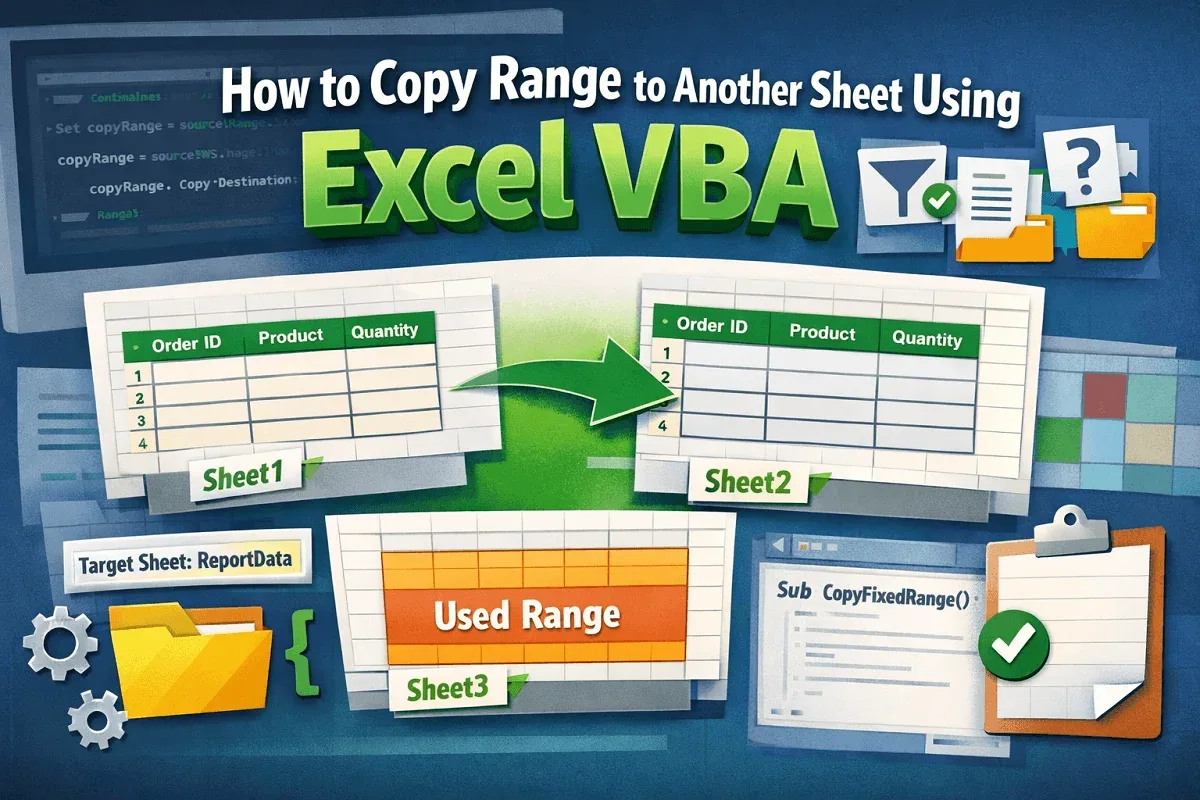
Learn how to copy a range to another sheet in Excel using VBA, including fixed ranges, filtered data, user-specified sheets, and used ranges.
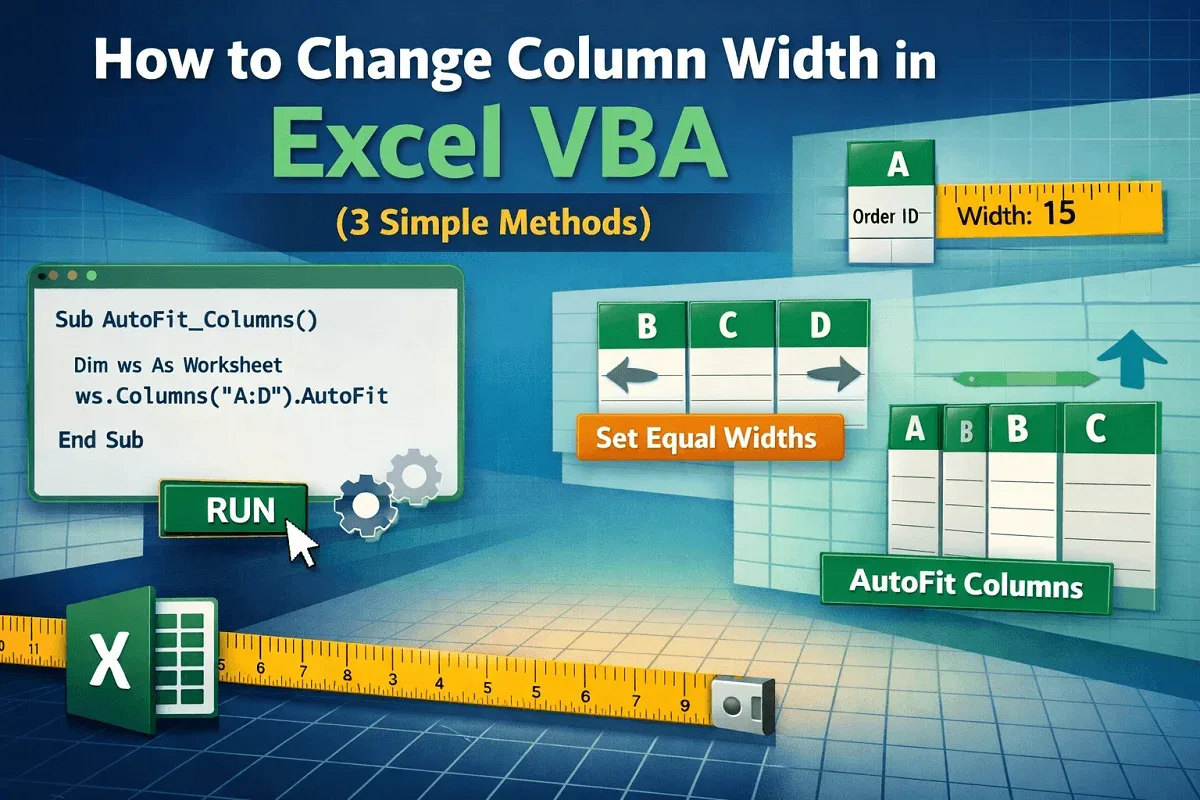
Learn how to change column width in Excel using VBA to adjust single or multiple columns and auto-fit widths based on cell content.
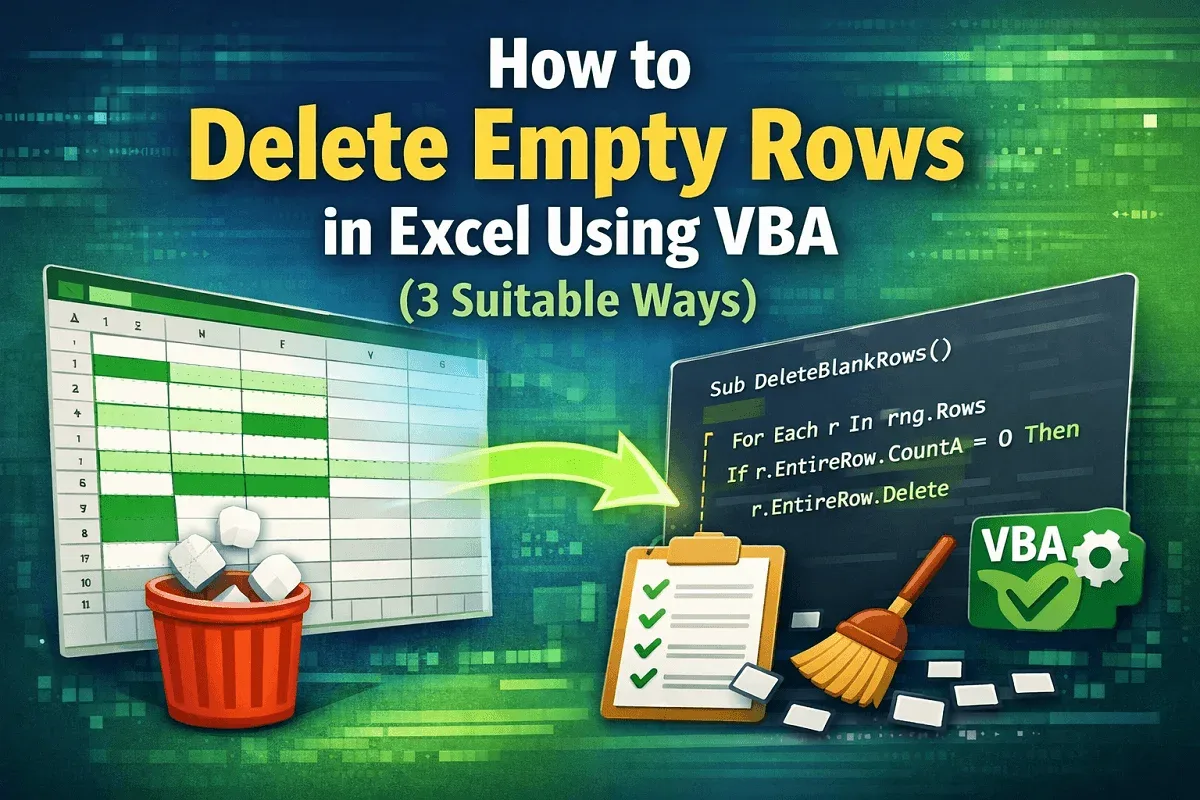
Learn how to delete empty rows in Excel using VBA by targeting user-selected ranges, defined areas, or removing all blank rows in one go.
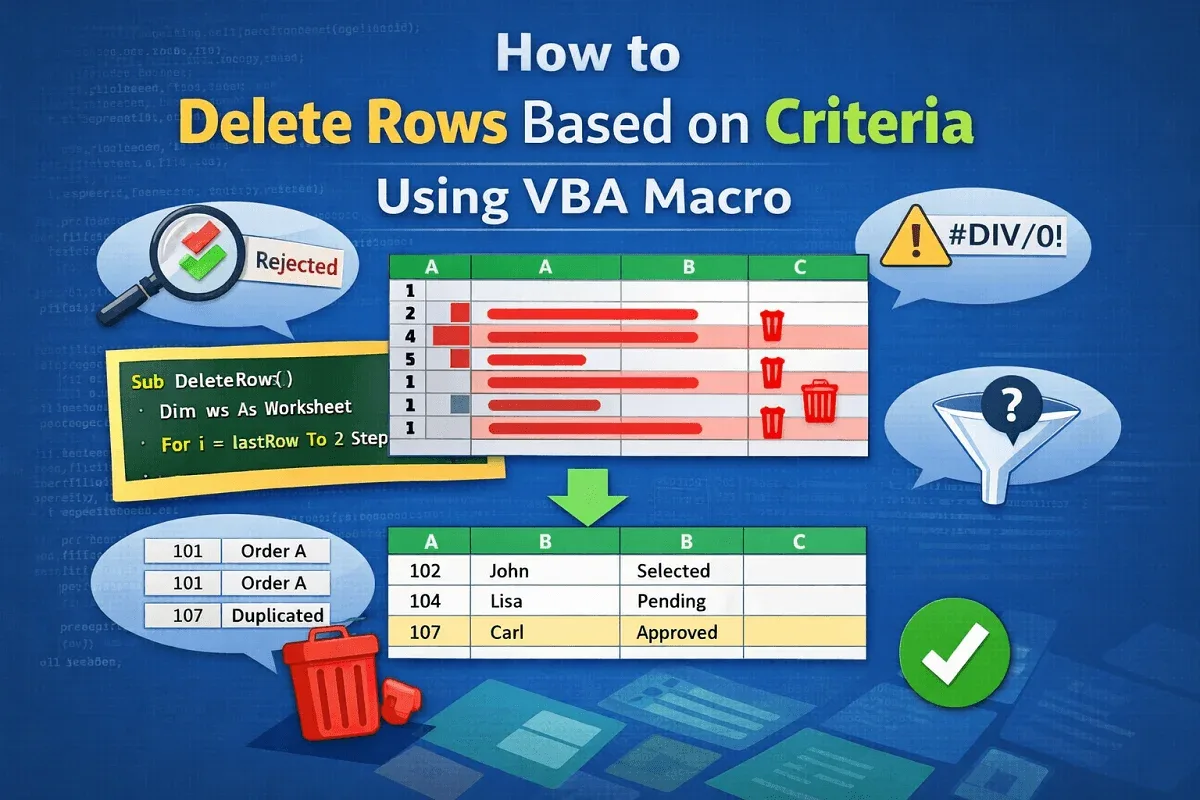
Learn how to delete rows based on criteria using VBA in Excel—remove by keyword, blanks, errors, duplicates, or user-defined conditions.
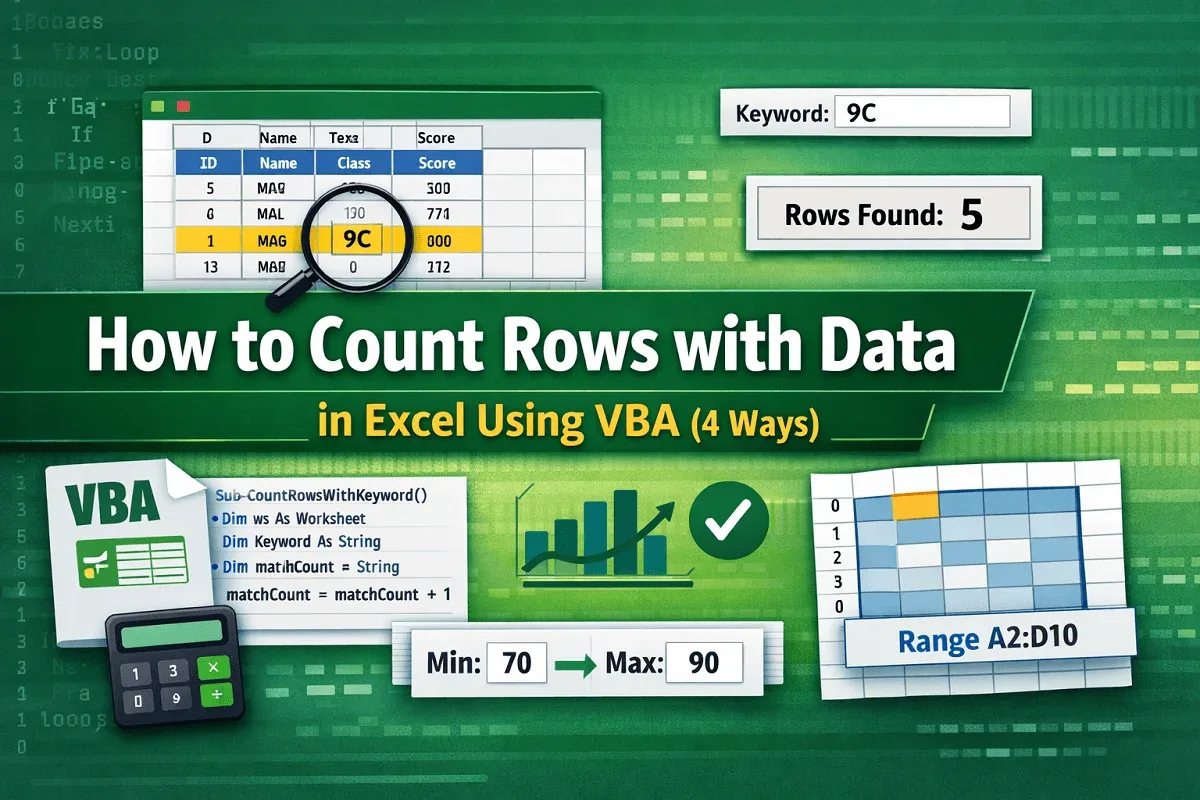
Learn how to count rows with data in Excel using VBA by applying CountA, looping through rows, using criteria, and targeting specific ranges.
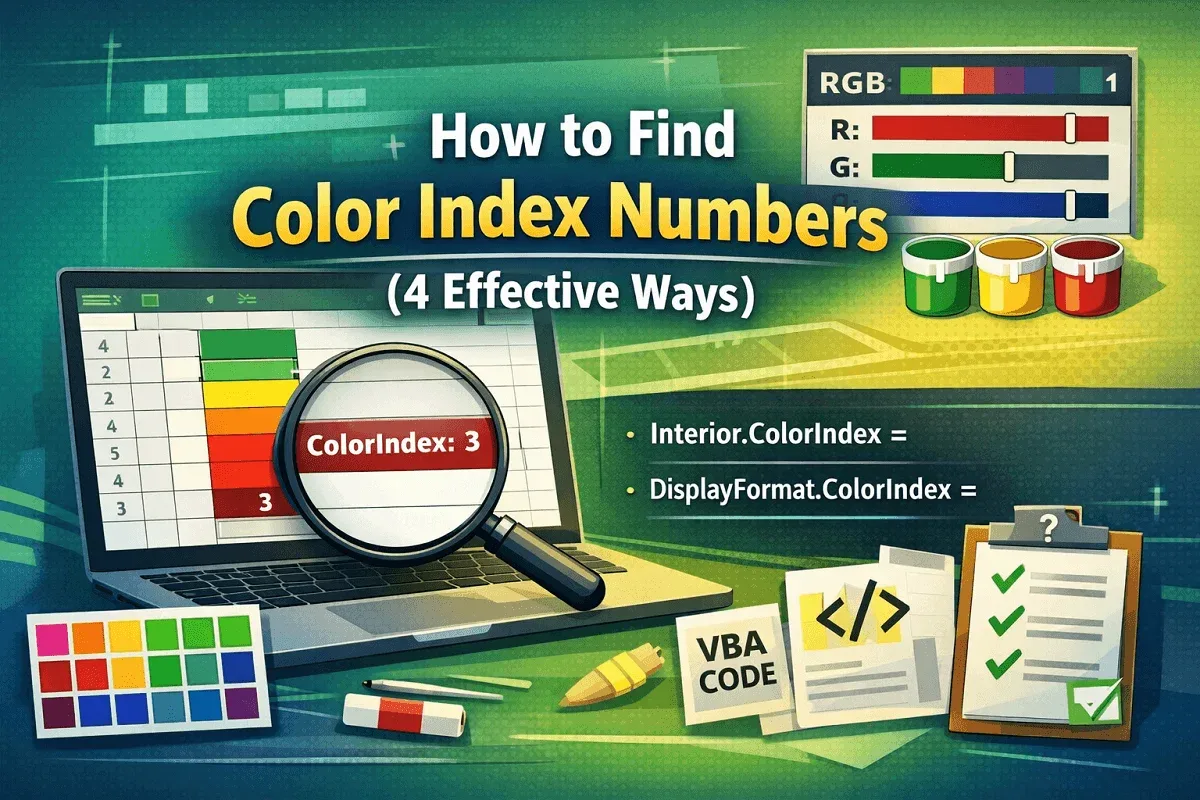
Learn how to find Color Index numbers in Excel using ColorIndex, Color & DisplayFormat properties to identify cell background & RGB values.
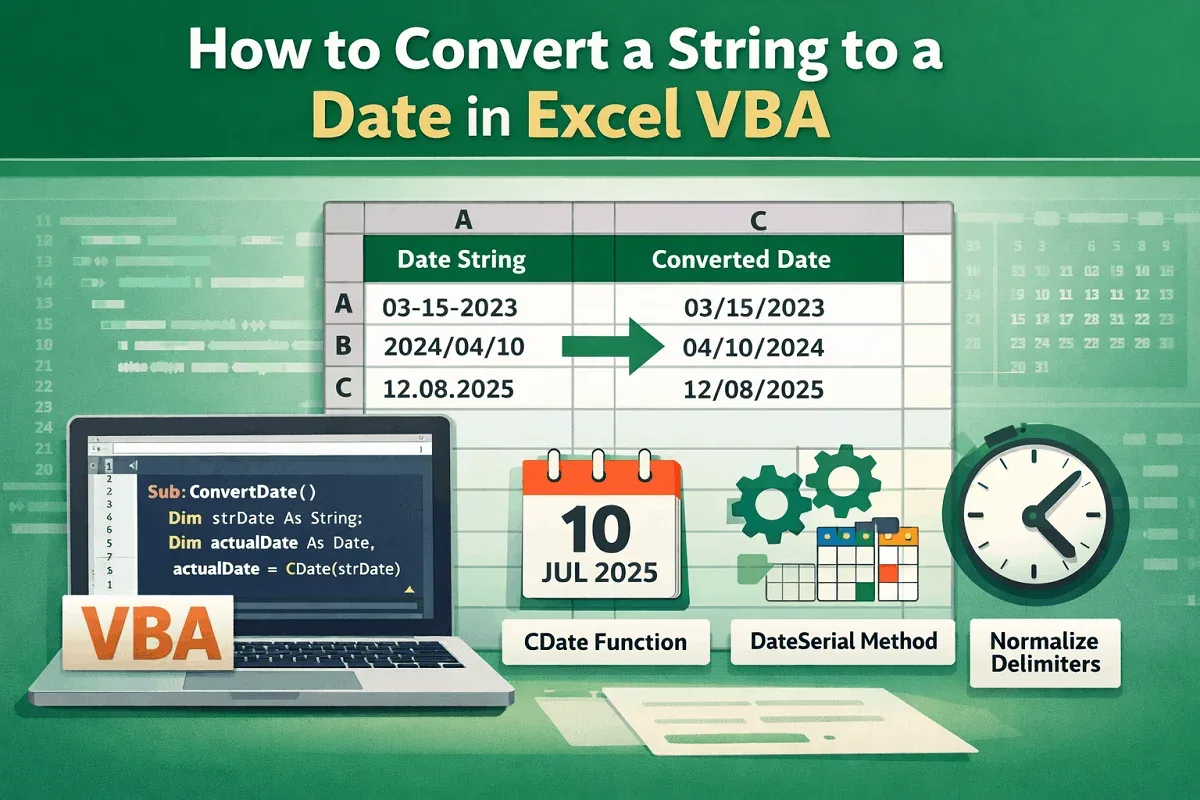
Learn how to convert a string to a date in Excel VBA using CDate, DateSerial, and delimiter normalization for accurate conversions.