Google Sheets Functions
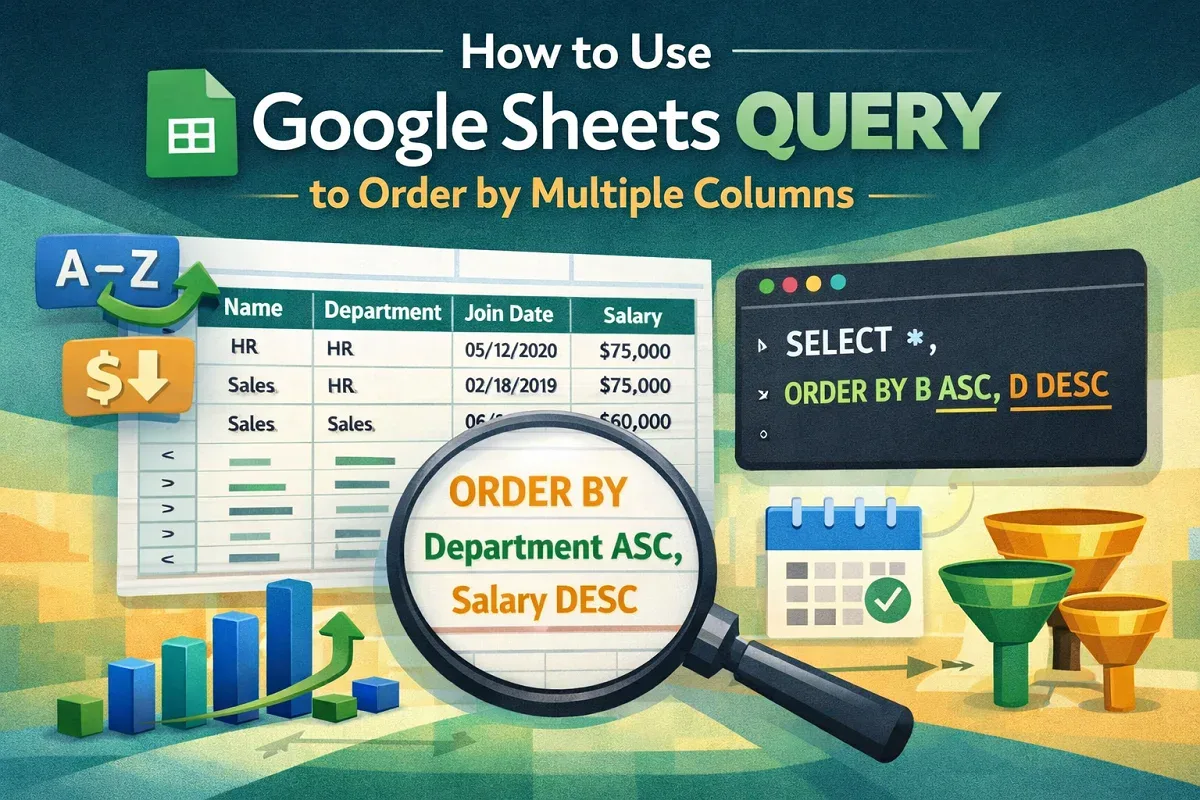
How to Use Google Sheets QUERY to Order by Multiple Columns
Learn how to use Google Sheets QUERY function to sort data by multiple columns like join date and salary for better organization & analysis.
Read article


Mohammed Shafin Arshad is a Computer Science student and cybersecurity enthusiast in Malaysia with 6 years of Excel and Google Sheets experience. He specializes in VBA, macro automation, and SaaS-focused workflow guides. His background includes university data science projects, and he enjoys using macros to solve complex spreadsheet problems.
Articles by Mohammed Shafin Arshad are developed under the guidance of ExcelInsider’s core training program and are technically reviewed by Nehad Ulfat, lead spreadsheet consultant, to ensure accuracy and user-centric value.
Learn how to use Google Sheets QUERY function to sort data by multiple columns like join date and salary for better organization & analysis.

Learn how to join two Google Sheets based on a column using VLOOKUP, IMPORTRANGE, QUERY, INDEX-MATCH, add-ons, and Google Apps Script.

Learn how to find all cells with a specific value in Google Sheets using ARRAYFORMULA, VLOOKUP, INDEX-MATCH, FILTER & conditional formatting.
Learn how to use VLOOKUP with a drop-down list in Google Sheets to fetch data dynamically, including setting up dependent drop-downs.

Learn how to use SUMIF with multiple criteria in Google Sheets using SUMIFS, wildcards, cell references, or SUMPRODUCT for OR conditions.
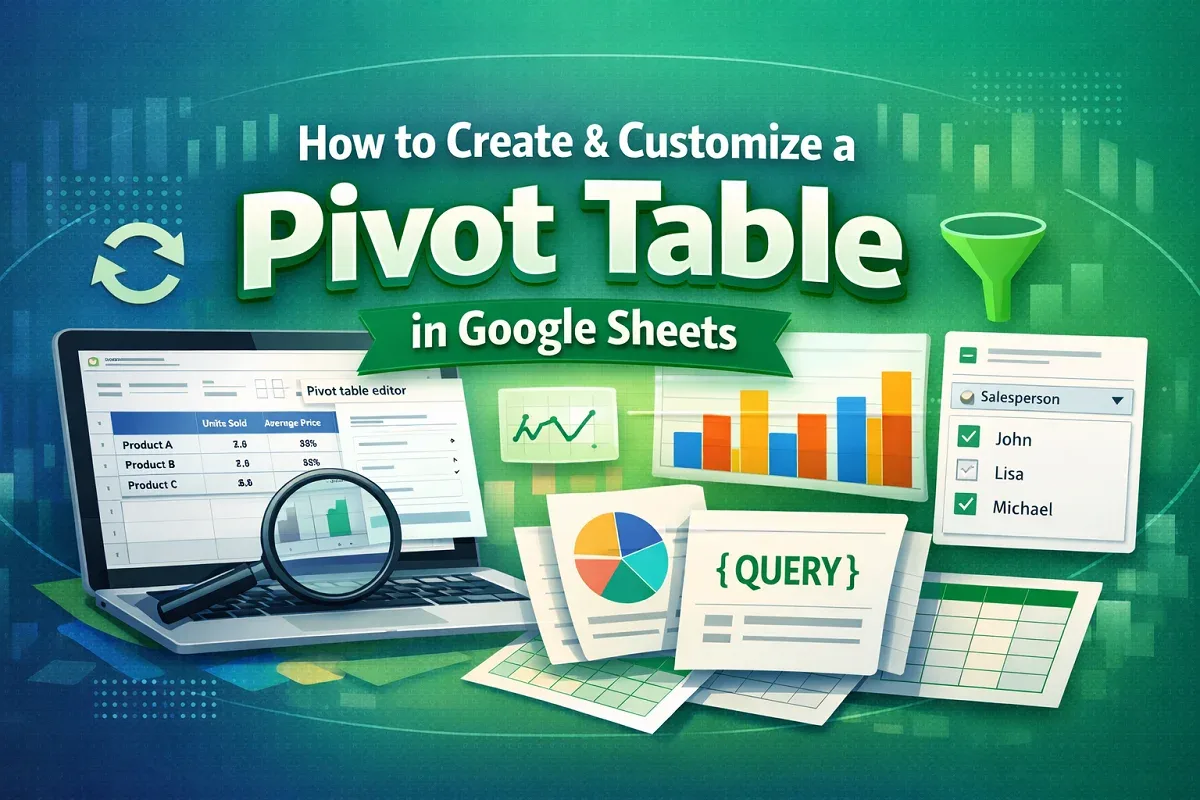
Learn how to create a Pivot Table in Google Sheets, combine data from multiple sheets, refresh sources, add filters or slicers for analysis.
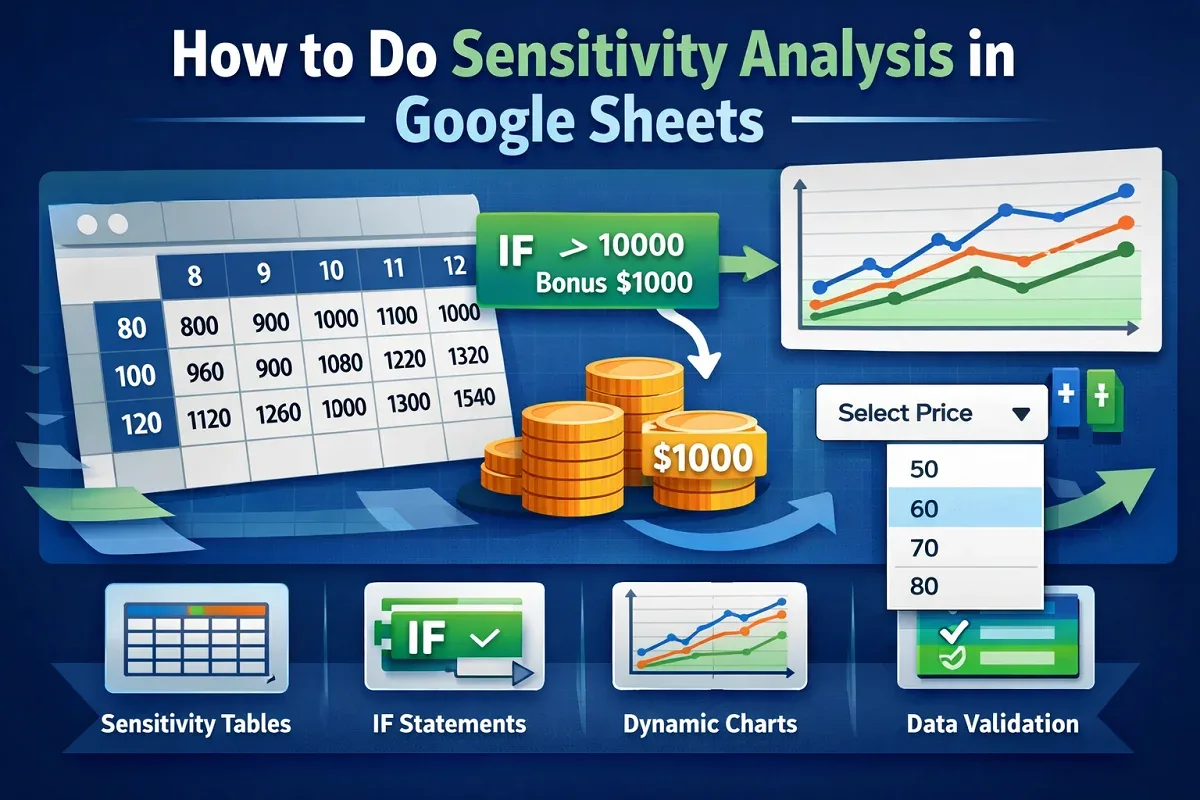
Learn how to do sensitivity analysis in Google Sheets using tables, IF statements, dynamic charts, and data validation.
Learn how to model scenarios with What-If Analysis in Google Sheets, using functions like IF, Goal Seek, and Scenario Manager.
![[Fixed] Google Sheets Formula Not Working: 9 Cases & Solutions](https://pub-b39c974f4c124a36a2fb517be38076ec.r2.dev/images/2026/08/featured-image-google-sheets-formula-not-working-e6a369eb.webp)
Learn how to fix issue with Google Sheets formulas by checking syntax, data types, hidden characters, and common formula errors.
![[Fixed] Show Edit History in Google Sheets Not Showing](https://pub-b39c974f4c124a36a2fb517be38076ec.r2.dev/images/2026/08/featured-image-show-edit-history-google-sheets-not-showing-bfba6ecd.webp)
Learn how to fix “Show Edit History” not showing in Google Sheets by verifying access, using version history, and resolving browser issues.
![[Fixed] Protect Range Not Showing in Google Sheets](https://pub-b39c974f4c124a36a2fb517be38076ec.r2.dev/images/2026/08/featured-image-protect-range-in-google-sheets-not-showing-2c9a5304.webp)
Learn how to fix “Protect Range” option not showing in Google Sheets by enabling it, checking permissions, or clearing your browser cache.

Fix IMPORTRANGE internal errors in Google Sheets by granting access, checking sheet names, using correct URLs, and testing before nesting.