
Google Sheets Functions
Sum If Cell Contains Text in Another Cell in Google Sheets
Learn how to use SUMIF in Google Sheets to add values based on exact text, partial matches, or multiple text conditions with SUMIFS.
Read article


Mohammed Shafin Arshad is a Computer Science student and cybersecurity enthusiast in Malaysia with 6 years of Excel and Google Sheets experience. He specializes in VBA, macro automation, and SaaS-focused workflow guides. His background includes university data science projects, and he enjoys using macros to solve complex spreadsheet problems.
Articles by Mohammed Shafin Arshad are developed under the guidance of ExcelInsider’s core training program and are technically reviewed by Nehad Ulfat, lead spreadsheet consultant, to ensure accuracy and user-centric value.
Learn how to use SUMIF in Google Sheets to add values based on exact text, partial matches, or multiple text conditions with SUMIFS.
Learn how to use COUNTIF in Google Sheets to count cells not equal to specific text, multiple values, exclude blanks, and use ARRAYFORMULA.
Learn how to check for partial text in Google Sheets using SEARCH, REGEXMATCH, VLOOKUP, and more to easily match and count text.

Learn how to summarize data in Google Sheets using QUERY with GROUP BY to total, count, and average sales by region efficiently.
Learn how to use Google Sheets QUERY across multiple sheets with IMPORTRANGE, array syntax, and INDIRECT for dynamic data filtering.
Learn how to count cells containing partial text in Google Sheets using COUNTIF for specific words or dynamic text from another cell.
Learn how to use VLOOKUP to pull data from another Google Sheets workbook, combine with IMPORTRANGE, and fetch data across files.
Learn how to use IMPORTRANGE in Google Sheets to pull data from another spreadsheet, including named ranges and filtered imports.
Learn how to count cells with values in Google Sheets using COUNTA, COUNTIF, COUNT, and COUNTBLANK functions for accurate data tracking.
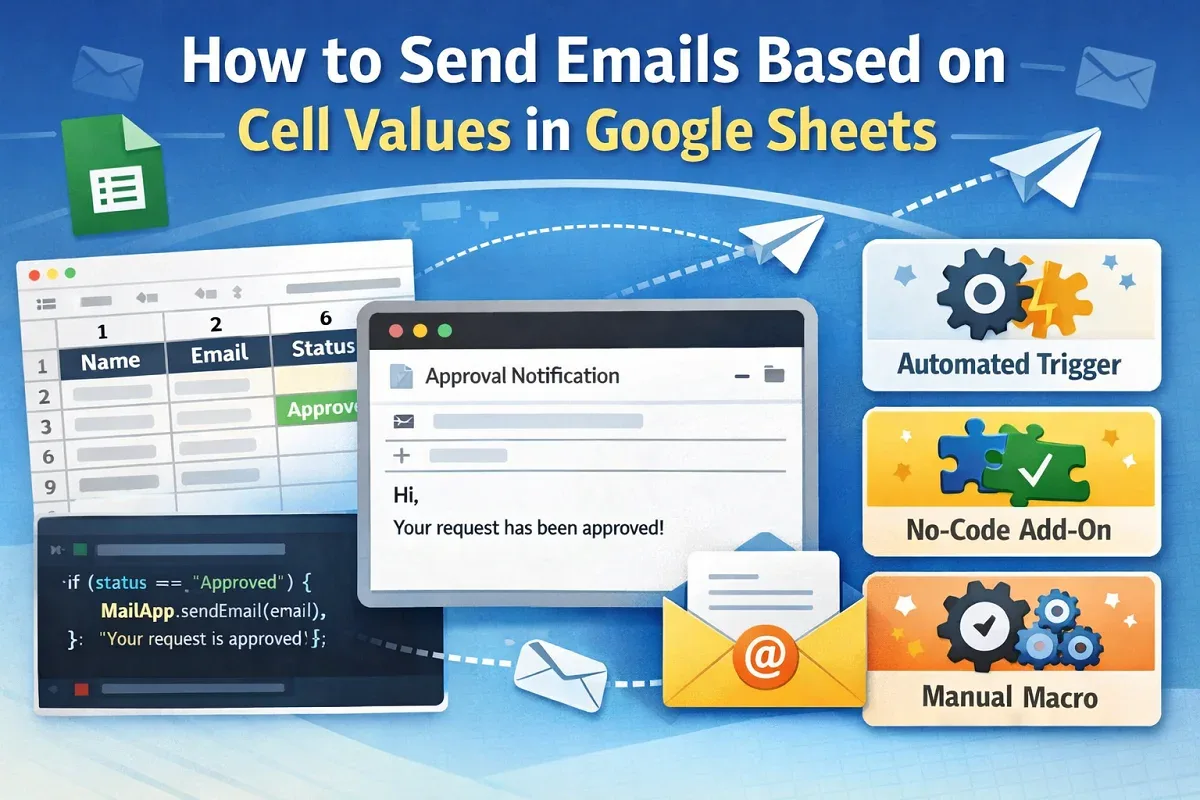
Learn how to send emails from Google Sheets based on cell values using Apps Script, triggers, add-ons, or macros.
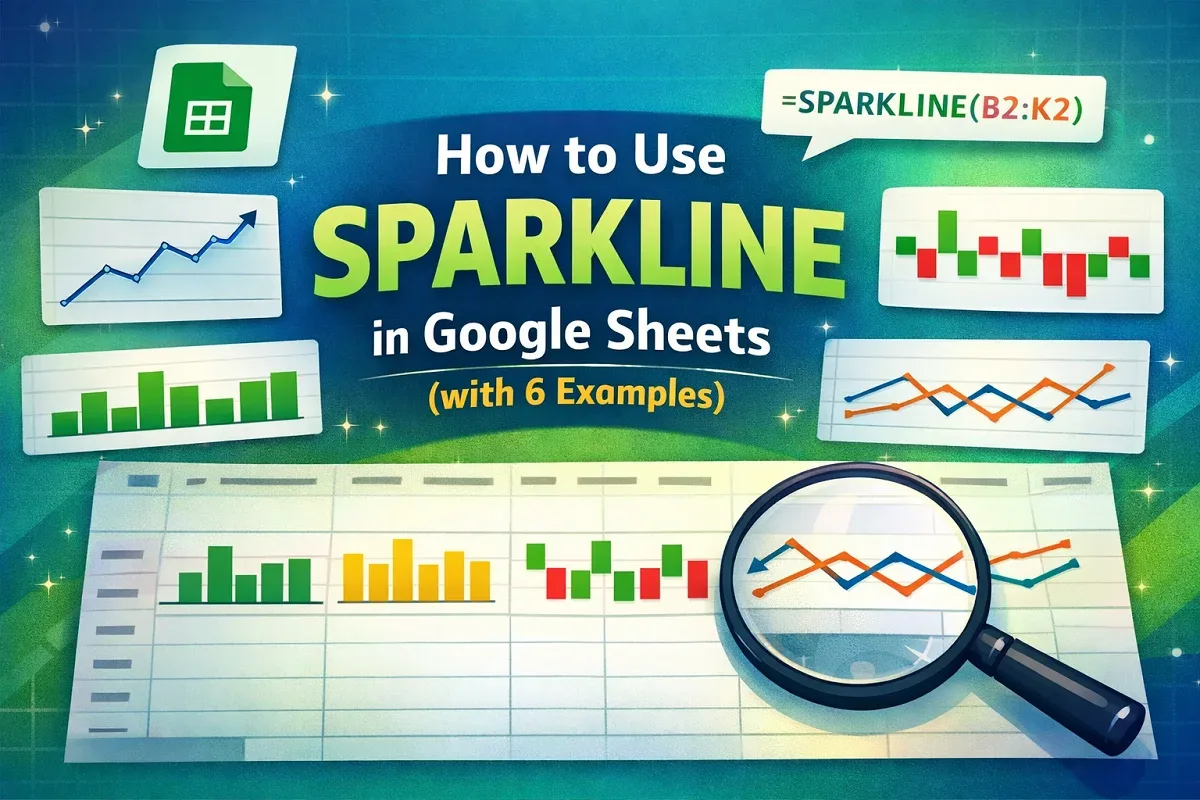
Create and customize sparklines in Google Sheets to visually track trends, compare data, and analyze performance metrics with ease.
Learn how to print labels from Google Sheets using Avery Label Merge, Google Docs with Apps Script, or Microsoft Word.