Update Cell Values Based on Drop-Down Selection in Google Sheets
Learn to update cell values based on drop-down selection in Google Sheets using IF, VLOOKUP, SWITCH, INDEX-MATCH, Apps Script, and more!

Mohammed Shafin Arshad is a Computer Science student and cybersecurity enthusiast in Malaysia with 6 years of Excel and Google Sheets experience. He specializes in VBA, macro automation, and SaaS-focused workflow guides. His background includes university data science projects, and he enjoys using macros to solve complex spreadsheet problems.
Articles by Mohammed Shafin Arshad are developed under the guidance of ExcelInsider’s core training program and are technically reviewed by Nehad Ulfat, lead spreadsheet consultant, to ensure accuracy and user-centric value.

Learn to update cell values based on drop-down selection in Google Sheets using IF, VLOOKUP, SWITCH, INDEX-MATCH, Apps Script, and more!

Highlight or format cells in Google Sheets based on another cell's text. Learn conditional formatting tricks & automation with Apps Script.

Learn how to apply conditional formatting to checkboxes in Google Sheets to highlight rows, due dates, and automate with Apps Script.

Count days from a specific date to today in Google Sheets using TODAY, DATEDIF, ARRAYFORMULA, and automate with Apps Script.

Learn how to split a cell vertically in Google Sheets using built-in features and Google Apps Script. Step-by-step guides to make data tidy!

Add days to a date in Google Sheets using formulas, the WORKDAY and EDATE functions, or Google Apps Script for automatic updates.

Learn to create dynamic cell references in Google Sheets using IMPORTRANGE, VLOOKUP, FILTER, and Apps Script for real-time data updates!

Learn to reference cells in another Google Sheets workbook with IMPORTRANGE or Apps Script for dynamic, cross-workbook data linking.

Learn how to convert timestamps to dates in Google Sheets using INT, TO_DATE, TEXT, SPLIT functions, or by formatting cells directly.

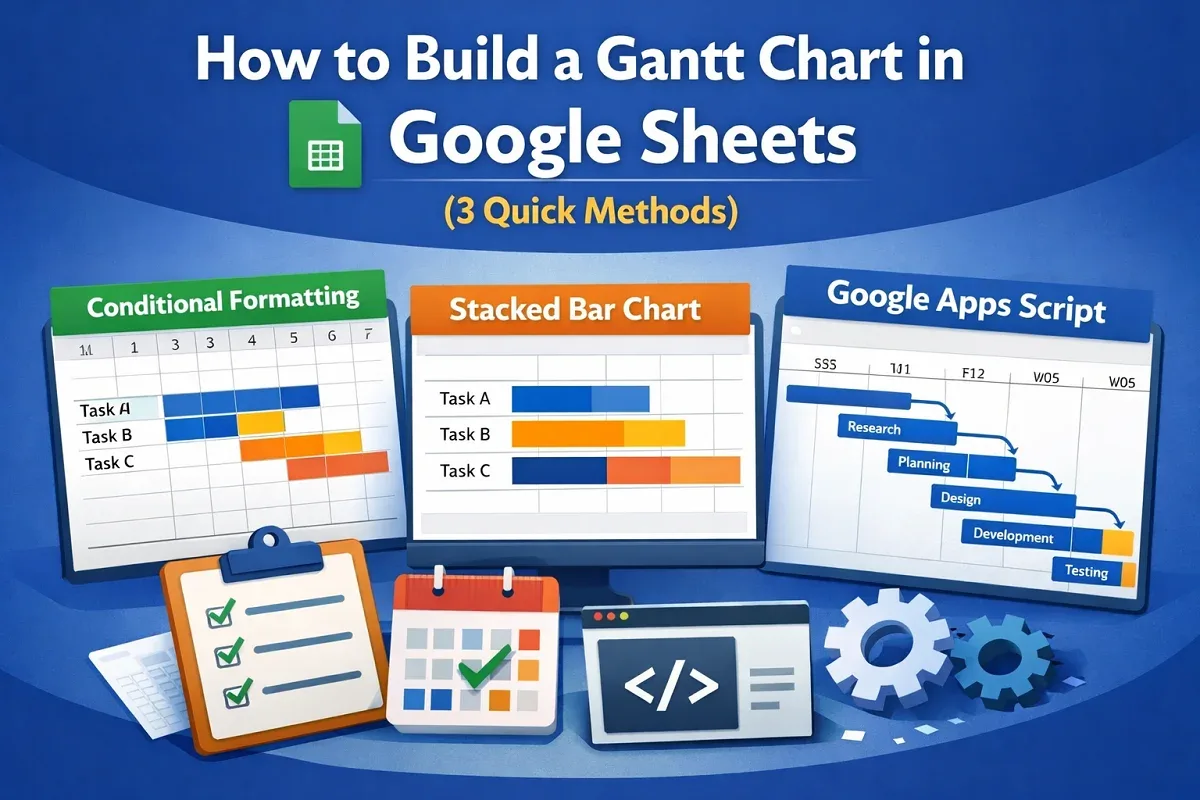
Learn how to build a Gantt chart in Google Sheets using conditional formatting, stacked bar charts, or Google Charts with Apps Script.

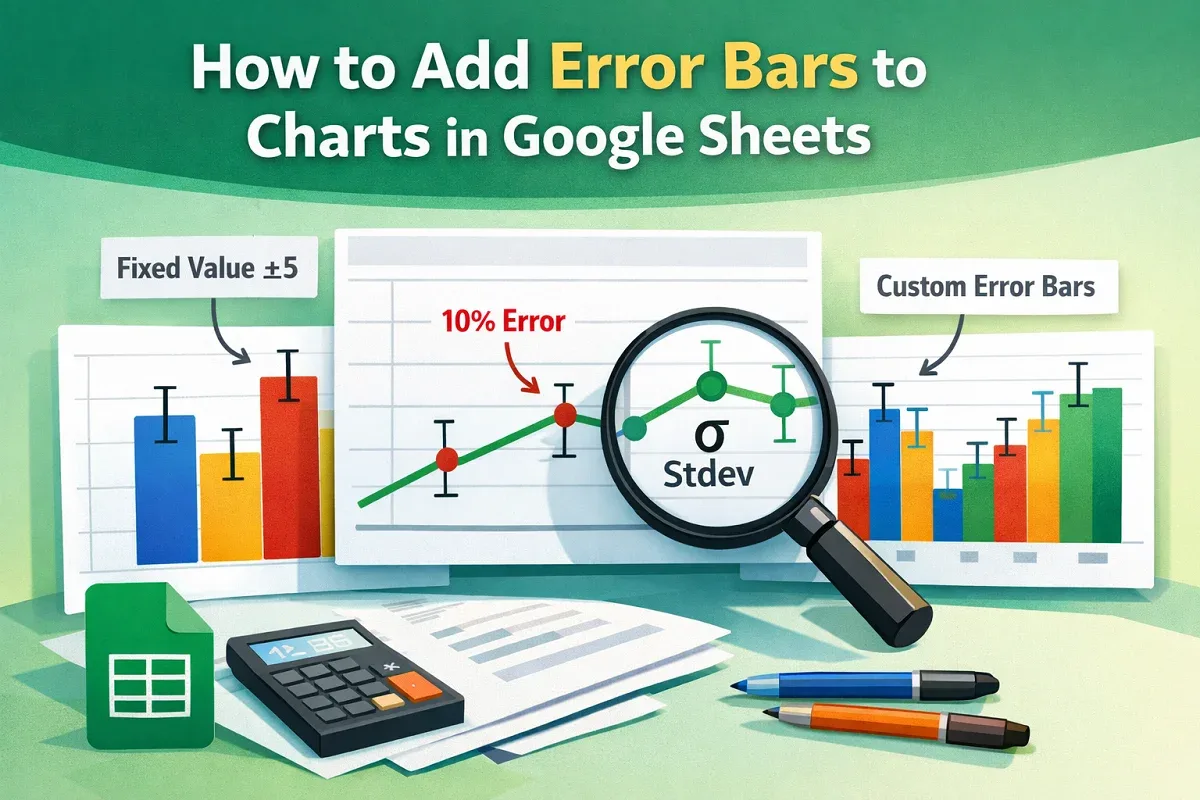
Learn how to add and customize error bars in Google Sheets using fixed values, percentages, or standard deviation for chart analysis.

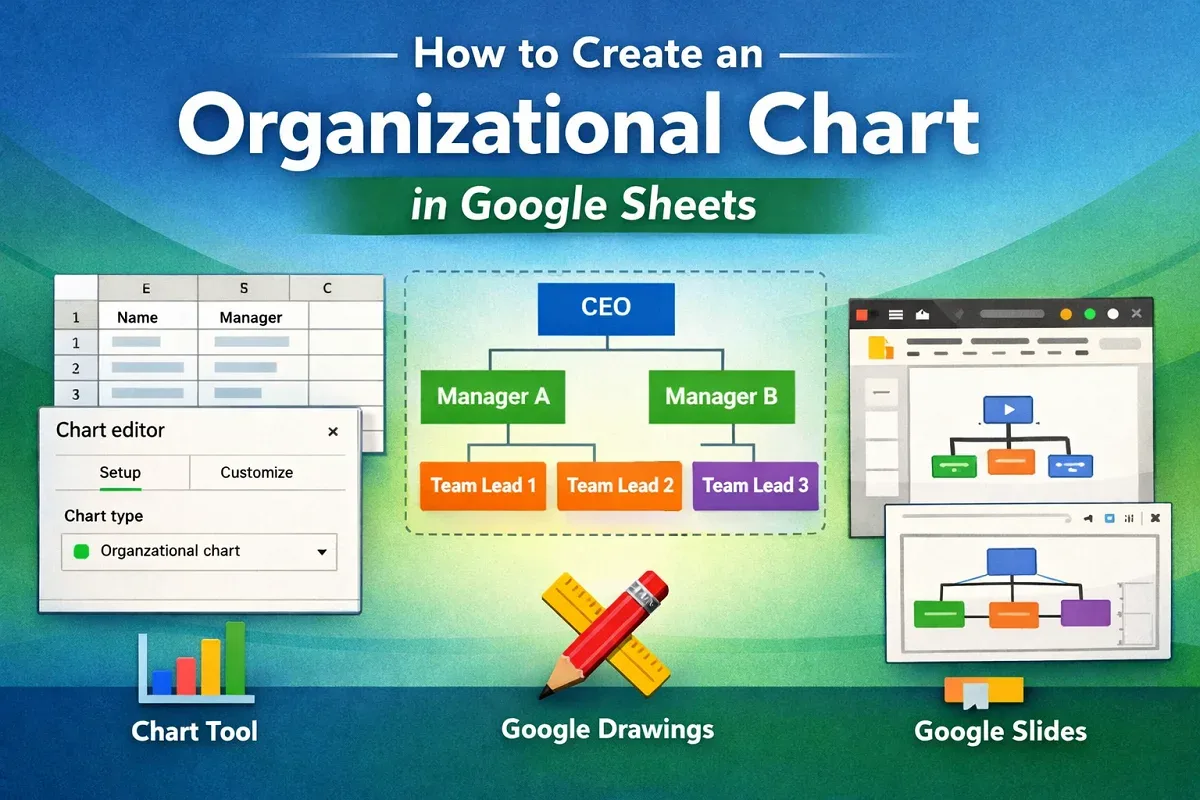
Learn how to create an organizational chart in Google Sheets using the chart tool, Google Drawings, or Google Slides from your data.