Excel Pivot Table
How to Insert Slicer in Excel Without Pivot Table
Learn how to insert a slicer in Excel without using a Pivot Table by converting your dataset into a table and adding slicer fields easily.
Read article


Upama Chowdhury holds a BSc in Statistics from Shahjalal University of Science & Technology, giving her a strong foundation in data analysis and spreadsheet logic. With eight years of experience, she works with advanced formulas, PivotTables, Power Query, dashboards, and automation using VBA and Google Apps Script. She has built interactive dashboards, automated workflows, and organized complex datasets into analysis-ready formats. She enjoys creating efficient, formula-driven solutions and practical spreadsheet tools.
Articles by Upama Chowdhury are developed under the guidance of ExcelInsider’s core training program and are technically reviewed by Nehad Ulfat, lead spreadsheet consultant, to ensure accuracy and user-centric value.
Learn how to insert a slicer in Excel without using a Pivot Table by converting your dataset into a table and adding slicer fields easily.
Learn how to enable and use Excel’s Data Analysis ToolPak to perform quick, accurate statistical and data analysis tasks easily.
Learn how to create a summary report in Excel using PivotTables, SUMIF functions, and Advanced Filters for efficient data analysis.
Learn how to plot a histogram in Excel using built-in charts, the Data Analysis ToolPak, or the FREQUENCY function, plus formatting tips.
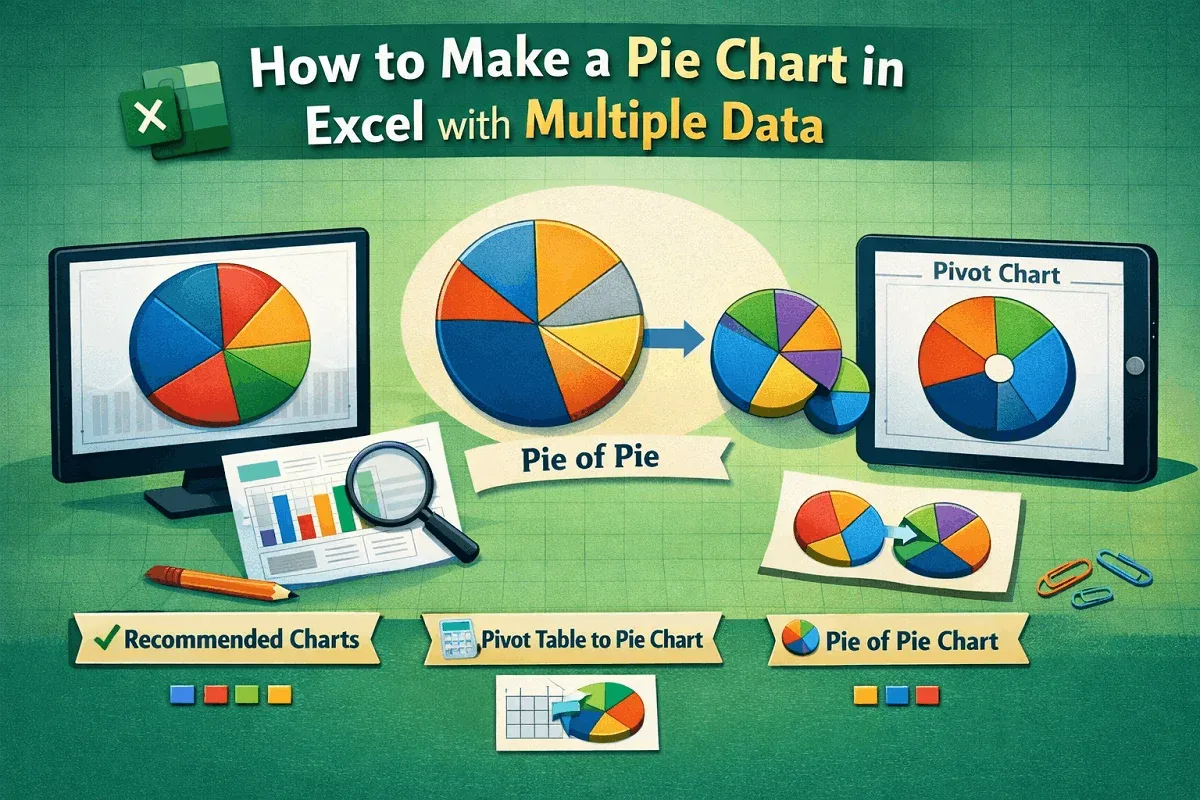
Learn how to make a pie chart in Excel with multiple data using charts, pivot tables, and formatting options like labels and colors.
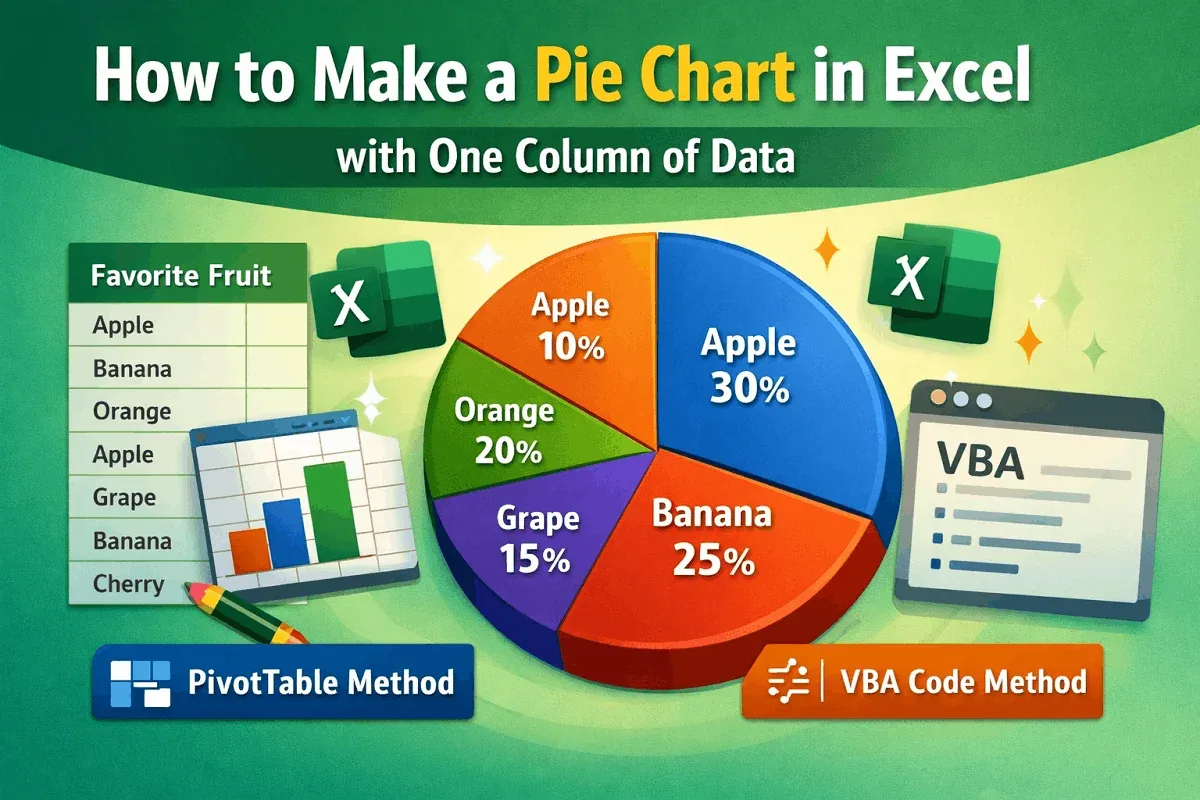
Learn how to create a pie chart in Excel from one column of data using Insert, PivotTable, or VBA code with simple, clear steps.
Learn how to keep a cell fixed in Excel formulas using absolute references or the INDIRECT function for more control and accuracy.
Learn how to remove headers and footers in Excel using Page Layout View, Page Setup options, or a simple VBA script.
Learn how to edit footer in Excel using the Page Layout tab, Page Setup settings, or VBA code to customize your spreadsheet footers.
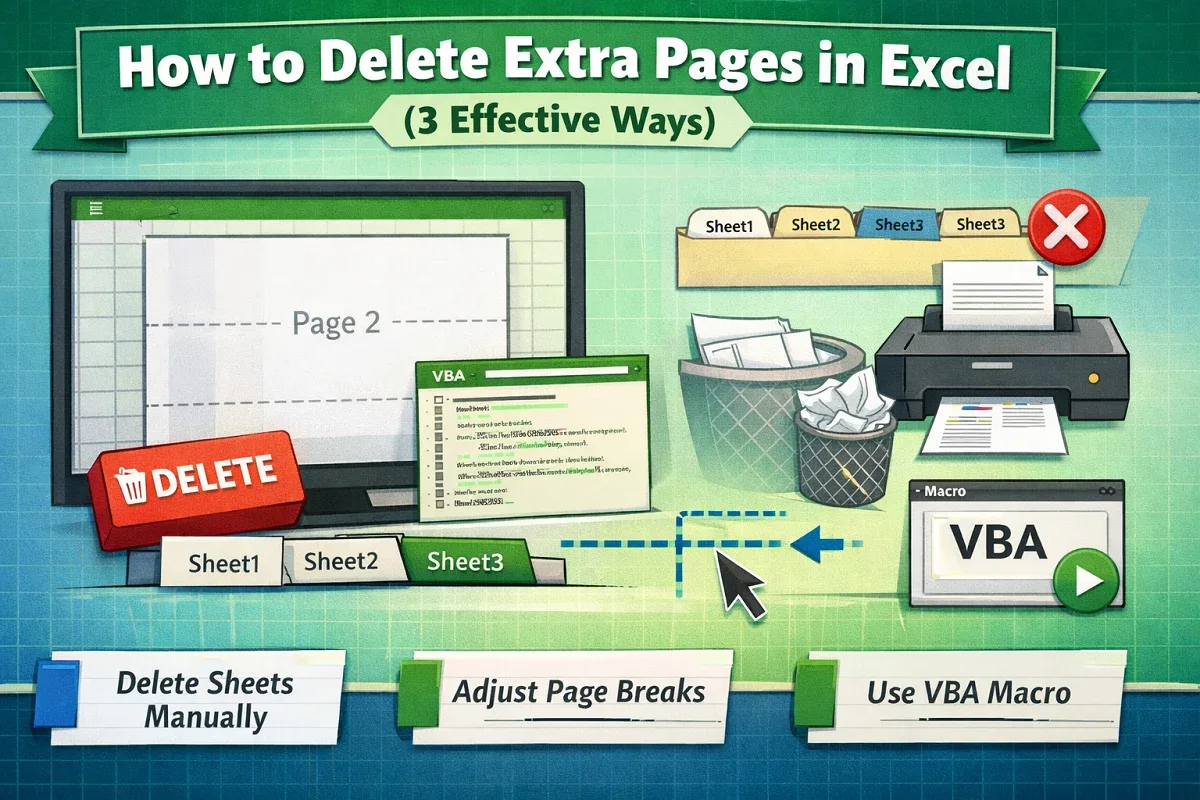
Learn how to delete extra pages in Excel by manually removing sheets, adjusting page breaks, or using VBA to clean up your workbook.
Learn how to change print area in Excel using Page Layout, set and adjust print ranges, and add new cells to customize your printed sheets.
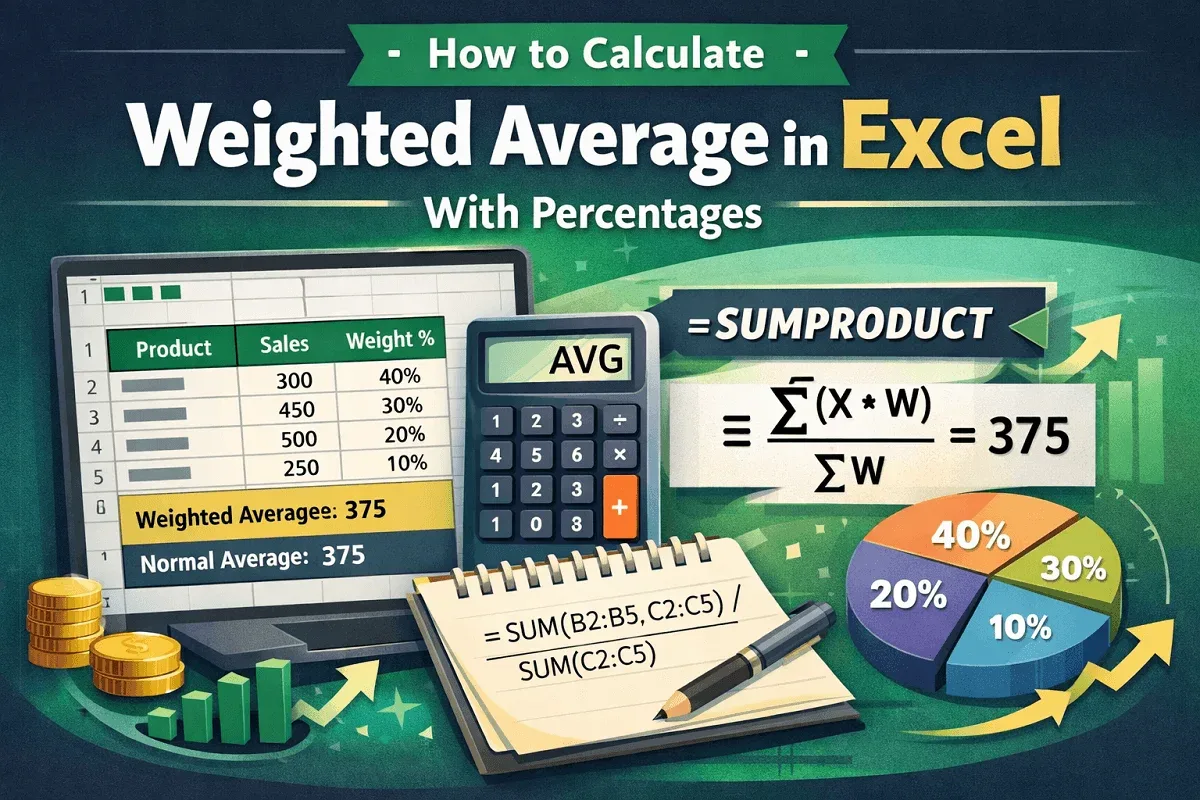
Learn how to calculate weighted average in Excel with percentages using SUM or SUMPRODUCT functions for accurate and efficient results.