Google Sheets Intermediate Tutorials
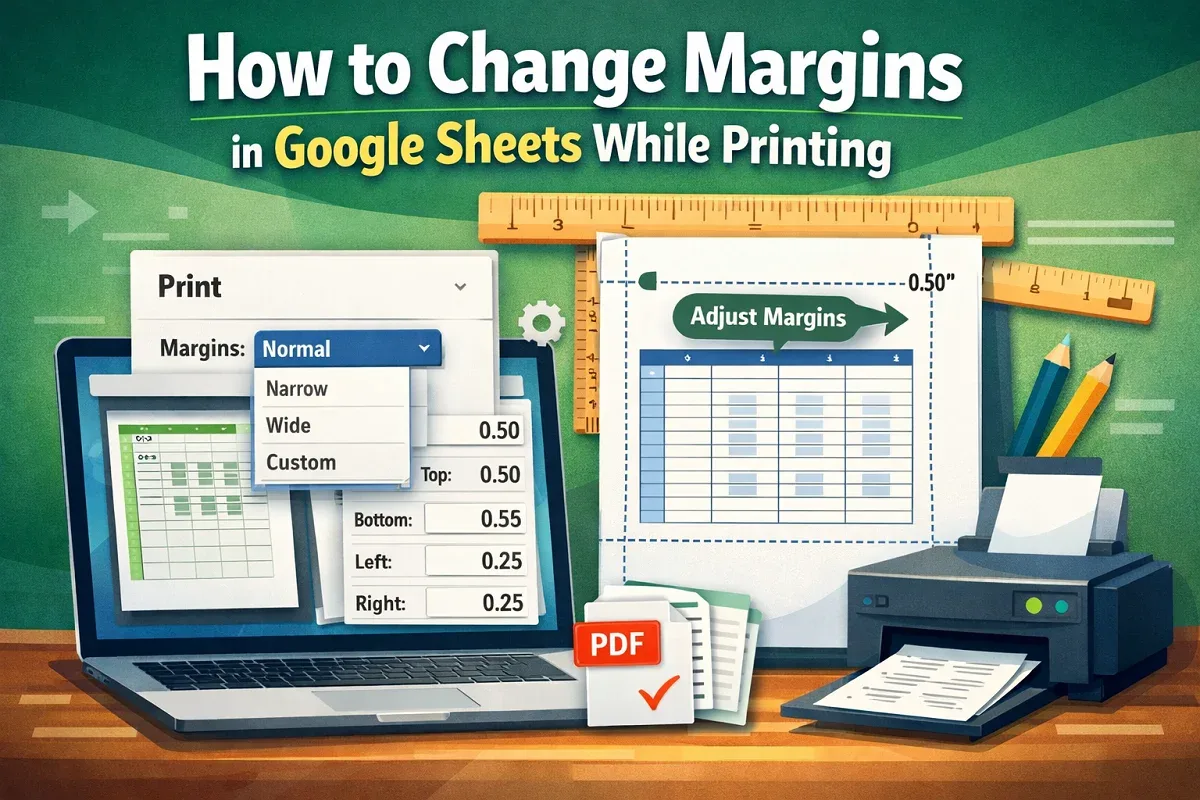
How to Change Margins in Google Sheets While Printing
Learn how to change margins in Google Sheets by accessing print settings, choosing preset options, or customizing values to fit your needs.
Read article


Sazeda Rahman Setu holds a BSc and MSc in Mathematics from National University, providing a strong foundation in analytical and logical thinking for spreadsheet work. Since May 2025, she has gained hands-on experience with Excel and Google Sheets, focusing on formulas, functions, troubleshooting, and step-by-step tutorials. She enjoys creating example datasets and clear guides to help beginners solve spreadsheet problems.
Articles by Sazeda Rahman are developed under the guidance of ExcelInsider’s core training program and are technically reviewed by Nehad Ulfat, lead spreadsheet consultant, to ensure accuracy and user-centric value.
Learn how to change margins in Google Sheets by accessing print settings, choosing preset options, or customizing values to fit your needs.

Learn how to change date format to UK in Google Sheets by adjusting regional settings, using TEXT or QUERY functions, or custom formatting.
Learn how to convert text to numbers in Google Sheets using VALUE, REGEXREPLACE with VALUE, ARRAYFORMULA, or simple multiplication by 1.

Learn how to make Google Sheets expand cells to fit text using Fit to Data for resizing or the Wrap Text feature for better readability.

Learn how to use a currency conversion formula in Google Sheets with GOOGLEFINANCE or automate conversions using Google Apps Script.

Learn how to remove commas in Google Sheets using Find and Replace, the SUBSTITUTE function, or Apps Script for advanced automation.

Learn how to hide rows in Google Sheets based on cell values using filters, filter views, or Google Apps Script with an unhide option.

Learn how the Smart Fill feature works in Google Sheets, what it does, and how to use it to quickly auto-complete and format your data.
Learn how to copy formatting in Google Sheets using the Format Painter tool or Paste Special features for quick and consistent styling.
Learn how to swap columns in Google Sheets using drag-and-drop for single or multiple columns, or the Move Column left/right option.
Learn how to insert commas in numbers in Excel with custom formatting, TEXT function, conditional IF, string functions &Comma Style button.

Learn how to use SUMIFS in Excel with a date range and multiple criteria using TODAY, DATE functions, and dynamic filters.