Google Sheets Formulas
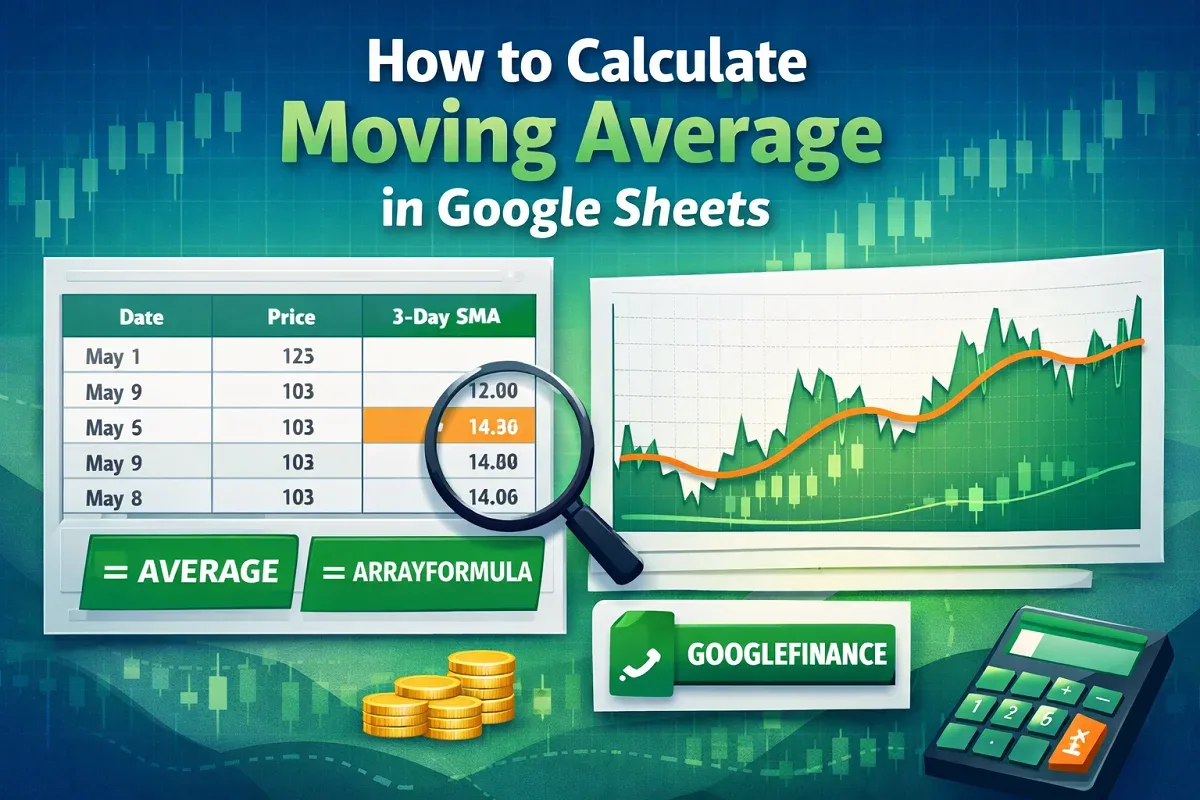
How to Calculate Moving Average in Google Sheets
Learn how to calculate moving average in Google Sheets using AVERAGE, ARRAYFORMULA, or combining GOOGLEFINANCE with AVERAGE for trends.
Read article


Sazeda Rahman Setu holds a BSc and MSc in Mathematics from National University, providing a strong foundation in analytical and logical thinking for spreadsheet work. Since May 2025, she has gained hands-on experience with Excel and Google Sheets, focusing on formulas, functions, troubleshooting, and step-by-step tutorials. She enjoys creating example datasets and clear guides to help beginners solve spreadsheet problems.
Articles by Sazeda Rahman are developed under the guidance of ExcelInsider’s core training program and are technically reviewed by Nehad Ulfat, lead spreadsheet consultant, to ensure accuracy and user-centric value.
Learn how to calculate moving average in Google Sheets using AVERAGE, ARRAYFORMULA, or combining GOOGLEFINANCE with AVERAGE for trends.
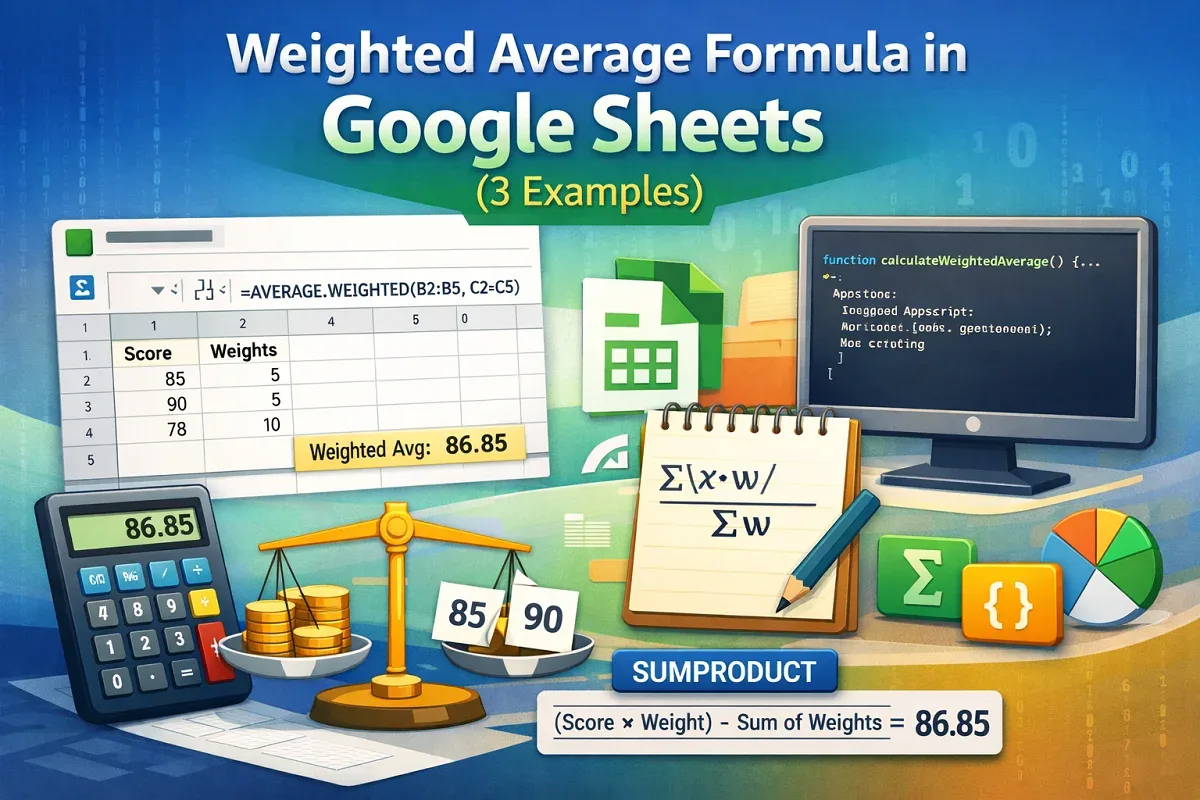
Learn how to use the weighted average formula in Google Sheets with AVERAGE.WEIGHTED, SUMPRODUCT, or Apps Script for precise calculations.
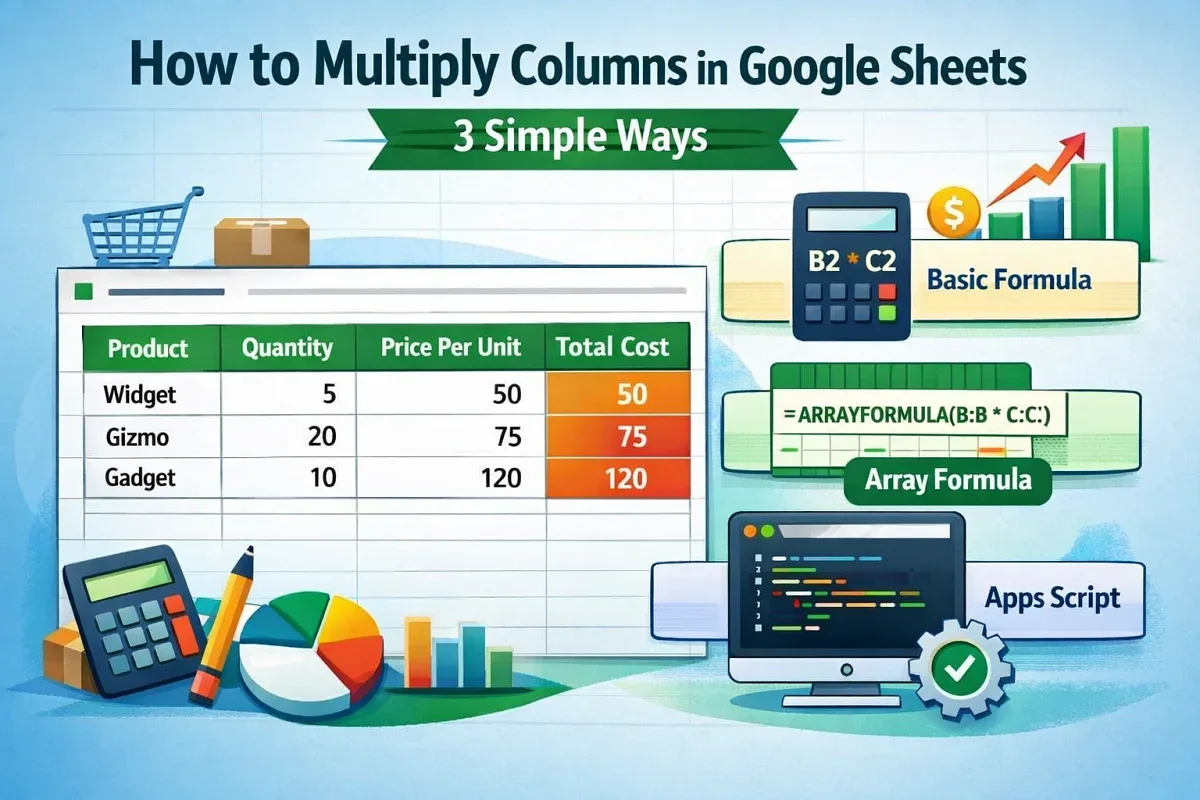
Learn how to multiply columns in Google Sheets using the asterisk operator, ARRAYFORMULA for entire columns, or Apps Script automation.
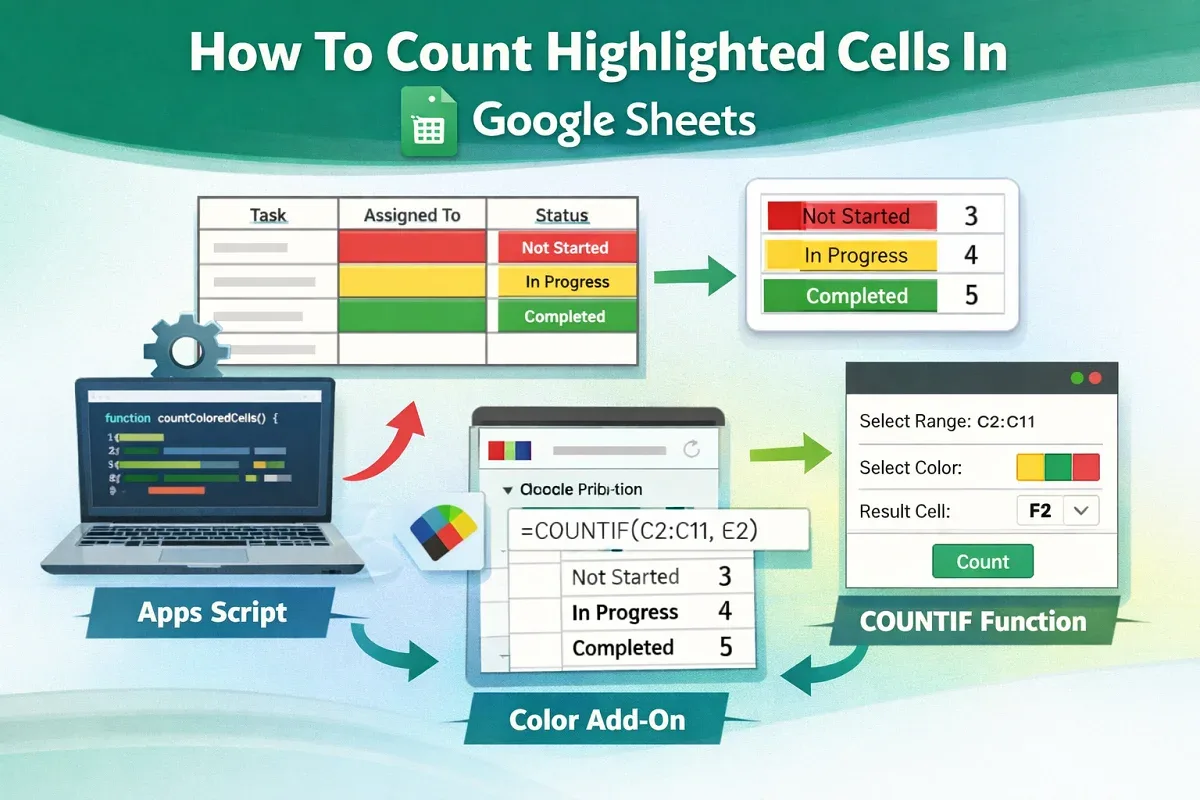
Learn how to count highlighted cells in Google Sheets using Apps Script, Function by Color add-on, or COUNTIF for text-based highlights.
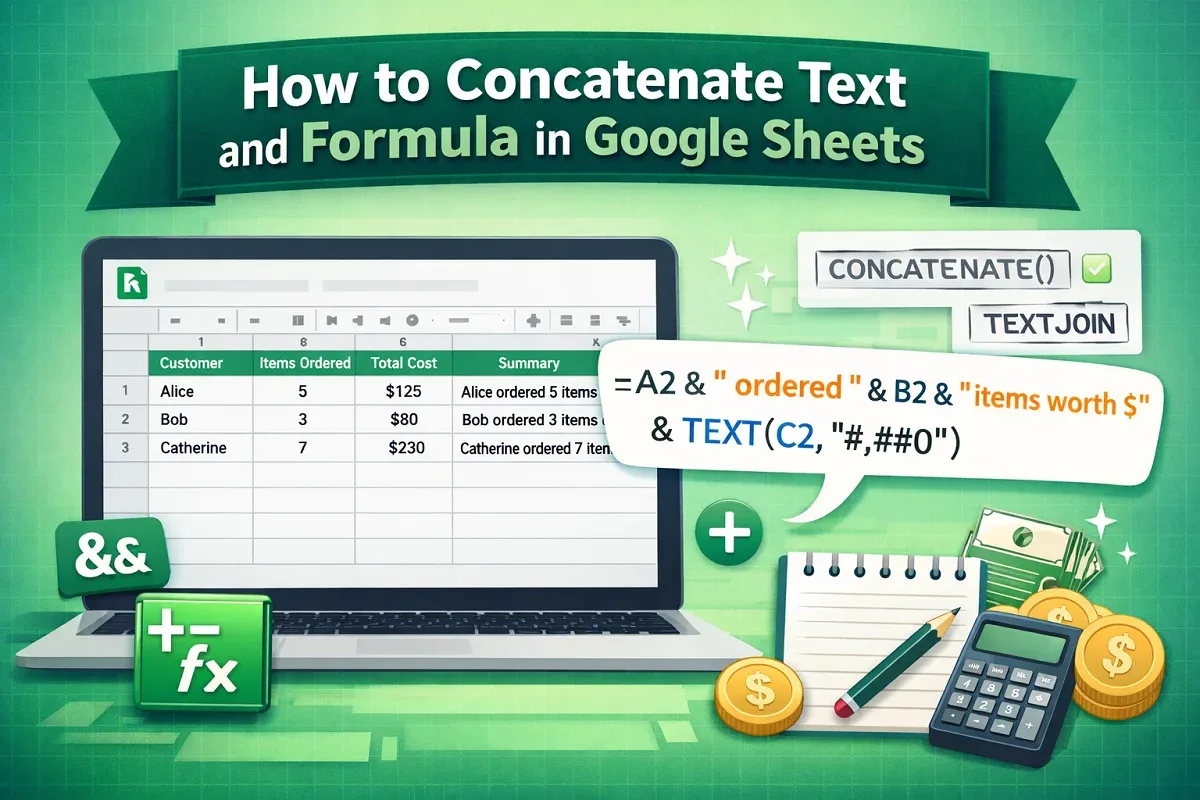
Learn how to concatenate text and formula in Google Sheets using the ampersand operator, TEXTJOIN, or CONCATENATE for flexible results.

Learn how to insert video into Google Sheets using Google Drawing, Slides, or hyperlinks for easy access and better presentations.

Create a master sheet in Google Sheets using FILTER, QUERY, or IMPORTRANGE functions to combine and manage data from multiple sheets easily.

Learn how to delete multiple sheets in Google Sheets manually, with Apps Script, or using add-ons to remove unwanted tabs efficiently.

Learn how to convert numbers to text in Google Sheets using TO\_TEXT, TEXT function, or Google Apps Script to display values as words.
Learn how to group columns in Google Sheets, create nested groups for better organization, and ungroup columns when needed for flexibility.
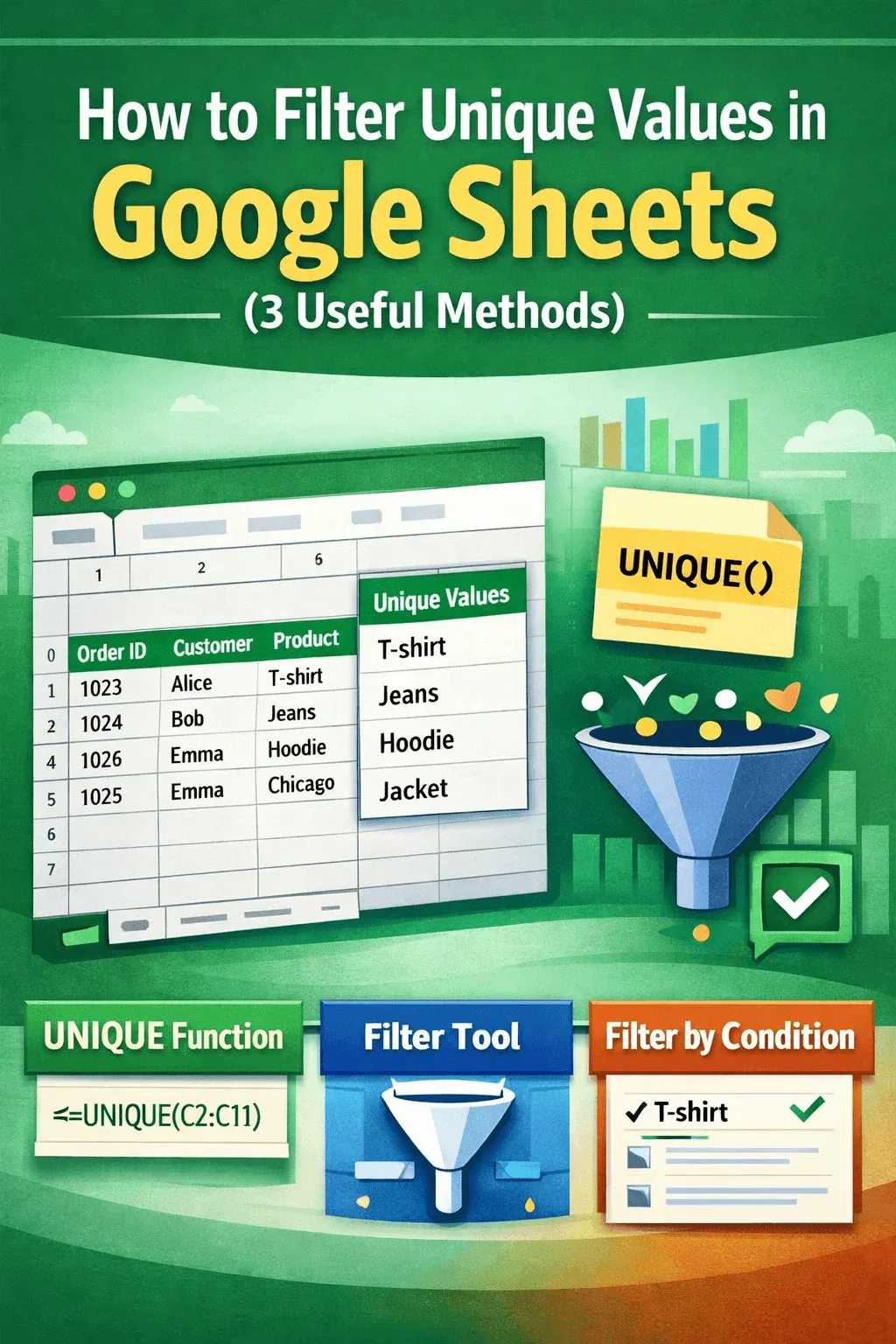
Filter unique values in Google Sheets using the UNIQUE function, filters, or conditions to extract distinct product, city, or customer data.
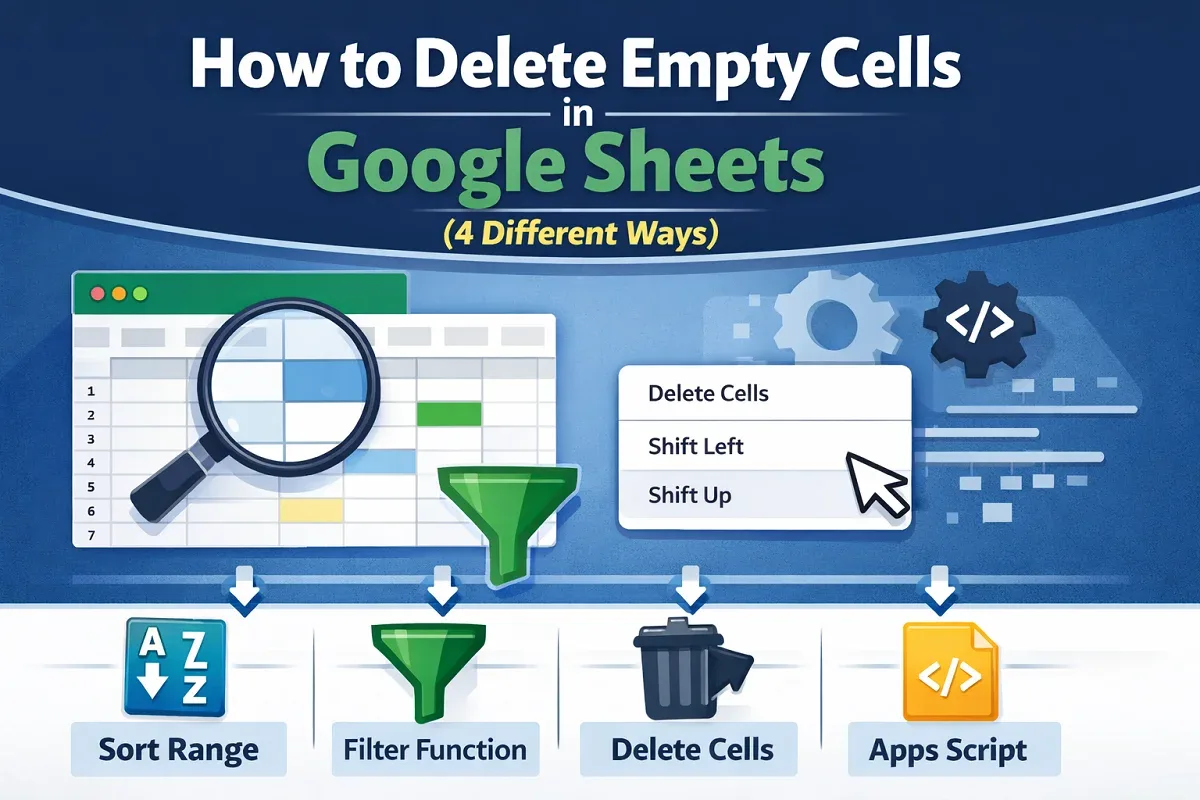
Learn how to delete empty cells in Google Sheets using sort range, FILTER function, delete cell options, or Google Apps Script automation.