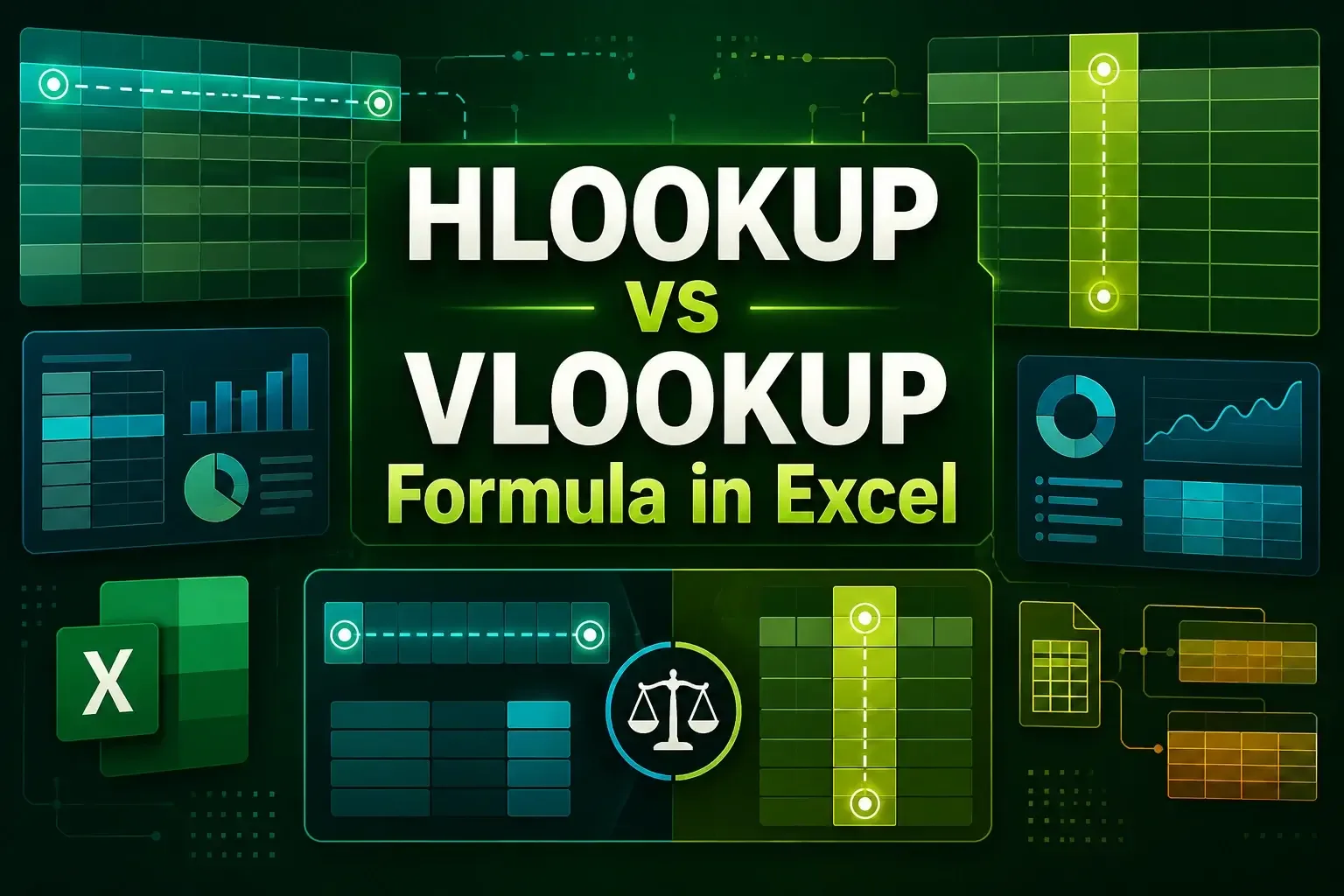
HLOOKUP vs VLOOKUP Formula in Excel: All Explained in Detail
Compare HLOOKUP vs VLOOKUP in Excel, including syntax, performance, error handling, and examples for exact, approximate, and two-way lookups.

Sazeda Rahman Setu holds a BSc and MSc in Mathematics from National University, providing a strong foundation in analytical and logical thinking for spreadsheet work. Since May 2025, she has gained hands-on experience with Excel and Google Sheets, focusing on formulas, functions, troubleshooting, and step-by-step tutorials. She enjoys creating example datasets and clear guides to help beginners solve spreadsheet problems.
Articles by Sazeda Rahman are developed under the guidance of ExcelInsider’s core training program and are technically reviewed by Nehad Ulfat, lead spreadsheet consultant, to ensure accuracy and user-centric value.


Compare HLOOKUP vs VLOOKUP in Excel, including syntax, performance, error handling, and examples for exact, approximate, and two-way lookups.

Learn how to delete a named range in Excel using Name Manager or VBA, with simple step-by-step methods for quick cleanup.

Learn how to concatenate with a line break in Excel using Ampersand and CHAR, CONCAT, TEXTJOIN, or VBA for clean multi-line results.

Learn how to count colored cells in Excel without VBA using Filter and SUBTOTAL, Find and Replace, and GET.CELL with named ranges.

Learn how to count filtered cells with text in Excel using SUBTOTAL, COUNTIFS, and formulas to count visible text only.

Learn how to add text to multiple cells in Excel using formulas, Flash Fill, REPLACE, SUBSTITUTE, and VBA methods easily.

Convert PDF to Excel without losing formatting using Power Query, Adobe Acrobat, or free online tools like iLovePDF and Smallpdf.

Learn how to link a Word document to Excel using hyperlinks, linked objects, or Paste Special to connect specific content easily.

Learn how to remove drop-down arrows in Excel using filters, tables, data validation, Paste Values, VBA, and Go To Special methods.

Learn how to remove trailing spaces in Excel using TRIM, CLEAN, SUBSTITUTE, and VBA to clean and fix messy text data quickly.

Learn how to remove parentheses in Excel using Find & Replace, SUBSTITUTE, Flash Fill, formulas, and VBA macros, step by step now.

Find duplicate rows based on multiple columns in Excel using COUNTIFS, Conditional Formatting, Remove Duplicates, and formulas.