Excel Pro Tips
Custom Format to Add Text after Number in Excel
Learn how to add text after numbers in Excel using custom formats, conditional suffixes, scaling, symbols, and VBA alternatives.
Read article


Ramisa Anjum is pursuing a Computer Science and Engineering degree at North South University, building strong analytical and technical skills. With 3+ years of hands-on Excel and Google Sheets experience, she specializes in advanced text functions, complex logical formulas, lookup systems, macro automation, data cleaning, and instructional modeling. She has created structured datasets and enjoys simplifying complex tasks through formulas and automation.
Articles by Ramisa Anjum are developed under the guidance of ExcelInsider’s core training program and are technically reviewed by Nehad Ulfat, lead spreadsheet consultant, to ensure accuracy and user-centric value.
Learn how to add text after numbers in Excel using custom formats, conditional suffixes, scaling, symbols, and VBA alternatives.
Learn how to use the SUMPRODUCT with IF function in Excel for single, multiple, and advanced conditions, including VBA examples.
Learn how to use SUMPRODUCT across multiple columns in Excel, apply criteria, OR logic, dynamic ranges, and custom VBA functions.
Learn how to use the SUMPRODUCT function in Excel with multiple criteria, including numeric, text, OR conditions, and VBA examples.
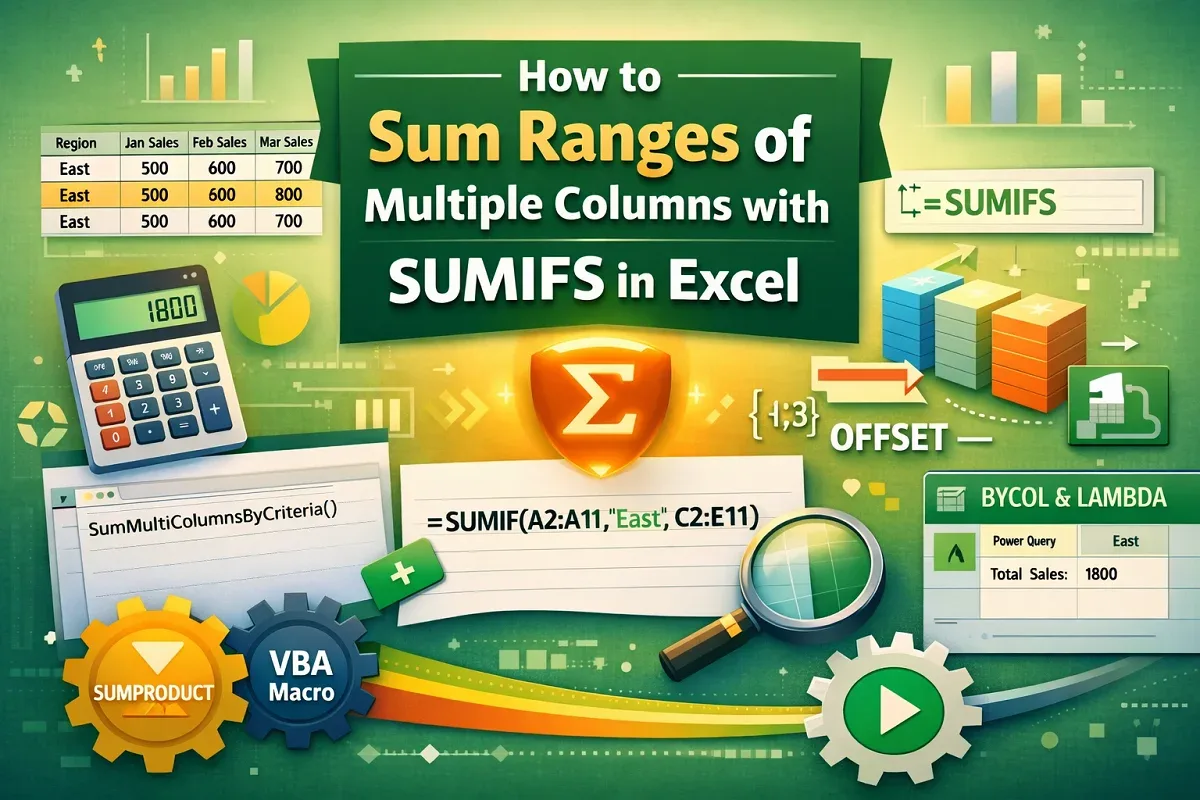
Learn how to sum ranges across multiple columns in Excel using SUMIFS, BYCOL, INDEX, OFFSET, VBA, and other powerful methods.
Learn how to combine text and formulas in the same Excel cell using &, CONCAT, TEXTJOIN, VBA, Power Query, and IF functions.
Learn how to combine text and numbers in Excel using formulas, VBA, and Power Query for clean, dynamic, and well-formatted results.
Learn how to count cells with specific text in Excel using COUNTIF, SUMPRODUCT, FILTER, wildcards, VBA, and more.
Learn how to calculate food cost percentage in Excel using formulas, tables, VBA, and charts to track and automate your restaurant costs.

Master dynamic named ranges in Excel using OFFSET, INDEX, Tables, or VBA to create flexible, auto-updating ranges for smarter data handling.

Learn how to reference a cell in another Excel sheet dynamically using INDIRECT, drop-downs, named ranges, VBA, CHOOSE, or INDEX functions.

Learn how to find multiple values in Excel using FILTER, TEXTJOIN, INDEX-SMALL-IF, Advanced Filter, VBA macros, or Power Query methods.