Excel Pro Tips
How to Delete Hidden Rows in Excel (5 Suitable Ways)
Learn how to delete hidden rows in Excel manually, with filters, Go To Special, built-in tools, or a VBA script for large datasets.
Read article


Ramisa Anjum is pursuing a Computer Science and Engineering degree at North South University, building strong analytical and technical skills. With 3+ years of hands-on Excel and Google Sheets experience, she specializes in advanced text functions, complex logical formulas, lookup systems, macro automation, data cleaning, and instructional modeling. She has created structured datasets and enjoys simplifying complex tasks through formulas and automation.
Articles by Ramisa Anjum are developed under the guidance of ExcelInsider’s core training program and are technically reviewed by Nehad Ulfat, lead spreadsheet consultant, to ensure accuracy and user-centric value.
Learn how to delete hidden rows in Excel manually, with filters, Go To Special, built-in tools, or a VBA script for large datasets.
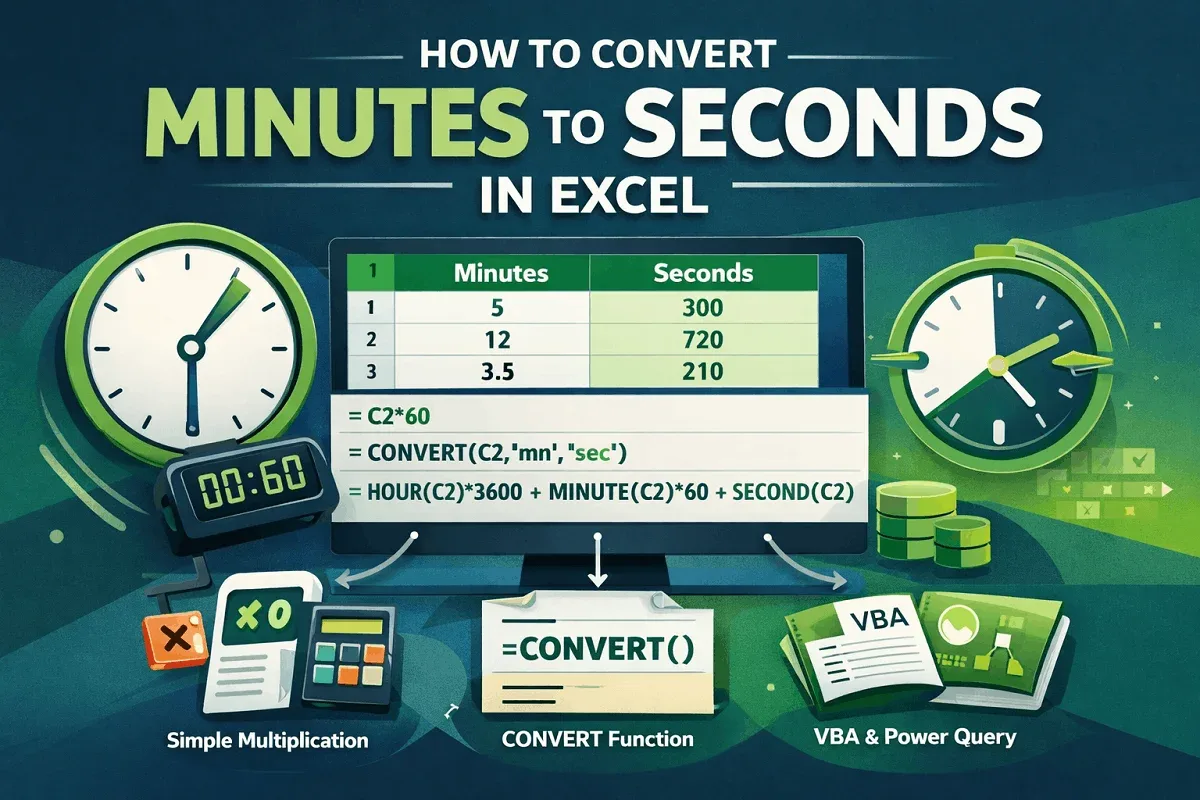
Learn how to convert minutes to seconds in Excel using simple multiplication, the CONVERT function, and time formats easily fast.

Export Excel file metadata manually or with Get Data, Power Query, VBA, and PowerShell to extract document properties into sheets.
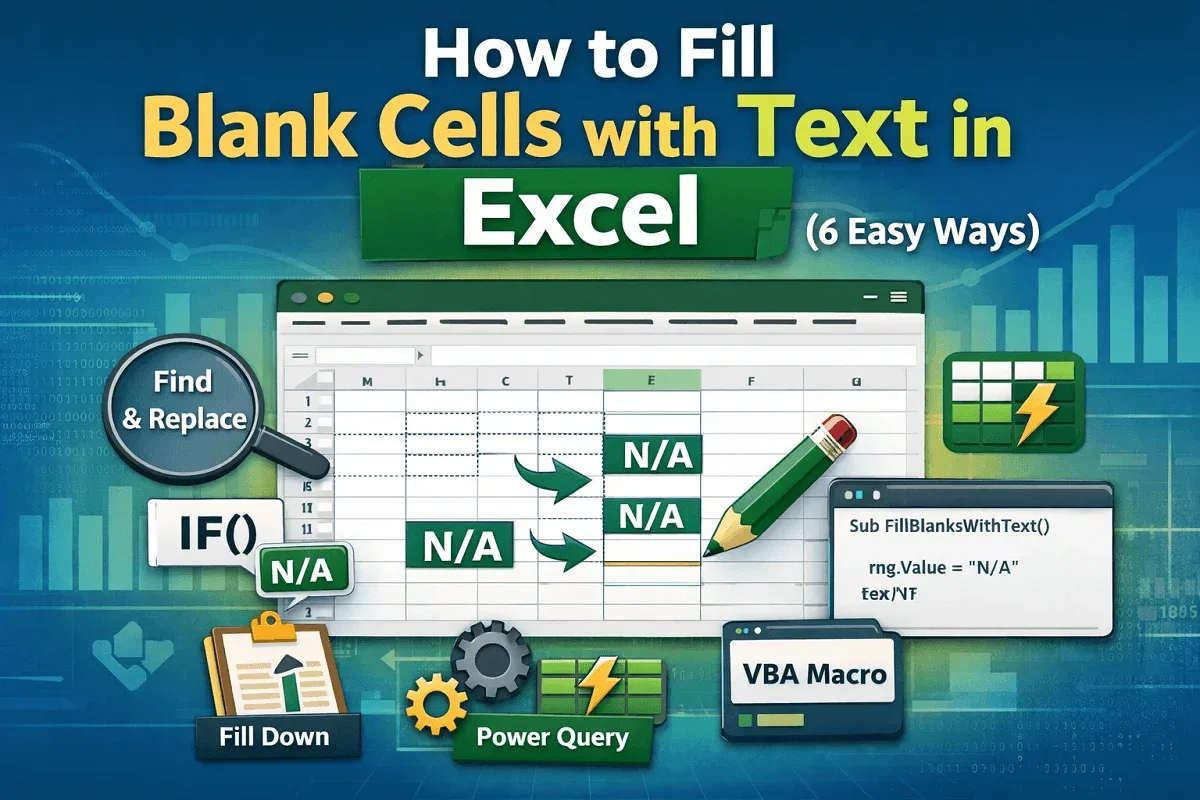
Learn how to fill blank cells in Excel using Go To Special, IF formulas, Find and Replace, Power Query, and VBA scripts easily.
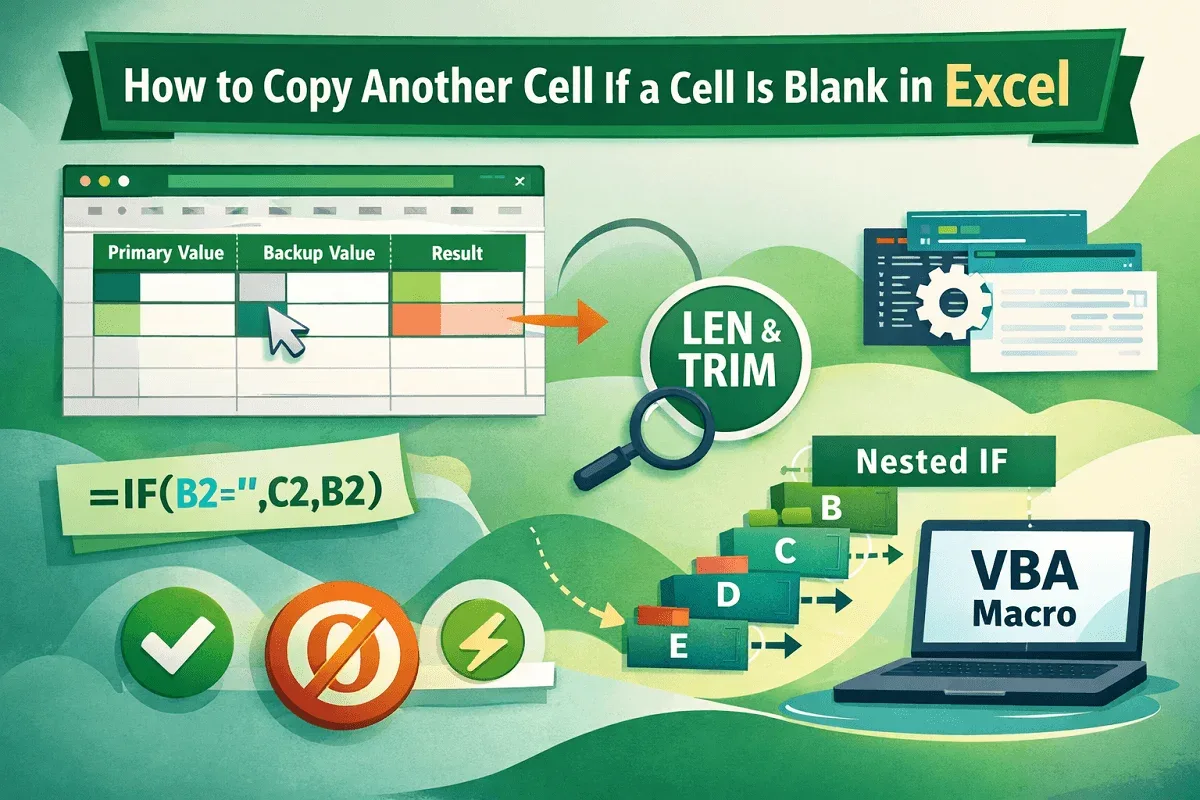
Learn how to copy another cell when a cell is blank in Excel using IF, ISBLANK, LEN, TRIM, nested formulas, and VBA macros easily.
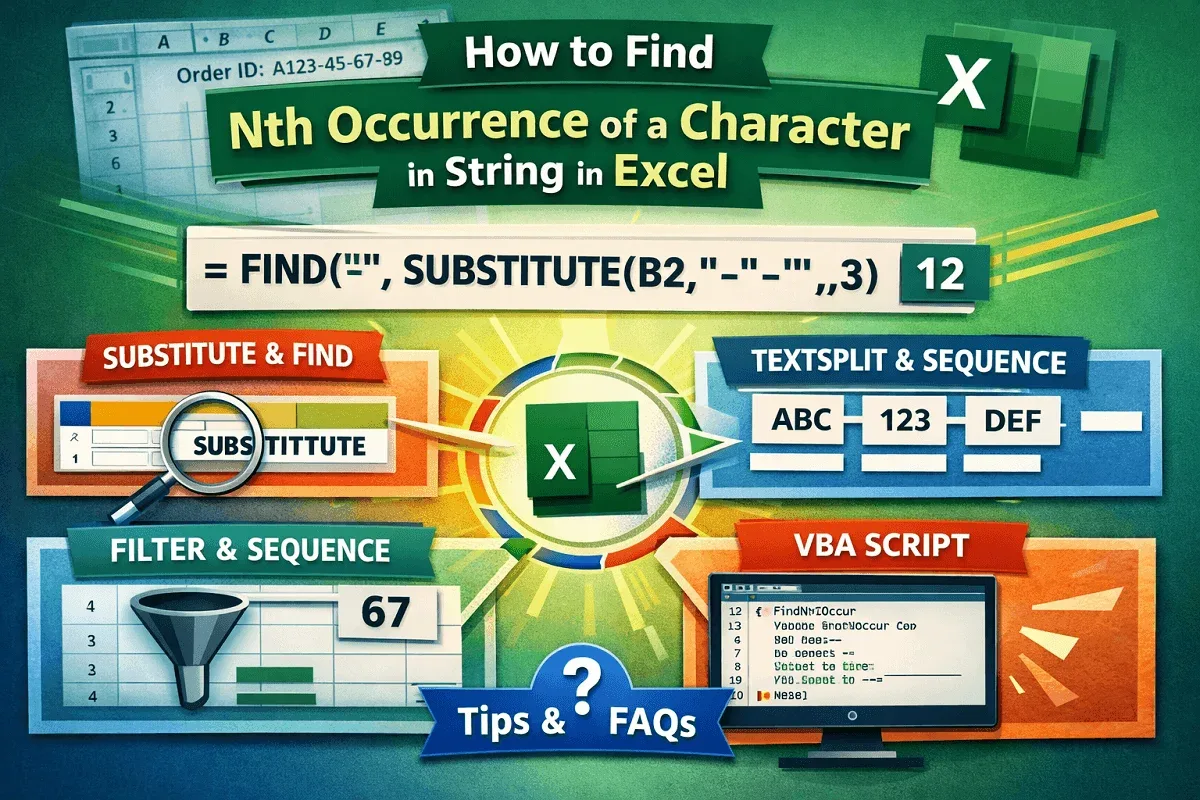
Learn how to find the Nth occurrence of a character in an Excel string using formulas, Excel 365 functions, and VBA with examples.
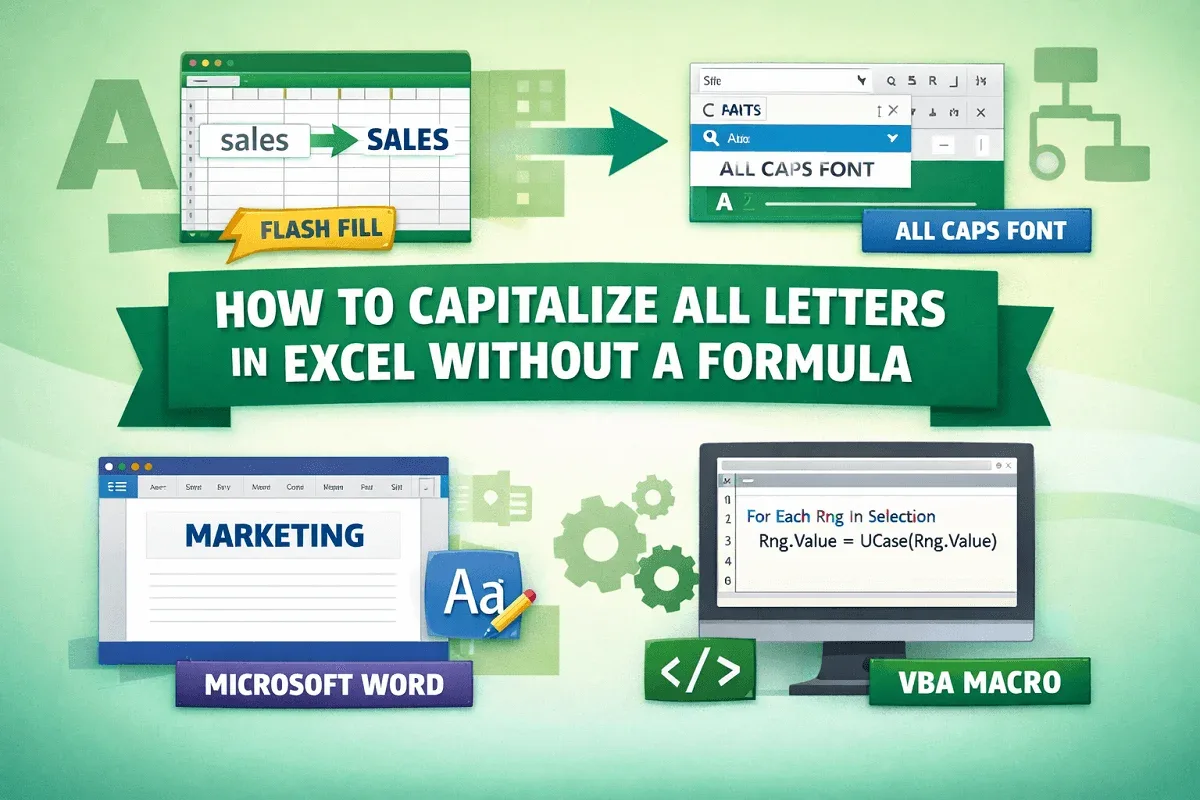
Learn how to capitalize all letters in Excel without formulas using Flash Fill, fonts, Word formatting, or VBA automation methods.
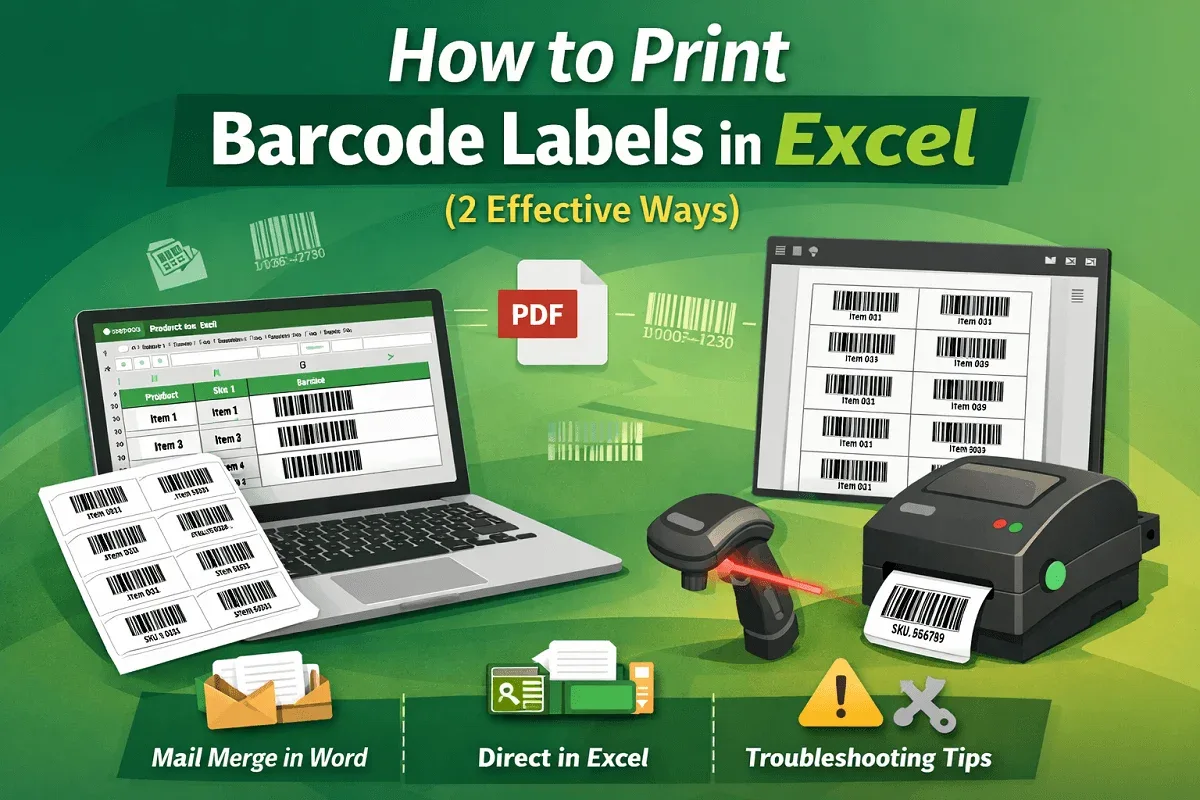
Learn how to print barcode labels in Excel using mail merge or direct methods, plus fixes for blurry, misaligned, or unreadable barcodes.
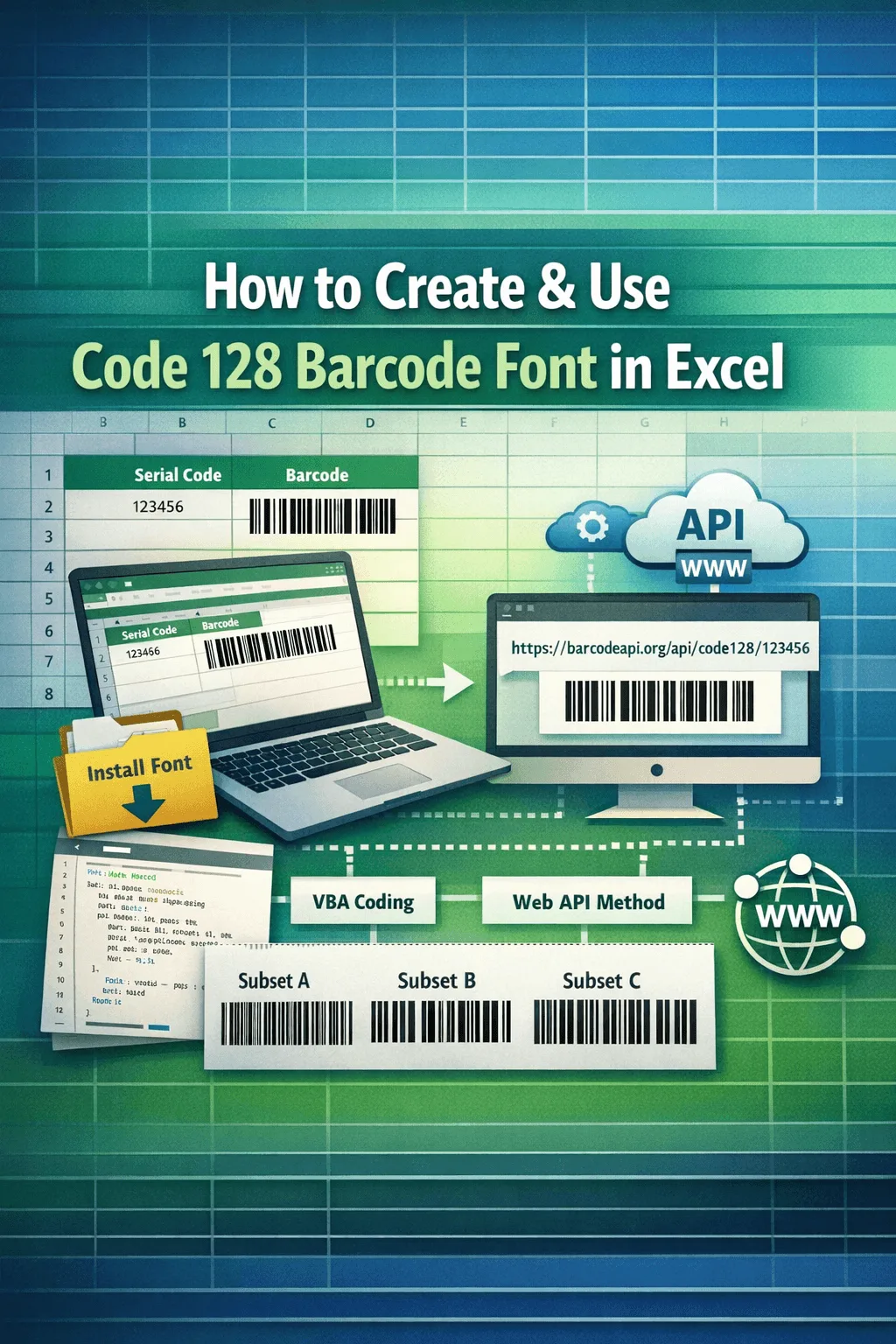
Learn how to create and use Code 128 barcode fonts in Excel, install fonts, encode with VBA, use IMAGE API methods, and choose subsets.
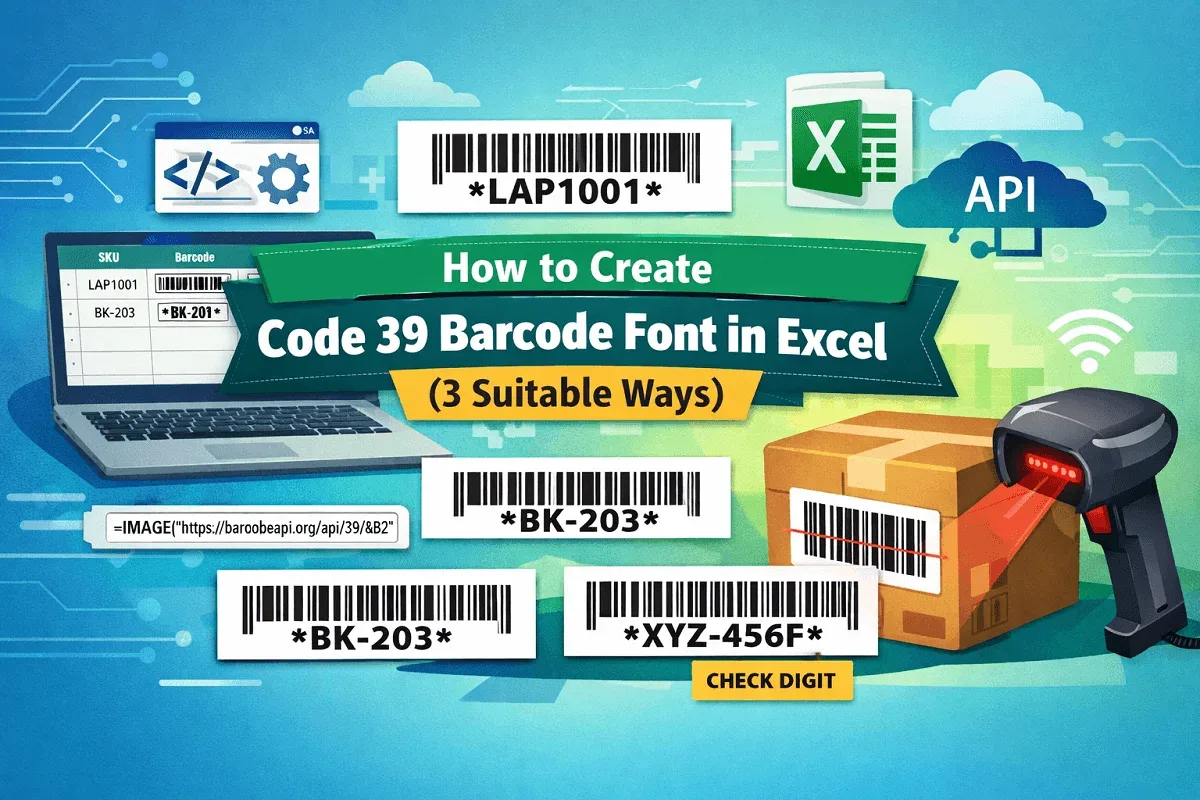
Learn how to create Code 39 barcode font in Excel using free fonts, VBA automation, IMAGE API, and MOD 43 check digits step by step.
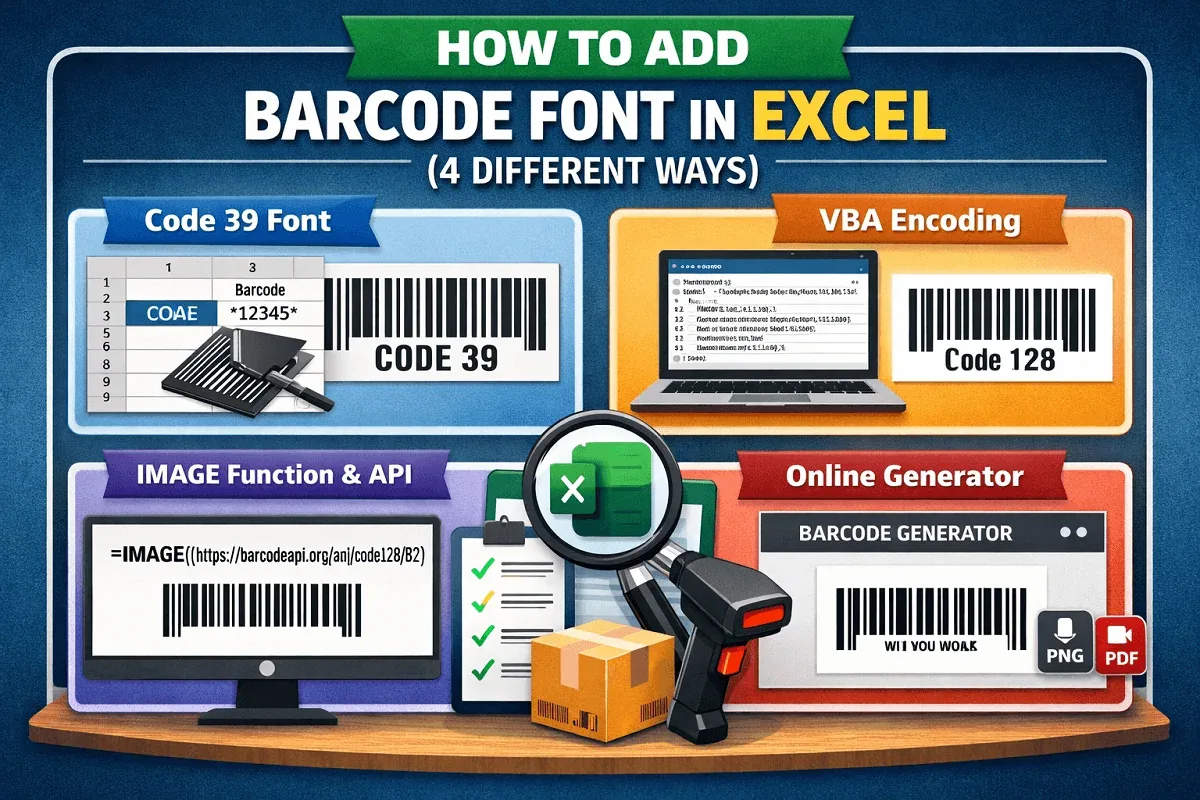
Learn how to add barcode fonts in Excel using Code 39, VBA encoders, IMAGE APIs, and third-party generators easily.
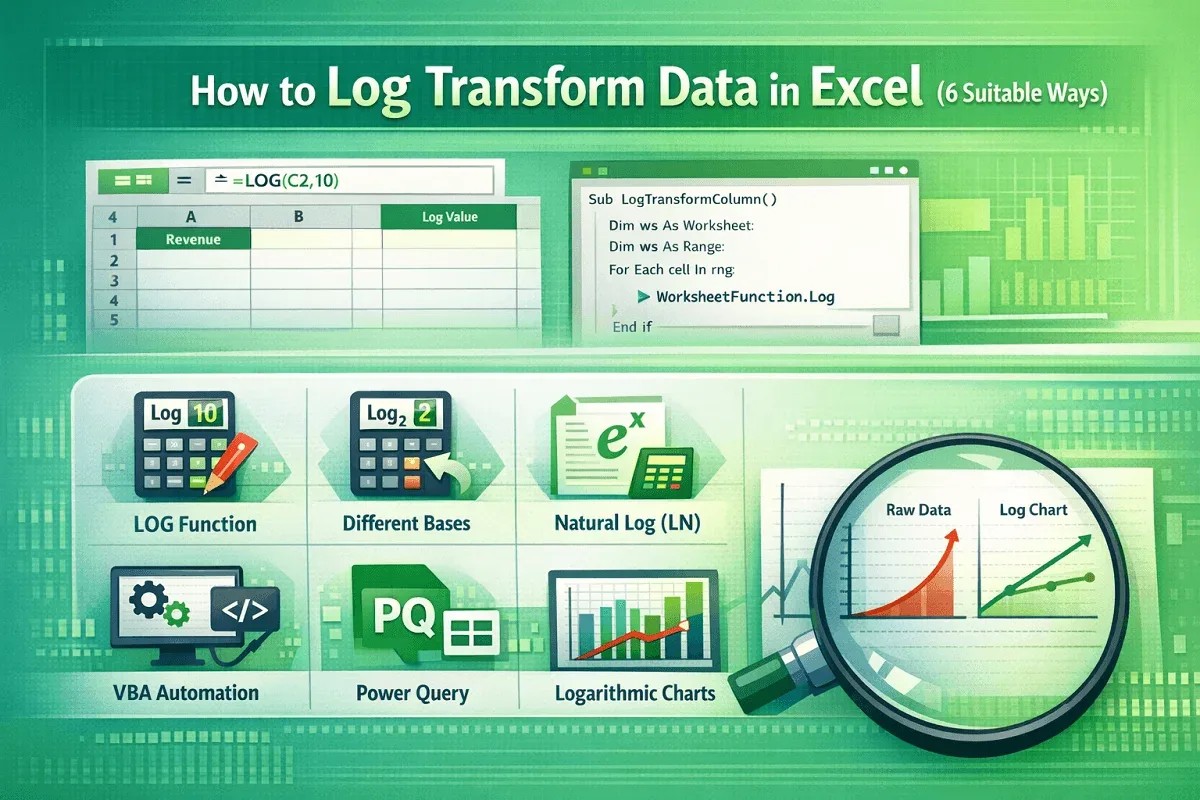
Learn how to log transform data in Excel using LOG, LN, VBA, Power Query, and charts for clearer analysis and insights.