Excel VBA
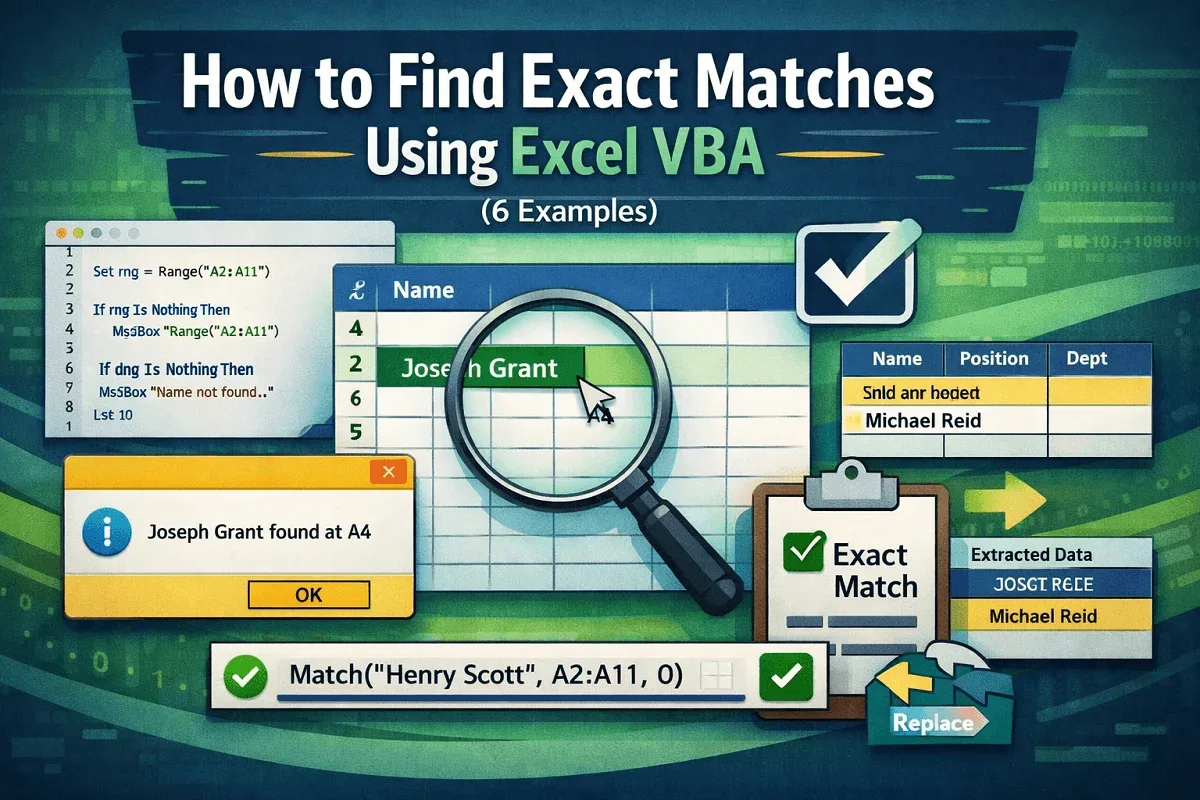
How to Find Exact Matches Using Excel VBA (6 Examples)
Learn how to find, replace, and extract exact matches in Excel using VBA, including case-sensitive searches and the MATCH function.
Read article

1285 articles
Learn how to find, replace, and extract exact matches in Excel using VBA, including case-sensitive searches and the MATCH function.
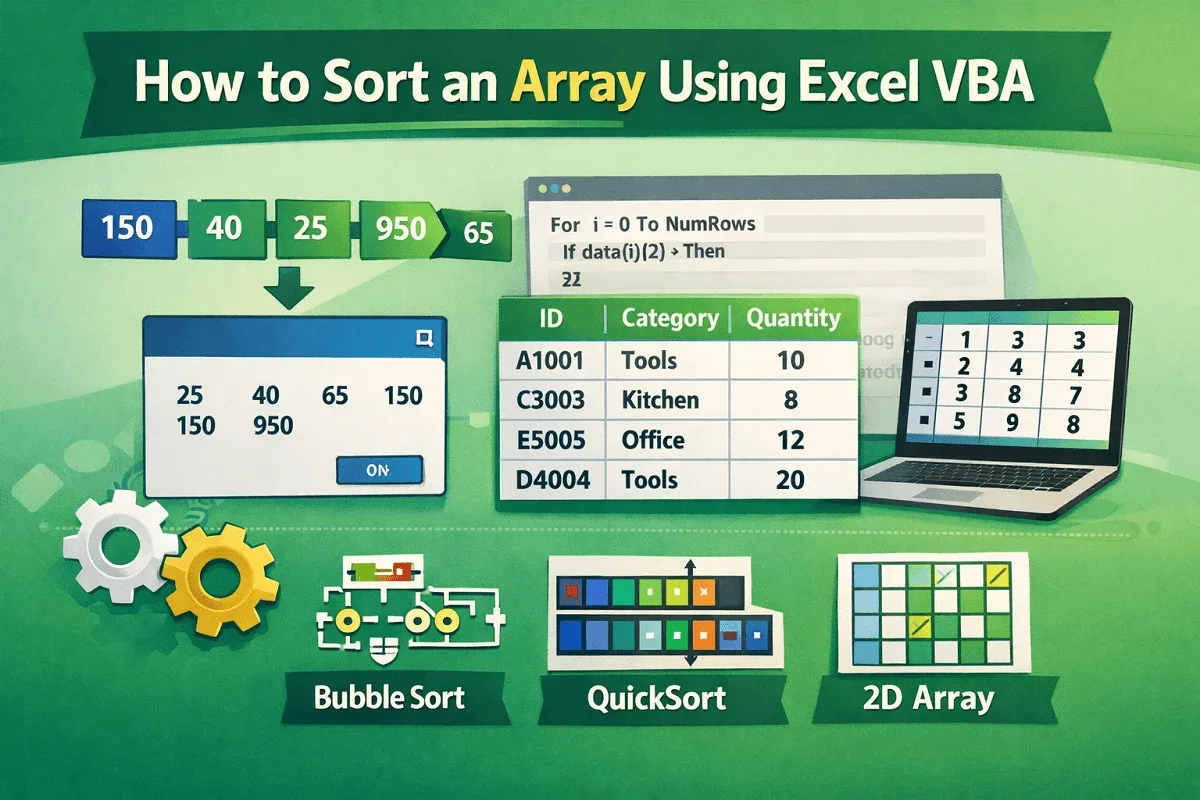
Learn how to sort 1D and 2D arrays in Excel VBA using Bubble Sort, QuickSort, and custom column-based sorting techniques.
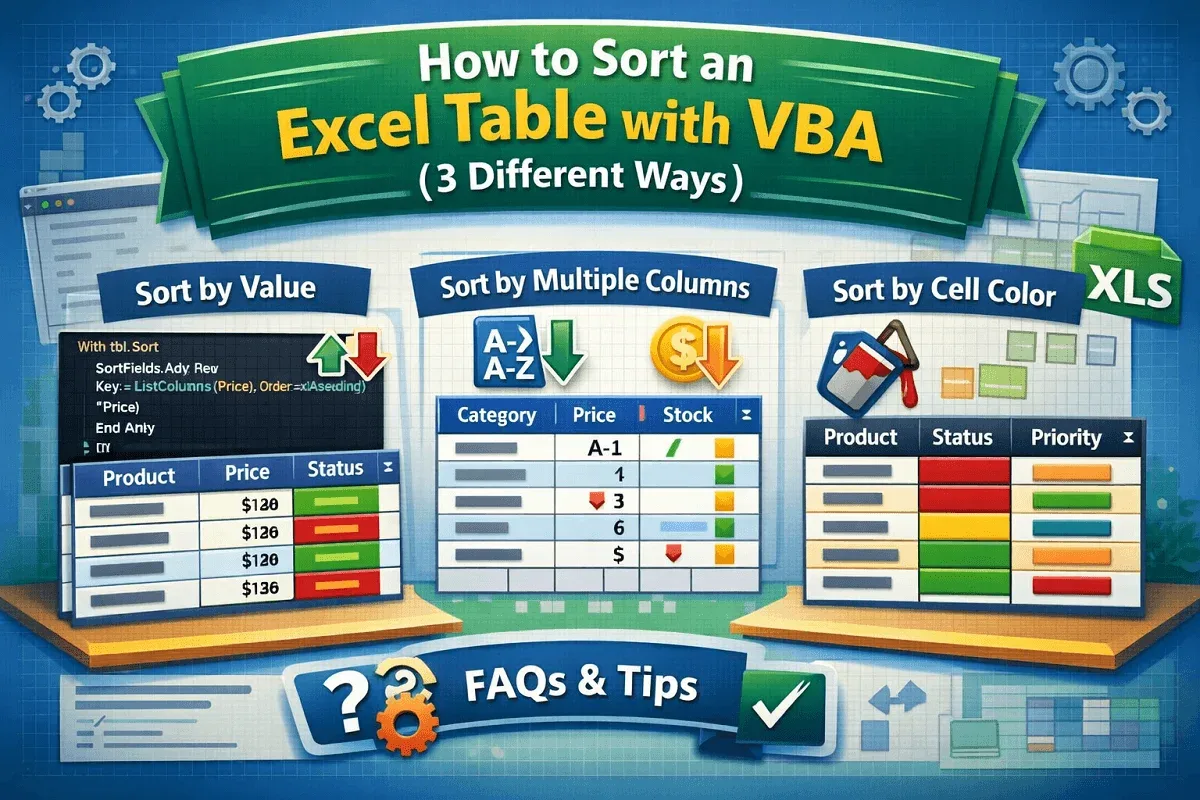
Learn how to use VBA to sort Excel tables by values, multiple columns, or even cell color with easy-to-follow macro examples.
![[Fixed] AutoFill Method of Range Class Failed (3 Solutions)](https://pub-b39c974f4c124a36a2fb517be38076ec.r2.dev/images/2026/08/featured-image-autofill-method-of-range-class-failed-2-00788128.webp)
Fix the "AutoFill method of Range class failed" error in Excel VBA with 3 effective solutions, including dynamic range and Resize method.
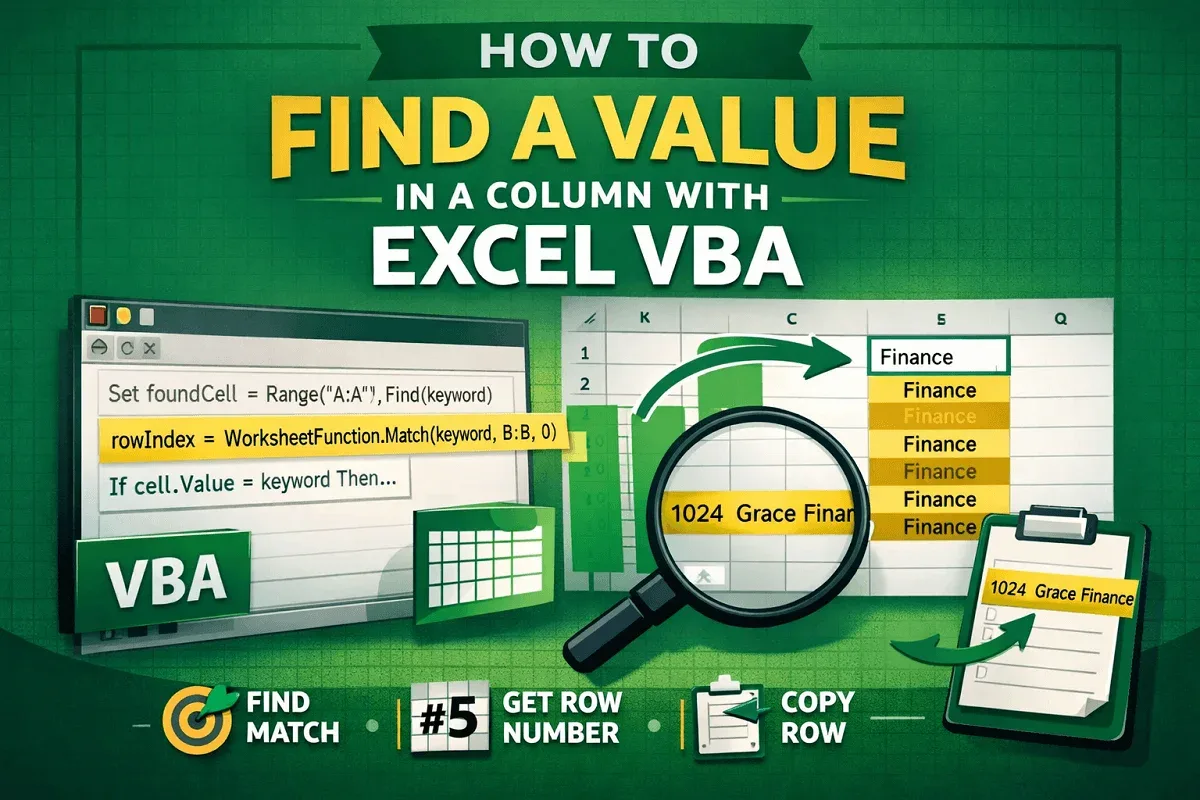
Learn how to find values in a column using Excel VBA with Range.Find, loops, MATCH function, and return entire matching rows.

Learn how to filter multiple columns in an Excel Pivot Table using values, categories, and by adding multiple filters effectively.
Learn how to fix date grouping issues in Excel Pivot Tables with clear steps: check source data, adjust range, and create a new table.

Learn how to group a Pivot Table by week in Excel with easy steps using the Grouping option to organize your data efficiently.
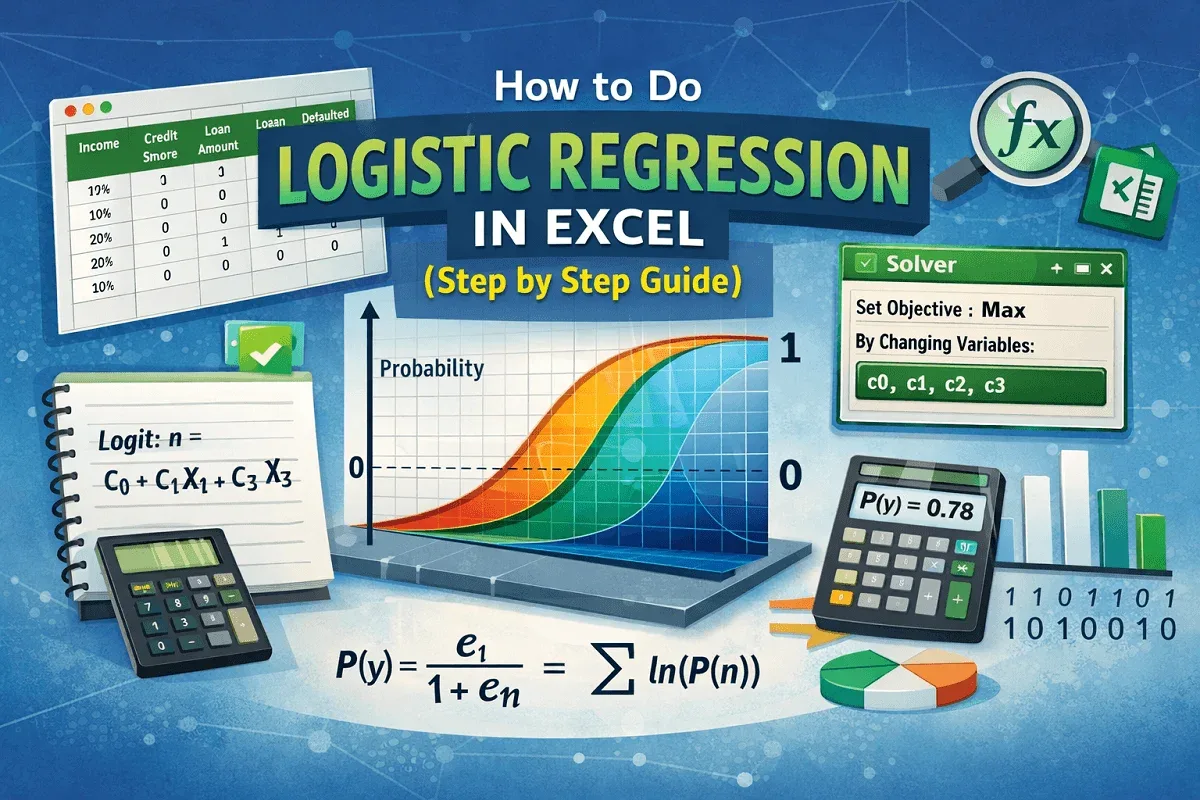
This article explores what logistic regression is and the detailed steps on how to do logistic regression in Excel using the Solver Add-in.

Learn how to group Pivot Tables by month in Excel using simple steps or create advanced custom groupings for better data analysis.

Learn how to fix the missing PivotTable Analyze tab in Excel with these simple steps, from ribbon reset to Office 365 repair.
Learn how to move a Pivot Table in Excel using the Ribbon, Cut & Paste, or Drag & Drop methods with this easy step-by-step guide.