Excel Pro Tips
How to Add Minutes and Seconds in Excel (4 Suitable Ways)
Learn how to add minutes and seconds in Excel using the plus operator, SUM, TEXT, or TIME functions for accurate time calculations.
Read article

1285 articles
Learn how to add minutes and seconds in Excel using the plus operator, SUM, TEXT, or TIME functions for accurate time calculations.
Learn how to calculate hours and minutes in Excel using simple subtraction, the TEXT function, or INT and MOD for separate time values.
Learn how to round numbers in Excel without formulas using Format Cells, Decrease Decimal, Number Format dropdown, or Power Query tools.
Learn how to swap columns in Google Sheets using drag-and-drop for single or multiple columns, or the Move Column left/right option.
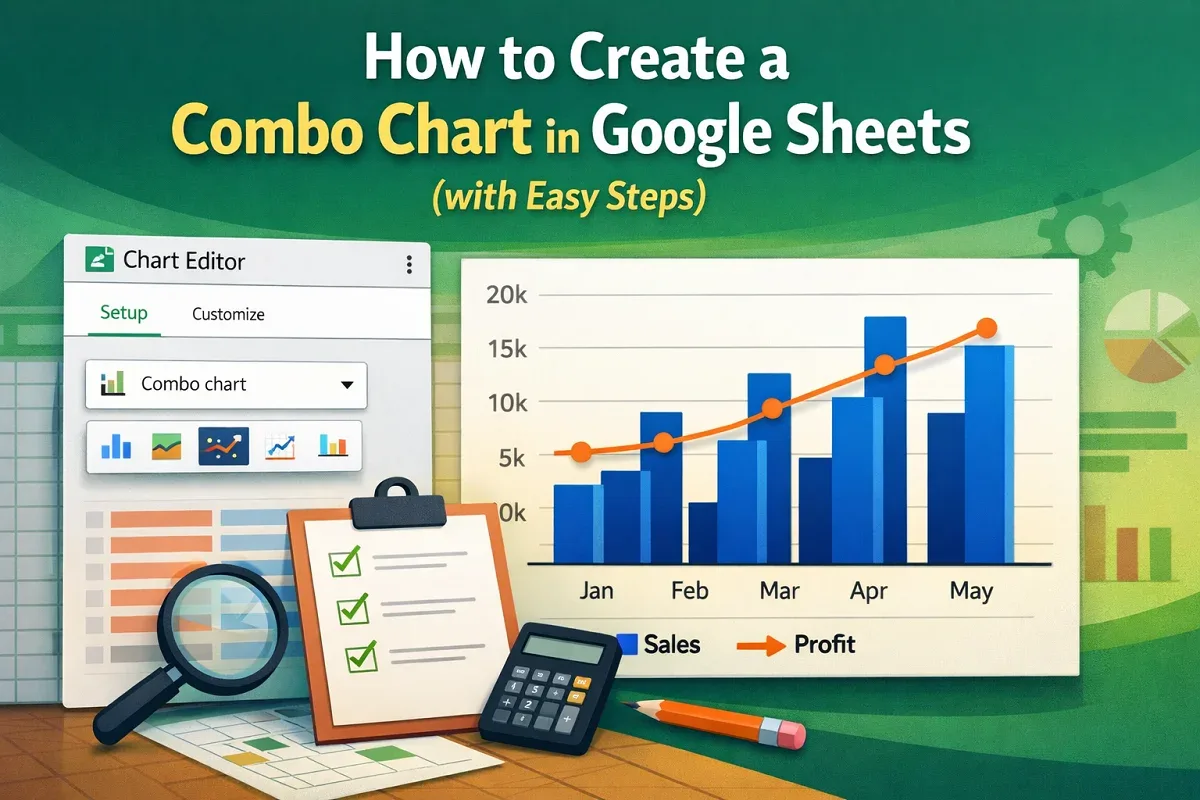
Learn how to create a combo chart in Google Sheets using the Chart Editor, then customize it for clear visualization of multiple data types.

Learn how to create an autofill form in Excel with checkboxes, dropdowns, macros, and automation to collect and display data efficiently.
Learn how to show both percentage and value in an Excel pie chart by adding and formatting data labels for clear & informative visualization.
Learn how to rotate a pie chart in Excel by adjusting the angle of the first slice in the Format Data Series pane for data presentation.
Learn how to change pie chart colors in Excel by manually filling slices, applying themes, using chart styles, or automating with VBA.
Learn how to create a Bar of Pie chart in Excel by selecting data, inserting the chart, adjusting the split & customizing labels and format.

Learn how to make a pie chart in Excel with words by selecting data, inserting the chart, adding category names & customizing its appearance.
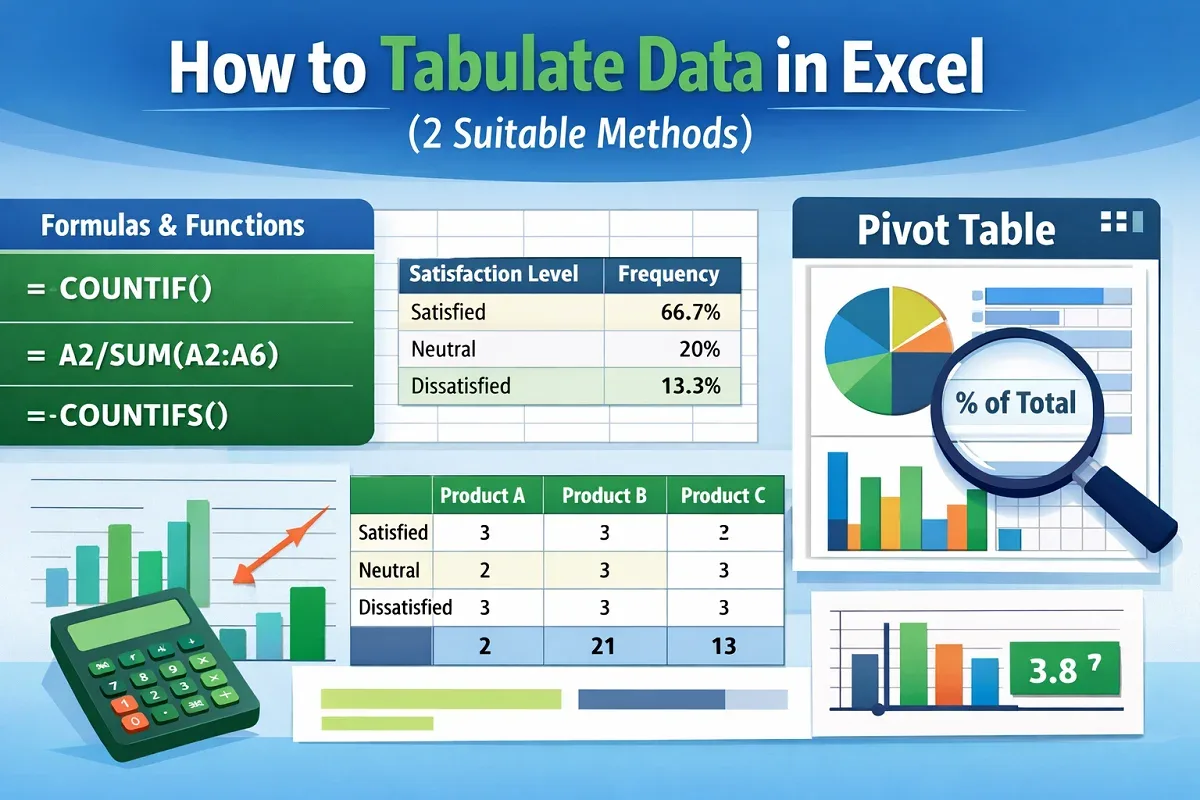
This article explores what tabulation is and how to tabulate data in Excel using built in functions and the Pivot Table feature.