Advanced Excel
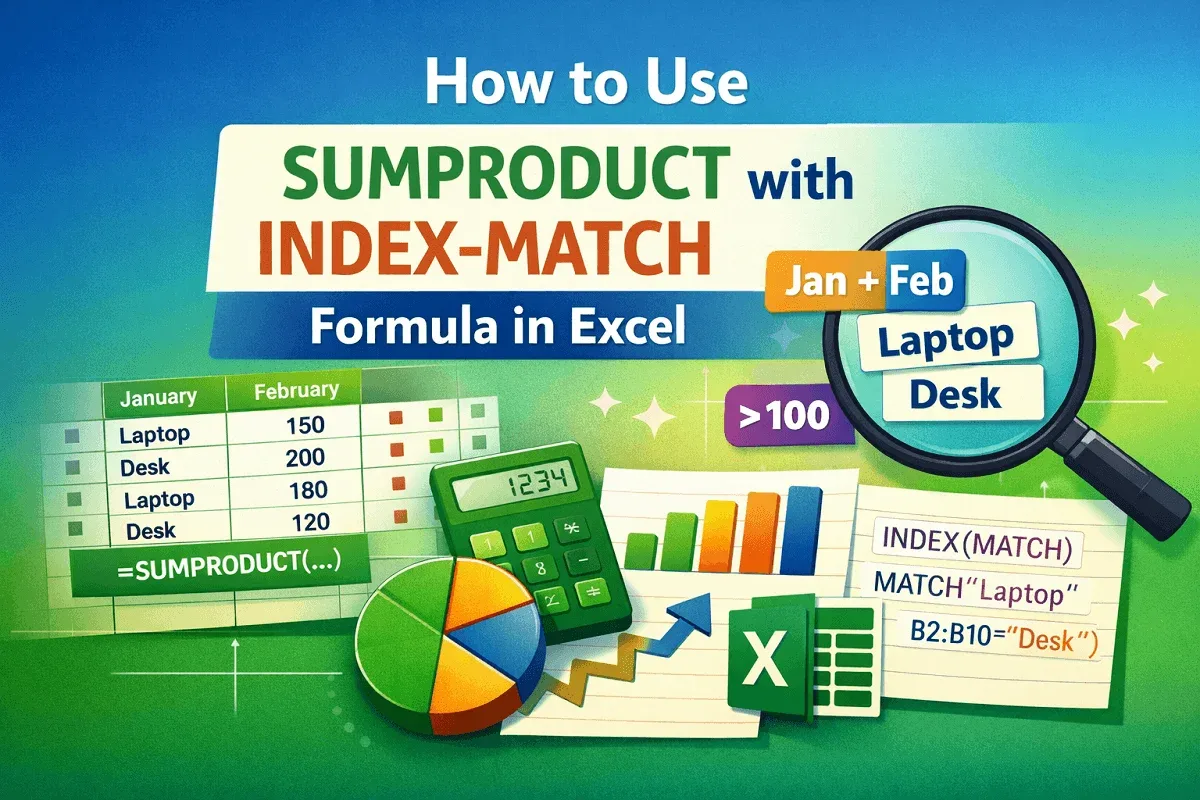
How to Use SUMPRODUCT with INDEX-MATCH Formula in Excel
Learn how to use SUMPRODUCT with INDEX-MATCH in Excel to sum data by text, cell references, multiple criteria, numeric conditions, etc.
Read article

39 articles
Learn how to use SUMPRODUCT with INDEX-MATCH in Excel to sum data by text, cell references, multiple criteria, numeric conditions, etc.
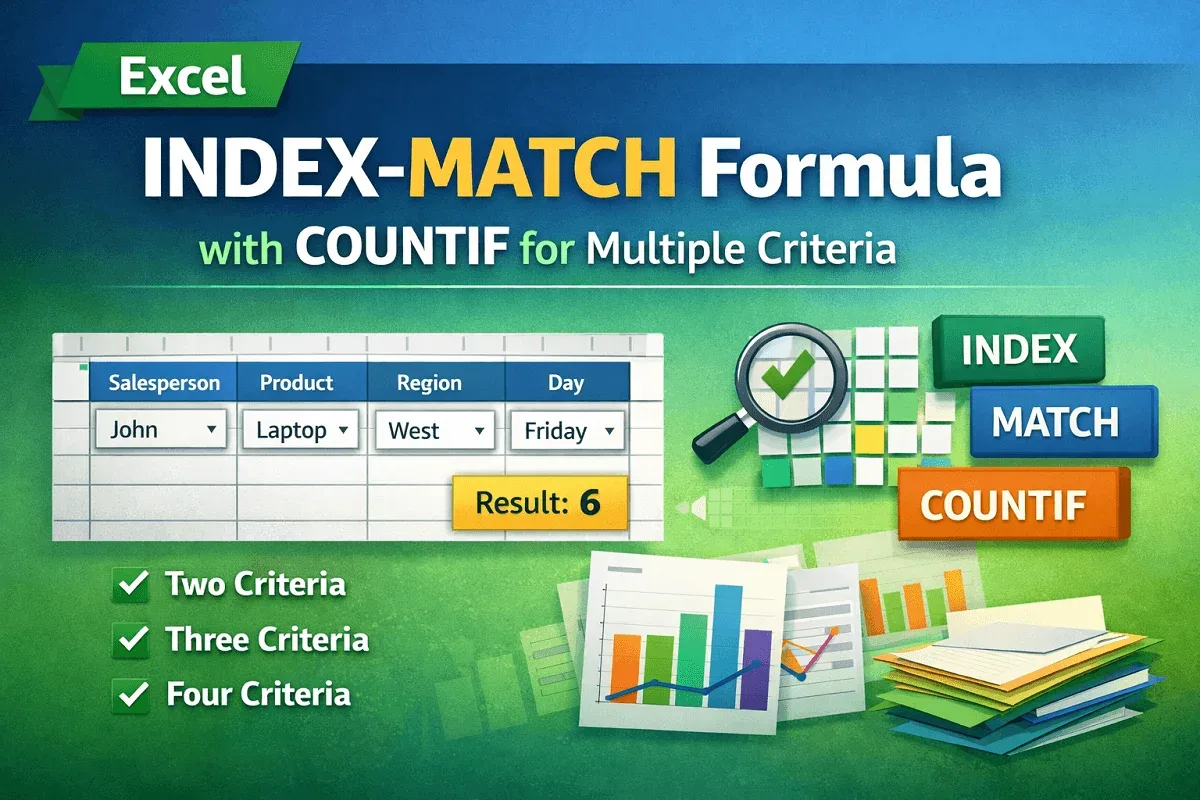
Learn how to combine INDEX-MATCH with COUNTIF in Excel for two, three, and four criteria lookups to boost your data analysis skills.
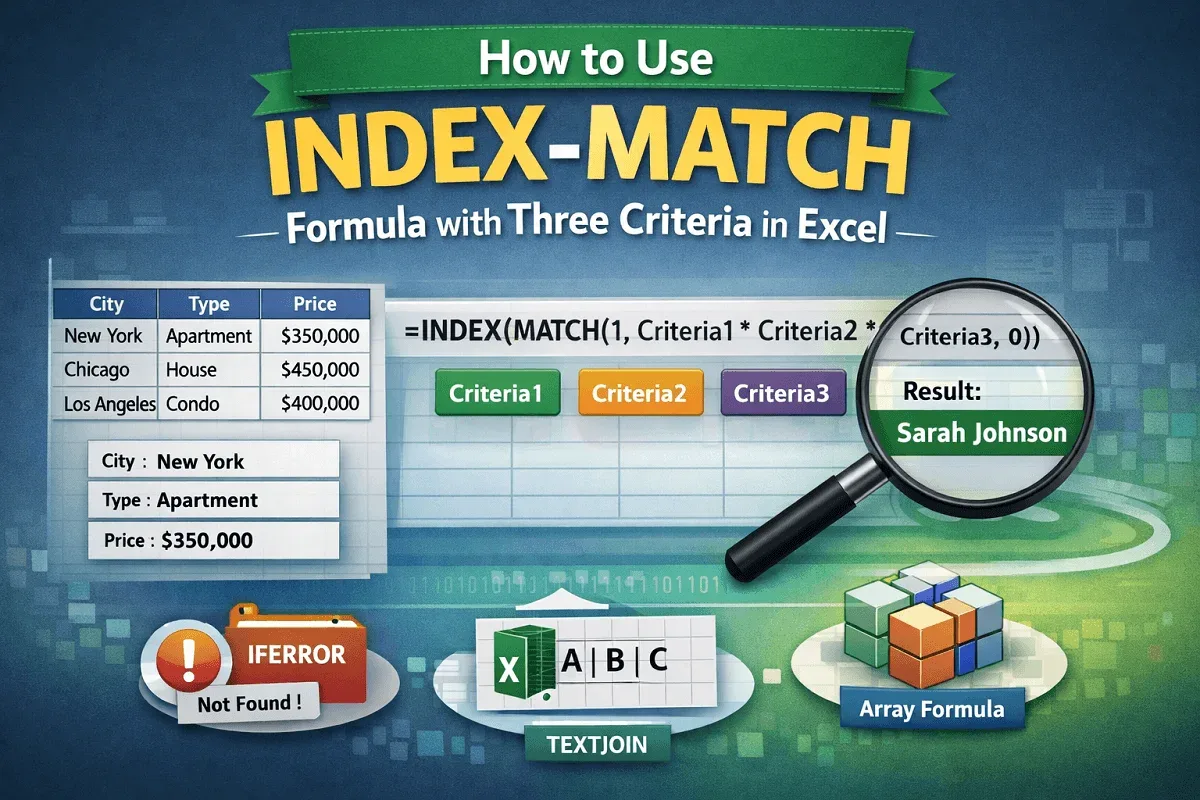
Learn how to use the INDEX-MATCH formula with three criteria in Excel, including array and non-array methods, error handling, and TEXTJOIN.
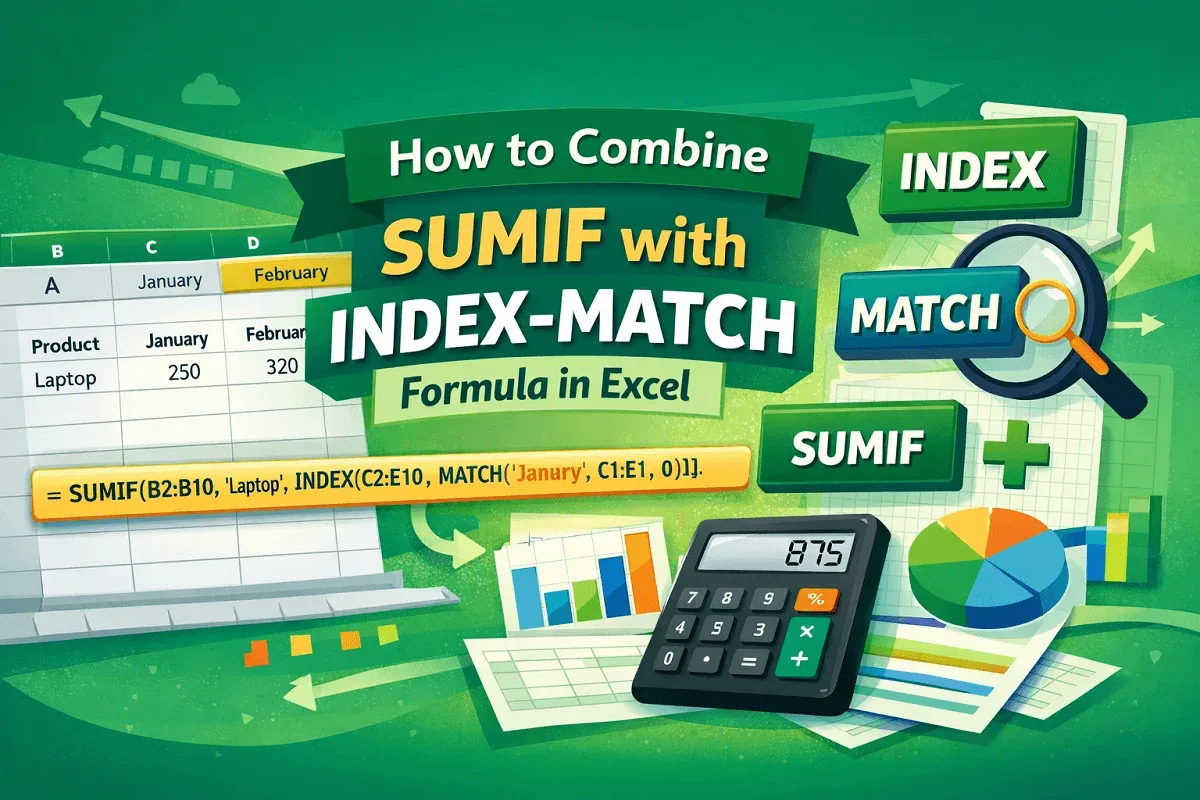
Learn how to combine SUMIF with INDEX-MATCH in Excel to create dynamic, criteria-based summations and advanced lookup formulas.
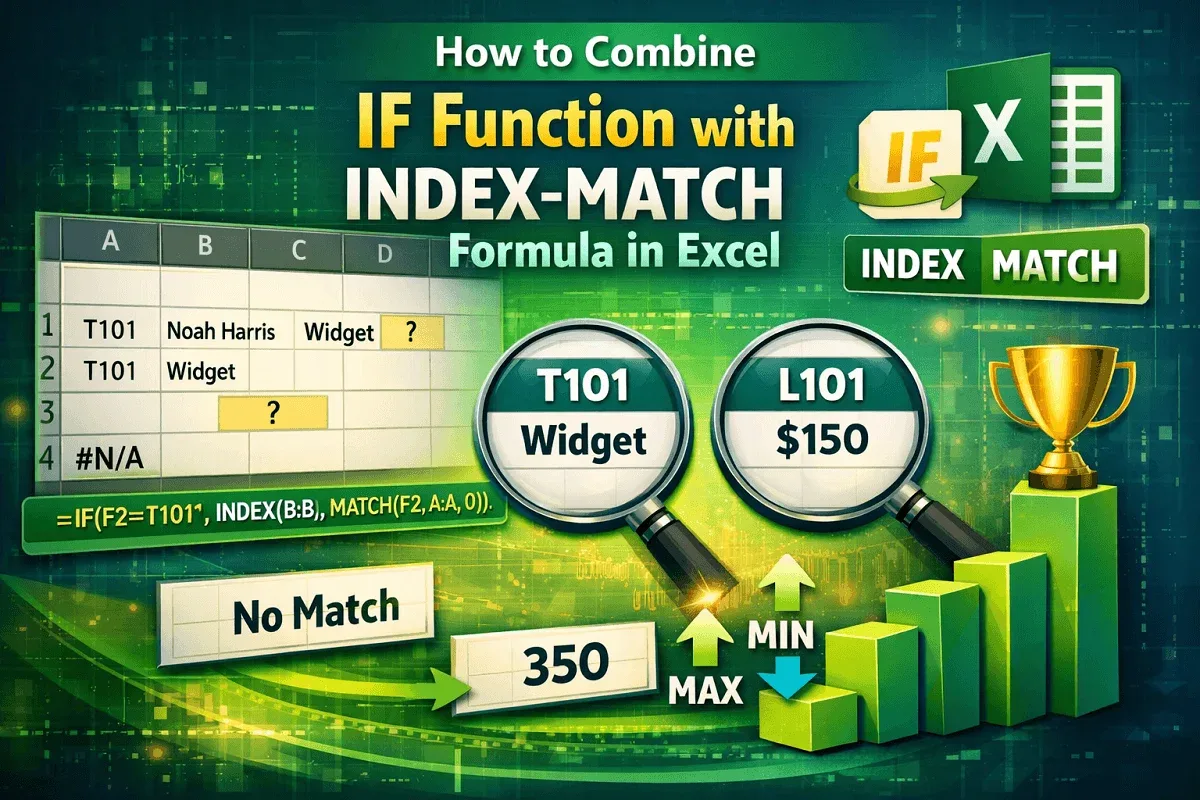
Learn how to combine IF with INDEX-MATCH in Excel for dynamic lookups, error handling, and conditional value extraction.
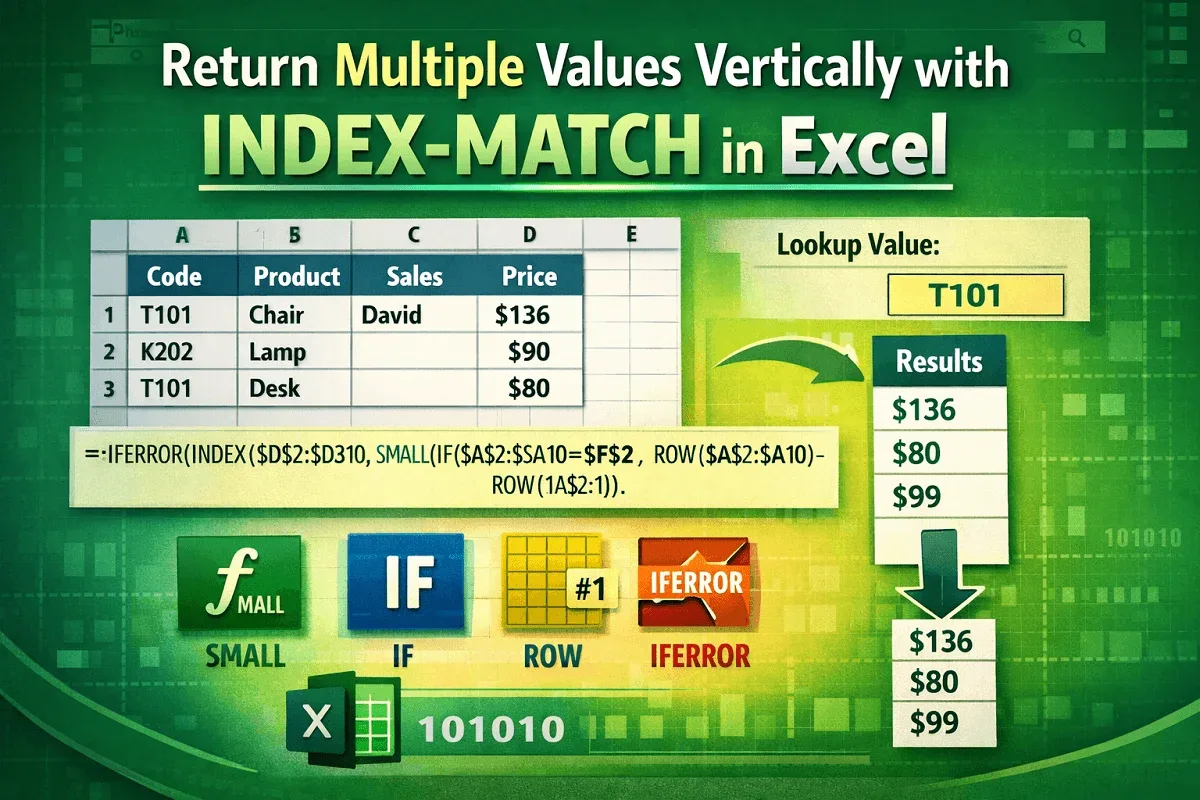
Learn how to use the INDEX-MATCH formula in Excel to return multiple values vertically, including partial matches and multi-criteria results.
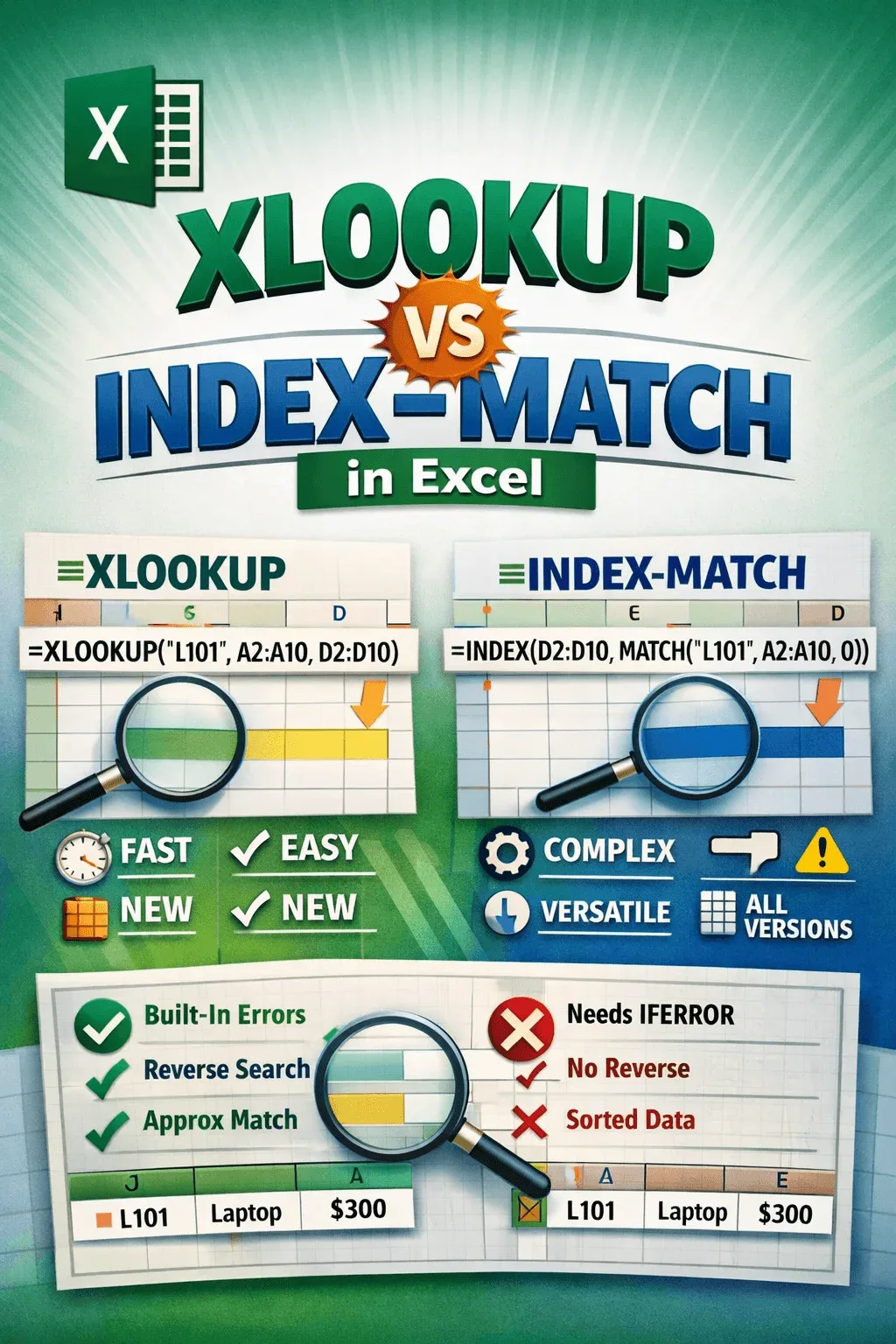
Compare XLOOKUP vs INDEX MATCH in Excel: syntax, speed, compatibility, error handling, and advanced lookup functions in detail.
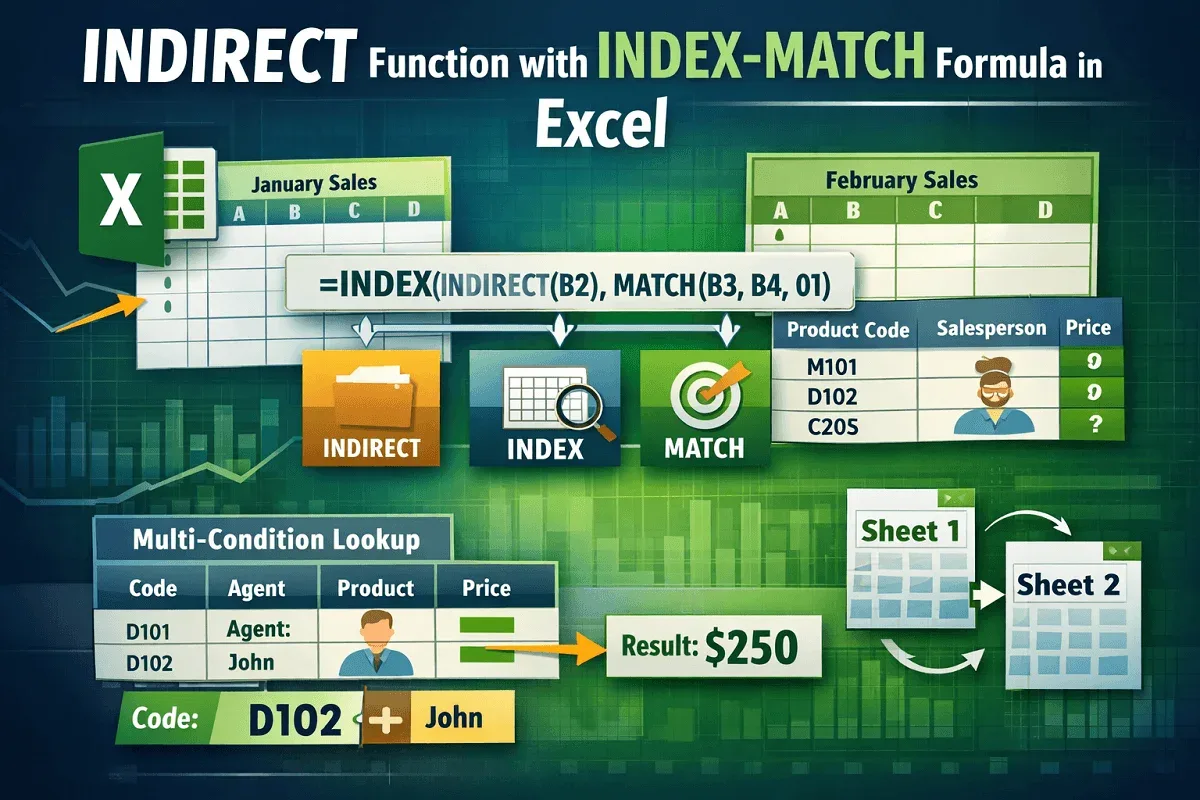
Master the INDIRECT, INDEX, and MATCH functions in Excel for dynamic lookups, cross-sheet references, and advanced data matching tasks.
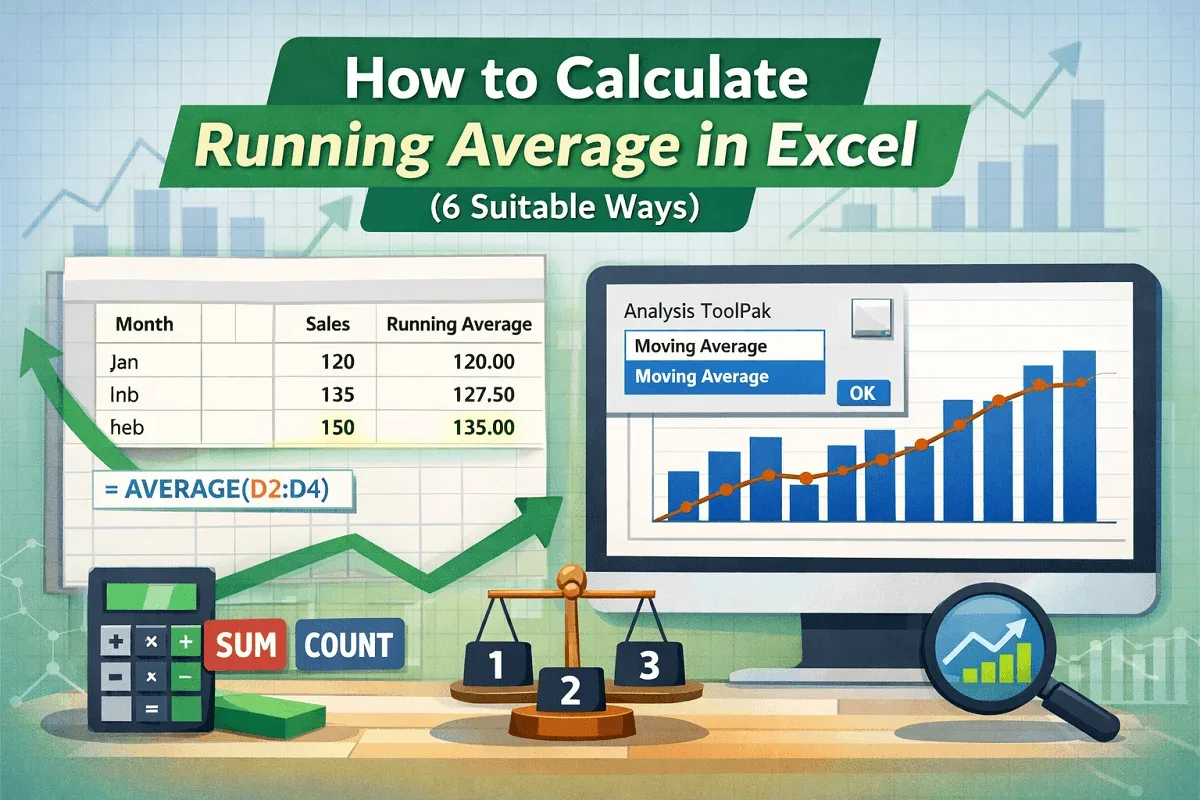
Learn how to calculate running averages in Excel using AVERAGE, SUM, COUNT, and visualize trends with charts and the Data Analysis ToolPak.
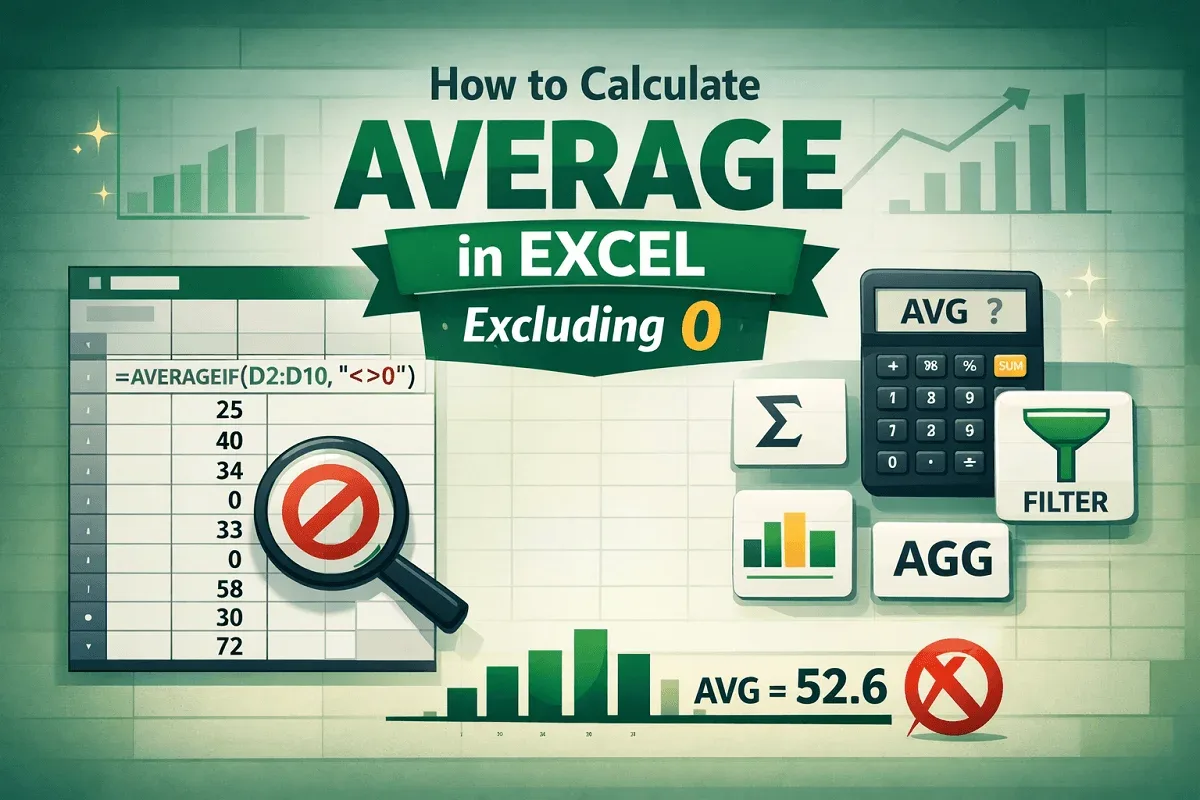
Learn how to calculate average in Excel excluding zeros using AVERAGEIF, SUM & COUNTIF, FILTER, SUBTOTAL, and AGGREGATE functions.
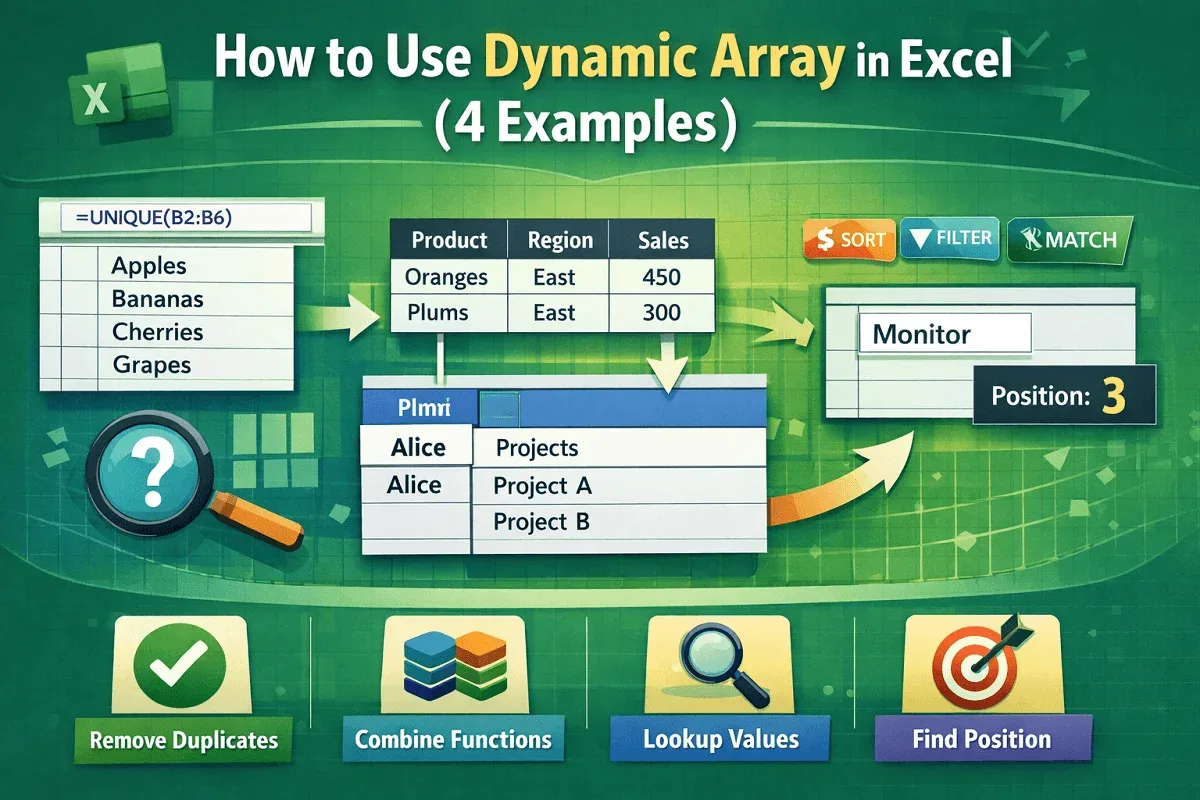
Learn what a dynamic array is in Excel and how to use functions like UNIQUE, VLOOKUP, and XMATCH for powerful formulas.
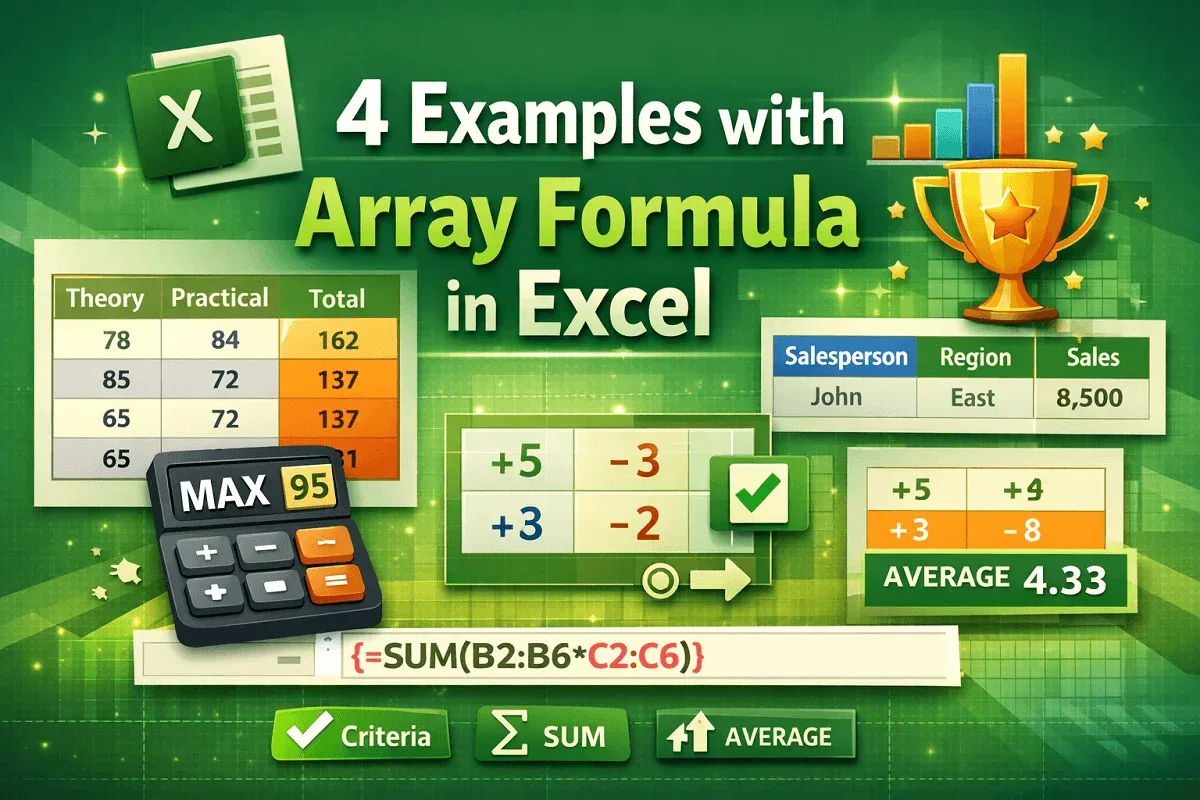
Learn 4 useful Excel array formula examples, including total marks, highest score, multi-criteria, and average of positive numbers.