Advanced Excel
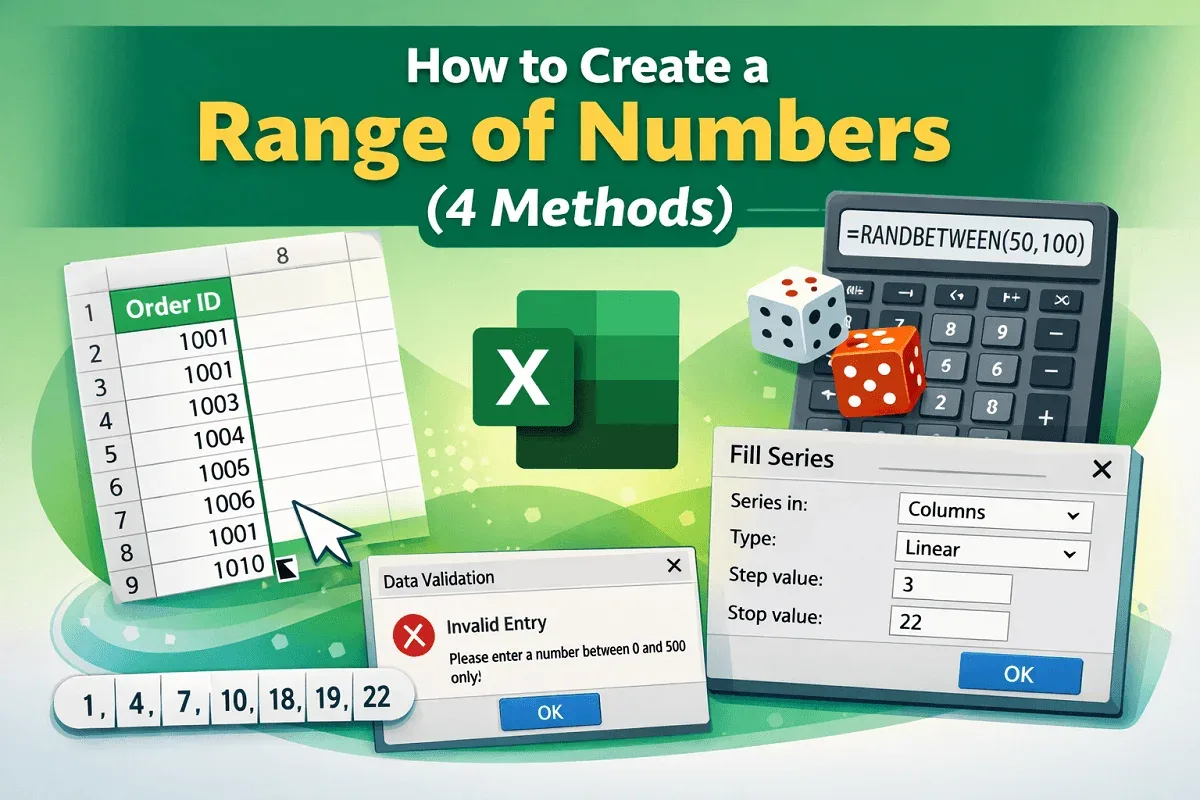
How to Create a Range of Numbers in Excel (4 Methods)
Learn how to create a range of numbers in Excel using Fill Handle, RANDBETWEEN, Fill Series, and Data Validation techniques.
Read article

39 articles
Learn how to create a range of numbers in Excel using Fill Handle, RANDBETWEEN, Fill Series, and Data Validation techniques.
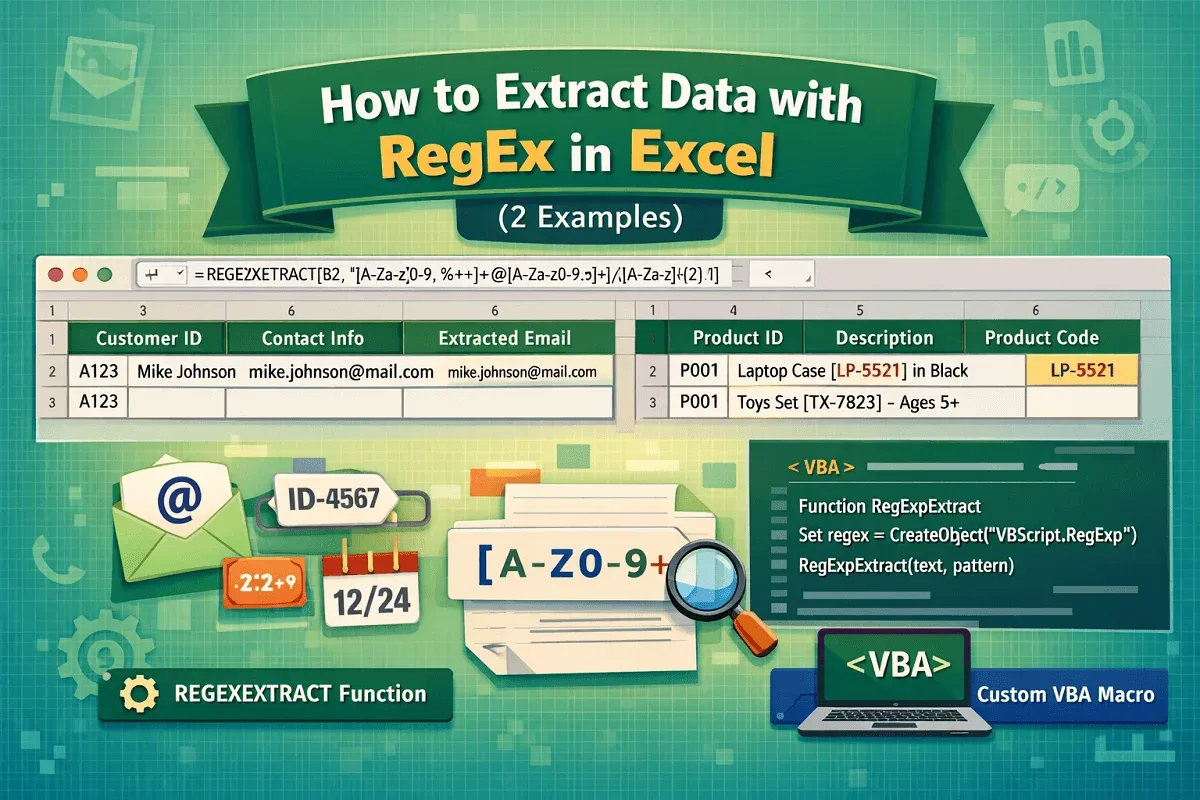
Learn how to extract data with RegEx in Excel using the REGEXEXTRACT function or custom VBA for advanced pattern matching and automation.
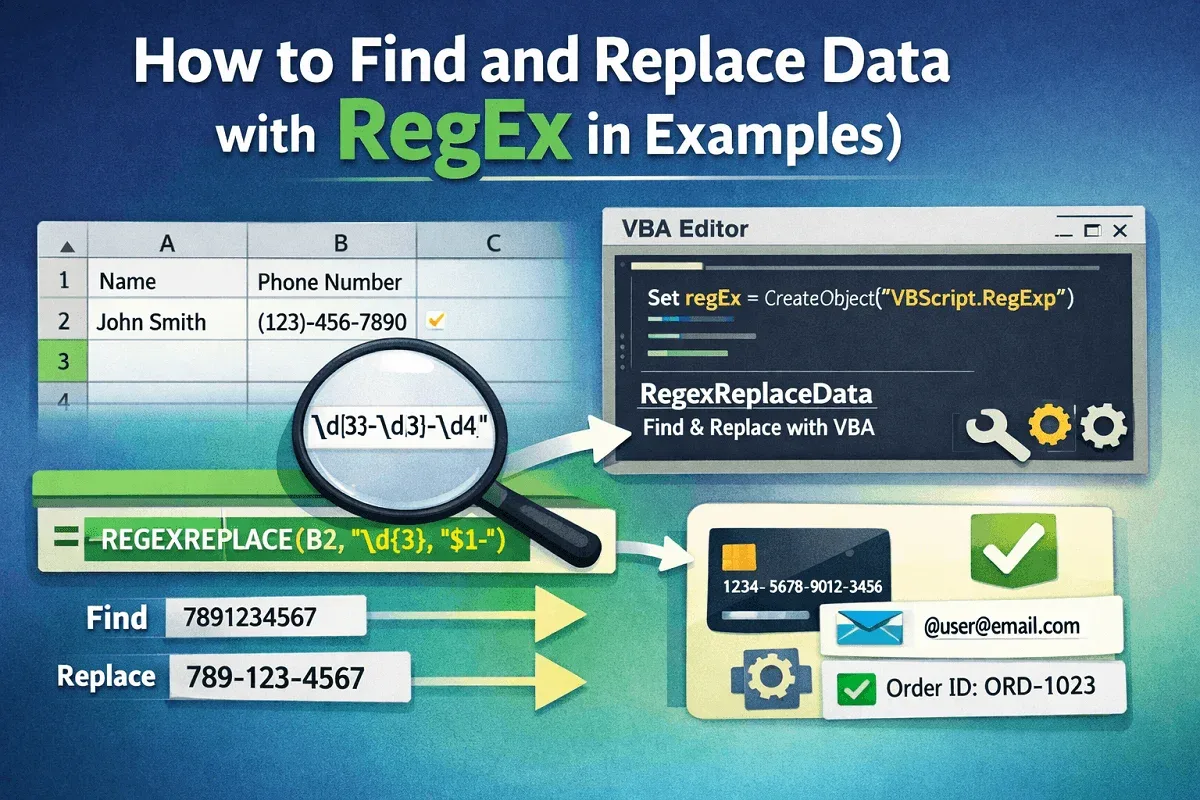
Learn how to find and replace data in Excel using RegEx with REGEXREPLACE function or custom VBA for advanced text manipulation.
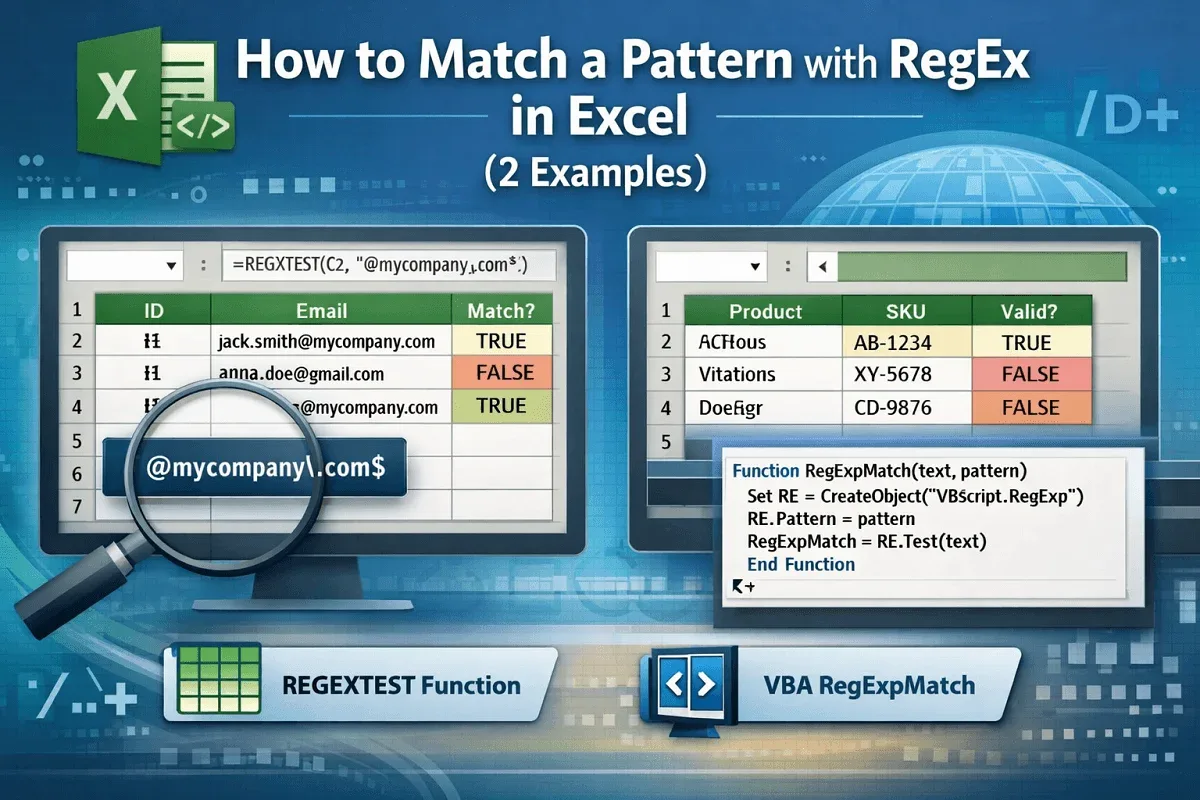
Learn how to match patterns with RegEx in Excel using built-in REGEXTEST and custom VBA RegExpMatch for precise data matching.
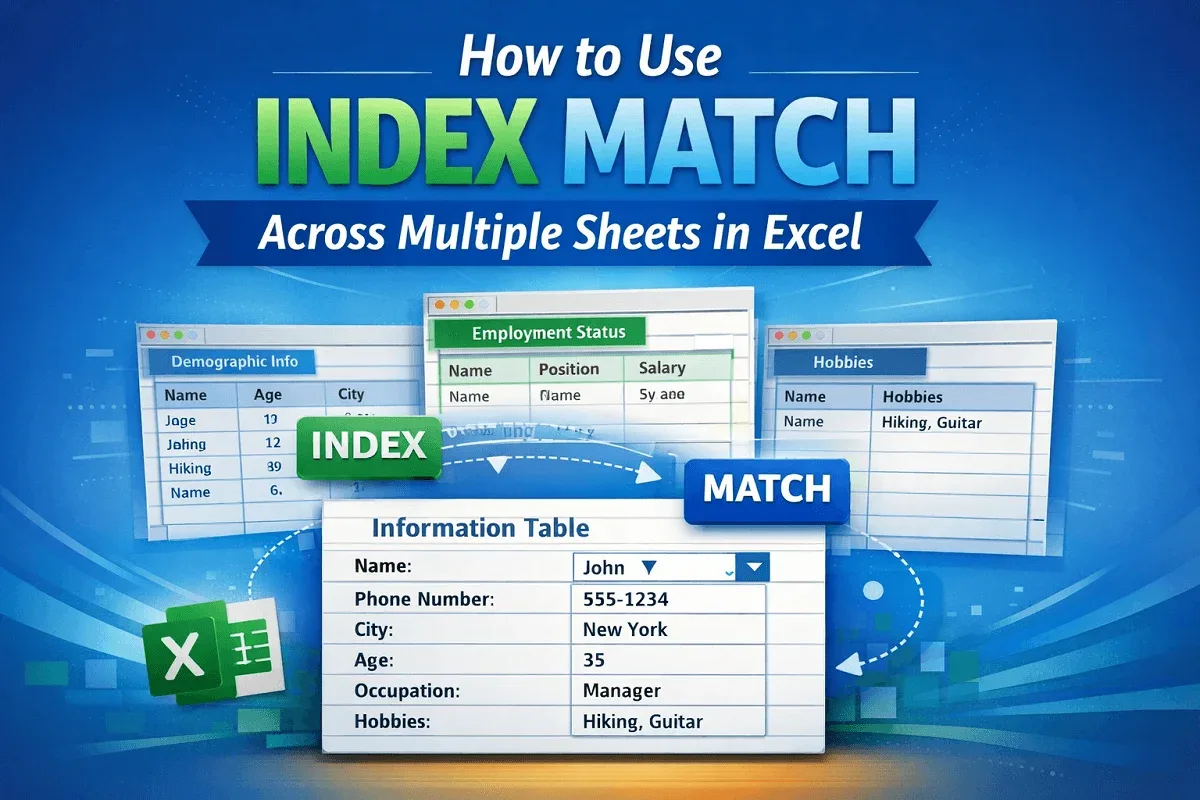
Learn how to use INDEX MATCH across multiple sheets in Excel to set up lookup fields, retrieve data, and find relevant information easily.
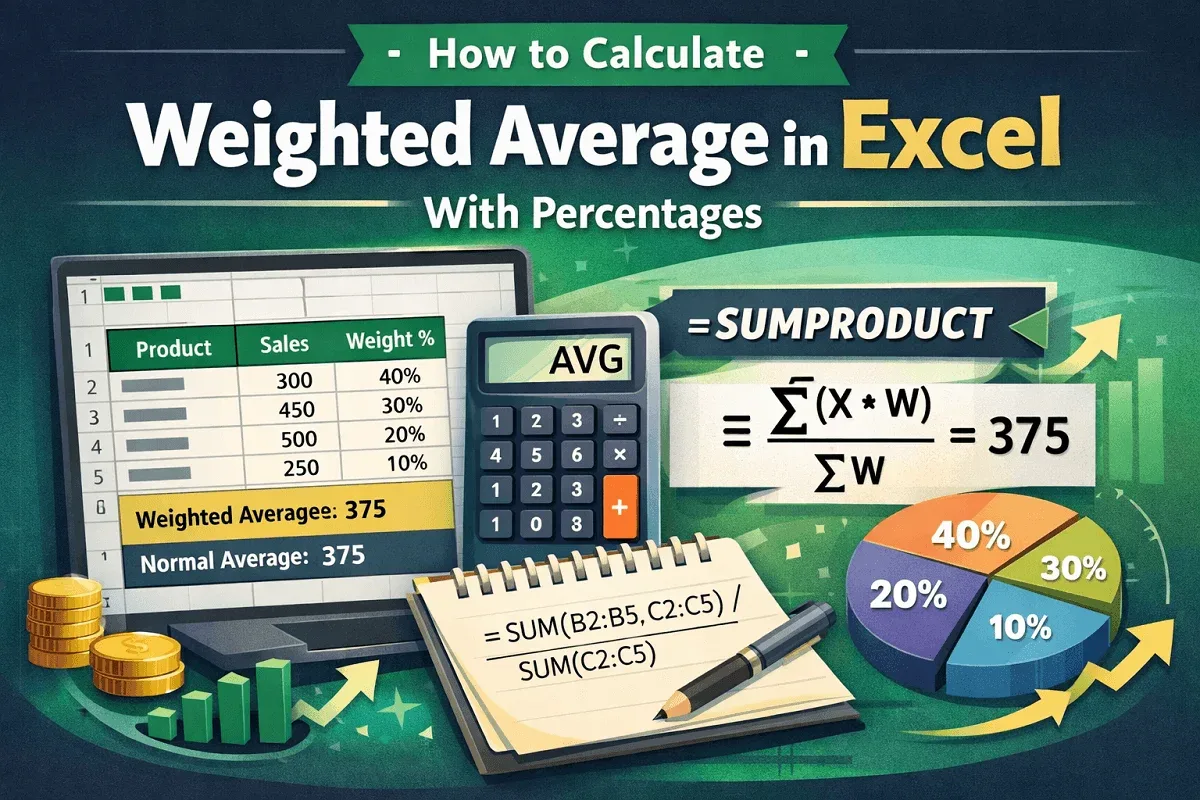
Learn how to calculate weighted average in Excel with percentages using SUM or SUMPRODUCT functions for accurate and efficient results.
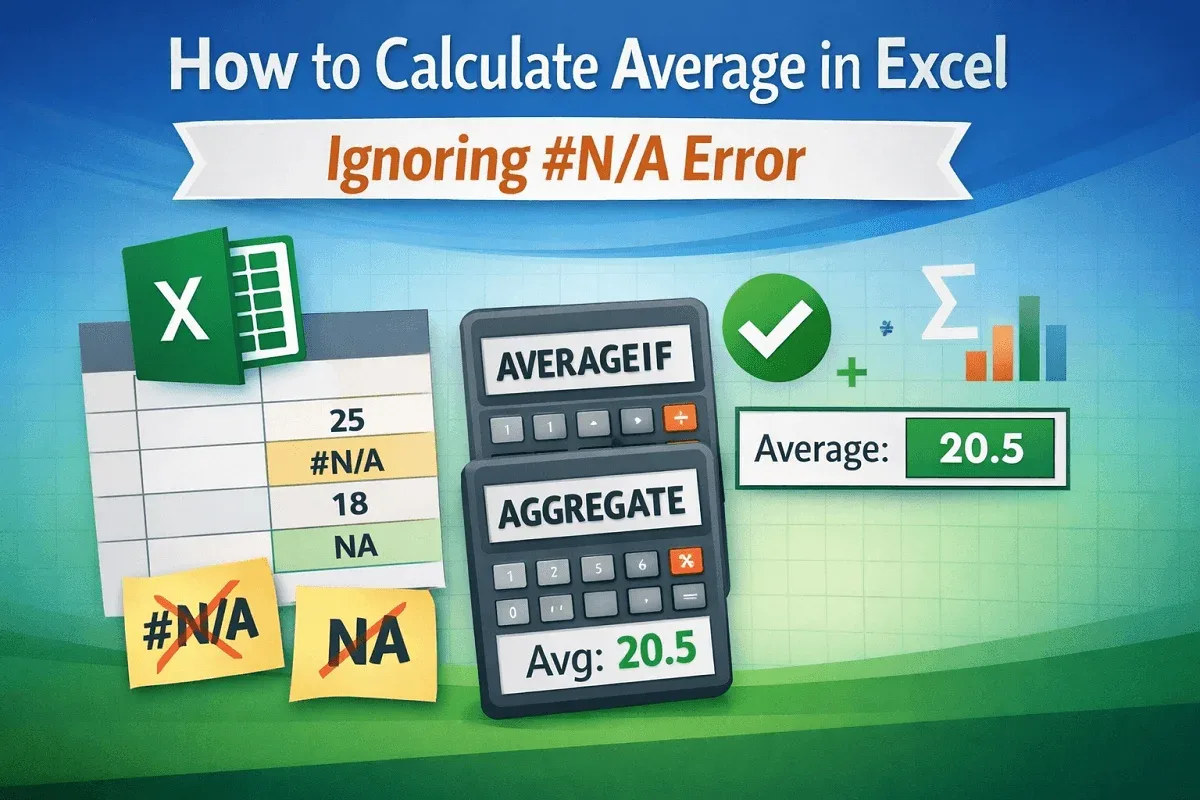
Learn how to calculate average in Excel while ignoring #N/A errors using AVERAGEIF or AGGREGATE to get accurate results without disruptions.

Learn how to average only cells with values in Excel using the AVERAGE function or AVERAGEIF to ignore blanks and calculate accurate results.
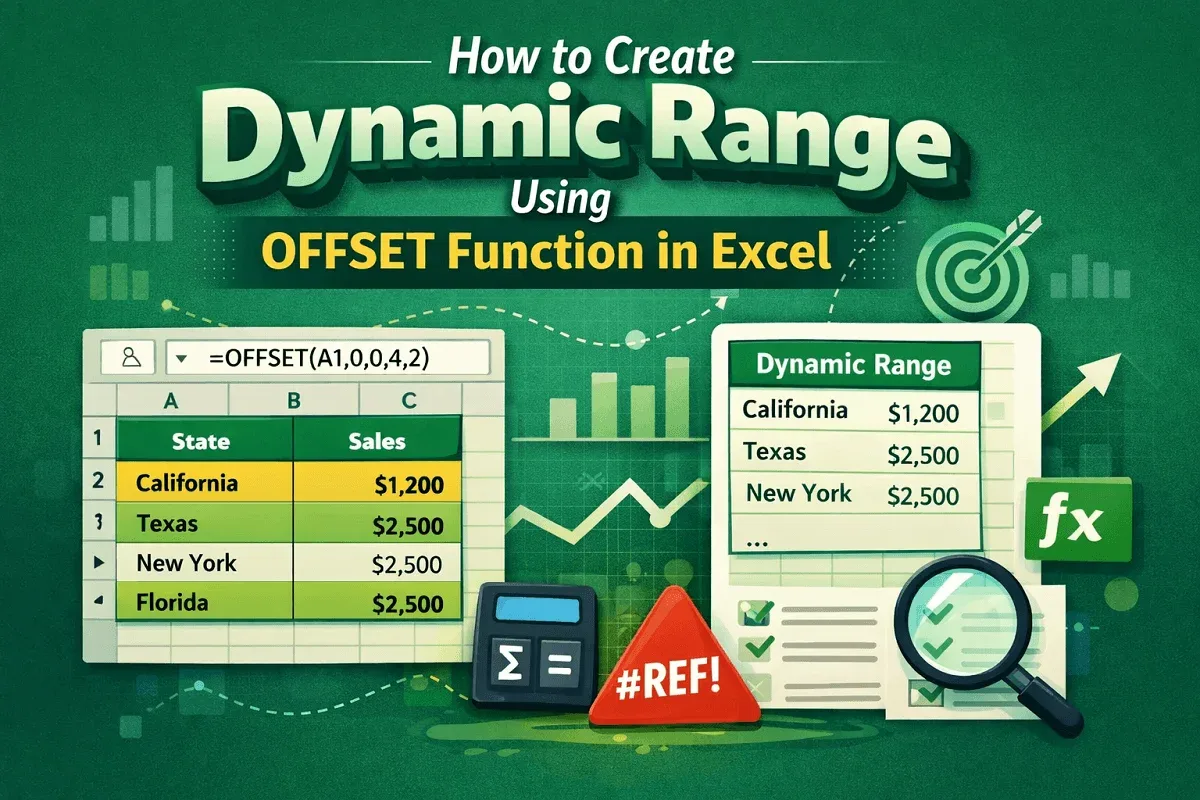
Learn how to create a dynamic range in Excel using the OFFSET function, or combine OFFSET with COUNTA for flexible and automated ranges.
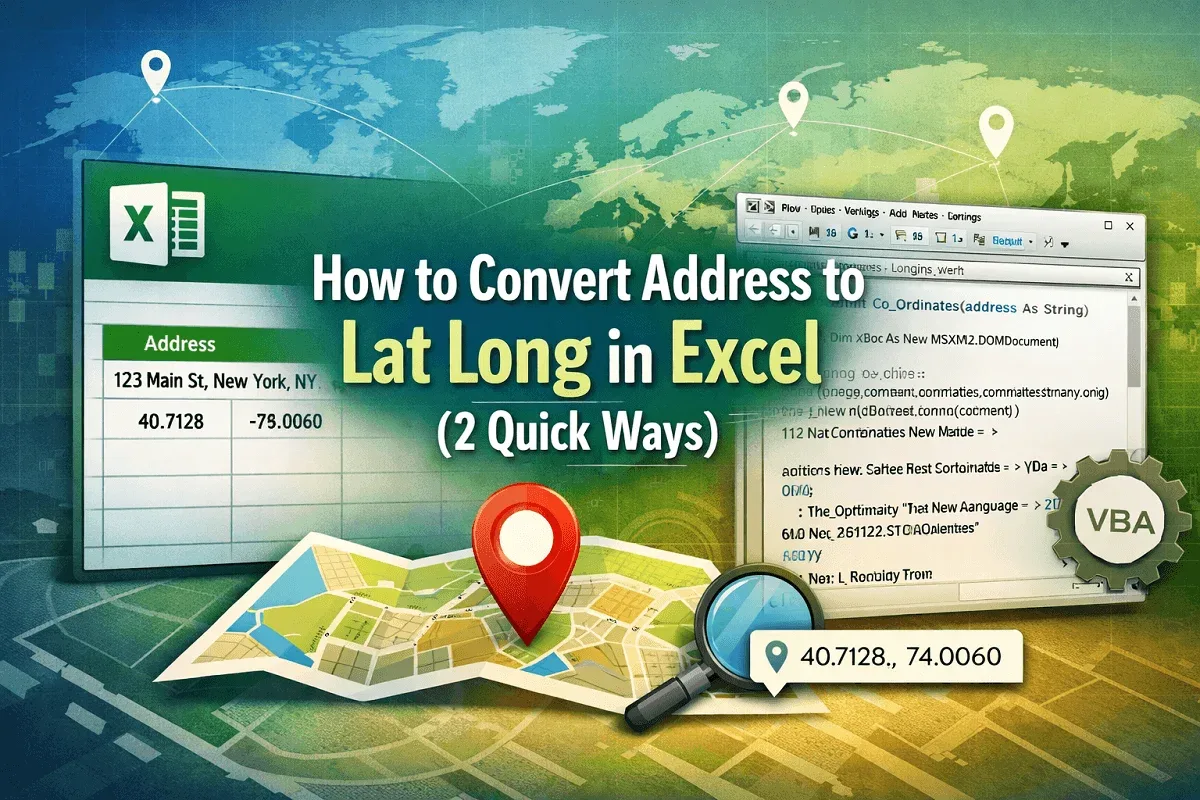
Learn how to convert addresses to latitude and longitude in Excel using the Geography data type and VBA code for precise results.
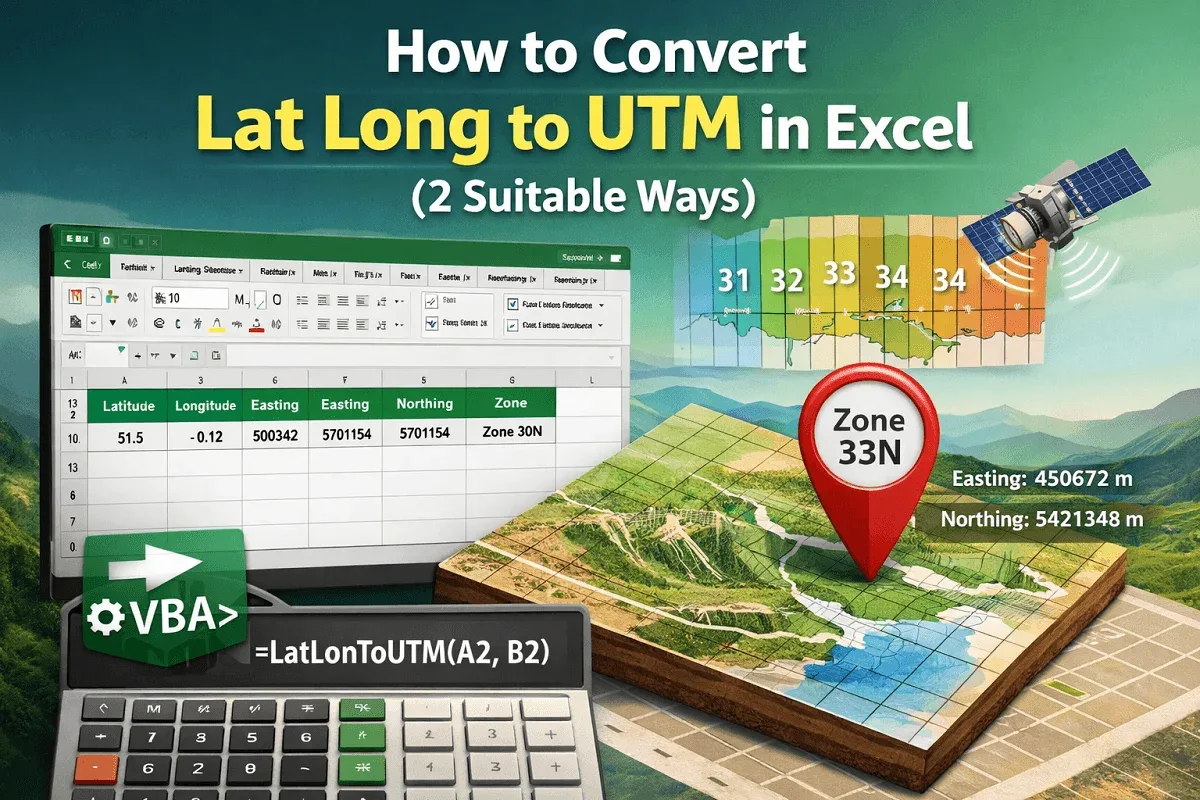
Learn how to convert latitude and longitude to UTM coordinates in Excel using VBA code, including Easting and Northing values accurately.
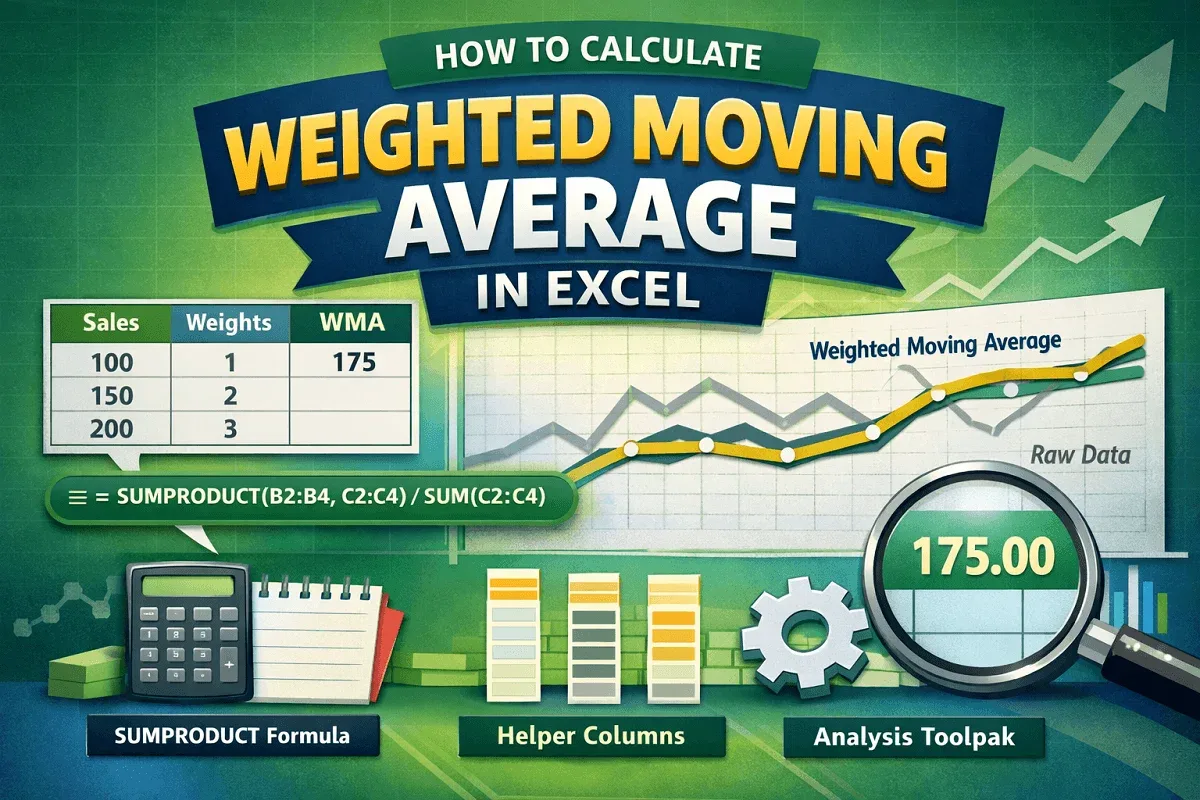
Learn how to calculate weighted moving average in Excel using SUMPRODUCT, helper columns, and the Data Analysis Toolpak for simple averages.