Excel Charts
How to Add Error Bars in Excel (Including Custom Options)
Add error bars in Excel using Chart Elements, Design tab. Includes individual measurements, customizing, and plotting horizontal error bars.
Read article

74 articles
Add error bars in Excel using Chart Elements, Design tab. Includes individual measurements, customizing, and plotting horizontal error bars.
Add outside end data labels in Excel using Chart Elements, Design tab or right-click. Prevent label overlap for professional charts.
Learn how to format data labels in Excel with custom fonts, colors & positions, formatting, leader lines & text rotation for clear charts.
Learn how to add data labels in Excel charts using different methods. Includes custom labels, percentages & cell links for clear charts.
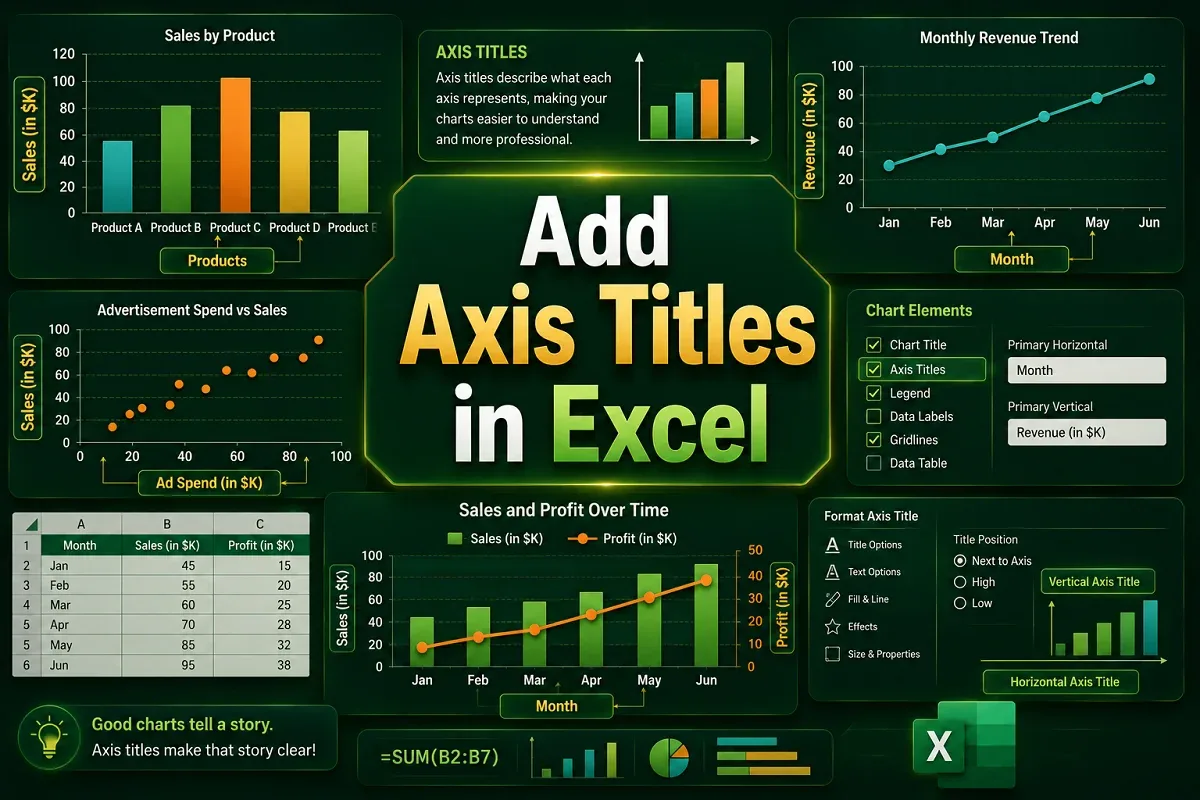
Learn to add Excel axis titles using Chart Elements or Design tab. Simple steps to label charts clearly for better data presentation.
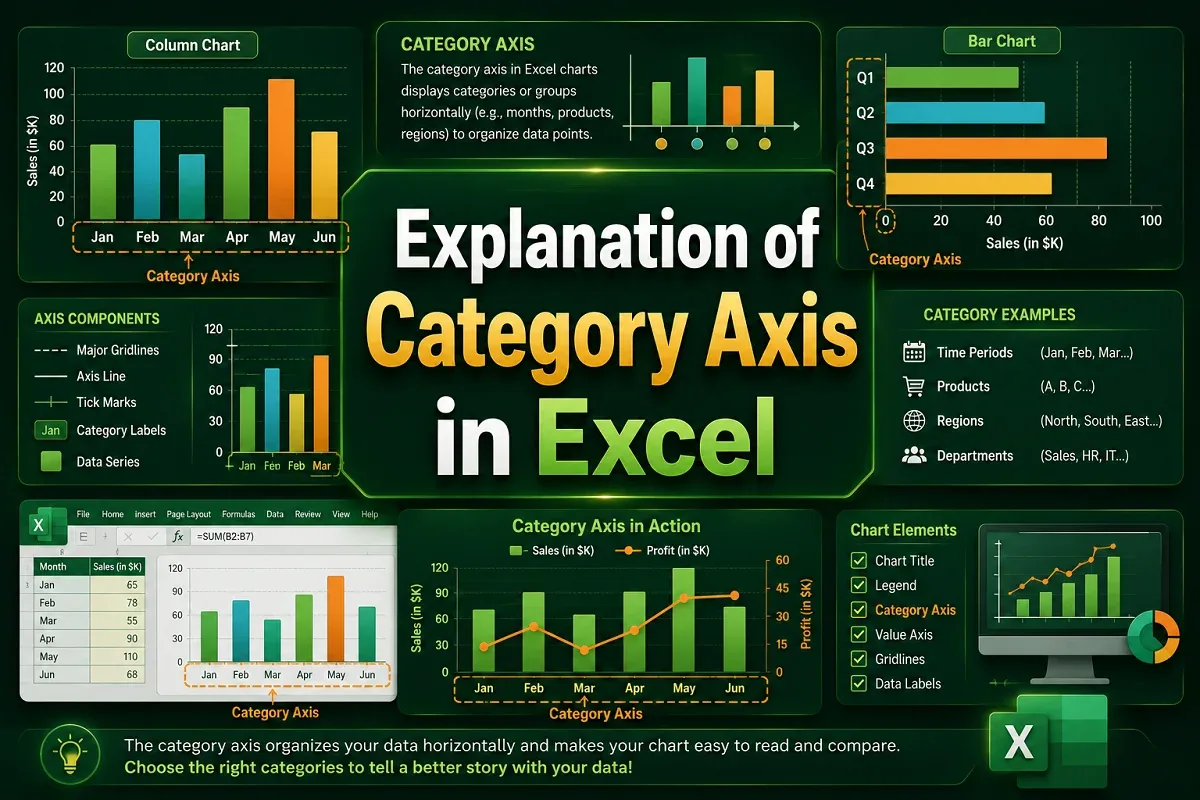
Learn how to use the category axis in Excel charts to organize labels, customize text orientation, and fix common issues.
Learn how to rename Excel chart legends by editing data series names. Step-by-step guide for both dynamic and static legend renaming methods.
Change Excel legend colors by editing data series colors. Simple steps to customize chart appearance for clearer data visualization.
Reorder Excel legend without changing chart data. Simple steps to customize legend sequence while preserving your chart.
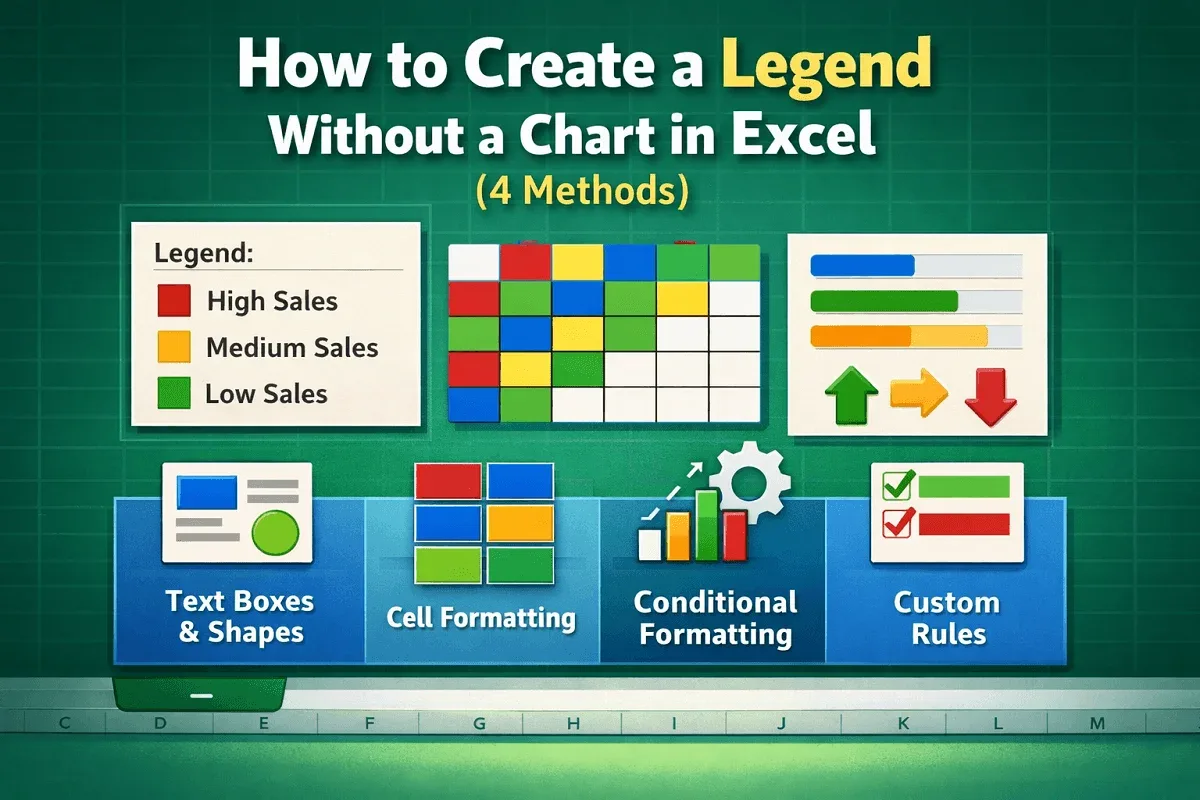
Create Excel legends without charts using text boxes, shapes & formatting. Step-by-step guide for visual data representation in cells.
Learn how to add a legend in Excel charts using the Chart Elements button, Chart Design tab, or manual methods.
Learn how to edit a legend in Excel charts, including changing text, moving positions, customizing order, and formatting appearance.