Excel Pro Tips
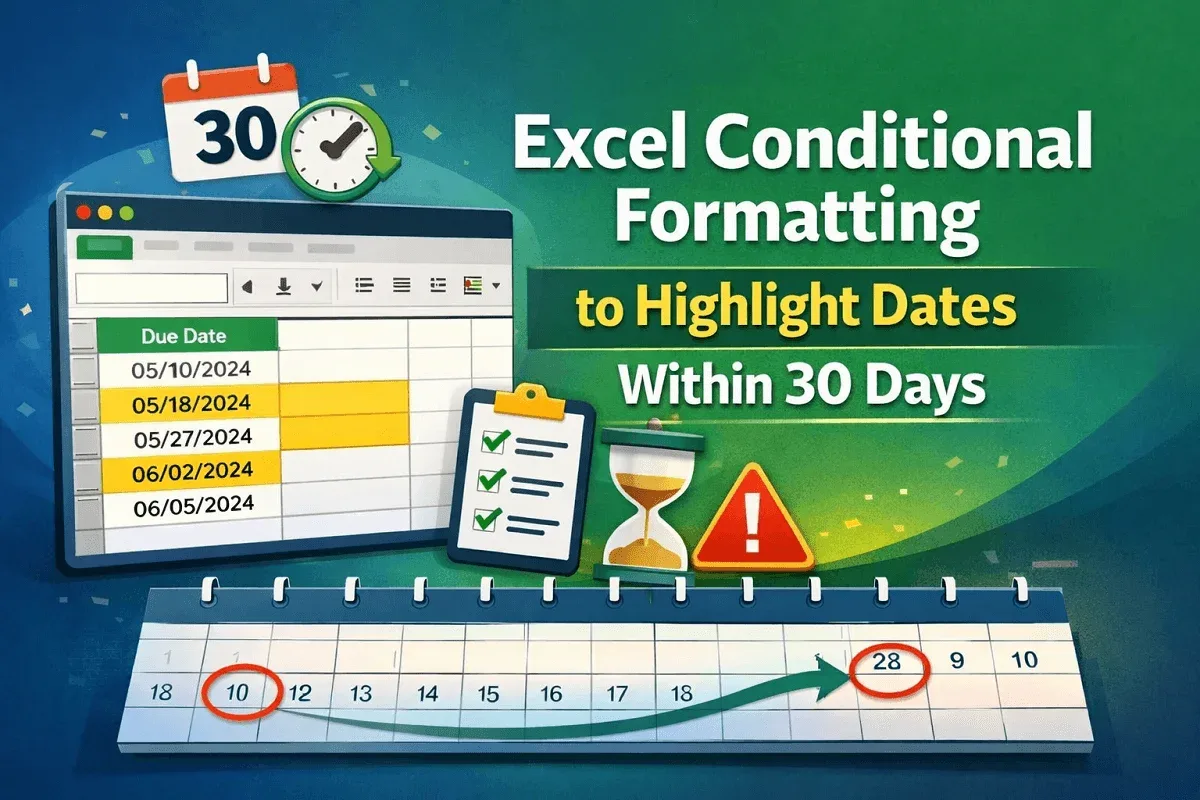
Excel Conditional Formatting to Highlight Dates Within 30 Days
Learn how to use Excel conditional formatting to highlight dates within 30 days using TODAY and AND for dynamic tracking and accuracy.
Read article

555 articles
Learn how to use Excel conditional formatting to highlight dates within 30 days using TODAY and AND for dynamic tracking and accuracy.
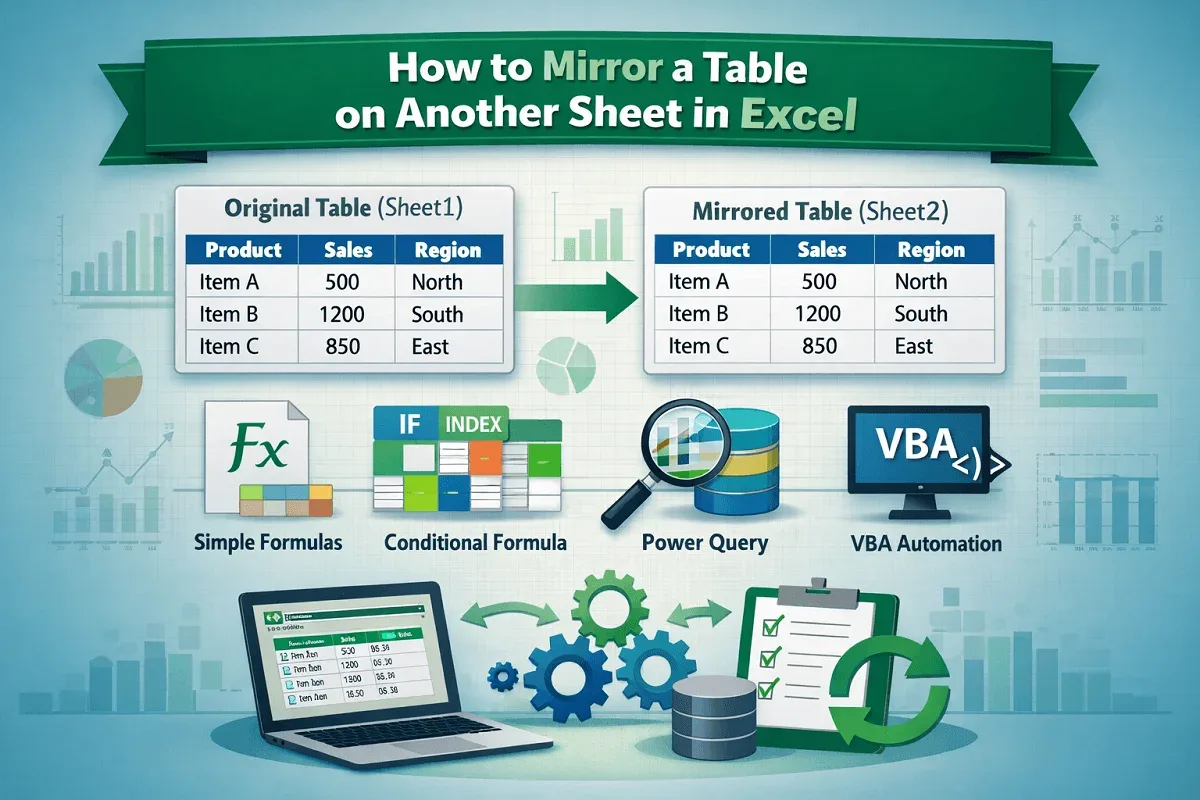
Learn how to mirror a table on another sheet in Excel using simple formulas, conditional logic, Power Query, and VBA for automatic updates.
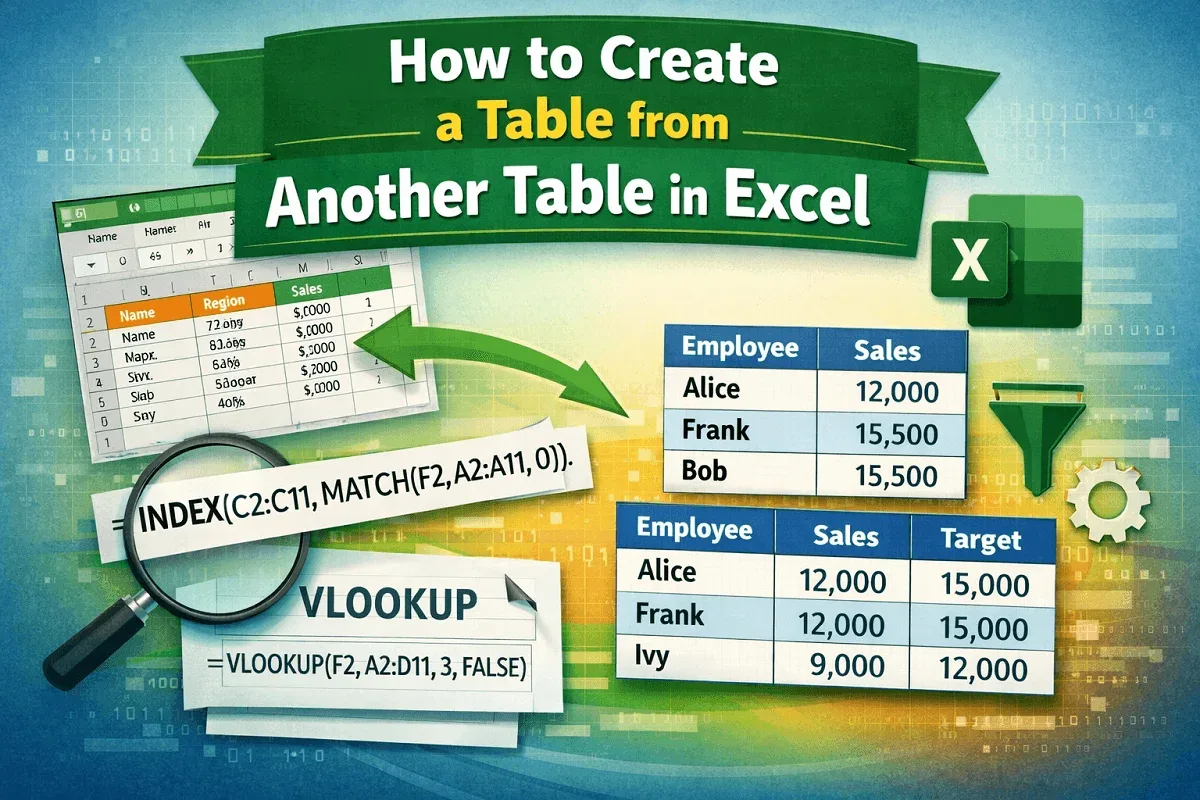
Learn how to create a new Excel table from another table using filtering, INDEX-MATCH, and VLOOKUP to extract and organize data easily.
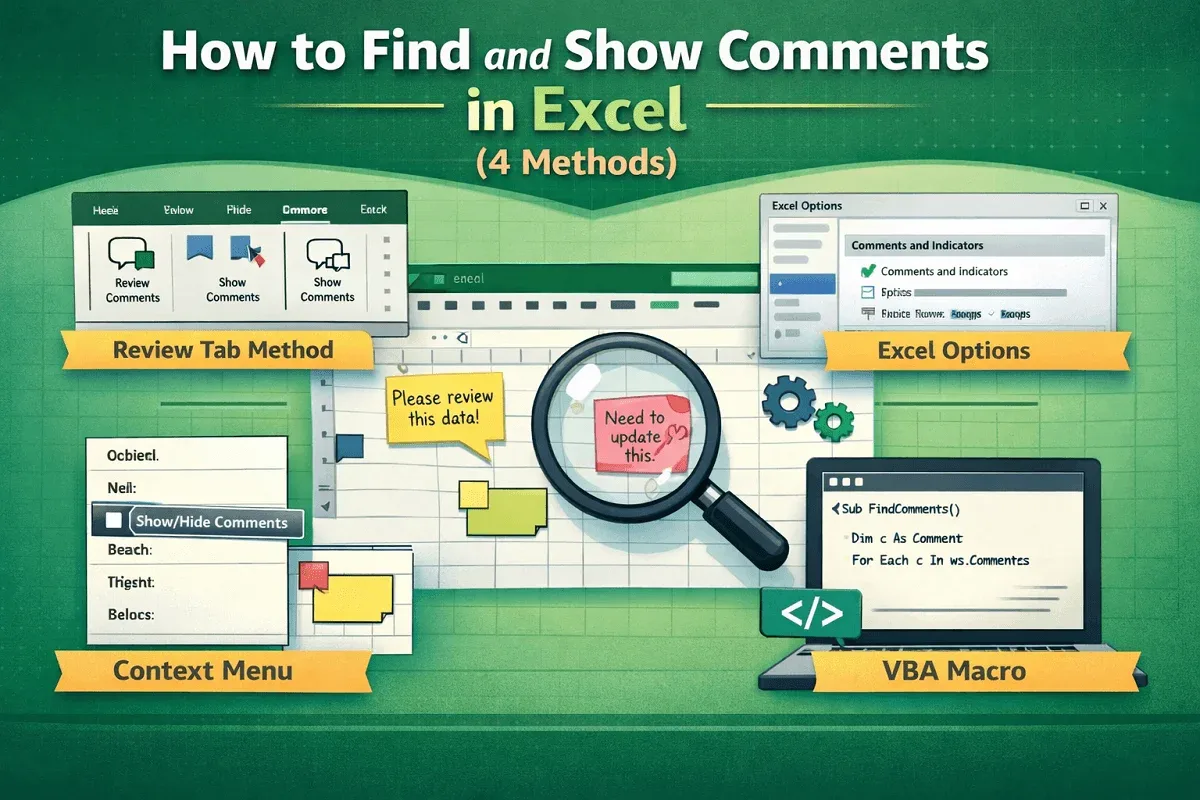
Learn to find and show comments in Excel using the Review tab, Excel Options, context menus, and easy VBA for automatic comment display.
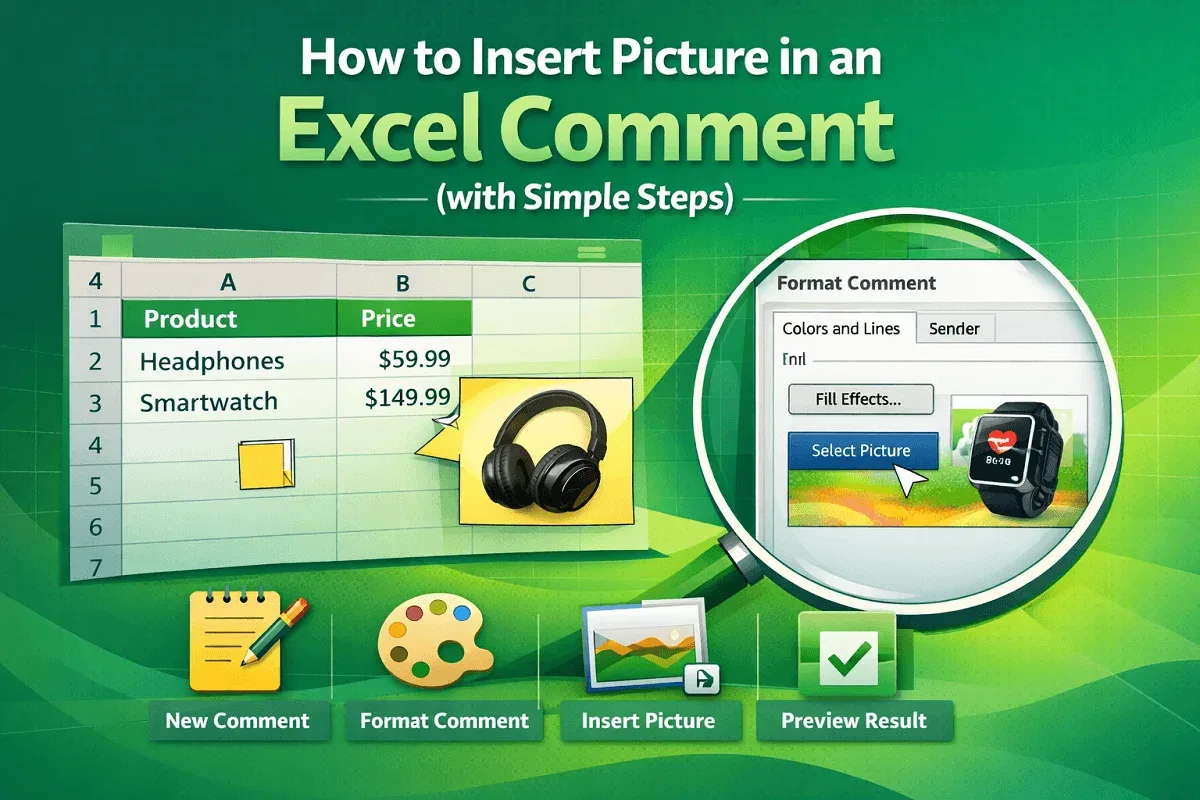
Learn how to insert a picture into an Excel comment by creating a comment, accessing Format options, using Fill Effects & finalizing display.
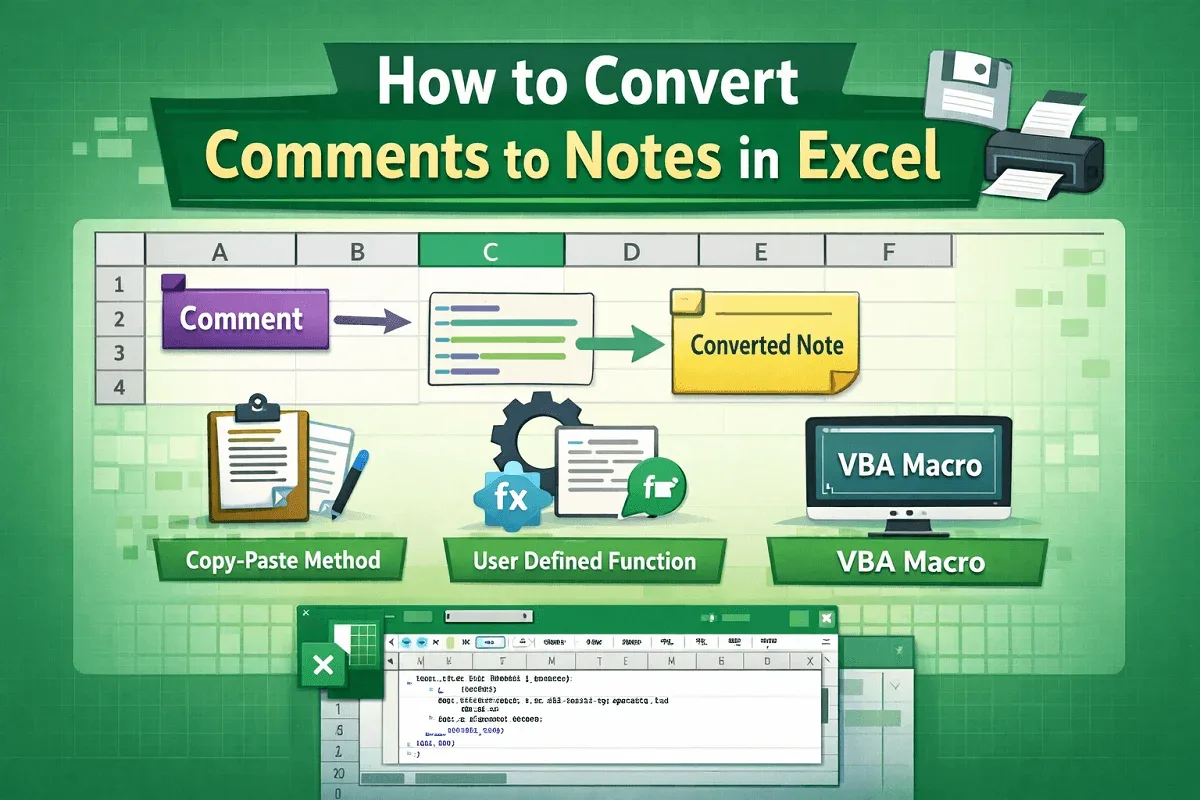
Learn how to convert Excel comments to notes manually, with a custom UDF, or by running a VBA macro to bulk-convert all comments to notes.

Learn how to export Instagram comments to Excel using online download tools or browser extensions for data collection and analysis.
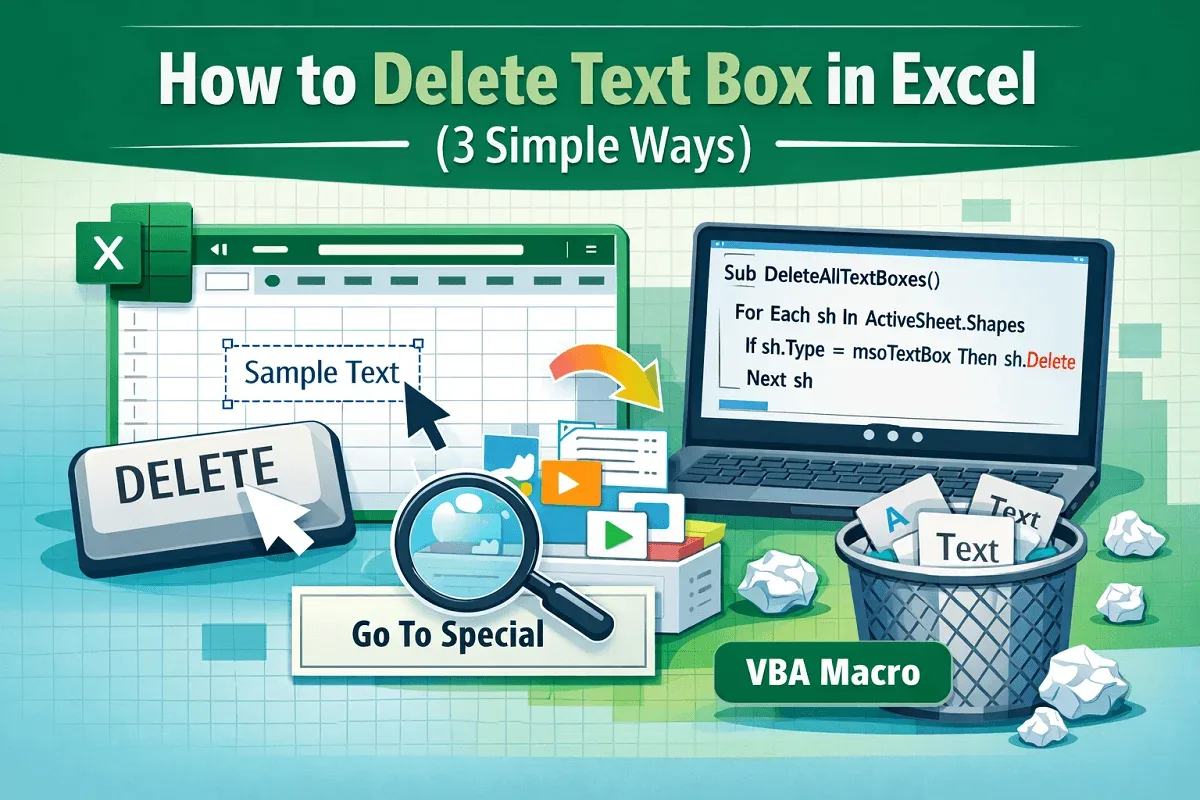
Learn how to delete text boxes in Excel using the Delete key, Go To Special or VBA to automatically clear all text boxes at once.
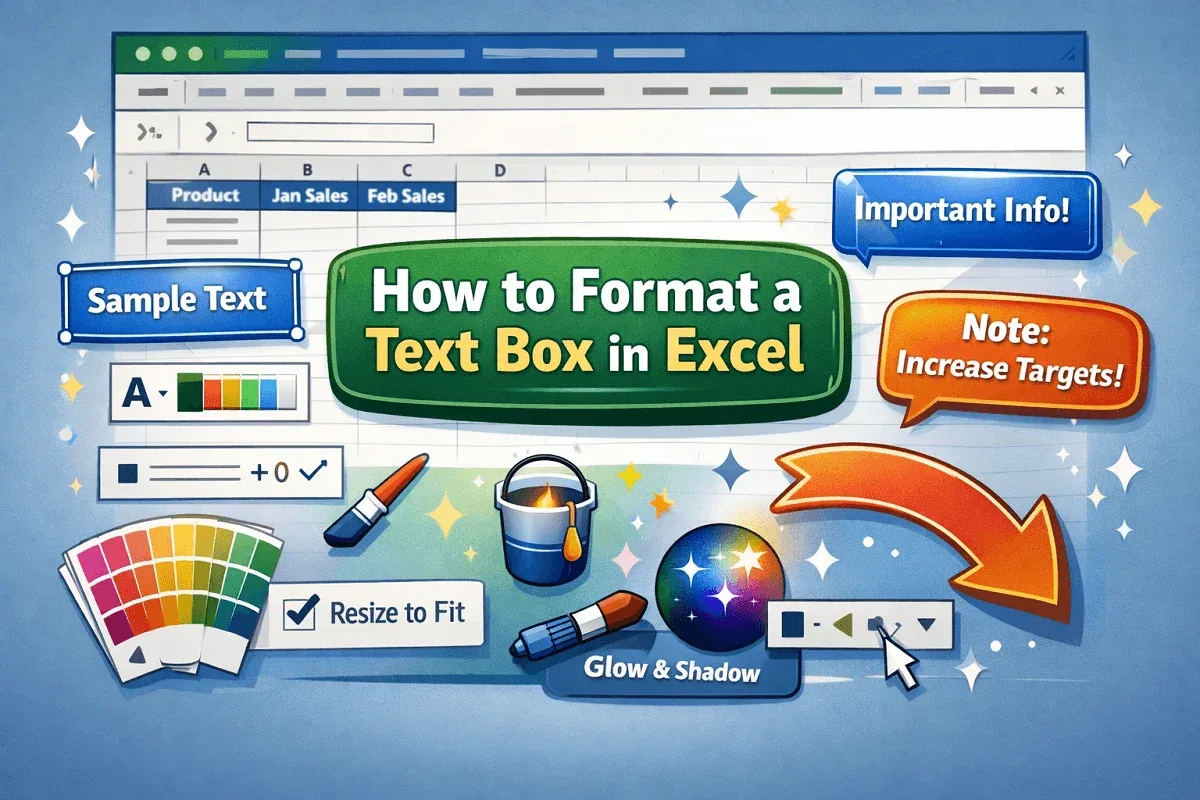
Learn how to format a text box in Excel with steps for styling font, alignment, size, borders, fill, spacing, shape options & visual effects.

Create a dynamic text box in Excel by linking it to cells and using drop-down-based formulas to update text automatically and interactively.

Learn how to change table colors in Excel using Table Design options, custom palettes, manual fills, themes, and conditional formatting.

Learn how to add a Total Row in an Excel table using shortcuts, Table Design tools, context menu options, Quick Analysis, or SUM function.