
Excel Pro Tips
Extract Text After the Last Instance of a Character in Excel
Learn how to extract text after the last character in Excel using RIGHT, SEARCH, SUBSTITUTE, TEXTAFTER, REPLACE, XLOOKUP, and custom VBA.
Read article

555 articles
Learn how to extract text after the last character in Excel using RIGHT, SEARCH, SUBSTITUTE, TEXTAFTER, REPLACE, XLOOKUP, and custom VBA.

Learn how to extract specific text in Excel using LEFT, RIGHT, MID, TEXTBEFORE/AFTER, FIND, SEARCH, SUBSTITUTE, and delimiter-based formulas.
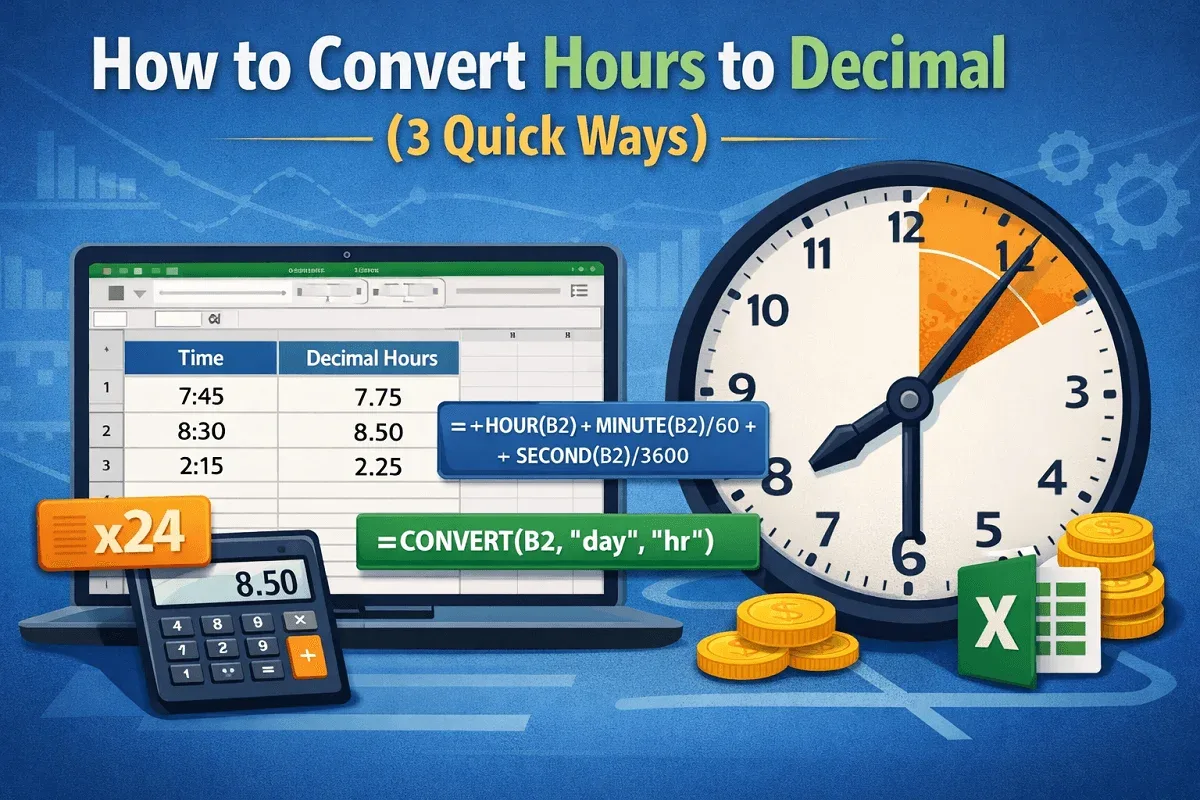
Learn how to convert hours to decimal in Excel using simple multiplication, HOUR/MINUTE/SECOND functions, and the CONVERT function.
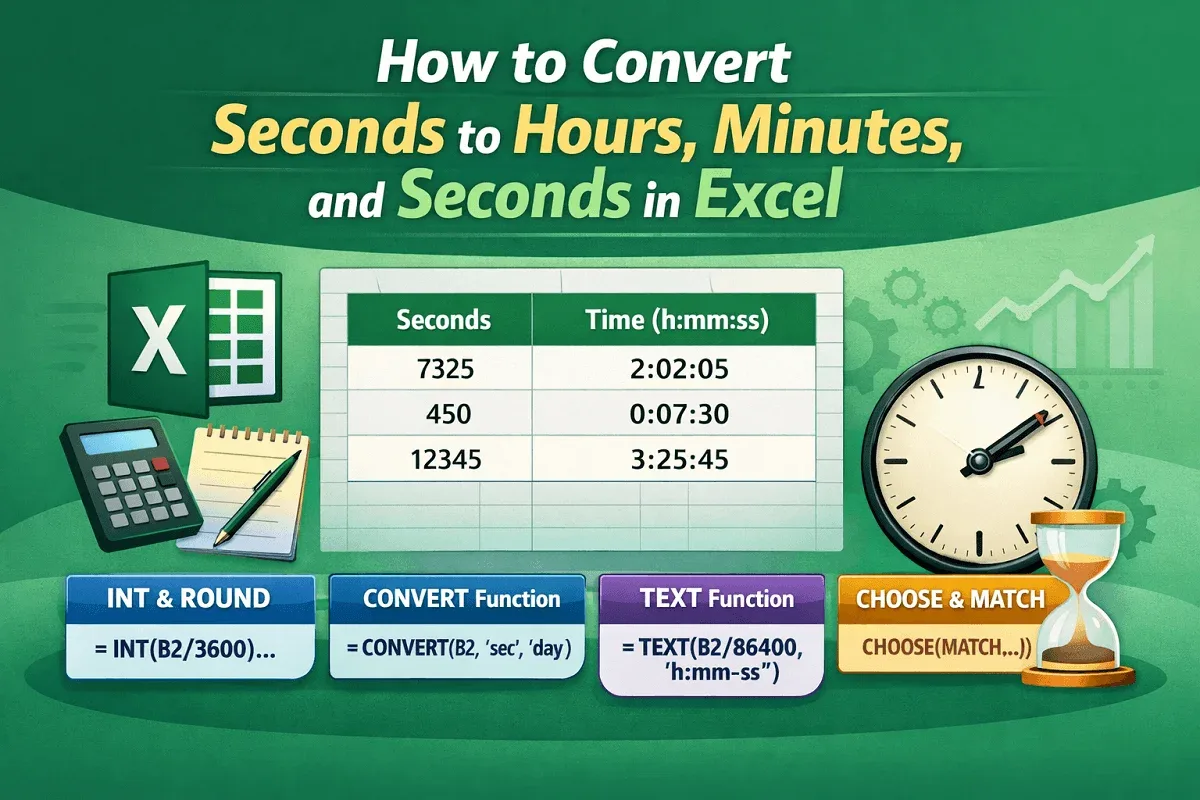
Learn how to convert seconds to hours, minutes, and seconds in Excel using INT, ROUND, CONVERT, TEXT, and dynamic formatting techniques.
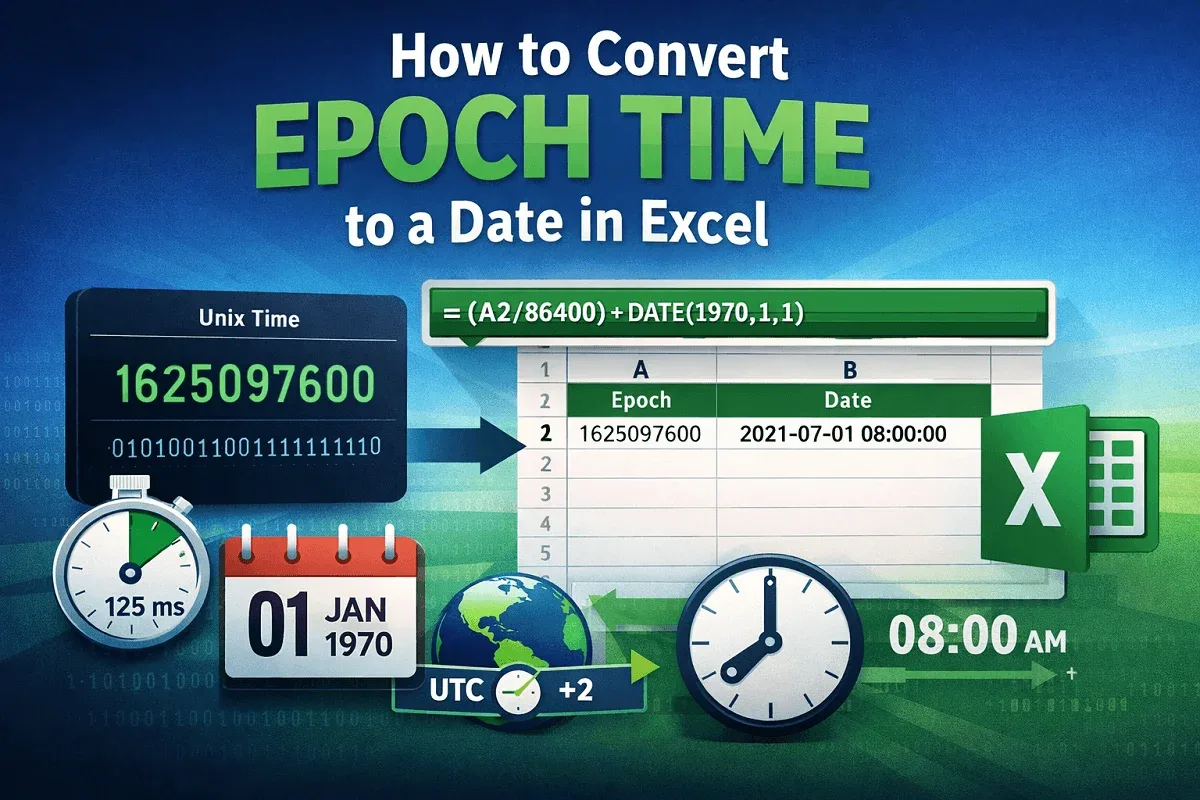
Learn how to convert epoch time to Excel dates using formulas, handle milliseconds, adjust time zones, format results, and create a VBA UDF.
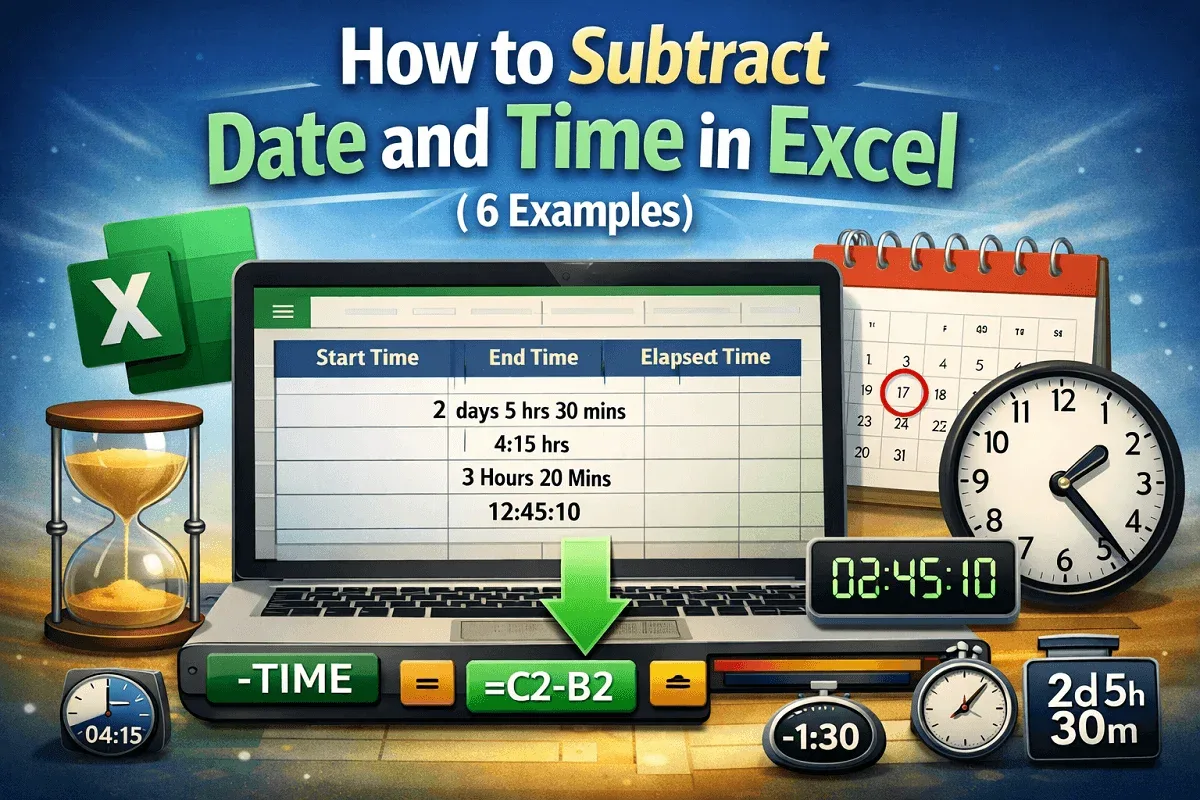
Learn to subtract date and time in Excel using INT, TEXT, HOUR, MINUTE, TIME, and NOW to calculate precise payroll durations accurately.
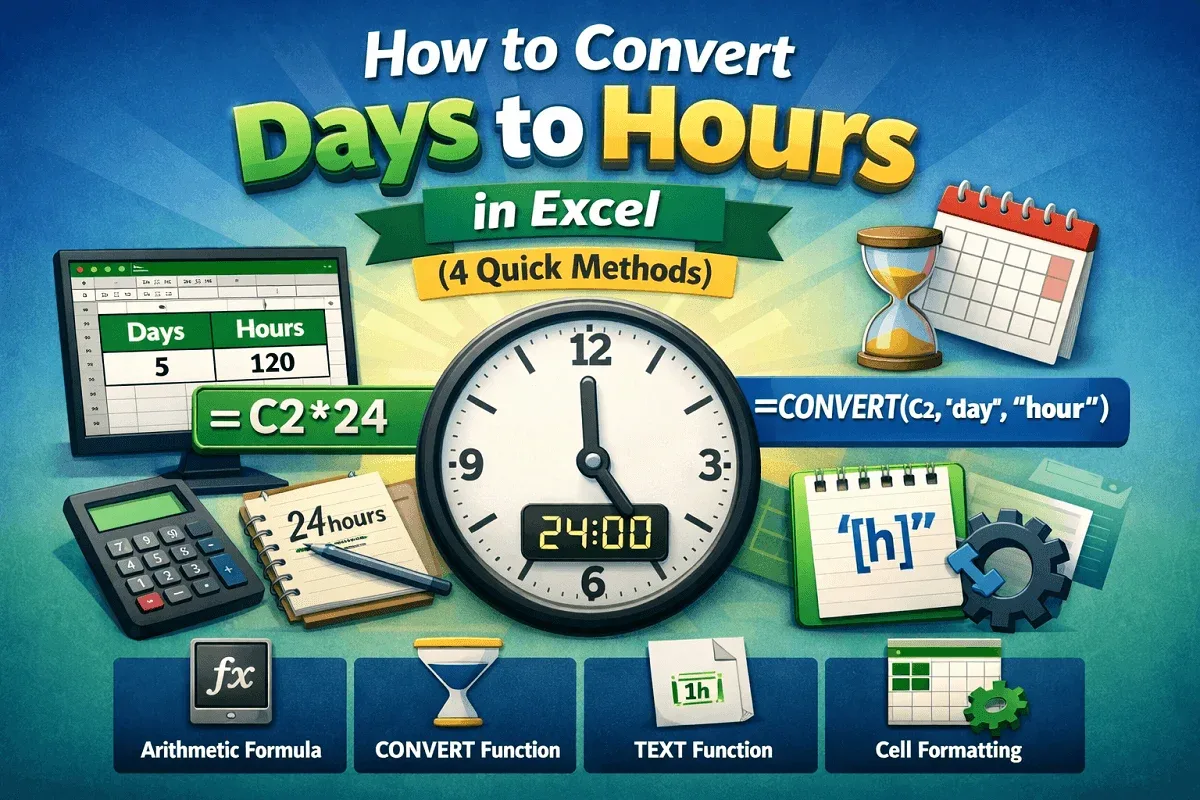
Learn how to convert days to hours in Excel using arithmetic formulas, the CONVERT function, TEXT formatting, and custom cell formats.
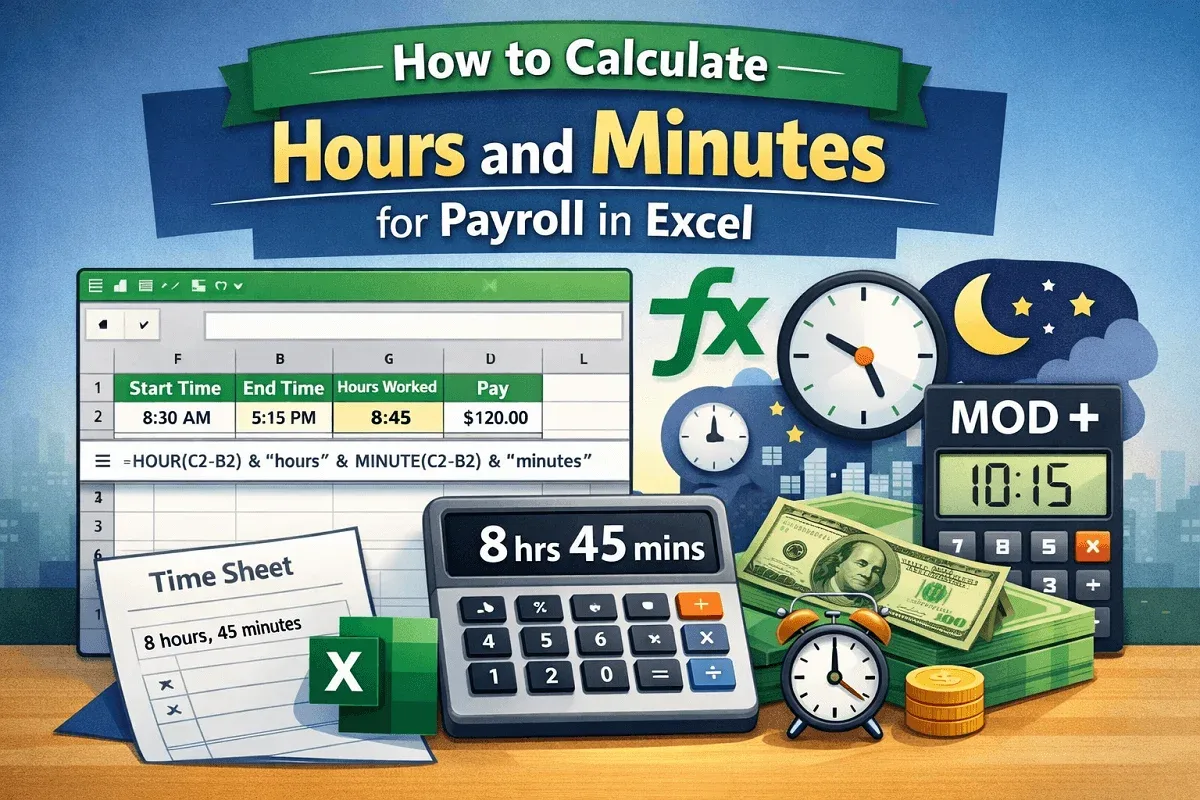
Learn how to calculate payroll hours and minutes in Excel using subtraction, TEXT, IF, HOUR, MINUTE, TIME, MOD, and NOW functions.
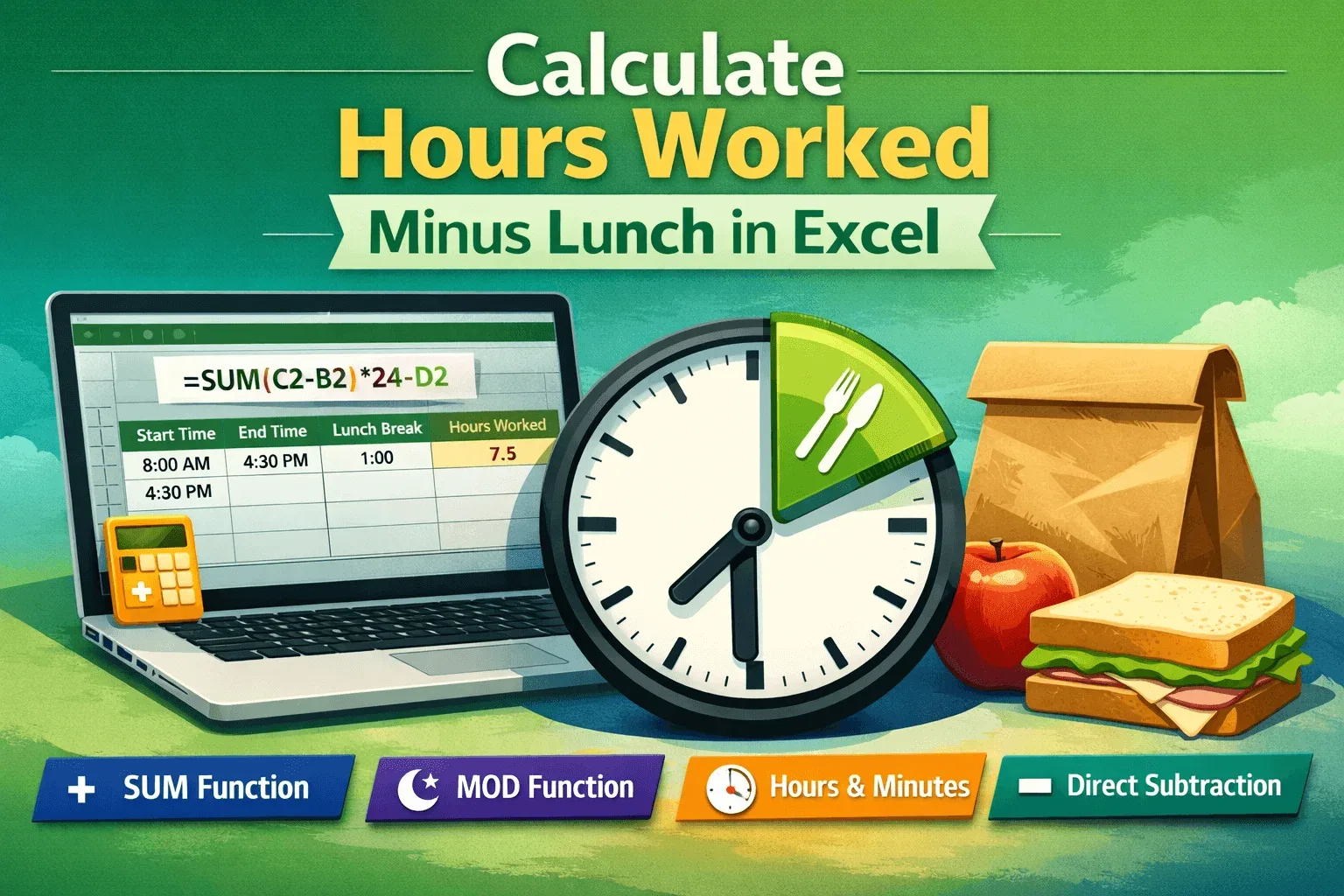
Learn simple Excel methods to calculate hours worked minus lunch using SUM, MOD, direct subtraction, and format results in hours and minutes.
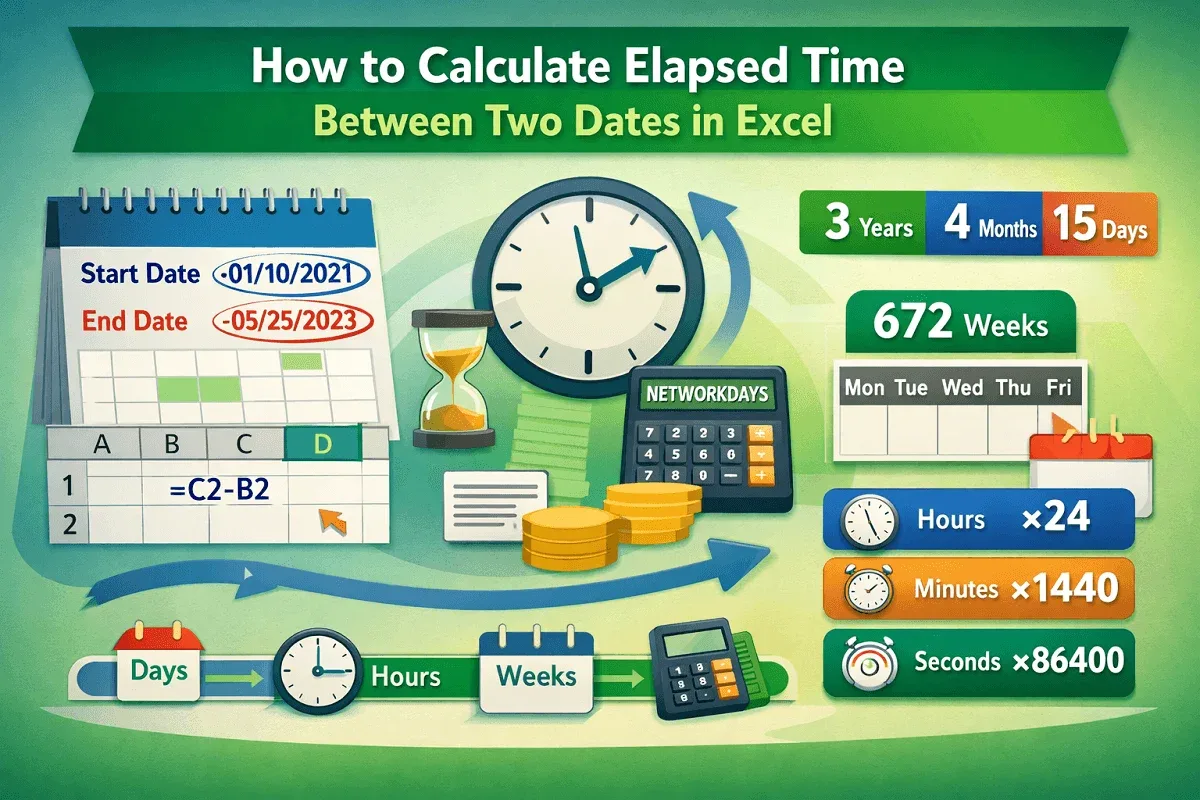
Learn how to calculate elapsed time between two dates in Excel using subtraction, DATEDIF, NETWORKDAYS, and unit conversions.
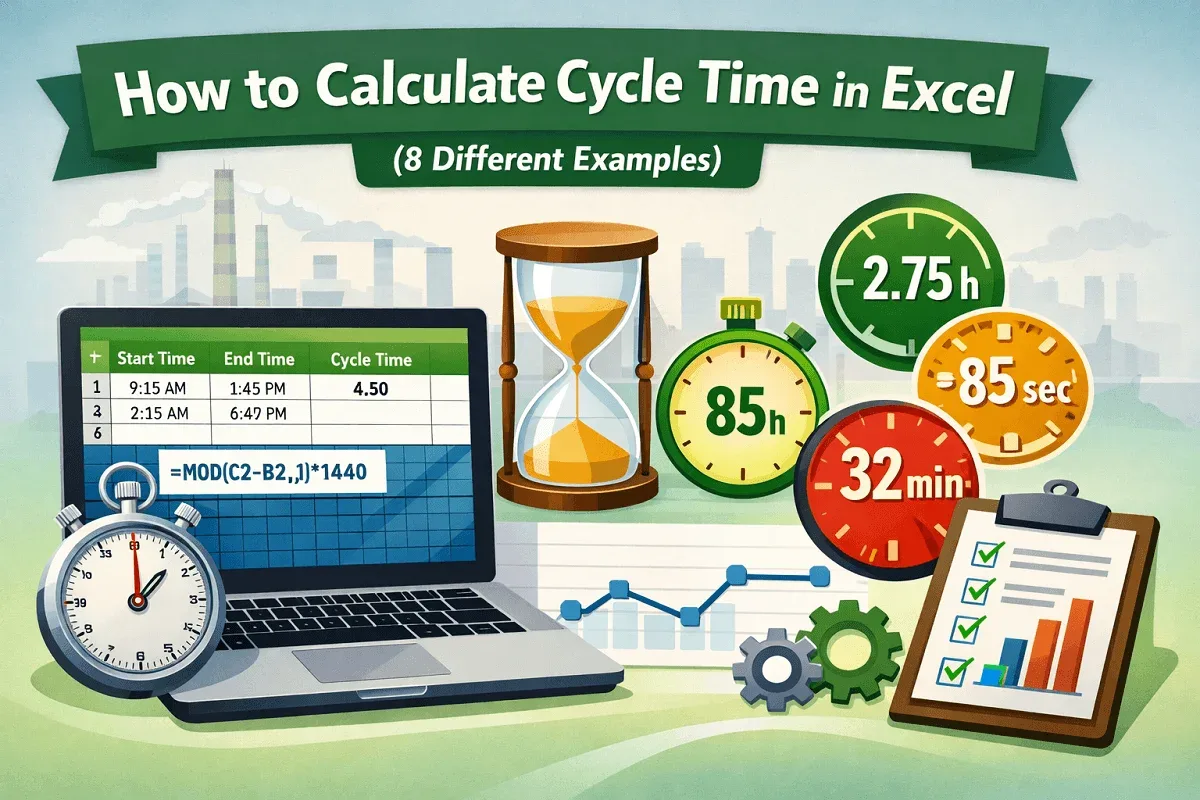
Learn how to calculate cycle time in Excel using subtraction, MOD, and unit-based formulas for minutes, seconds, and hours accurately.
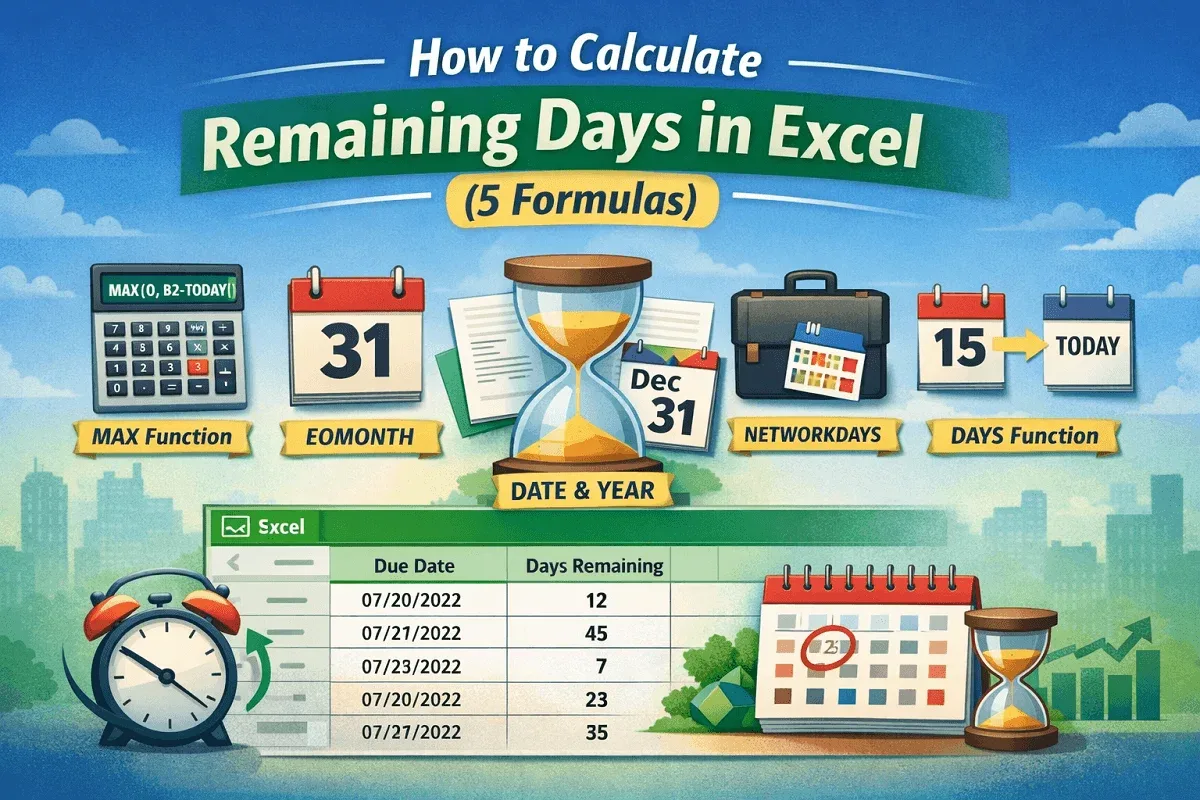
Learn how to calculate remaining days in Excel using MAX, DAYS, EOMONTH, NETWORKDAYS, and DATE functions for accurate, negative-free results.