Excel Pro Tips
How to Combine Two Formulas in Excel (5 Effective Ways)
Learn 5 easy ways to combine formulas in Excel, from using & and CONCAT to advanced techniques like INDEX-MATCH and nested IF statements.
Read article

555 articles
Learn 5 easy ways to combine formulas in Excel, from using & and CONCAT to advanced techniques like INDEX-MATCH and nested IF statements.
Learn the key differences between absolute and relative references in Excel and how they affect copying or moving formulas in your sheets.
Learn how to combine text and numbers in Excel using formulas, VBA, and Power Query for clean, dynamic, and well-formatted results.
Learn how to count cells with specific text in Excel using COUNTIF, SUMPRODUCT, FILTER, wildcards, VBA, and more.
Learn how to calculate food cost percentage in Excel using formulas, tables, VBA, and charts to track and automate your restaurant costs.

Master dynamic named ranges in Excel using OFFSET, INDEX, Tables, or VBA to create flexible, auto-updating ranges for smarter data handling.

Learn how to protect specific cells in Excel using built-in features, formulas & VBA to secure your data while allowing edits where needed.

Learn how to create a hierarchy in Excel using SmartArt for automation or manually with shapes and arrows for full customization.
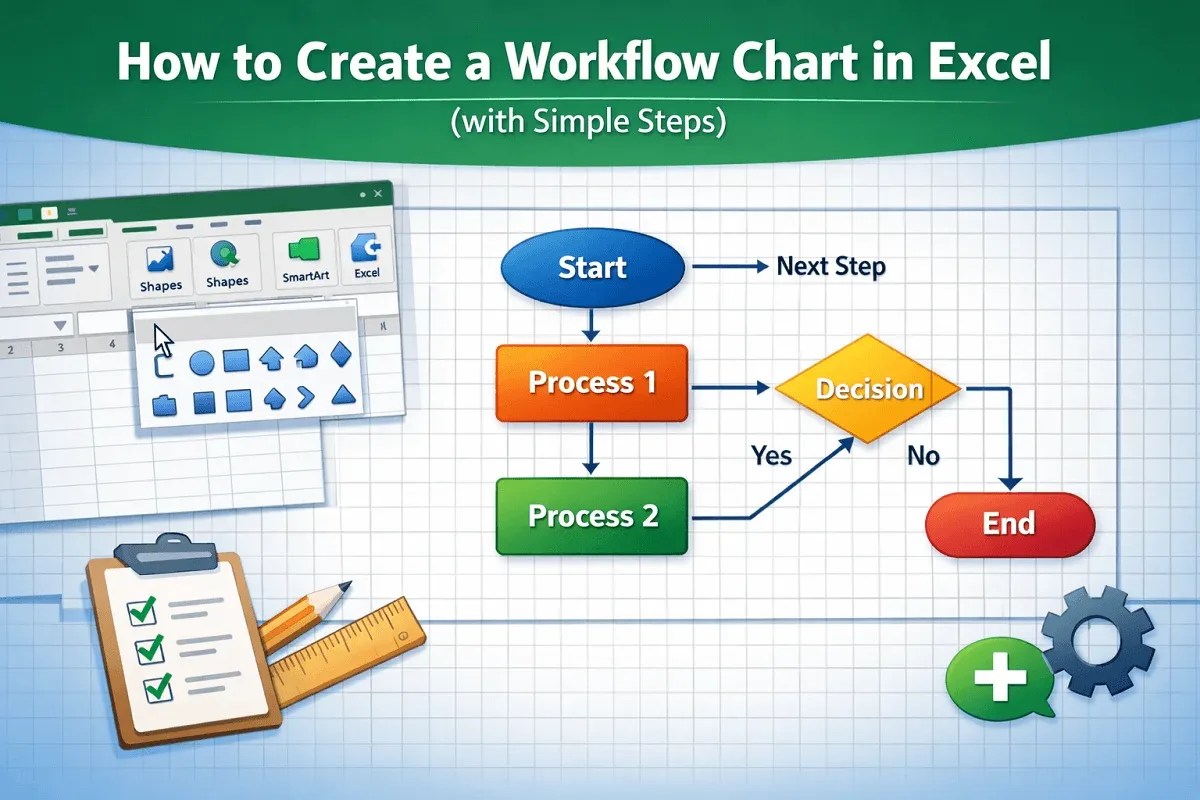
Learn how to create a workflow chart in Excel step-by-step using shapes, connectors, and formatting for a clear visual process flow.

Learn how to translate Portuguese to English in Excel using functions, VBA, the Review tab, or the right-click context menu.
Learn how to merge 3 columns in Excel using TEXTJOIN, CONCAT, Power Query, LET, and other efficient formulas and functions.
Learn how to combine rows with the same ID in Excel using TEXTJOIN, Power Query, or Pivot Tables to summarize and organize your data.