Excel Pro Tips
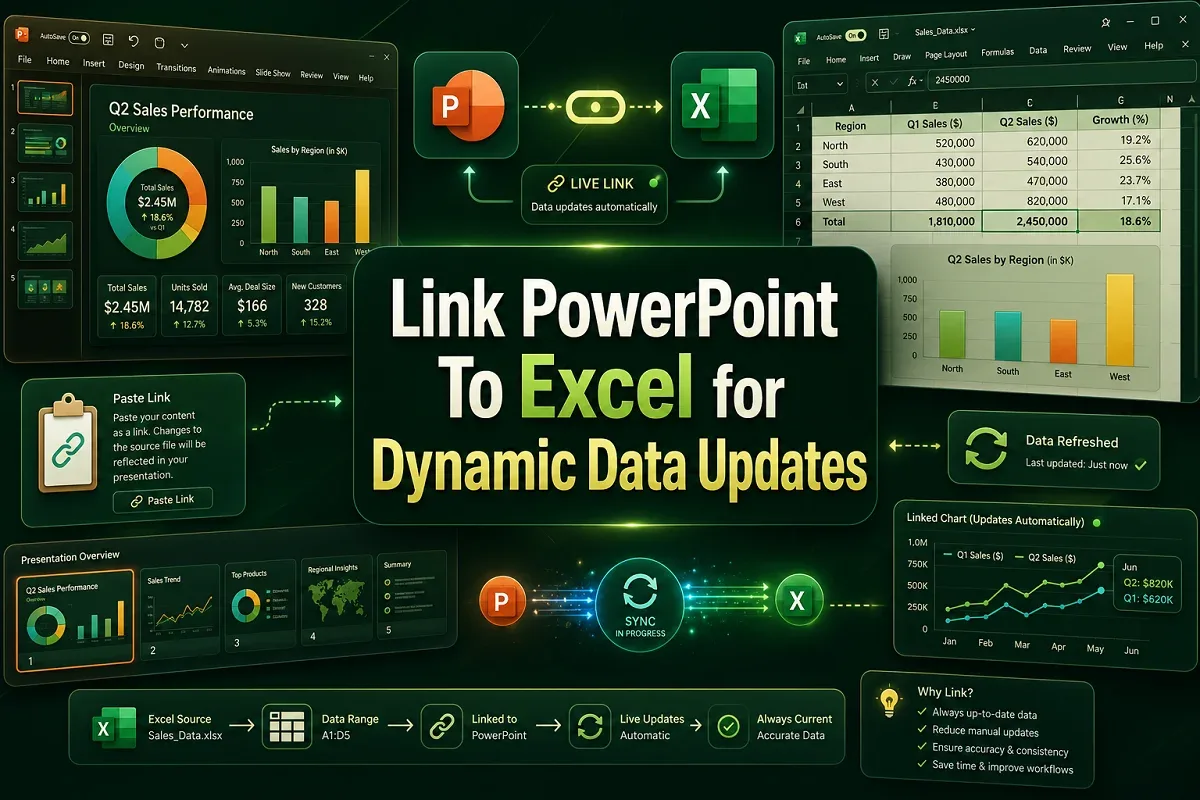
How to Link PowerPoint to Excel for Dynamic Data Updates
Learn how to link PowerPoint to Excel for dynamic data updates using live links, embedded objects, VBA macros, and avoid linking errors.
Read article

555 articles
Learn how to link PowerPoint to Excel for dynamic data updates using live links, embedded objects, VBA macros, and avoid linking errors.

Automatically create PowerPoint slides from Excel using VBA, Python, ChatGPT, and tools like SlideSpeak. Avoid common automation pitfalls.
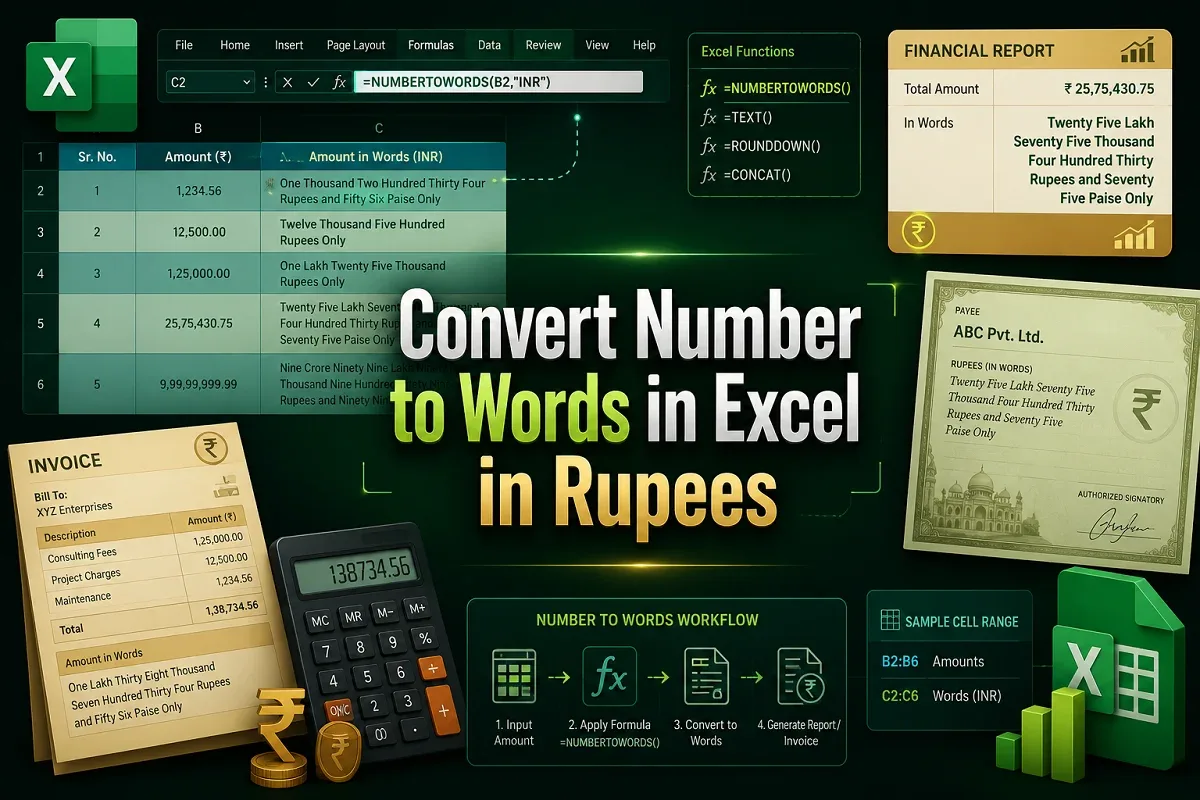
Convert numbers to words in Indian Rupees format in Excel using the LAMBDA function or a VBA macro with easy, step-by-step guidance.
Learn how to compare two Excel sheets for duplicates using formulas, conditional formatting, VBA, Power Query, and other effective methods.
Learn how to delete duplicates in Excel but keep one using Remove Duplicates, Power Query, VBA, UNIQUE function, sorting, and filters.
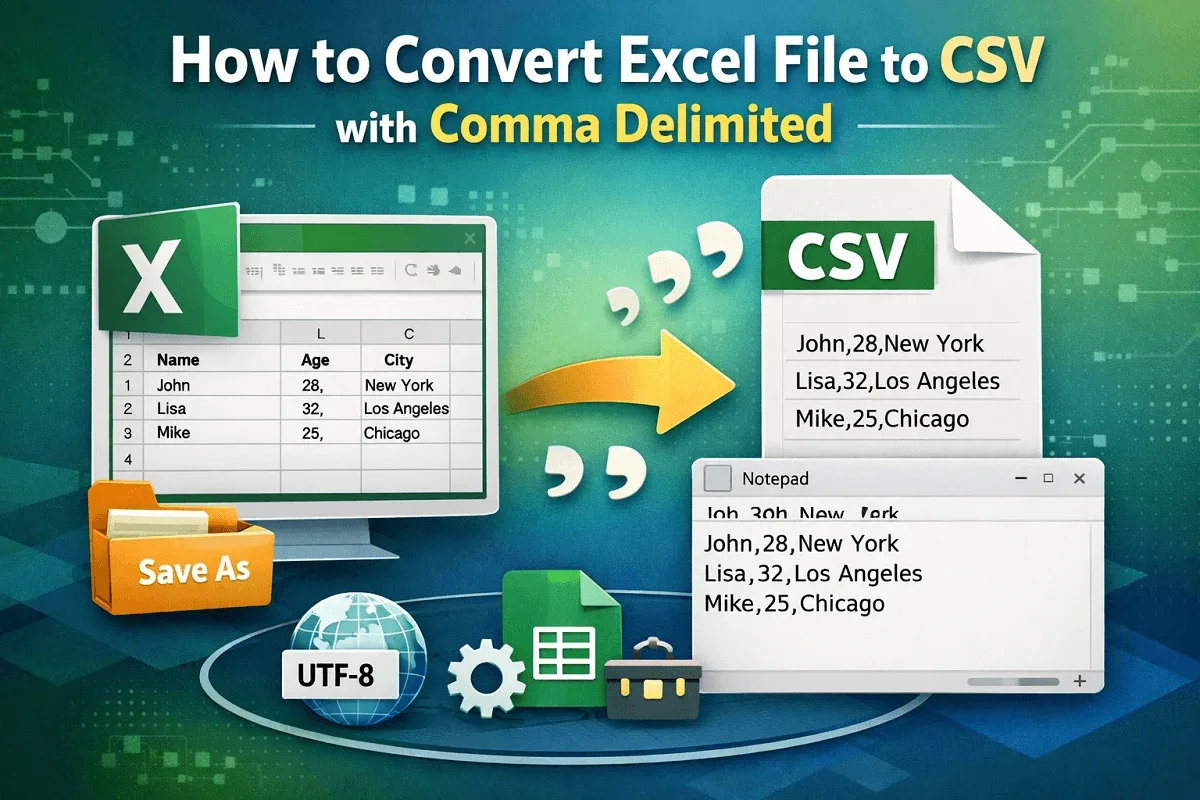
Learn how to convert Excel datasets to CSV (Comma Delimited) format using Save As, encoding options, Google Sheets, and third-party tools.

Link Excel cells to Word using Paste Special and Paste Options methods to automatically update Word documents when Excel data changes.
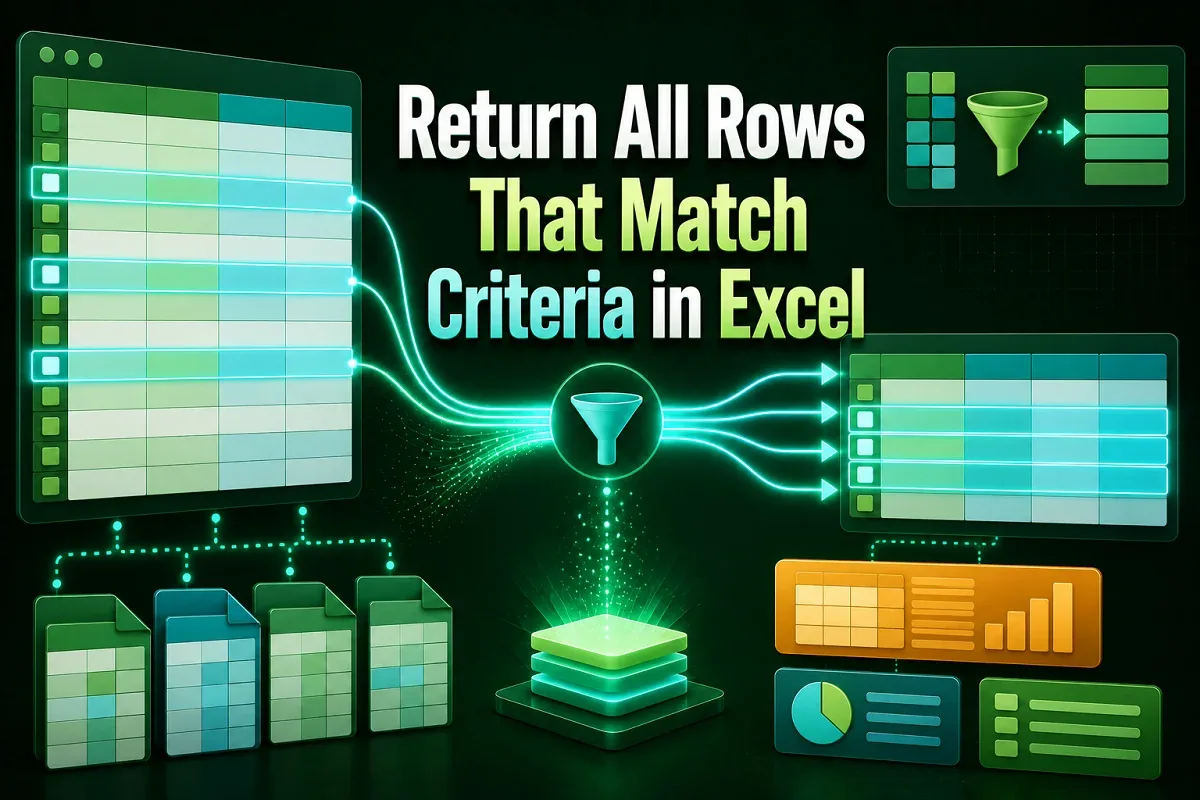
Discover how to return all rows that match criteria in Excel using FILTER, INDEX, SORT, and AGGREGATE functions for dynamic results.

Learn how to use Excel's Advanced Filter with multiple criteria using AND, OR, wildcards, custom formulas, and even VBA techniques.

Learn 8 easy ways to count unique values in Excel with multiple criteria using formulas, PivotTables, filters, or VBA—works in all versions.

Learn how to merge rows with the same value in Excel using Merge & Center, TEXTJOIN, Power Query, Consolidate, Subtotal, and VBA macros.
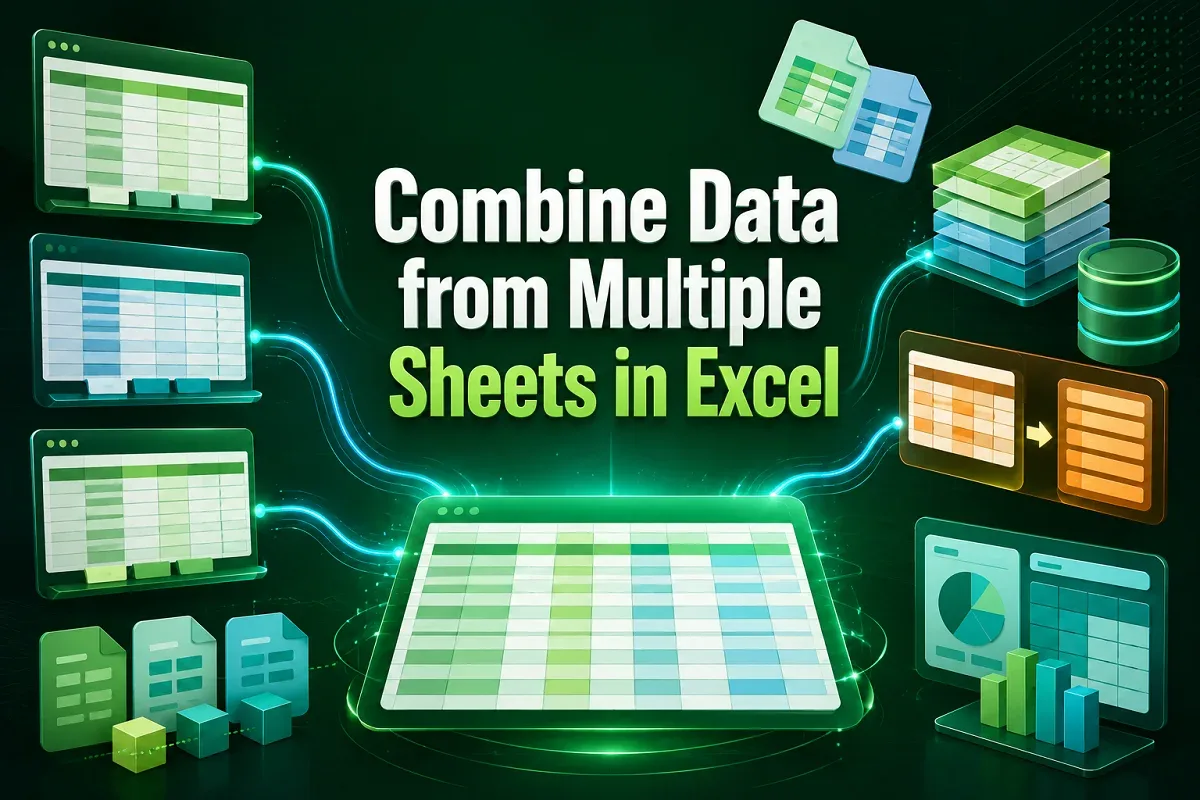
Learn how to combine data from multiple Excel sheets using VSTACK, FILTER, Consolidate feature, and Power Query for seamless data merging.