Excel Pro Tips
How to Remove Everything after a Character in Excel (4 Methods)
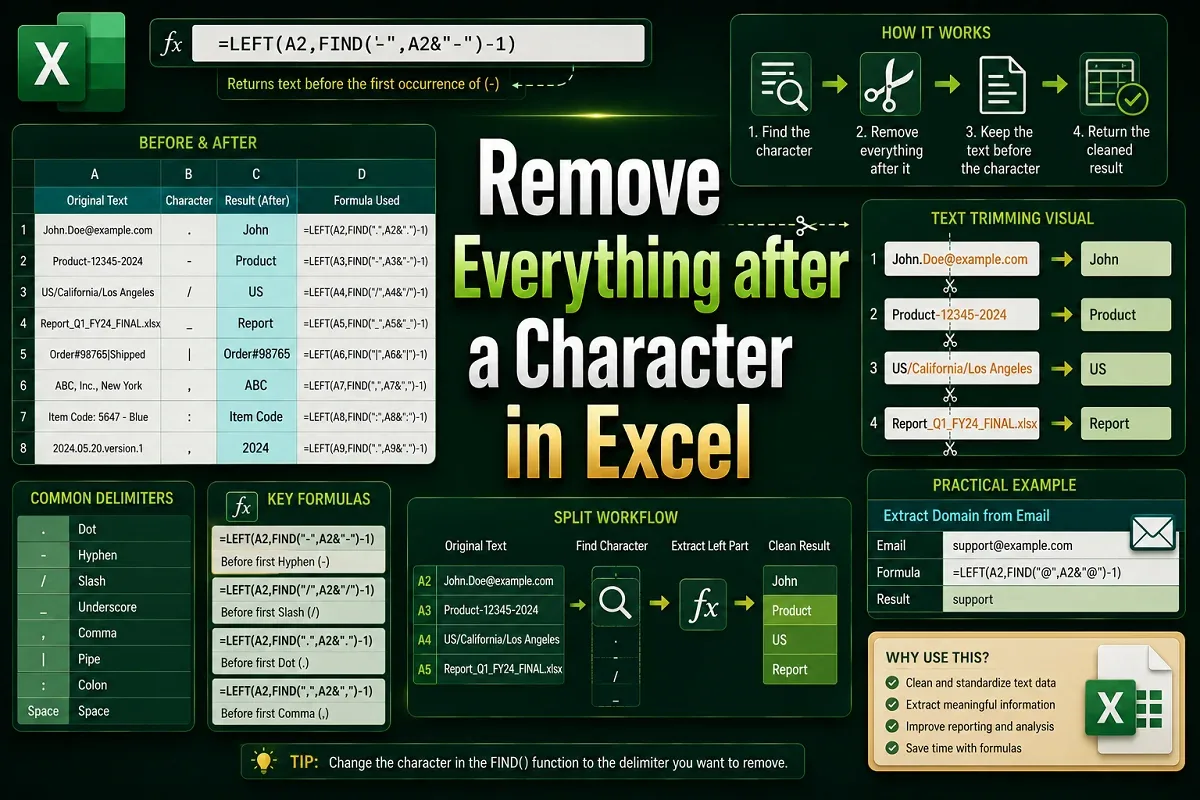
Learn how to remove everything after a character in Excel using Find & Replace, LEFT, FIND, SUBSTITUTE for Nth occurrence, and Flash Fill.
Read article

555 articles
Learn how to remove everything after a character in Excel using Find & Replace, LEFT, FIND, SUBSTITUTE for Nth occurrence, and Flash Fill.

Learn how to remove unwanted characters in Excel using Find & Replace, SUBSTITUTE, TRIM, Flash Fill, and LEFT/RIGHT with LEN functions.

Learn how to remove the last 3 characters in Excel using LEFT & LEN, REPLACE, Flash Fill, or a custom VBA function for clean text format.

Learn how to remove line breaks in Excel using Find and Replace, SUBSTITUTE, TRIM with CLEAN functions, or a VBA macro for quick cleanup.

Learn how to capitalize the first letter of each word in Excel using the PROPER function, Flash Fill, or a custom VBA macro.
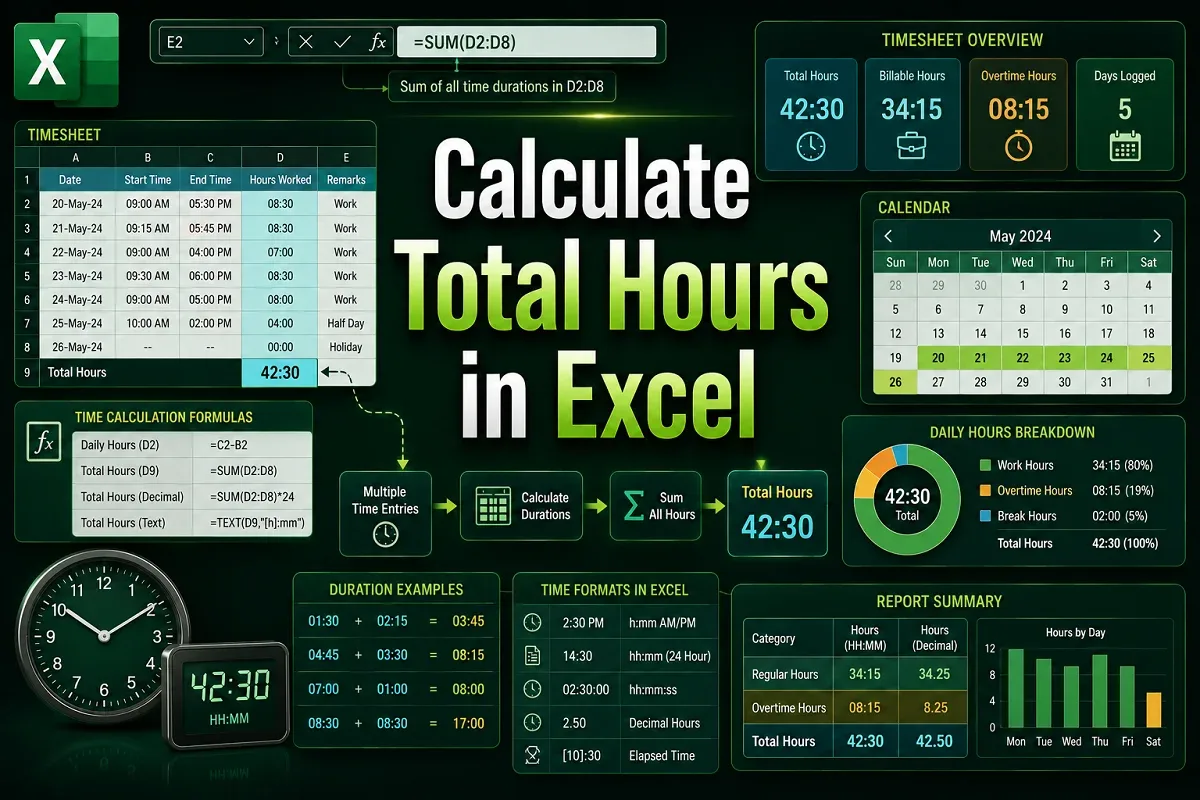
Learn how to calculate total hours in Excel using correct time formats, MOD, TEXT, and conditional formulas for regular and overnight shifts.
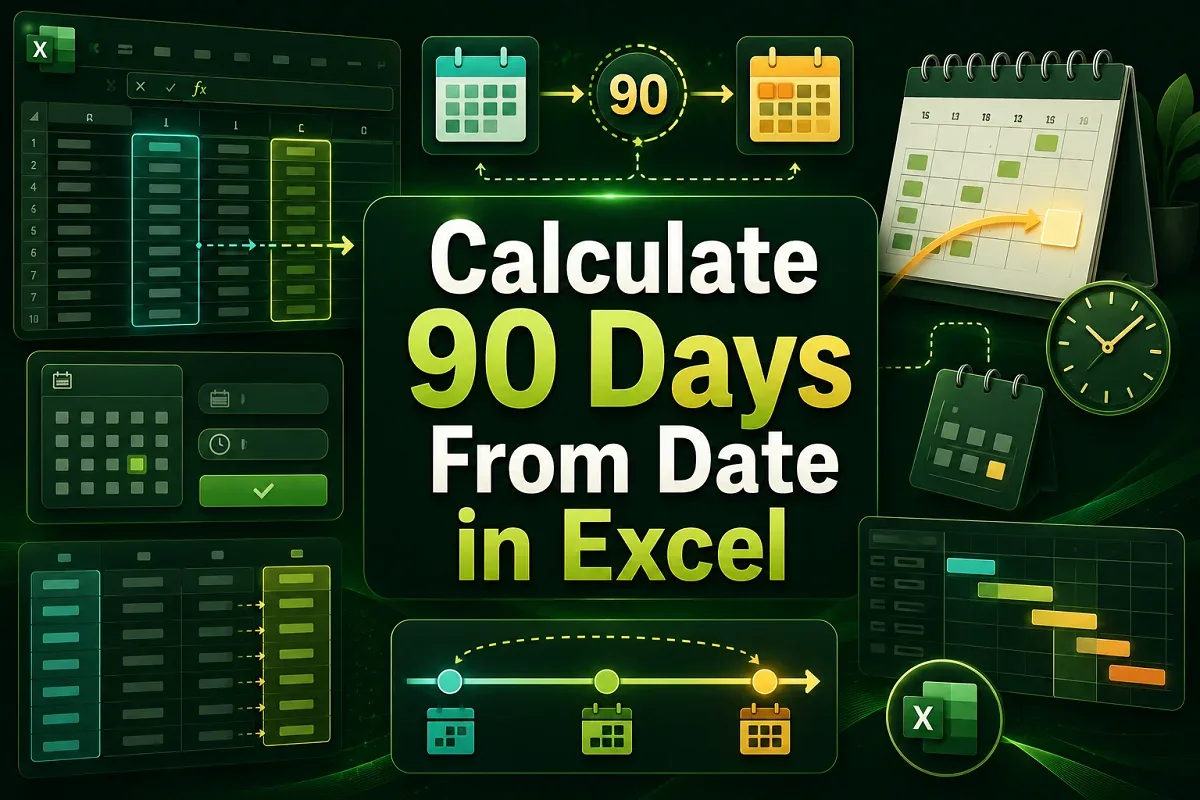
Learn how to calculate 90 days from a date in Excel using simple addition, DATE, EDATE for months, and WORKDAY to exclude weekends.

Learn how to create an organizational chart in Excel from a list using SmartArt, TAB for hierarchy, and the Visio Data Visualizer Add-in.
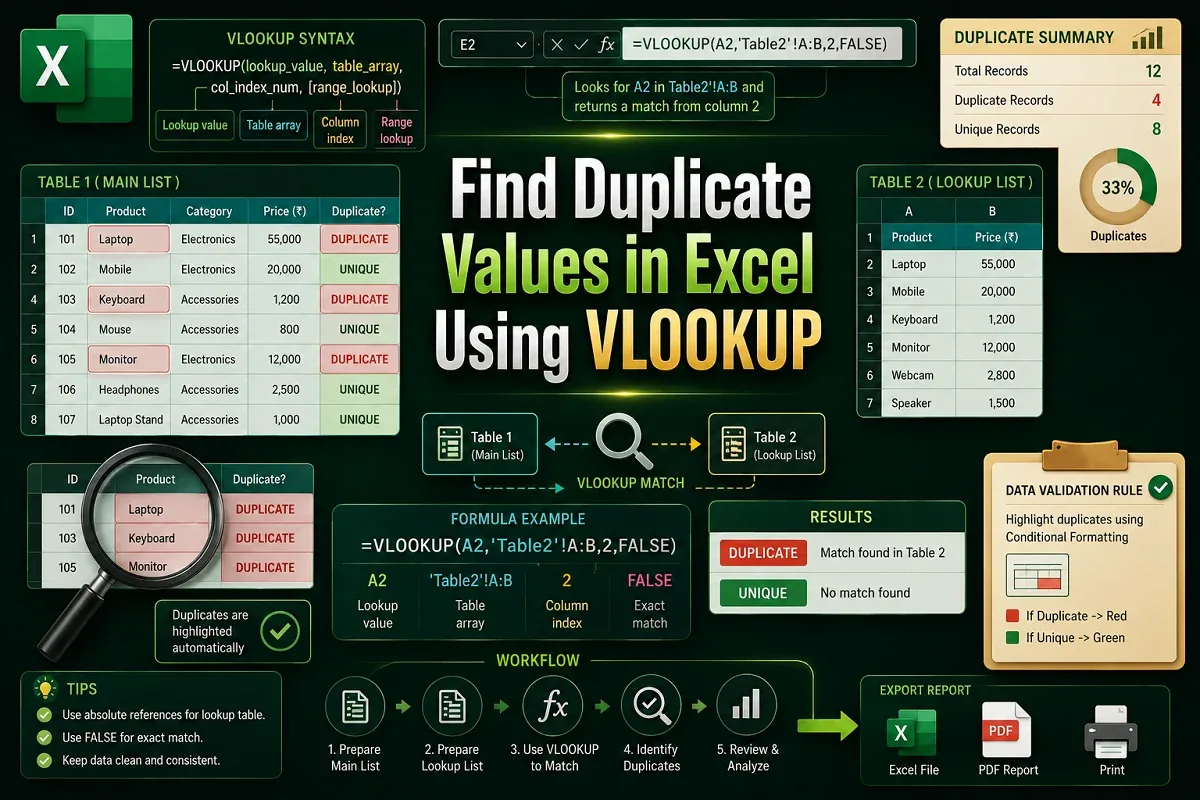
Learn how to find duplicate values in Excel using VLOOKUP across sheets, workbooks, and understand its limitations for duplicate detection.
Learn how to remove duplicate rows based on one column in Excel using built-in tools, VBA, Power Query, and conditional formatting tips.
Learn how to convert Excel to PDF without losing formatting using built-in tools, print settings, VBA macros, and free online converters.
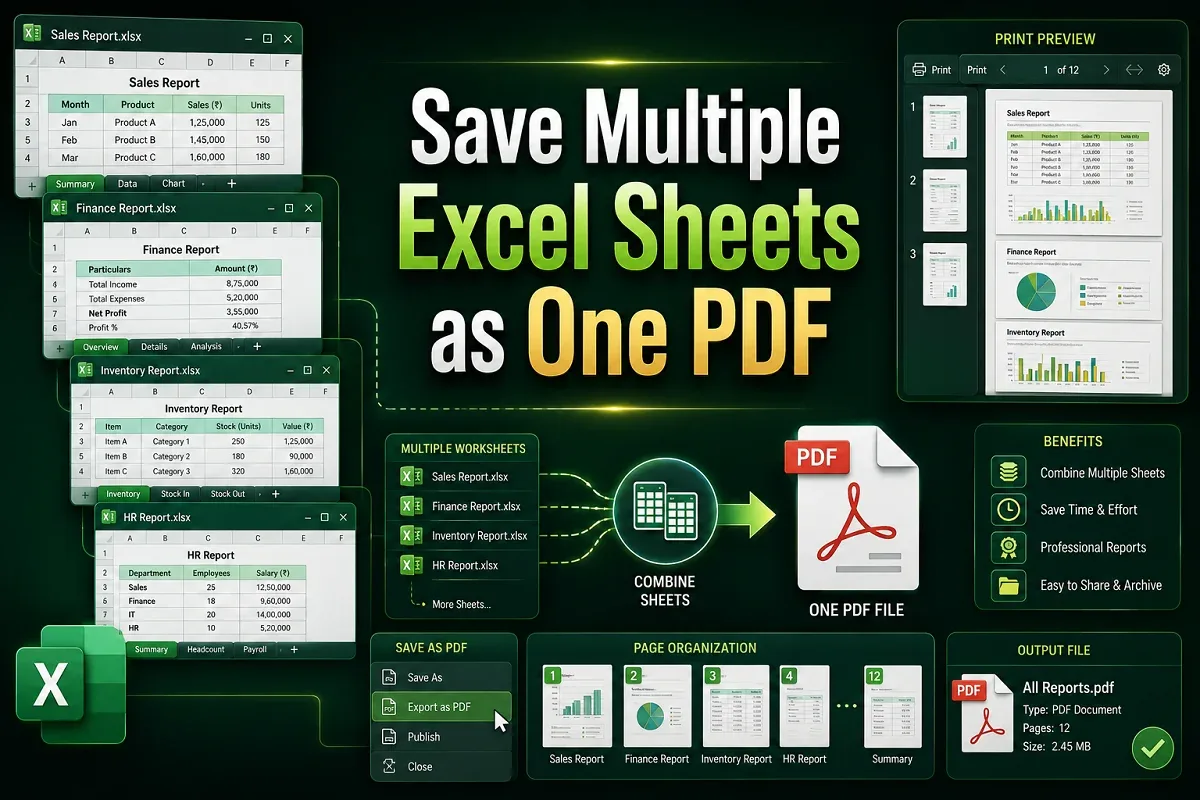
Learn how to save multiple Excel sheets as one PDF using built-in options, print settings, VBA automation, or without any coding at all.